
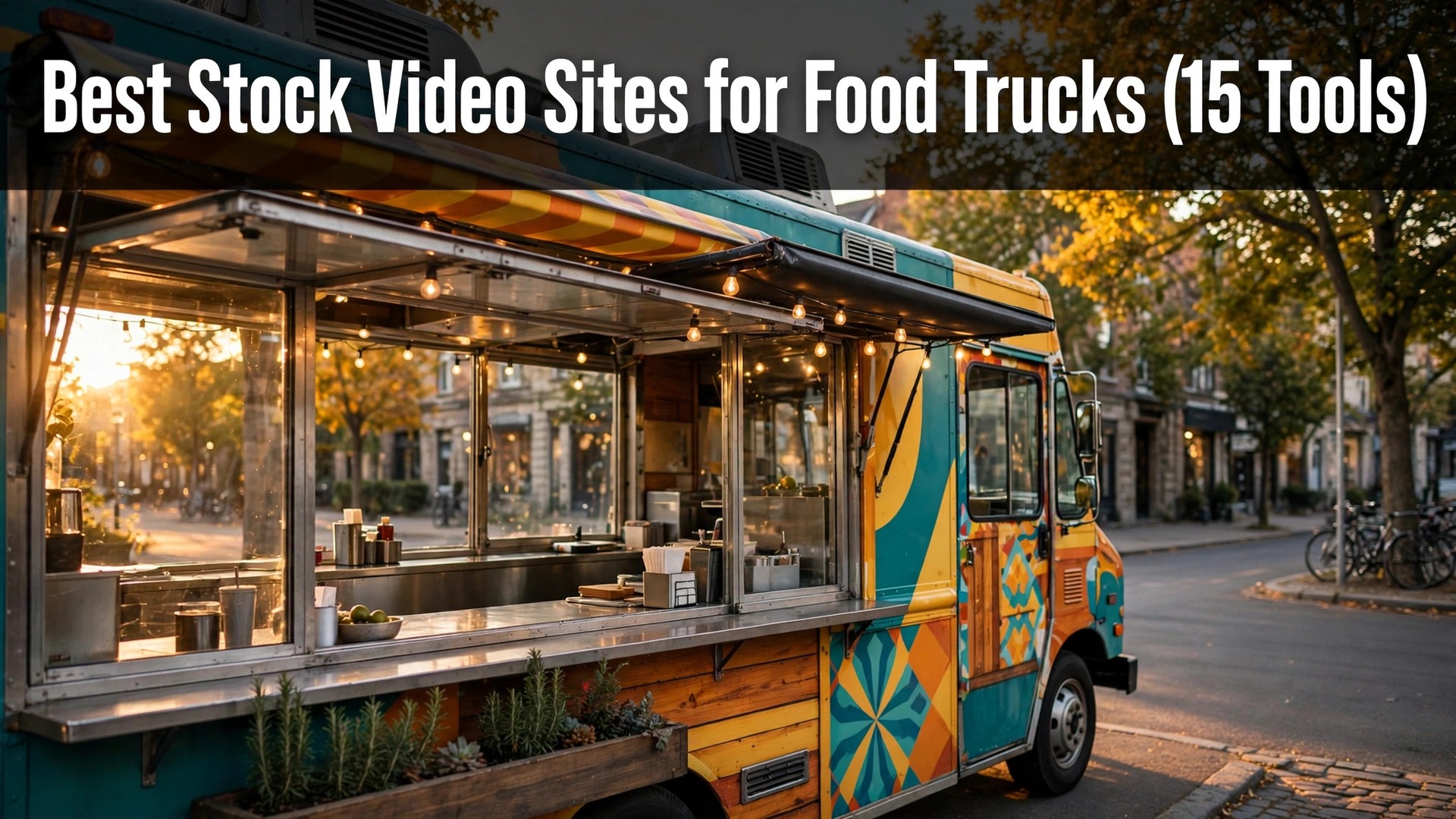
A food truck that posts a shaky phone clip of its lunch rush will get fewer orders than one that posts a clean fifteen-second video of steam rising off the grill. The difference is not the camera, it is the footage, and stock video fills the gaps a busy truck cannot film itself. The best stock video sites for food trucks range from completely free to about $30 a month, and this guide ranks them on the footage a truck actually uses, not the size of the library.
A truck needs three kinds of clip. It needs food close-ups for the menu, street and crowd shots for the atmosphere, and short lifestyle scenes for the social feed. A site that only offers corporate office footage is useless to a truck, whatever its catalogue size, so this guide judges each library by how much of it a food business can use.
Read the comparison table first for the full price range, then the fifteen sites in order, then the section on choosing one. The best pick is named at the end, and the first-week section shows how to cut a first ad from stock footage in a single afternoon.
Quick jump
- Best Stock Video Sites for Food Trucks Compared Side by Side
- What Stock Video Costs a Food Truck in 2026
- The 15 Stock Video Sites for Food Trucks, One by One
- Best Pick by Job
- How a Food Truck Should Choose a Stock Video Site
- Stock Video Mistakes That Make Food Truck Ads Look Fake
- Your First Week With Stock Video for a Food Truck
- How Food Trucks Save Money on Stock Video
- How We Verified Every Stock Video Price
- Frequently Asked Questions
- Video Habits That Keep a Food Truck Feed Fresh
- The Stock Video Site Most Food Trucks Should Pick
Best Stock Video Sites for Food Trucks Compared Side by Side
The table below puts all fifteen sites on the same footing, with the free tier and the starting paid price for each one. The rows match the order of the reviews below, so a reader can jump from a price to the full write-up without looking around. Prices below are the headline figures as published, and the guide flags the ones that could not be checked before writing.
Two patterns stand out at once. First, the free sites cover the basics well, and a truck that only needs a clip a week may never pay. Second, the paid sites charge for the same thing in different ways, with subscriptions for heavy users and per-clip prices for occasional ones, so the right choice depends on how often the truck posts.
| Tool | Best for | Free tier | Paid from |
|---|---|---|---|
| Pexels | free food and street clips | Free | Free, no paid tier |
| Pixabay | a huge free library | Free | Free, no paid tier |
| Coverr | free cinematic clips | Free | Free, no paid tier |
| Mixkit | free clips made for social | Free | Free, no paid tier |
| Videvo | free clips plus premium 4K | Free plan | Paid from $14.99 a month |
| Videezy | free clips with a pro tier | Free plan | Paid from $19 a month |
| Storyblocks | unlimited downloads | No free plan | Confirm the price before you pay |
| Artgrid | cinematic food footage | No free plan | Paid from $29.99 a month |
| Motion Array | video plus templates | No free plan | Paid from $29.99 a month |
| Shutterstock | the biggest library | No free plan | Confirm the price before you pay |
| Adobe Stock | clips inside Adobe apps | No free plan | Paid from $29.99 a month for the 10-asset plan, with video priced in credits |
| Pond5 | pay per clip | No free plan | Clips from $25 each |
| Envato Elements | video plus music and graphics | No free plan | Paid from $16.50 a month |
| Dareful | free clips for social | Free | Free, no paid tier |
| Mazwai | free cinematic clips | Free | Free, no paid tier |
What Stock Video Costs a Food Truck in 2026
The best stock video sites for food trucks start at free, and five of the fifteen in this guide cost nothing at all. A truck that posts twice a week can run entirely on Pexels, Pixabay, and Mixkit, and the only cost is the time spent searching. The paid sites only earn their money when the truck needs 4K footage, a specific dish, or a clip nobody else has used.
The subscription math is simple. A $16.50 Envato Elements plan pays for itself the first time a truck downloads a clip, a music track, and a template in the same month, while a $29.99 Artgrid plan needs heavier use to justify the price. A truck should count its monthly downloads before choosing, because a subscription bought for one clip a month is money wasted.
A per-clip site like Pond5 suits the opposite pattern. A truck that buys one clip a quarter for a seasonal campaign pays $25 four times a year, which is far cheaper than any subscription. The licence matters here too, since a cheap clip that cannot be used in a paid ad is no bargain at all.
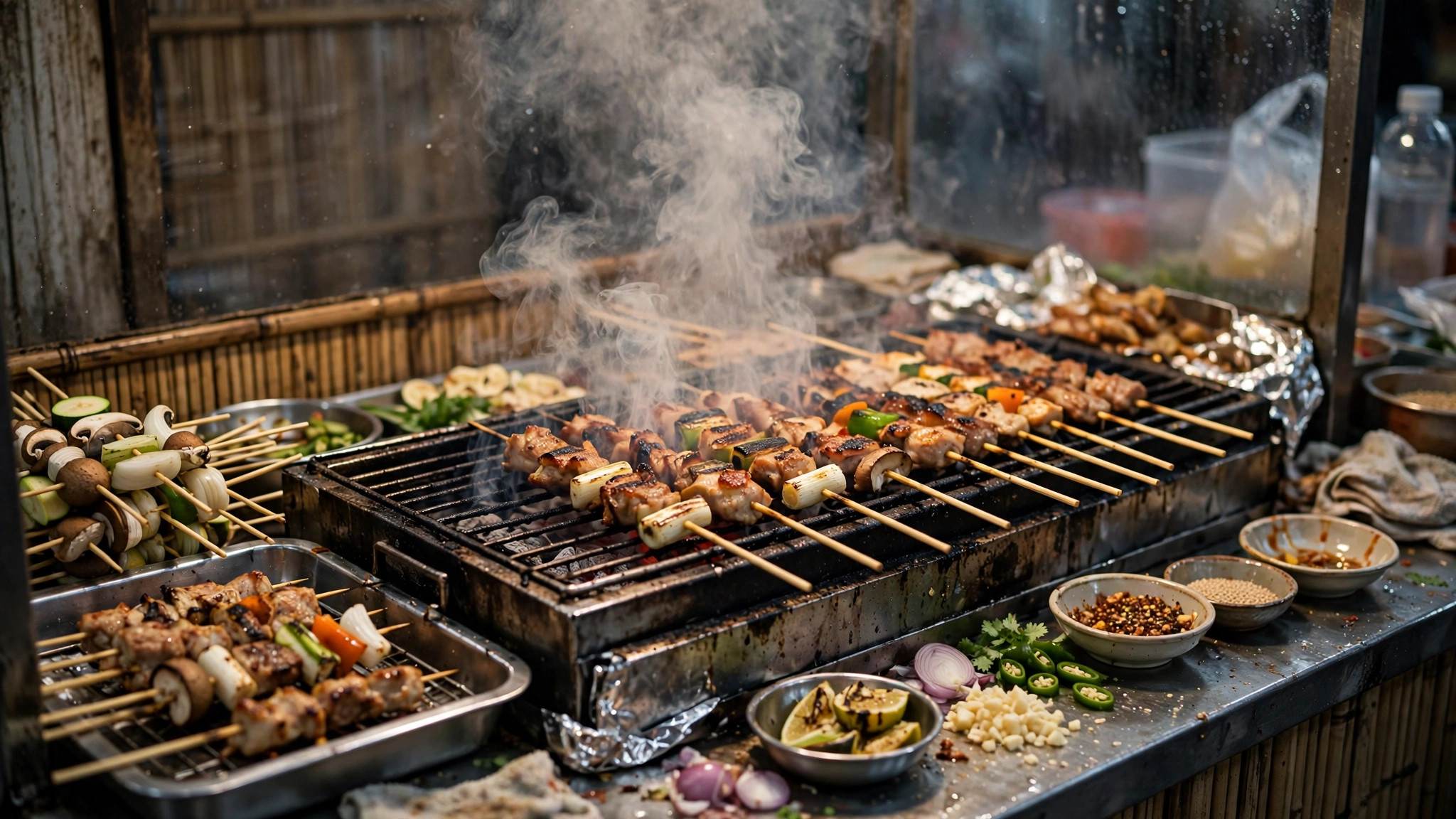
The 15 Stock Video Sites for Food Trucks, One by One
The fifteen sites below are reviewed in the same order as the table, with what each one does well, what it costs, and where it falls short for truck work.
1. Pexels. Best for free food and street clips
Pexels is the first stop for most food trucks, because its free library is full of usable food close-ups, street scenes, and crowd shots. The clips are free for commercial use, the search works well, and the quality holds up on a phone screen. A truck can build a whole week’s feed from Pexels alone.
The library is free, with no subscription behind it. The limit is popularity, since the best clips appear in many other businesses’ posts, so a truck that wants a distinctive look should mix Pexels with a second source.
Pexels suits a truck starting from zero budget. The food footage is strong, the licence is simple, and the search finds a usable clip in minutes.
2. Pixabay. Best for a huge free library
Pixabay is the largest free library in this guide, with millions of clips covering nearly every food and street scene a truck might need. The breadth matters when the truck serves a niche cuisine, because a smaller library may have nothing for it. The clips are free for commercial use with no attribution needed.
There is no cost and no premium tier to unlock. The limit is uneven quality, since the open library mixes professional footage with amateur clips, so a truck must preview carefully before downloading.
Pixabay fits a truck with unusual needs. The library is big enough to cover niche dishes, and the free licence keeps the cost at zero.
3. Coverr. Best for free cinematic clips
Coverr curates a smaller library of cinematic clips, and the curation shows in the quality. The food and street footage looks filmed rather than collected, which suits a truck that wants its feed to feel like a short film. New clips arrive weekly, so the library keeps growing.
Everything here is free, with no paid plan attached. The limit is the small size, because a truck searching for a specific dish may find nothing, and then it must look elsewhere.
Coverr is the pick for a truck that values mood over volume. The clips look expensive, the licence is free, and the weekly additions keep the feed fresh.
4. Mixkit. Best for free clips made for social
Mixkit is built for social media, with vertical clips, short loops, and footage cut to the lengths that work on short-form feeds. A truck that posts mostly to vertical video will find Mixkit faster than a general library, because the format is already right.
The site charges nothing, and no paid version exists. The limit is the narrow focus, since Mixkit covers social formats well and longer cinematic footage poorly, so a truck making a longer ad needs a second site.
Mixkit suits a truck that lives on short-form video. The vertical clips are ready to post, the licence is free, and the search is built for social use.
5. Videvo. Best for free clips plus premium 4K
Videvo mixes a large free library with a premium tier of 4K footage and extra licence rights. A truck can start free and upgrade only when a campaign needs sharper footage or a broader licence. The food section is solid, with plenty of close-ups and cooking shots.
The free plan covers standard clips, while Premium costs $14.99 a month. The limit is the licence split, because some free clips need attribution, so a truck must check the licence line on each download.
Videvo fits a truck that wants a free start with a paid option ready. The 4K upgrade is there when a campaign needs it, and the free tier covers everyday posts.
6. Videezy. Best for free clips with a pro tier
Videezy is a community library where videographers share clips, and the food and street sections are deep. The free tier covers a large share of the library, while the Pro plan unlocks 4K downloads and removes the attribution requirement on some clips.
The free plan covers most clips, while Pro costs $19 a month. The limit is the same uneven quality as any open library, so a truck should preview before using a clip in a paid ad.
Videezy suits a truck that likes community libraries and wants a cheap upgrade path. The Pro price is fair, and the free tier is genuinely usable.
7. Storyblocks. Best for unlimited downloads
Storyblocks sells unlimited downloads on a subscription, which suits a truck that posts every day and burns through footage. The library covers food, streets, and lifestyle, and the subscription also includes templates and music on higher plans. A heavy user never thinks about per-clip costs.
There is no free plan, so confirm the price before you pay and check what the subscription actually includes. The limit is the subscription itself, because a truck that posts twice a week will not use enough downloads to justify it.
Storyblocks fits a truck that posts daily and needs volume. The unlimited model removes the counting, and the extra assets sweeten the deal.
8. Motion Array. Best for video plus templates
Motion Array pairs its stock library with editing templates, transitions, and presets, so a truck can download a clip and a ready-made ad template in the same place. That combination matters for a team without an editor, because the template does the cutting work.
The subscription costs $29.99 a month. The limit is the price, which is the highest here alongside Artgrid, so a truck should only pay when it uses the templates as well as the clips.
Motion Array suits a truck without an editor. The templates turn raw clips into finished ads, and the subscription covers the whole workflow.
9. Artgrid. Best for cinematic food footage
Artgrid is the most cinematic library in this guide, with footage shot by professional filmmakers and graded to look like a film. A truck that wants its food to look like a restaurant commercial will find Artgrid’s close-ups and slow motion unmatched. The quality is visible in every clip.
Pro costs $29.99 a month on annual billing. The limit is the price and the subscription-only model, since there is no per-clip option for a truck that needs one cinematic shot a quarter.
Artgrid fits a truck that treats video as its main marketing. The footage looks expensive because it is, and the subscription is the price of that look.
10. Shutterstock. Best for the biggest library
Shutterstock has the largest library in this guide by a wide margin, and it covers nearly every dish, street, and crowd scene a truck could want. The search is the best here too, with filters that narrow thousands of results to a handful. A truck with a specific brief will find its clip here when smaller libraries fail.
There is no free plan, so confirm the price before you pay and check whether a subscription or a pack fits the truck’s volume. The limit is the cost, because Shutterstock is dearer than most of this list for heavy use.
Shutterstock suits a truck with a specific brief and a real budget. The library is unmatched, and the search saves hours of browsing.
11. Adobe Stock. Best for clips inside Adobe apps
Adobe Stock lives inside Premiere Pro and After Effects, so a truck that edits in Adobe can search, preview, and license clips without leaving the timeline. That integration saves the download-and-import step on every clip, which adds up across a week of edits. The food footage is strong, and the quality is consistent.
The 10-asset plan costs $29.99 a month, with video priced in credits, so a truck should check how many credits a video costs before buying. The limit is the credit system, because a video can cost several credits, and the monthly allowance may cover fewer clips than expected.
Adobe Stock fits a truck already editing in Adobe. The in-app workflow is the reason to pay, and the credit math should be checked first.
12. Pond5. Best for pay per clip
Pond5 sells clips one at a time, with prices starting from $25 each, which suits a truck that buys footage rarely. There is no subscription to forget, and the library is deep, with many clips that do not appear on the subscription sites. A truck that needs one unusual shot will find it here.
The per-clip price is also the limit, because a truck buying ten clips a month would pay far more than a subscription. The model only wins for occasional buyers, and a heavy user should look at Envato or Storyblocks instead.
Pond5 suits a truck that buys a clip a quarter. The pay-per-clip model keeps the cost tied to real use, and the library covers the unusual shots.
13. Envato Elements. Best for video plus music and graphics
Envato Elements bundles stock video with music, sound effects, graphics, and templates for $16.50 a month, which makes it the best value subscription in this guide for a truck that needs more than video. A single ad can pull its clip, its music, and its title template from one plan, and the cost stays flat.
The subscription costs $16.50 a month, and there is no free plan. The limit is the library depth, because Envato’s video collection is smaller than Shutterstock’s, so a truck with a very specific brief may still need a second source.
Envato Elements fits a truck that makes complete ads, not just clips. The bundle covers every asset in one subscription, and the price is the lowest paid option here.
14. Dareful. Best for free clips for social
Dareful is a small free library built for social media, with clips shot to work on phones and short feeds. The food footage is simple and clean, and the site is easy to browse, which matters when a truck needs a clip between services. The licence is free for commercial use.
It is free to use, with no paid tier waiting behind a paywall. The limit is the small library, because a truck that posts daily will exhaust it quickly and need a bigger source alongside.
Dareful suits a truck that needs a quick clip for today’s post. The library is small but the clips are social-ready, and the cost is zero.
15. Mazwai. Best for free cinematic clips
Mazwai is a curated free library of cinematic clips, chosen by editors rather than uploaded by anyone. The food and street footage has a filmic quality that most free libraries lack, and the licence is free for commercial use. A truck that wants a premium look without paying will find Mazwai useful.
No fee is charged, and the full library stays free. The limit is the small catalogue, because curation keeps the library tight, so a truck searching for a specific dish may come up empty.
Mazwai fits a truck that wants free footage with a cinematic feel. The curation keeps the quality high, and the licence costs nothing.
Best Pick by Job
The table below matches the pick to the job, so a reader can find their own situation and see the site that fits it. The reasons are kept short, because the full reviews above explain each pick.
| Job / Need | Pick | Why |
|---|---|---|
| Truck with no budget at all | Pexels | Free food and street clips, simple licence |
| Truck posting daily to social | Mixkit | Vertical clips made for short feeds |
| Truck that wants a complete ad kit | Envato Elements | Video, music, and templates for $16.50 a month |
| Truck that wants cinematic food footage | Artgrid | Film-grade close-ups and slow motion |
| Truck buying one clip a quarter | Pond5 | Pay per clip from $25, no subscription |
| Truck editing inside Adobe | Adobe Stock | Clips licensed inside the timeline |
How a Food Truck Should Choose a Stock Video Site
Start with the licence, not the library. A clip that cannot be used in a paid ad is useless to a truck that runs ads, whatever it costs. The best stock video sites for food trucks all state the licence plainly, and the truck should confirm commercial use before downloading anything for a campaign.
Match the site to the posting rhythm. A truck that posts twice a week can live on free sites, while a truck that posts daily needs a subscription with unlimited downloads. Count the monthly posts first, then let that number choose between free, per-clip, and subscription.
Check the food footage before the street footage. Every library has street scenes, but only some have strong food close-ups, and the food is what sells the truck. Search for the truck’s own dishes first, and judge the site by what it returns for those.
Test the search with a real brief. A library that returns good results for a vague search may fail on a specific dish, and the only way to know is to try the truck’s actual menu. Run three real searches before committing to any paid plan.
Stock Video Mistakes That Make Food Truck Ads Look Fake
The most common error is using footage that does not match the food the truck actually serves. The best stock video sites for food trucks make it easy to download a beautiful burger clip, and a taco truck that posts it will confuse every customer who shows up. The footage should look like the truck’s own food, or it should not be used.
A second error is reusing the same popular clip every other truck uses. The top free clips appear in dozens of feeds, and customers start to recognise them, which makes the truck look lazy. Mixing two or three sources keeps the feed distinctive even when the budget is zero.
A third error is ignoring the licence on a paid ad. A clip licensed for organic posts may not cover paid promotion, and a truck that boosts a post with the wrong licence can face a takedown. Checking the licence line before boosting costs a minute and prevents the problem.
Your First Week With Stock Video for a Food Truck
In the first week, download ten clips that match the menu and cut them into three short ads, one for the signature dish, one for the atmosphere, and one for the location. The best stock video sites for food trucks make the search fast, and three finished ads in one afternoon prove the workflow before any money is spent.
Post the first ad organically and watch which shots hold attention. A close-up that keeps viewers watching is worth more than a wide shot that gets skipped, and the first week shows which kind of footage the truck’s audience actually wants. Let that data choose the next downloads.
At the end of the week, save the clips that worked into a shared folder with clear names. A folder of proven footage saves hours next month, because the truck can reuse a winning shot instead of searching from scratch. The habit costs minutes and compounds fast.
How Food Trucks Save Money on Stock Video
Stay on the free sites until a real gap appears. Five sites in this guide cost nothing, and a truck that posts twice a week may never need to pay. The free tier is the whole product here, not a trial.
Buy one subscription that covers everything instead of three separate ones. Envato Elements at $16.50 a month covers video, music, and templates, while buying those three separately would cost far more. The bundle is where the saving hides.
Reuse a winning clip across the feed, the website, and the menu board. A clip that cost $25 on Pond5 earns its money three times over when it appears in three places, while a clip used once is the most expensive kind.
Download in the resolution the truck actually posts. A 4K clip used on a phone screen wastes download time and storage, while a standard clip loads faster and looks the same. Match the file to the screen.
Check the licence before boosting a post. A free clip used in a paid ad without the right licence can cost far more than the subscription that would have covered it, so the check is the cheapest insurance available.
How We Verified Every Stock Video Price
Prices in this guide were checked against the vendors’ own pricing pages and current comparison pages, and the video sites were compared on the same basis. Where a price could not be verified, the guide says so in plain words, because a truck that budgets from a wrong number plans badly.
The sites were judged on real truck work, like cutting a fifteen-second ad, posting to a short-form feed, and finding footage of a specific dish. A site with a huge library and no usable food footage did not score well here, whatever its catalogue size.
Frequently Asked Questions
Can a food truck use free stock video in paid ads?
Usually yes, but the licence must be checked clip by clip. Pexels, Pixabay, and Mixkit allow commercial use including paid ads, while some Videvo free clips need attribution. Read the licence line on each download before boosting, because the rule differs by clip, not just by site.
How much should a food truck spend on stock video?
Most trucks should spend $0 to $17 a month, using free sites or a single Envato Elements subscription. A truck that posts daily and wants cinematic footage can justify $30 a month for Artgrid or Motion Array, while a truck that buys one clip a quarter should use Pond5 and pay per clip instead.
What is the best free stock video site for food trucks?
Pexels is the best free starting point, because its food close-ups and street scenes are strong and the licence is simple. Pixabay is the backup for niche dishes, since its library is the largest free one, and Mixkit is the best for vertical social clips. All three are free, so a truck can use them together.
Do stock video clips look fake in food truck ads?
They can, when the footage does not match the truck’s real food. The fix is to use stock clips for atmosphere and street scenes, and to film the truck’s own dishes with a phone for the close-ups. A mix of real food and stock atmosphere looks honest, while a feed of pure stock looks borrowed.
How long should a food truck video ad be?
Fifteen seconds is the right length for most social feeds, with the dish in the first three seconds. A longer ad only works when the story earns it, like a behind-the-scenes look at the cooking, and a short ad that shows the food clearly will outperform a long one that wanders.
Video Habits That Keep a Food Truck Feed Fresh
Save every clip that performs well into a shared folder, and note which dish it featured. The best stock video sites for food trucks make it easy to download, and the folder turns one good search into months of reusable footage. A truck that reuses proven clips posts faster and looks more consistent.
Rotate the sources every month so the feed does not start to look like one library. A month on Pexels, a month mixing in Coverr and Mazwai, and the feed keeps changing while the food stays the same. Variety in the source is variety in the look.
Film the truck’s own food once a week, even with a phone. Stock footage covers the atmosphere, but only the truck’s own camera shows its real dishes, and one real clip a week keeps the whole feed honest.
The Stock Video Site Most Food Trucks Should Pick
Pexels is the pick for most food trucks, because it costs nothing, its food and street footage is strong, and its licence covers commercial use without fuss. The best stock video sites for food trucks are mostly free, so testing the top three costs nothing but an afternoon. Pair it with Mixkit for vertical social clips and Envato Elements when the truck starts making complete ads, and the total spend stays at $16.50 a month.
Start with the free sites this week, on a real ad for the signature dish, and see which library earns a place in the routine. The footage should make the food look worth queuing for, and Pexels is the one in this guide that does that most reliably for no money at all. That is the trial that counts, and it is the one to run.