
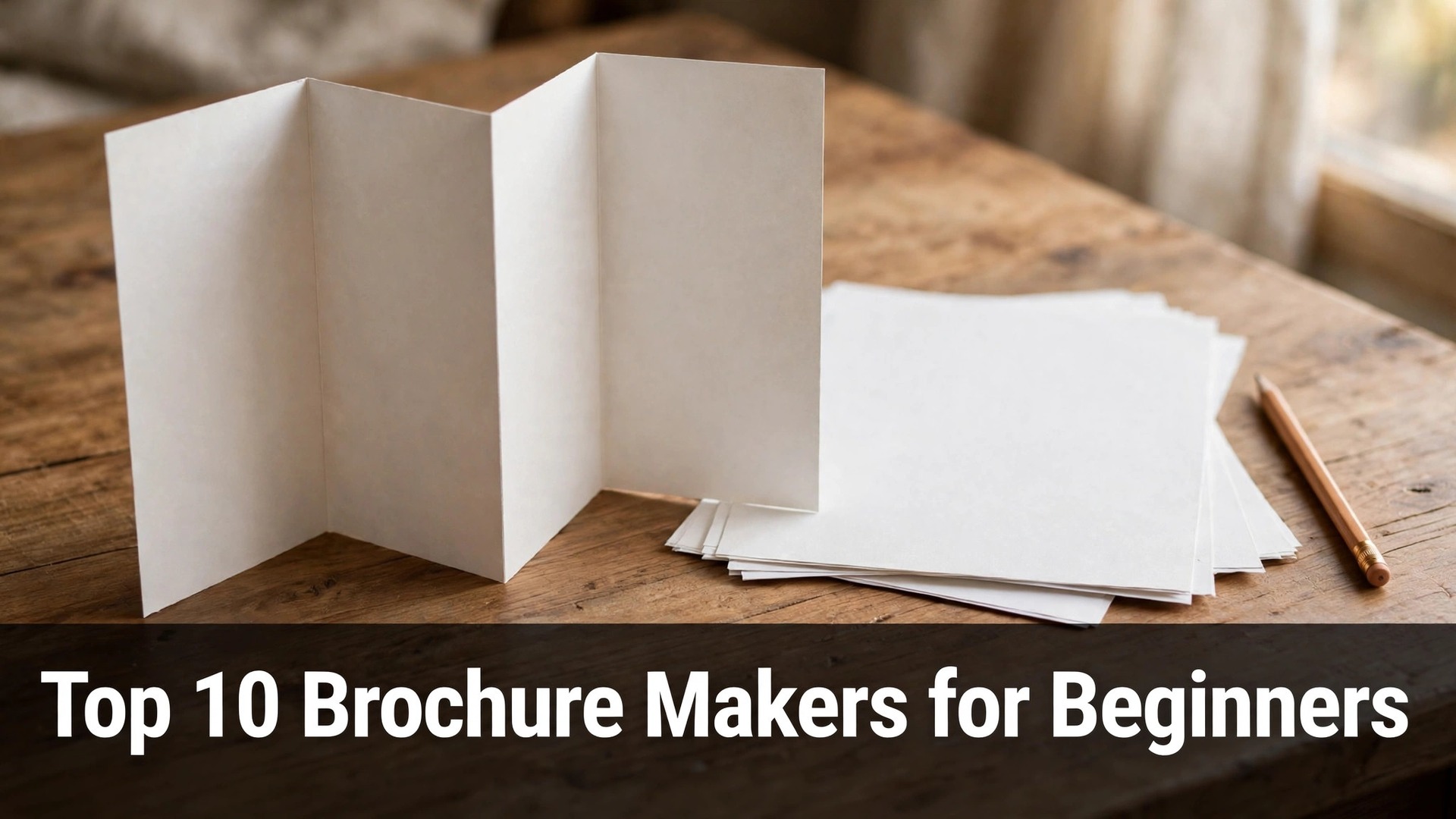
A folded brochure still wins customers that a social post never reaches, and the top 10 brochure makers for beginners in this guide turn a blank page into a tri-fold a stranger can read in thirty seconds. A brochure that is handed over in person carries a weight no link can match, and a beginner who gets the fold right looks established from day one.
The tools here are built for people who have never designed anything. They use drag-and-drop editors, ready-made layouts, and print settings that match what a local print shop expects. The difference between them is not the editor, but the template quality and the price of a print-ready download.
This guide compares ten makers on templates, ease of use, and the real cost of a finished file. Read the table first, then the three or four tools that fit the project, then the choosing section before printing anything.
Quick jump
- Top 10 Brochure Makers for Beginners Compared Side by Side
- What a Beginner Brochure Costs in 2026
- The 10 Brochure Makers for Beginners, One by One
- Best Pick by Job
- How a Beginner Should Choose a Brochure Maker
- Mistakes Beginners Make With Brochures
- Your First Week With a Brochure After Printing
- How Beginners Save Money on Brochures
- How We Verified Every Brochure Maker Price
- Frequently Asked Questions
- Habits That Keep a Beginner Brochure Looking Sharp
- The Brochure Maker Most Beginners Should Start With
Top 10 Brochure Makers for Beginners Compared Side by Side
The comparison below puts all ten brochure makers on one page, with the free tier and the first paid price beside each name. The top 10 brochure makers for beginners are the ones whose templates already understand folds, margins, and print bleed, not the ones that treat a brochure like a stretched poster.
Two patterns stand out at once. First, the general design tools offer the best free templates, while the print-focused tools charge for the finished file. Second, a brochure with one clear message per panel beats a brochure that crams the whole business onto the front page.
| Tool | Best for | Free tier | Paid from |
|---|---|---|---|
| Canva | beginners who want the most brochure templates | Free plan, brochure templates and PDF export included | Paid from $10 a month on annual billing for Canva Pro |
| Adobe Express | clean brochure layouts with Adobe fonts | Free plan, brochure templates included | Paid from $9.99 a month for Premium |
| Visme | brochures with charts and data visuals | Free plan, limited brochure templates | Paid from $12.25 a month for Starter |
| Venngage | brochures that explain a process simply | Free plan, limited templates | Paid from $10 a month for Premium |
| Piktochart | simple brochures for schools and nonprofits | Free plan, limited downloads | Paid from $14 a month for Pro |
| Marq | brochures that a team edits together | Free plan, limited brand controls | Paid from $10 a month for Pro |
| Flipsnack | brochures that also work as online flipbooks | Free plan, flipbook publishing included | Paid from $14 a month for Starter |
| Smilebox | brochures for events and invitations | Free plan, watermarked downloads | Paid from $7.99 a month for Premium |
| MyCreativeShop | brochures for local shops and services | Free plan, limited templates | Paid from $9.95 a month for Pro |
| PosterMyWall | fast brochures from ready-made designs | Free plan, low-resolution downloads | Paid from $9.95 a month for Premium |
What a Beginner Brochure Costs in 2026
The top 10 brochure makers for beginners are mostly free to design in, and a print-ready download usually costs nothing at the general tools but $8 to $30 a month at the specialised ones. Printing itself is a separate cost, and a local shop typically charges $0.50 to $2 per tri-fold depending on paper and quantity.
Watch the export quality before designing. Several makers let a beginner build the whole brochure free and then charge for a high-resolution PDF, which is the file a print shop actually needs. Check whether the free download is print-ready or only a screen preview.
Budget for paper and quantity, not just the tool. A hundred brochures on thick paper cost far more than the design tool, and reprinting after a typo doubles the bill. Proofread on paper, not on screen, because a screen hides mistakes that paper reveals.
The 10 Brochure Makers for Beginners, One by One
The ten makers below are reviewed in the same order as the table, with what each one does well, what it costs, and where it falls short for a beginner.
1. Canva. Best for beginners who want the most brochure templates
Canva is the strongest brochure maker for a beginner, because its template library holds hundreds of tri-fold and bi-fold layouts that already respect folds and margins. A user picks a layout, swaps the text and photos, and exports a print-ready PDF without learning any design theory. The fold guides are built into the templates, so a panel never lands on the wrong side.
The free plan includes brochure templates and PDF export, which is enough for a finished brochure. Canva Pro costs $10 a month on annual billing ($120 a year) or $15 a month billed monthly, and it adds brand kits, background removal, and more templates. A beginner can print a real brochure without paying anything.
The limit is that Canva templates can look familiar, since so many small businesses use the same ones. For a beginner who wants a finished brochure this week, Canva is the fastest route in this guide. Change the colours and the photos, and the template stops looking like everyone else. A salon that mails its brochure with every appointment reminder will find Canva templates pay for themselves within a month.
2. Adobe Express. Best for clean brochure layouts with Adobe fonts
Adobe Express gives a beginner clean brochure templates with excellent typography, which matters when a brochure carries more text than a poster. The editor handles text flow well, the font library is large, and the layouts keep headings, body text, and images in a calm hierarchy. A brochure built here reads like it was set by a professional.
The free plan includes brochure templates and standard exports, while Premium costs $9.99 a month and adds more templates, fonts, and brand controls. A free user can export a usable PDF for a local print shop, and the paid tier only matters for heavier brand work.
The limit is that the template range is smaller than Canva, and the fold-specific layouts are fewer. For a beginner who cares about how the words look on the page, Adobe Express is the most polished option here. Write the copy first, then pick the layout that fits the words. A clinic that prints its services in two languages will value the way Adobe Express keeps both columns aligned.
3. Visme. Best for brochures with charts and data visuals
Visme suits a beginner whose brochure needs charts, timelines, or data, because its data widgets turn numbers into graphics without a spreadsheet skill. A clinic, a school, or a charity can show its results on one panel instead of describing them in paragraphs. The templates are built for information-heavy pages, not just pretty covers.
The free plan includes a limited set of brochure templates with a Visme watermark on downloads. Starter costs $12.25 a month and removes the watermark while adding more templates and full download options. A beginner who needs one data-rich brochure will find the paid tier worth it.
The limit is that the free plan is thin, and the editor has a learning curve for a first-time user. For a beginner with numbers to show, Visme is the only tool in this guide built for data. Draft the numbers first, then let the chart carry the panel. A charity that reports its yearly results in print will find Visme charts turn a dry table into a page donors read.
4. Venngage. Best for brochures that explain a process simply
Venngage is built for infographics, and its brochure templates carry that strength into step-by-step layouts that explain a process at a glance. A beginner can lay out a three-step service or a short how-it-works panel without wrestling with text boxes. The icon library is large, and the layouts keep each panel focused on one idea.
The free plan includes a limited set of templates with a watermark, and Premium costs $10 a month with full templates and watermark-free downloads. A beginner who wants a process brochure will use the paid tier, because the free templates cover only the basics.
The limit is that the free tier is too limited for a finished brochure, and the style leans corporate. For a beginner explaining a service in steps, Venngage lays out the process more clearly than any tool here. Write the three steps first, then fit them to the panels. A gym that explains its membership tiers on one panel will find Venngage steps keep the offer clear for new joiners.
5. Piktochart. Best for simple brochures for schools and nonprofits
Piktochart gives a beginner simple, friendly brochure templates that suit schools, clubs, and nonprofits, where the reader is a parent or a neighbour rather than a buyer. The editor is gentle, the templates are calm, and the built-in charts handle a small set of numbers well. A volunteer with no design background can finish a brochure in an evening.
The free plan allows limited downloads, and Pro costs $14 a month with unlimited downloads and more templates. The price is fair for a tool that a school or a charity will use for many events, but it is steep for a single brochure.
The limit is that the template range is narrower than Canva, and the style is plain. For a beginner making a community brochure, Piktochart is the friendliest editor in this guide. Keep the words short, and let the layout do the explaining. A school that sends a brochure home with every pupil will find Piktochart layouts survive being folded into a school bag.
6. Marq. Best for brochures that a team edits together
Marq, formerly Lucidpress, is built for teams, and its brand controls lock fonts and colours so that a brochure stays on-brand no matter who edits it. A beginner in a small team can pick a template, fill in the text, and hand it to a manager for approval without breaking the layout. The print settings include bleed and trim marks that a print shop expects.
The free plan includes basic templates with limited brand controls, and Pro costs $10 a month with full brand locking and more templates. A solo beginner may not need the team features, but a brochure that passes through three people will benefit from them.
The limit is that the solo experience is plainer than Canva, and the template library is smaller. For a beginner working in a team, Marq keeps the brochure consistent in a way no other tool here does. Set the brand colours once, then let the team fill in the words. A franchise with ten branches will find Marq brand locks stop each branch from drifting into a different colour scheme.
7. Flipsnack. Best for brochures that also work as online flipbooks
Flipsnack turns a brochure into a flipbook that can be shared as a link, which suits a beginner who wants the same brochure in print and online. A user uploads a PDF or builds from a template, then shares a link that opens like a real booklet on a phone. The analytics show how many readers opened it and which page they reached.
The free plan includes flipbook publishing with limited downloads, and Starter costs $14 a month with full PDF downloads and more storage. A beginner who mainly needs a shareable link can use the free plan, while a print job needs the paid tier.
The limit is that the design tools are thinner than Canva, and the free downloads are limited. For a beginner who wants one brochure for both the counter and the inbox, Flipsnack covers both. Design for print first, then publish the same file as a flipbook. A hotel that leaves a brochure in every room will find Flipsnack links let guests read the same brochure on their phones.
8. Smilebox. Best for brochures for events and invitations
Smilebox focuses on invitations, announcements, and event brochures, with templates that suit weddings, school fairs, and community events. A beginner can pick a warm, celebratory layout and fill it in within the hour, because the templates already carry the mood. The card-style layouts work well for a single-fold brochure.
The free plan allows watermarked downloads, and Premium costs $7.99 a month with watermark-free downloads and more templates. That price is the lowest paid tier in this guide, which suits a volunteer or a parent organising one event.
The limit is that the style is narrow, and a business brochure will look out of place here. For a beginner making an event brochure, Smilebox has the most suitable templates in this guide. Pick the template that matches the event, not the one with the most decoration. A wedding planner who hands a brochure to every couple will find Smilebox layouts match the mood of the day itself.
9. MyCreativeShop. Best for brochures for local shops and services
MyCreativeShop is built for local businesses, and its brochure templates cover trades, salons, cafes, and clinics with layouts that put the phone number and the address where a reader looks first. A beginner can pick a template for the exact trade, swap in the business details, and export a print-ready file. The layouts understand that a local brochure is read for contact details, not for art.
The free plan includes limited templates, and Pro costs $9.95 a month with full templates and high-resolution downloads. A local shop that prints brochures twice a year will find the paid tier reasonable, while a one-off user may prefer a free tool.
The limit is that the design feels dated next to Canva, and the template range is small. For a beginner running a local shop, MyCreativeShop puts the practical details first. Fill in the address and hours before worrying about the photos. A plumber who leaves a brochure after every job will find MyCreativeShop layouts put the phone number where a customer looks first.
10. PosterMyWall. Best for fast brochures from ready-made designs
PosterMyWall holds a huge library of ready-made designs, and its brochure layouts can be customised in minutes by a beginner who wants speed over originality. The search covers events, sales, and services, and the editor handles text and image swaps without fuss. A user who needs a brochure today will find a close match fast.
The free plan allows low-resolution downloads, and Premium costs $9.95 a month with high-resolution files and more templates. The monthly price is fair for a business that makes flyers and brochures every week, but it is more than a one-off brochure needs.
The limit is that the free download is too small for print, so the tool is only free as a preview. For a beginner who values speed above all, PosterMyWall finds a usable design faster than any tool here. Search for the event first, then change the details. A market stall that prints a fresh brochure every Saturday will find PosterMyWall speed keeps the offer current.
Best Pick by Job
The chart below pairs each brochure job with its best beginner maker, so a first-timer can find the row that fits the project and start there. The reasons stay short on purpose, since the maker reviews above already make the full case behind every pick.
| Job / Need | Pick | Why |
|---|---|---|
| Beginner who wants a brochure today | Canva | Most templates and a free print-ready PDF |
| Beginner who cares about typography | Adobe Express | Best fonts and calm text layouts |
| Beginner with data to show | Visme | Charts and data widgets built in |
| Beginner working in a team | Marq | Brand locks keep every editor on-brand |
| Beginner who wants print plus online | Flipsnack | Same brochure as a shareable flipbook |
| Beginner making an event brochure | Smilebox | Warmest event templates at the lowest price |
How a Beginner Should Choose a Brochure Maker
Pick the fold before the template. A tri-fold, a bi-fold, and a single sheet each carry a different amount of text, and a template built for one fold will not fit another. Decide the fold first, then choose a template made for it, because a layout stretched across the wrong fold reads as a mistake.
Write the copy before opening the editor. A brochure with the words already written takes an hour to lay out, while a brochure written inside the editor takes a day and ends up wordy. Write six short panels on paper first, then fit them to the template.
Check the print settings early. A template that looks fine on screen can fail at the print shop if the bleed and margins are wrong, and fixing it after the design is finished means moving every element. Ask the print shop for its bleed size before designing, not after.
Keep one message per panel. A reader opens a brochure and scans, and a panel that carries three messages carries none. Give each panel a single job, like the offer, the proof, or the contact details, and the brochure becomes easy to read.
Mistakes Beginners Make With Brochures
The top 10 brochure makers for beginners cannot fix a brochure that tries to say everything, and beginners who fill every panel pay for it when the reader gives up after ten seconds. A brochure is a starting point, not a catalogue, and the details belong on the website. Cut half the words, then cut again.
A second error is using a low-resolution image that looks fine on screen and blurry in print. A photo that fills a panel needs far more pixels than a phone screen shows, and a blurry brochure looks worse than no brochure. Use high-resolution photos, or use fewer photos.
A third error is forgetting the call to action, so the reader finishes the brochure and has nothing to do next. Every brochure needs one clear next step, like a phone number, a QR code, or a booking link, printed large enough to find without searching.
Your First Week With a Brochure After Printing
The top 10 brochure makers for beginners prove their value in the first week, when the brochure moves from a PDF to a real stack on a counter. Print a small run first, place ten copies where customers actually stand, and watch which ones disappear. A brochure that never leaves the stack is a brochure with the wrong message or the wrong place.
Ask the first five people who take one what they remember from it, because their answer shows which panel worked. If they remember the photo but not the offer, the offer panel needs to be bolder. Change one panel, not the whole brochure, and print the next run with that fix.
At the end of the week, count how many brochures went out and how many enquiries mentioned them. A brochure that brings even three enquiries a week has paid for its print run, and the next run can be bigger.
How Beginners Save Money on Brochures
The top 10 brochure makers for beginners are free to design in, so spend nothing on the tool and put the money into paper and printing. A founder who pays for a design tool before testing the free ones wastes the first budget a brochure has.
Print a small run first, because a typo found after printing a thousand copies costs ten times more than a typo found after printing fifty. A small run is a proofread that pays for itself, and the second run is always cheaper per copy.
Use standard paper sizes and folds, because a custom size costs more at every print shop and needs a custom display stand. A standard tri-fold fits the racks that already exist in shops, salons, and waiting rooms.
Share the print run with a partner business, because two small businesses printing together can reach the quantity discount neither reaches alone. A cafe and a florist sharing one print run both save money, and each brochure reaches the other customers.
Keep the brochure undated, because a brochure with a date or a seasonal offer becomes waste the moment the date passes. Write the copy so it stays true for a year, and put the changing details on a sticker or a QR code instead.
Reuse the same design for the online version, because a flipbook made from the print PDF costs nothing extra and reaches people who never visit the shop. One design that works in print and online is two brochures for the price of one.
How We Verified Every Brochure Maker Price
The top 10 brochure makers for beginners were checked against the vendors own pricing pages and current comparison pages, and the tools were compared on the same basis. Where a download is free for screen use but paid for print quality, the guide notes it, because a beginner who signs up expecting a free print file deserves to know the difference before entering a card.
The tools were judged on real beginner work, like building a tri-fold for a local shop, exporting a print-ready PDF, and checking the fold order on paper. A tool that produces a brochure a print shop accepts without fixes scored well here, whatever its speed.
Frequently Asked Questions
What is the best free brochure maker for a beginner?
Canva, because its free plan includes hundreds of tri-fold templates and a print-ready PDF export with no watermark. Adobe Express is the close second, with better typography but fewer fold-specific layouts. A tri-fold built in Canva also prints well at most copy shops, because the PDF export already includes the margins a printer expects.
How many panels should a beginner brochure have?
Six panels for a tri-fold, with one message per panel. The front panel carries the headline, the inside panels carry the offer and the proof, and the back panel carries the contact details and the next step. Six panels is the standard for a tri-fold, and a bi-fold works better when the copy is long, because two large panels hold more text than three narrow ones.
What paper should I print a brochure on?
A thick matte or silk paper around 150 to 170 gsm, because it folds cleanly and feels substantial in the hand. Thin copier paper tears at the fold, and glossy paper shows fingerprints on a counter. A 150 gsm silk paper folds cleanly and feels substantial, while a 300 gsm card is better for a cover that must survive a handbag.
Can I make a brochure on my phone?
Yes, Canva and Adobe Express both work on a phone, but a brochure is far easier on a laptop, because the fold order and the margins need a large screen. Draft the copy on a phone, then lay it out on a computer. A phone works for drafting copy and swapping photos, but the fold order is far easier to check on a laptop screen before printing.
How much does printing 100 brochures cost?
Usually $50 to $200, depending on paper, size, and the print shop. A local shop is often cheaper than an online printer for a small run, and the price per copy falls sharply above 250 copies. A local copy shop is often cheapest for under 250 copies, while an online printer wins on price once the run passes 500.
Habits That Keep a Beginner Brochure Looking Sharp
Keep a printed copy of the current brochure on the desk, and read it once a month as a customer would. A brochure that still reads clearly after a month of use is a brochure worth reprinting.
Note which panel customers mention first, and make that panel stronger in the next print run. A brochure improves one panel at a time, and the panel that earns the mention is the one that carries the sale.
Update the brochure the week anything changes, because an old phone number on a printed brochure sends customers to a dead line. A brochure is a promise, and an outdated promise costs more than a reprint.
The Brochure Maker Most Beginners Should Start With
The top 10 brochure makers for beginners point to one starting move, and that move is Canva for most beginners. Its free plan gives hundreds of tri-fold templates and a print-ready PDF, which is more than most paid tools offer at the download step.
Start with the free plan this week, on a real brochure for a real business, and see which layout survives being folded and handed to a stranger. The brochure should make the business easier to understand, not harder, and Canva is the one in this guide that does that most reliably. Judge every layout by whether a stranger can explain the offer after thirty seconds.