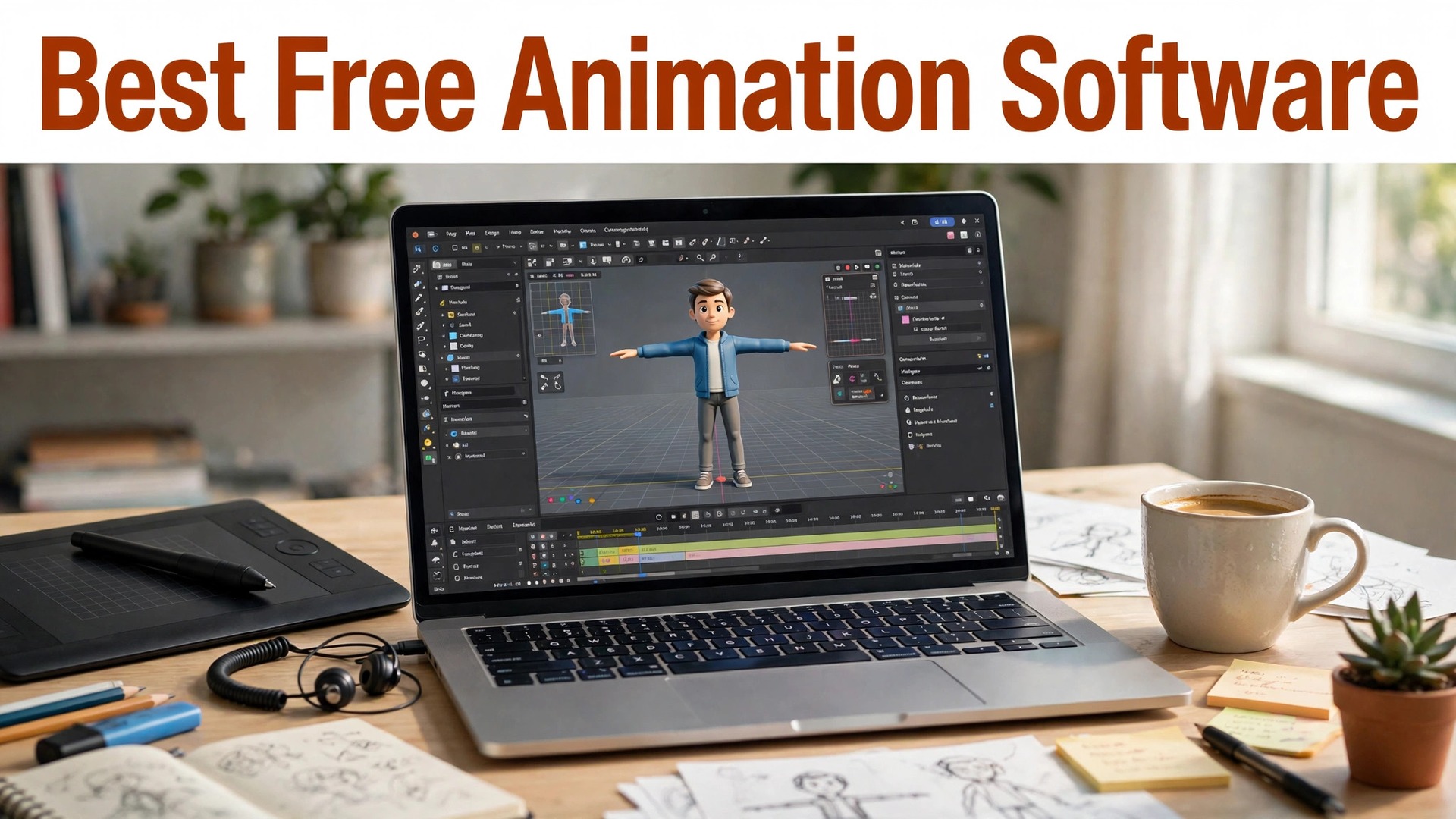
The best free animation software for beginners has never been better, and the choice has never been wider. Blender, the free 3D tool behind professional films, costs nothing. OpenToonz, the 2D tool used by a legendary Japanese animation studio, costs nothing. Pencil2D, the simplest frame-by-frame tool in this list, costs nothing. A beginner in 2026 can start animating today without spending a dollar, which was unthinkable twenty years ago.
The catch is that free does not mean easy. Blender can do almost anything, and it will take you months to learn. Pencil2D does one thing, and you can learn it in an afternoon. The right tool depends on what you want to make, a short social clip, a cartoon, a 3D scene or an explainer video, and this guide matches each tool to the job it does best.
This guide compares fifteen tools, from pure frame-by-frame drawing to drag-and-drop explainer makers. Prices below were checked in November 2026. Most of the tools here are free and open source. The paid ones, Adobe Animate at about $22.99 a month, Vyond from about $49 a month, and Toon Boom Harmony from about $25.50 a month, are included because they are the professional standard in their fields.
Quick Answer. The Best Free Animation Software For Beginners in 30 Seconds
Blender is the best free pick for 3D animation, and it costs nothing. Pencil2D is the best free pick for a first 2D cartoon, and it costs nothing. Animaker is the best pick for a business explainer video with no drawing, from about $12.50 a month. Powtoon is the best pick for a quick presentation-style animation, from about $19 a month.
If you want to draw, start with Pencil2D or Krita. If you want 3D, start with Blender and accept the learning curve. If you want a finished explainer video this week without drawing anything, Animaker or Powtoon will do it. The rest of this guide explains what each tool is actually for, because picking the wrong kind of animation tool is the most common beginner mistake.
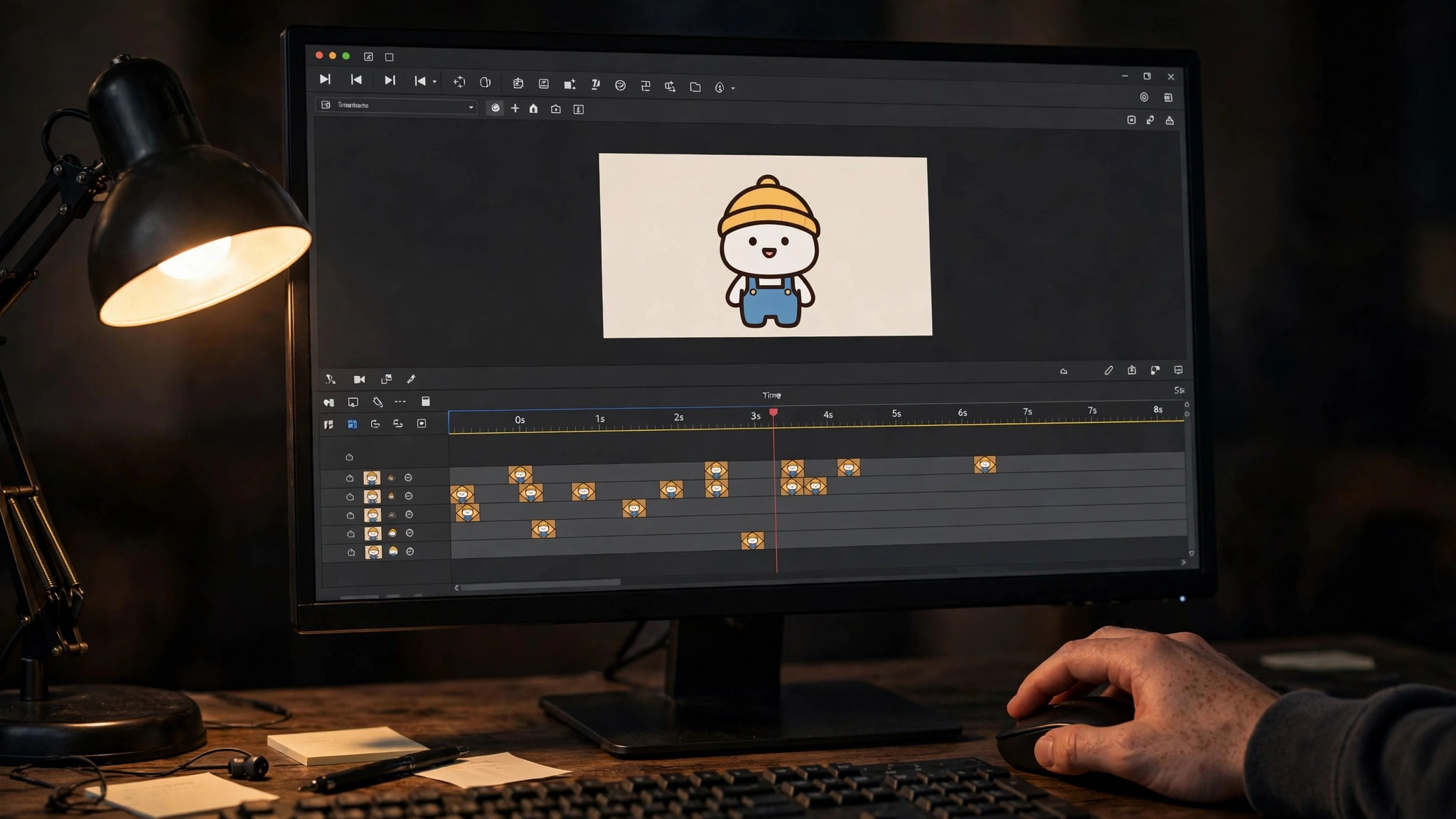
| Tool | Best for | Free plan | Paid from | Standout |
|---|---|---|---|---|
| Blender | Free 3D animation | Yes, free | Free | Professional 3D, open source |
| Pencil2D | First frame-by-frame cartoon | Yes, free | Free | Simplest 2D animation |
| OpenToonz | Serious 2D animation | Yes, free | Free | Studio-grade 2D, open source |
| Synfig Studio | Vector tweening | Yes, free | Free | Bones and tweening, free |
| Krita | Drawing plus animation | Yes, free | Free | Best free drawing tools |
| Adobe Animate | Professional web animation | 7-day trial | About $22.99/mo | Industry standard for 2D |
| Powtoon | Presentation explainer videos | Yes, limited | About $19/mo | Fast template explainer |
| Animaker | Business explainer videos | Yes, limited | About $12.50/mo | Characters and templates |
| Vyond | Corporate training videos | 14-day trial | About $49/mo | Business character library |
| Toon Boom Harmony | Professional cartoons | 21-day trial | About $25.50/mo | Studio standard for TV |
| Moho | Cut-out character animation | 30-day trial | About $399 once | Bone rigging for characters |
| Wick Editor | Free web animation | Yes, free | Free | Runs in a browser |
| TupiTube | Animation for kids | Yes, free | Free | Simplest tool for children |
| Renderforest | Logo and intro animation | Yes, limited | About $14.99/mo | Quick intros and logos |
| Canva | Simple animated social posts | Yes | $18/mo or $144/yr | Animation inside design |
1. Blender
Best for free 3D animation at a professional level. Price Blender is free and open source, forever. Free tier There is no paid plan. The full tool is free.
Blender is maintained by a foundation, not a company, and its development is funded by donations and studio support. Blender is free and open source, forever. There is no paid plan. The full tool is free.
Blender does 3D modelling, rigging, animation, rendering and video editing in one free program, and it has been used on professional films and games. The community tutorials are enormous. The learning curve is the steepest in this list. Expect weeks before your first good result, and months before you feel comfortable. The best free 3D tool that exists, and the right choice if you are serious about 3D. Start with a beginner tutorial series and be patient.
The question to ask before you pay for Blender is simple. Will you use it next month, and the month after? A tool you open once is a free tool. A tool you open every week is a subscription, and the right question is whether the work it saves is worth the monthly price.
2. Pencil2D
Best for a first frame-by-frame cartoon. Price Pencil2D is free and open source. Free tier The whole tool is free.
Pencil2D handles both bitmap and vector drawing, so you can sketch loosely or draw clean lines. Pencil2D is free and open source. The whole tool is free.
Pencil2D is the simplest animation tool here. You draw a frame, draw the next frame slightly different, and press play. That is the whole idea, and it is how cartoons were made for a hundred years. It has few features, no bones, no tweening, and the interface is plain. The best first animation tool. If you enjoy drawing frame by frame, you will know within a week, and you will have spent nothing to find out.
One detail worth checking on Pencil2D is the export. Open the free export before you invest an hour in the design, and make sure the file is clean, sharp and in a format you can actually use. A beautiful design you cannot export is a wasted afternoon.
3. OpenToonz
Best for serious 2D animation, free. Price OpenToonz is free and open source. Free tier The whole tool is free.
OpenToonz supports traditional paper workflows, so you can scan hand drawings and colour them digitally. OpenToonz is free and open source. The whole tool is free.
OpenToonz is the open-source version of the software used by a famous Japanese animation studio, with professional tools for scanning, inking, painting and compositing. It is a professional tool with a professional learning curve, and the interface shows its age. The pick for a beginner who wants to make real 2D cartoons and is willing to learn a serious tool.
Before you commit to OpenToonz, try it on a real job, not a test. A tool that feels good on a demo can still fight you on a deadline, and ten minutes with a real project tells you more than an hour of reading reviews.
4. Synfig Studio
Best for vector animation with tweening, free. Price Synfig Studio is free and open source. Free tier The whole tool is free.
Synfig was built to reduce the manual work of frame-by-frame animation, and its bone system is its best feature. Synfig Studio is free and open source. The whole tool is free.
Synfig lets you draw a character once, add bones, and move it without redrawing every frame, which saves hours on a longer animation. The interface is dated and the learning curve is real, though less steep than Blender. A good middle ground between Pencil2D simplicity and professional tools, for a beginner who wants to animate characters without redrawing them.
The honest test for Synfig Studio is whether you come back to it. A tool you use once and forget was never the right tool, however good the first result looked. The ones in this guide earned their place because people keep using them.
5. Krita
Best for drawing plus animation in one free tool. Price Krita is free and open source. Free tier The whole tool is free.
Krita is popular with illustrators and concept artists, and its brush engine is excellent. Krita is free and open source. The whole tool is free.
Krita is a professional drawing program with animation built in, so you can draw beautiful frames and play them back as animation without leaving the app. The animation tools are simpler than a dedicated animation program, so long projects get awkward. The best pick if you already draw and want to try animation. Start with a short loop and see how it feels.
If you use Krita once a month, the free plan is probably enough, and you should not pay for a year of something you open twice. If you use it every week, the paid plan is the honest cost, and it is worth budgeting for, because the time it saves adds up faster than the subscription.
6. Adobe Animate
Best for professional 2D and web animation. Price Animate costs about $22.99 a month, with a 7-day free trial. Free tier There is no free plan beyond the trial.
Animate descends from Flash, and it still handles vector animation better than almost anything else. Animate costs about $22.99 a month, with a 7-day free trial. There is no free plan beyond the trial.
Animate is the industry standard for 2D web animation and interactive content, and it exports to HTML5, video and game engines. It is a subscription product with a real learning curve, and it is overkill for a first cartoon. The pick for a professional path. For a hobby, the free tools above do the job.
The question to ask before you pay for Adobe Animate is simple. Will you use it next month, and the month after? A tool you open once is a free tool. A tool you open every week is a subscription, and the right question is whether the work it saves is worth the monthly price.
7. Powtoon
Best for a fast presentation-style explainer video. Price Paid plans start at about $19 a month. Free tier The free plan exports with a watermark and limits.
Powtoon is popular in education and internal business communication, where speed matters more than originality. Paid plans start at about $19 a month. The free plan exports with a watermark and limits.
Powtoon turns a script into an animated explainer with characters, props and templates, and a first video takes an afternoon, not a week. The free export carries a watermark, and the style is recognisably Powtoon, so videos can look similar. A good pick for a teacher or a business owner who needs an explainer video this week.
One detail worth checking on Powtoon is the export. Open the free export before you invest an hour in the design, and make sure the file is clean, sharp and in a format you can actually use. A beautiful design you cannot export is a wasted afternoon.
8. Animaker
Best for business explainer videos without drawing. Price Paid plans start at about $12.50 a month on annual billing. Free tier The free plan exports with a watermark and limits.
Animaker also makes animated infographics and whiteboard videos from the same editor. Paid plans start at about $12.50 a month on annual billing. The free plan exports with a watermark and limits.
Animaker has a large character and template library, with lip-sync and voiceover tools, so a business can make a polished explainer without an animator. The free plan is limited, and the best characters sit behind the paid plan. The best drag-and-drop pick in this list for a business explainer. Start free, upgrade when the watermark has to go.
Before you commit to Animaker, try it on a real job, not a test. A tool that feels good on a demo can still fight you on a deadline, and ten minutes with a real project tells you more than an hour of reading reviews.
9. Vyond
Best for corporate training and explainer videos. Price Paid plans start at about $49 a month. Free tier A 14-day free trial is available, with no free plan.
Vyond videos are used by large companies for training, which tells you the quality bar. Paid plans start at about $49 a month. A 14-day free trial is available, with no free plan.
Vyond is built for business, with character styles for corporate training, HR and marketing, and it is the most polished business animation tool here. It is the most expensive tool in this list, and it is aimed at companies, not hobbyists. The pick for a company making training videos at scale. For a single explainer, Animaker costs a quarter as much.
The honest test for Vyond is whether you come back to it. A tool you use once and forget was never the right tool, however good the first result looked. The ones in this guide earned their place because people keep using them.
10. Toon Boom Harmony
Best for the studio standard for TV cartoons. Price Paid plans start at about $25.50 a month. Free tier A 21-day free trial is available.
Toon Boom also makes Storyboard Pro, the industry standard for storyboarding. Paid plans start at about $25.50 a month. A 21-day free trial is available.
Harmony is the software behind many TV cartoons, with professional rigging, compositing and paperless animation tools. It is a professional tool with a professional price and learning curve. The pick for a serious path into TV animation. For a first cartoon, Pencil2D is the honest start.
11. Moho
Best for cut-out character animation with bone rigging. Price Moho costs about $399 once for the Pro version, with a cheaper Debut version. Free tier A 30-day free trial is available.
Moho was formerly Anime Studio, and it has a loyal following among independent animators. Moho costs about $399 once for the Pro version, with a cheaper Debut version. A 30-day free trial is available.
Moho lets you rig a character with bones and animate it like a puppet, which is far faster than redrawing every frame. The one-time price is high for a beginner, and the interface takes time to learn. A good investment for an animator who works with characters daily. For a first project, try Synfig free first.
12. Wick Editor
Best for free animation that runs in a browser. Price Wick Editor is free and open source. Free tier The whole tool is free, and it runs in a browser with nothing to install.
Wick Editor was built for education, and its simplicity is the point. Wick Editor is free and open source. The whole tool is free, and it runs in a browser with nothing to install.
Wick Editor is a simple animation tool that runs on the web, so a beginner can start animating in seconds, on any computer, including a school Chromebook. It is a small project with fewer features than the desktop tools. The best pick for a classroom or a first try. If you like it, move to Pencil2D or Krita next.
13. TupiTube
Best for animation for kids and total beginners. Price TupiTube is free and open source. Free tier The whole tool is free.
TupiTube is used in schools, and its focus on young animators is genuine. TupiTube is free and open source. The whole tool is free.
TupiTube is designed for children and first-time animators, with a simple interface and tools that make a first cartoon possible in minutes. It is too simple for anything ambitious. The pick for a child, or an adult who wants the gentlest possible start.
Before you commit to TupiTube, try it on a real job, not a test. A tool that feels good on a demo can still fight you on a deadline, and ten minutes with a real project tells you more than an hour of reading reviews.
14. Renderforest
Best for logo and intro animation without skill. Price Paid plans start at about $14.99 a month. Free tier The free plan exports with a watermark.
Renderforest also makes videos, websites and mockups from the same account. Paid plans start at about $14.99 a month. The free plan exports with a watermark.
Renderforest turns a logo into an animated intro in minutes, with templates for YouTube intros, logo reveals and slideshows. It is a template tool, so the results look like templates, and the free export is watermarked. Use it for a channel intro or a logo reveal. For a real animation, pick a real animation tool.
The honest test for Renderforest is whether you come back to it. A tool you use once and forget was never the right tool, however good the first result looked. The ones in this guide earned their place because people keep using them.
15. Canva
Best for simple animated social posts. Price Pro costs $18 a month or $144 a year. Free tier The free plan includes basic animation.
Canva animation suits social posts, where a little movement catches the eye in a feed. Pro costs $18 a month or $144 a year. The free plan includes basic animation.
Canva lets you animate text and elements in a social post or presentation with one click, and export it as a video or GIF. It is not an animation tool. You cannot draw frame by frame or rig a character. The pick for a social media post that needs a little movement. For a cartoon, use Pencil2D.
How We Compared These Tools
We started with a long list of more than twenty tools and cut it to the 15 in this guide. A tool made the list only if a beginner could use it without a tutorial, it exports a usable file, and it is still actively maintained. Tools that had not been updated in years, or that locked the basic export behind a paywall, were cut.
Prices were checked on the vendor pricing pages in November 2026, and every price in this guide is the figure we found there. Prices change often, and some tools show different prices by country, so check the price on the day you pay. Where two sources disagreed, we used the vendor page and said so in the text.
We did not rank tools by features alone. A tool with a hundred features you never use loses to a tool with ten features you use every week. The rankings in this guide weigh ease of use, export quality, the free tier and the price, in that order, because those are the things that decide whether you finish the job.
Best Pick by Job
There is no single winner here, because the right tool depends on the job you are doing. The table below gives the pick by job, not by brand loyalty. Read the row that matches your situation and you have your answer.
| Your job | Best pick | Why |
|---|---|---|
| Free 3D animation at a professional level | Blender | The best free 3D tool that exists, and the right choice if you are serious about 3D. Start with a beginner tutorial series and be patient. |
| A first frame-by-frame cartoon | Pencil2D | The best first animation tool. If you enjoy drawing frame by frame, you will know within a week, and you will have spent nothing to find out. |
| Serious 2D animation, free | OpenToonz | The pick for a beginner who wants to make real 2D cartoons and is willing to learn a serious tool. |
| Tightest budget | Blender | Strongest free tier in this list. |
| Fastest result | Pencil2D | Quickest path from idea to finished file. |
Free vs Paid. What You Actually Get
The free plans in this guide are real, but they all have a limit. Usually the limit is the export, the number of designs, or the licence. A free plan that exports a watermarked file is not free for a public project, and a free plan that allows three downloads a month is not free for a business that publishes weekly.
The paid plan is worth it when you use the tool every week, when you need the brand kit, or when the free export carries a watermark you cannot show a client. It is not worth it when you need one file, once. For a single project, use the free plan, finish the job, and cancel nothing, because there is nothing to cancel.
Watch the trial terms. Several tools in this list start with a cheap trial that renews automatically, and the renewal price is the real price. Set a reminder for the day before the trial ends, and decide then, with the finished file in your hand, whether the tool earned the subscription.
How to Choose the Right One for You
Start with the kind of animation, not the tool. Frame-by-frame suits hand-drawn cartoons. Bone rigging suits characters that move a lot. 3D suits scenes and objects. Drag-and-drop suits explainer videos. Each kind needs a different tool, and picking the wrong kind is the mistake that wastes the most time.
Next, match the tool to your patience. Blender rewards months of learning with professional results. Pencil2D rewards an afternoon with a finished cartoon. Both are good tools, but they are good for different people, and honesty about your patience saves you from abandoning the project.
Finally, finish something short. A ten-second loop that you finish teaches you more than a ten-minute film you abandon. Every professional animator started with a bouncing ball, and there is a reason for that.
A Simple Workflow That Works
Step 1. Pick the kind of animation, 2D drawn, 2D rigged, 3D or explainer.
Step 2. Choose the simplest free tool for that kind, Pencil2D, Synfig, Blender or Animaker.
Step 3. Watch one beginner tutorial series and follow it exactly.
Step 4. Make a ten-second loop, a bouncing ball or a waving character.
Step 5. Export it as a video and watch it on your phone.
Step 6. Make the next one a little longer, and repeat.
The Details That Decide the Result
Frame rate decides how smooth the animation feels. Twelve frames a second looks like a classic cartoon. Twenty-four frames a second looks smooth and professional. More frames means more drawing, so beginners should start at twelve and only raise the rate when the movement needs it.
Export as MP4 for sharing, because it plays everywhere and the file stays small. Export as GIF for a short loop on a website or in a chat, but keep it under a few seconds, because GIF files grow large fast.
Sound changes everything. A silent animation feels unfinished, while the same animation with a simple sound effect feels complete. Add music or a voiceover last, after the visuals are done, and keep it simple.
Mistakes to Avoid
The most common beginner mistake is starting too big. A feature-length idea with a cast of characters, three locations and a plot will not get finished. A ten-second loop will. Start small, finish it, and let the next project be bigger.
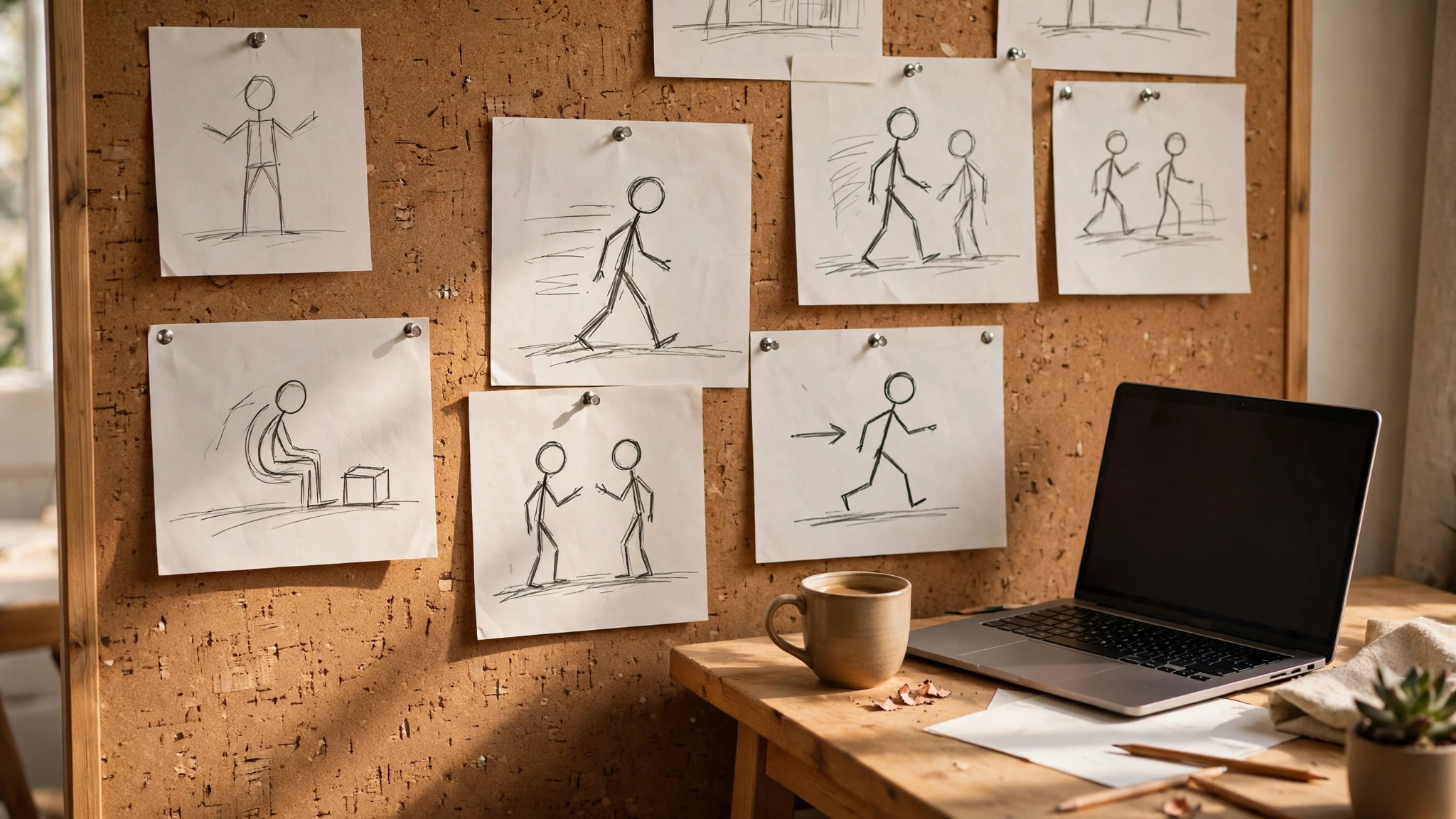
The second mistake is skipping the storyboard. Even a rough sketch of each shot, on paper, saves hours of rework. You do not need to draw well. Stick figures and arrows are enough to plan the movement before you animate it.
The third mistake is animating everything at once. Animate one thing, the ball, the arm, the walk cycle, and get it right before you add the next. Animation is a stack of small correct movements, not one big attempt.
If you want the shortlist again, the best free animation software for beginners that matter most are the ones above, and the best pick depends on your budget, your skill and how often you will use the tool.
That is the honest picture of the best free animation software for beginners available today, and the differences that matter are the price, the free tier and how the tool handles your real work.
A final note on the best free animation software for beginners in this list. None of them is perfect for everyone, and the right choice is the one that fits the job you actually do, not the one with the longest feature list.
Before you decide, remember what the best free animation software for beginners are for. They exist to save you time and to make the result look professional, and any tool that does both is worth paying for.
The best free animation software for beginners above cover every budget, from free to premium, so there is no reason to settle for a tool that fights you. Pick the one that feels easy, and get on with the work.
When friends ask about the best free animation software for beginners, the advice is always the same. Start free, make one real thing, and pay only when the free plan stops you from finishing the job.
That is the full picture of the best free animation software for beginners worth your time this year. The market will change, prices will move, and new tools will appear, but the way to choose will stay the same.
Related Guides
- Best Illustration Makers for Beginners: Complete 2026 Guide
- Best T-Shirt Design Makers Online
- Zazzle vs Vistaprint T-Shirt Printing
Frequently Asked Questions
What is the best free animation software for a beginner?
Pencil2D is the best free start for 2D cartoons, because you can learn it in an afternoon. Blender is the best free start for 3D, but expect weeks of learning. Krita is the best pick if you already draw and want to try animation.
Can I really animate for free?
Yes. Blender, Pencil2D, OpenToonz, Synfig, Krita, Wick Editor and TupiTube are all free and open source, with no watermark and no trial. They are real tools used by real animators, not demos.
Is Blender too hard for a beginner?
Blender is hard, but it is not impossible. Follow a beginner tutorial series, make a bouncing ball first, and accept that the first month is learning, not producing. If you want a finished cartoon this week, start with Pencil2D instead.
What is the difference between 2D and 3D animation?
2D animation draws flat images, frame by frame or with rigged characters. 3D animation builds models in a virtual space and moves a camera around them. 2D suits cartoons and explainers. 3D suits scenes, objects and films.
How long does it take to make a one-minute animation?
A simple explainer in Animaker or Powtoon takes an afternoon. A hand-drawn cartoon takes days to weeks, depending on the detail. A 3D scene in Blender takes longer still. Start with ten seconds and build up.
The Verdict
The best free animation software for beginners is the tool that matches the animation you want to make and the patience you actually have. Pencil2D wins for a first cartoon, Blender wins for 3D, and Animaker wins for a business explainer with no drawing. Pick one, make a ten-second loop, finish it, and make the next one longer. Animation rewards the people who finish things, not the people who collect tools.
If you start today, download Pencil2D, draw a bouncing ball, and press play. You will have made your first animation before lunch, and you will know whether this is a hobby you want to keep. That is the whole point of a free tool. It lets you find out.
1 thought on “Best Free Animation Software for Beginners: Complete 2026 Guide”