
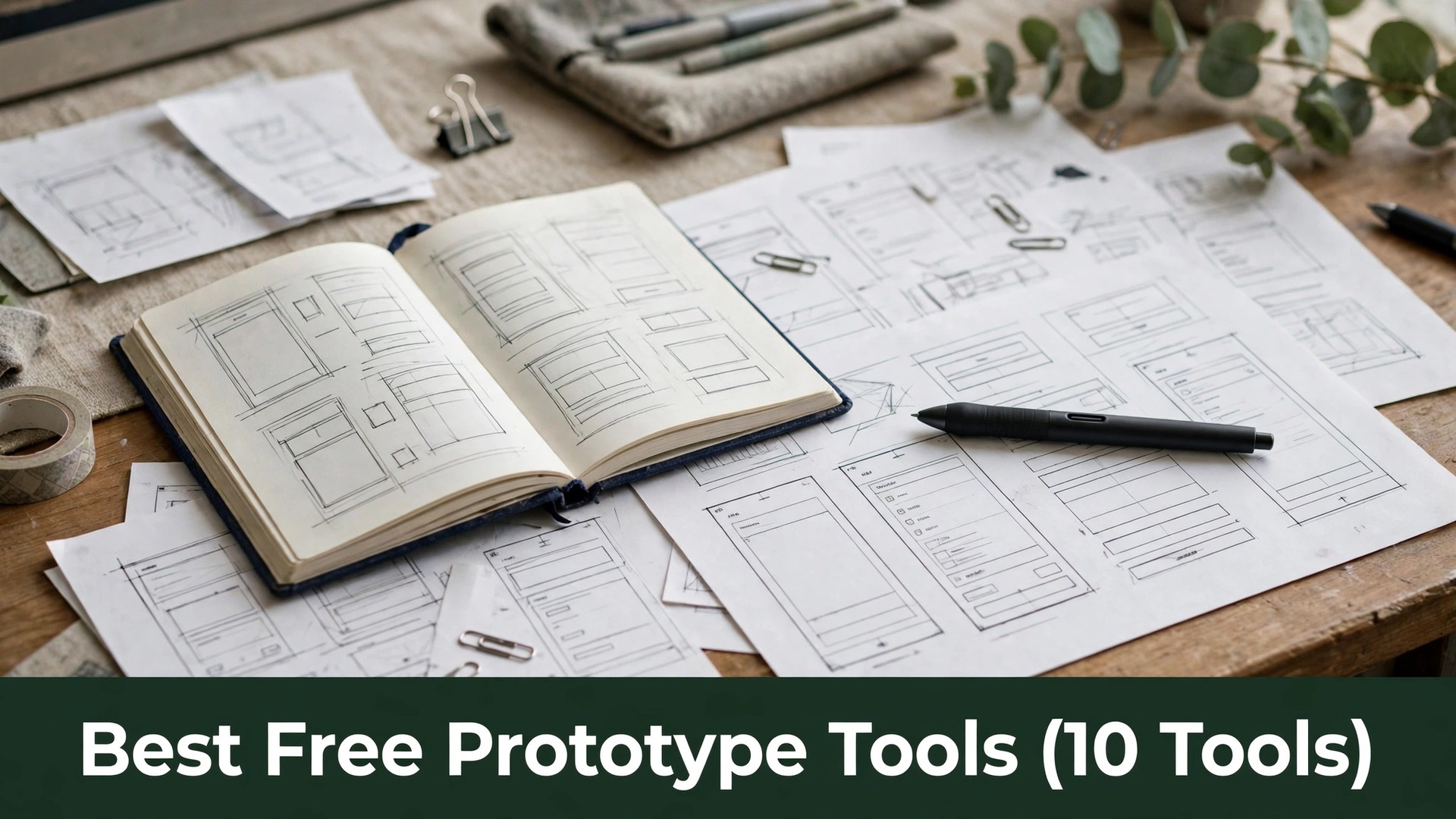
A clickable prototype settles arguments about an app before a developer writes a line, and that is why best free prototype tools deserve a proper test before a team pays. A free tool that turns a sketch into something a stakeholder can tap gives a designer proof instead of a promise.
The ten tools in this guide were judged on the work a prototype actually does, namely screens, flows, comments and handoff to developers. Each one was checked for free-tier screen limits, for how fast a first flow can be built, and for what the paid plan really adds.
Read the table first, then read the reviews for the two or three tools that fit the size of your project. One real flow built from your own screens will settle the choice faster than a long feature list.
Quick jump
- Best Free Prototype Tools Compared Side by Side
- What Free Prototype Tools Really Cost in 2026
- The 10 Best Free Prototype Tools, One by One
- Best Pick by Job
- How to Choose a Free Prototype Tool for Your Team
- Prototype Mistakes Designers Make That Waste Weeks
- Your First Week With a New Prototype Tool
- How to Keep Prototype Tool Costs Down for a Design Team
- How We Verified Every Prototype Tool Price
- Frequently Asked Questions
- Small Habits That Keep Prototypes Useful
- The Prototype Tool Most Teams Should Pick First
Best Free Prototype Tools Compared Side by Side
The table lines up every prototype tool on the same four facts, so the best free prototype tools comparison stays fair from the cheapest free plan to the dearest paid one. Start with the free tier column, because it shows which tools let a designer test a flow without paying.
Then check the paid column for the yearly total, since a small monthly fee on the prototype tool grows across twelve months. A team that prototypes every week needs the yearly number before it commits to a tool.
| Tool | Best for | Free tier | Paid from |
|---|---|---|---|
| Figma | teams that design together | free plan | $15 a month |
| Framer | designers who publish sites | free plan | $5 a month |
| Penpot | teams that want open source | free plan | paid tiers vary |
| Sketch | Mac-based design teams | trial only | $10 a month |
| Axure RP | complex flows with logic | trial only | $29 a month |
| Proto.io | designers who test on phones | trial only | $24 a month |
| Marvel | designers who sketch first | free plan | $12 a month |
| Balsamiq | teams that wireframe fast | trial only | $9 a month |
| Origami Studio | designers who animate flows | free plan | paid tiers vary |
| Justinmind | teams that need specs | free plan | $19 a month |
What Free Prototype Tools Really Cost in 2026
Prices for best free prototype tools spread from free plans that cover a first flow to monthly fees that pass three hundred dollars a year for every editor. The table shows the starting price for each prototype tool, and this section shows what sits behind it.
Watch for the caps that free plans hide, because an editor limit or a missing developer handoff can force a paid upgrade in the middle of a project. A designer who tests the free tier on a real flow sees those caps before any money moves.
Beyond the monthly price, a team should count the hours spent learning the tool, because a cheap tool that takes a weekend to learn costs more than a dearer one that works in an hour. Time the first real job on the shortlist and add that hour to the bill for the team.
The 10 Best Free Prototype Tools, One by One
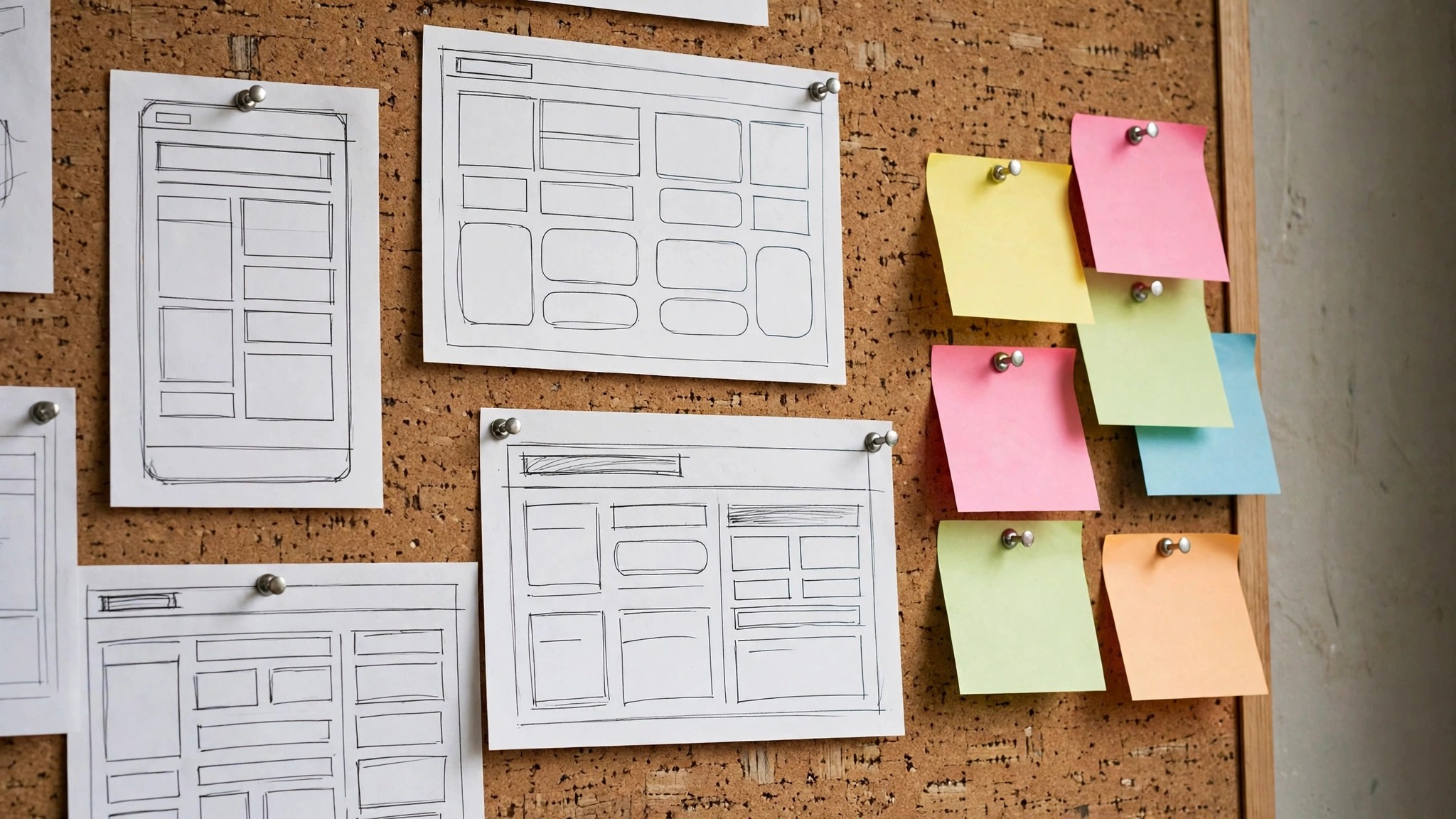
The ten options below are reviewed in the same order as the table, with what each one does, what it costs, and where it falls short for a designer. That order keeps best free prototype tools easy to compare side by side.

1. Figma. Best for teams that design together
Teams that need teams that design together often land on Figma, since browser-based design with live multiplayer editing and prototyping. The layout of Figma favours speed over decoration, with the next action always visible on the screen. Figma rewards teams that process work in batches rather than one item at a time.
Paid plans for Figma start at $15 a month a month. its multiplayer lets a whole team work on the same file at once. The free tier covers free plan, which is enough to judge Figma on real work before any card details change hands.
The limit to watch on Figma is the free tier caps the number of files a team can keep. That limit only bites when teams that design together becomes a daily job, so a team that uses the tool weekly may never meet it. Test Figma on the hardest real case first, and the result will show whether the limit matters.
Figma suits teams that design together best when the team tries it on the hardest real job first, since a tool that handles the hardest job handles the easy ones too. Put the busiest week through Figma and let that week decide whether the paid plan is worth it.
2. Framer. Best for designers who publish sites
Framer fits designers who publish sites because prototypes that publish as real websites with one click. The first setup of Framer takes under an hour for most teams, and the main screens stay plain enough that a new hire finds them without a manual. Framer keeps daily work in one place, which is the point of the tool.
Pricing for Framer begins at $5 a month a month, and the free tier gives free plan. a prototype built in Framer can go live without rebuilding it. Teams should check whether the plan they need from Framer includes the one feature they cannot work without, since that feature often sits a tier higher.
One drawback of Framer is the free tier adds branding to published pages. Teams that need designers who publish sites should weigh it against the price, since a cheaper tool that misses one key job costs more in workarounds. Try Framer on a real case and judge the finished result, not the demo.
The support behind Framer matters for designers who publish sites, because a team that hits a snag on a deadline needs an answer the same day. Send one question to the support team of Framer during the trial, and the reply time tells the team more than the pricing page.
3. Penpot. Best for teams that want open source
Penpot earns its place for teams that want open source through an open-source design tool with prototyping and developer handoff. The workflow of Penpot follows the order a real team works in, from intake to follow-up, so nothing gets lost between steps. Penpot suits teams that want a tool to disappear into the work.
Paid plans for Penpot start at paid tiers vary a month. its open format means the team owns its files outright. The free tier covers free plan, which is enough to judge Penpot on real work before any card details change hands.
Penpot is not perfect for teams that want open source, because the community is smaller, so tutorials are harder to find. That gap in Penpot is easy to test, since one real case reveals it in an afternoon. If the gap never touches work your team actually does, Penpot will serve well for a long time.
For teams that want open source, Penpot is worth a trial when the team compares it side by side with the next option on the same real job. Run the same job through Penpot and the next option and keep the one whose finished work the team actually uses.
4. Sketch. Best for Mac-based design teams
Teams that need Mac-based design teams often land on Sketch, since a mature Mac design tool with strong prototyping plugins. The layout of Sketch favours speed over decoration, with the next action always visible on the screen. Sketch rewards teams that process work in batches rather than one item at a time.
Pricing for Sketch begins at $10 a month a month, and the free tier gives trial only. its plugin library covers almost every prototyping need. Teams should check whether the plan they need from Sketch includes the one feature they cannot work without, since that feature often sits a tier higher.
The limit to watch on Sketch is there is no Windows version, so mixed teams cannot share files. That limit only bites when Mac-based design teams becomes a daily job, so a team that uses the tool weekly may never meet it. Test Sketch on the hardest real case first, and the result will show whether the limit matters.
Sketch suits Mac-based design teams best when the team tries it on the hardest real job first, since a tool that handles the hardest job handles the easy ones too. Put the busiest week through Sketch and let that week decide whether the paid plan is worth it.
5. Axure RP. Best for complex flows with logic
Axure RP fits complex flows with logic because prototypes with conditional logic, variables and data. The first setup of Axure RP takes under an hour for most teams, and the main screens stay plain enough that a new hire finds them without a manual. Axure RP keeps daily work in one place, which is the point of the tool.
Paid plans for Axure RP start at $29 a month a month. its logic lets a prototype behave like the real app. The free tier covers trial only, which is enough to judge Axure RP on real work before any card details change hands.
One drawback of Axure RP is the learning curve is steep for a designer used to simple tools. Teams that need complex flows with logic should weigh it against the price, since a cheaper tool that misses one key job costs more in workarounds. Try Axure RP on a real case and judge the finished result, not the demo.
The support behind Axure RP matters for complex flows with logic, because a team that hits a snag on a deadline needs an answer the same day. Send one question to the support team of Axure RP during the trial, and the reply time tells the team more than the pricing page.
6. Proto.io. Best for designers who test on phones
Proto.io earns its place for designers who test on phones through high-fidelity prototypes with device previews and user testing. The workflow of Proto.io follows the order a real team works in, from intake to follow-up, so nothing gets lost between steps. Proto.io suits teams that want a tool to disappear into the work.
Pricing for Proto.io begins at $24 a month a month, and the free tier gives trial only. its device previews show the prototype exactly as a user sees it. Teams should check whether the plan they need from Proto.io includes the one feature they cannot work without, since that feature often sits a tier higher.
Proto.io is not perfect for designers who test on phones, because the entry price is high for a freelancer. That gap in Proto.io is easy to test, since one real case reveals it in an afternoon. If the gap never touches work your team actually does, Proto.io will serve well for a long time.
For designers who test on phones, Proto.io is worth a trial when the team compares it side by side with the next option on the same real job. Run the same job through Proto.io and the next option and keep the one whose finished work the team actually uses.
7. Marvel. Best for designers who sketch first
Teams that need designers who sketch first often land on Marvel, since paper sketches turned into tappable prototypes in minutes. The layout of Marvel favours speed over decoration, with the next action always visible on the screen. Marvel rewards teams that process work in batches rather than one item at a time.
Paid plans for Marvel start at $12 a month a month. a photo of a sketch becomes a clickable screen without redrawing. The free tier covers free plan, which is enough to judge Marvel on real work before any card details change hands.
The limit to watch on Marvel is the design tools are basic next to the full editors. That limit only bites when designers who sketch first becomes a daily job, so a team that uses the tool weekly may never meet it. Test Marvel on the hardest real case first, and the result will show whether the limit matters.
Marvel suits designers who sketch first best when the team tries it on the hardest real job first, since a tool that handles the hardest job handles the easy ones too. Put the busiest week through Marvel and let that week decide whether the paid plan is worth it.
8. Balsamiq. Best for teams that wireframe fast
Balsamiq fits teams that wireframe fast because low-fidelity wireframes that keep feedback on structure, not style. The first setup of Balsamiq takes under an hour for most teams, and the main screens stay plain enough that a new hire finds them without a manual. Balsamiq keeps daily work in one place, which is the point of the tool.
Pricing for Balsamiq begins at $9 a month a month, and the free tier gives trial only. its rough style stops stakeholders arguing about colours too early. Teams should check whether the plan they need from Balsamiq includes the one feature they cannot work without, since that feature often sits a tier higher.
One drawback of Balsamiq is it cannot make a polished high-fidelity prototype. Teams that need teams that wireframe fast should weigh it against the price, since a cheaper tool that misses one key job costs more in workarounds. Try Balsamiq on a real case and judge the finished result, not the demo.
The support behind Balsamiq matters for teams that wireframe fast, because a team that hits a snag on a deadline needs an answer the same day. Send one question to the support team of Balsamiq during the trial, and the reply time tells the team more than the pricing page.
9. Origami Studio. Best for designers who animate flows
Origami Studio earns its place for designers who animate flows through a free tool for animated, interactive prototypes from Meta. The workflow of Origami Studio follows the order a real team works in, from intake to follow-up, so nothing gets lost between steps. Origami Studio suits teams that want a tool to disappear into the work.
Paid plans for Origami Studio start at paid tiers vary a month. its patches let a designer build motion without writing code. The free tier covers free plan, which is enough to judge Origami Studio on real work before any card details change hands.
Origami Studio is not perfect for designers who animate flows, because it only runs on Mac, so Windows teams cannot use it. That gap in Origami Studio is easy to test, since one real case reveals it in an afternoon. If the gap never touches work your team actually does, Origami Studio will serve well for a long time.
For designers who animate flows, Origami Studio is worth a trial when the team compares it side by side with the next option on the same real job. Run the same job through Origami Studio and the next option and keep the one whose finished work the team actually uses.
10. Justinmind. Best for teams that need specs
Teams that need teams that need specs often land on Justinmind, since prototypes with built-in requirements and documentation. The layout of Justinmind favours speed over decoration, with the next action always visible on the screen. Justinmind rewards teams that process work in batches rather than one item at a time.
Pricing for Justinmind begins at $19 a month a month, and the free tier gives free plan. its specs travel with the prototype, so developers get the rules too. Teams should check whether the plan they need from Justinmind includes the one feature they cannot work without, since that feature often sits a tier higher.
The limit to watch on Justinmind is the interface feels heavy until the team learns it. That limit only bites when teams that need specs becomes a daily job, so a team that uses the tool weekly may never meet it. Test Justinmind on the hardest real case first, and the result will show whether the limit matters.
Justinmind suits teams that need specs best when the team tries it on the hardest real job first, since a tool that handles the hardest job handles the easy ones too. Put the busiest week through Justinmind and let that week decide whether the paid plan is worth it.
Best Pick by Job
The table matches the pick to the job, so a design team can find its own situation and see the prototype tool that fits it. The reasons here are short, because the best free prototype tools reviews above already carry the full argument for each option.
| Job / Need | Pick | Why |
|---|---|---|
| A design team starting out | Figma | The free plan covers a first flow at no cost. |
| A design team on a tight budget | Penpot | A free open-source tool covers the whole workflow. |
| A design team that needs results this week | Marvel | A sketch becomes a tappable prototype in minutes. |
| A design team running flows weekly | Figma | Multiplayer editing pays off through steady weekly use. |
| A design team that wants the best motion | Origami Studio | Animated prototypes cost nothing on a Mac. |
| A design team ready to pay for quality | Axure RP | Logic and variables suit the most complex flows. |
How to Choose a Free Prototype Tool for Your Team
Test the flow on a real phone first. Most stakeholders open a prototype link on a phone, so a tool that looks fine on a laptop can fail on a small screen. Open the finished flow on two phones before sending it to anyone.
Ask how the handoff works. A prototype that developers cannot inspect is just a picture, so check whether the tool shows measurements, assets and styles to the build team. Pick the maker whose handoff matches how your developers actually work.
Weigh the editor limit against the team size. A team of six outgrows a free tier capped at three editors in a week, while a solo designer can live on it for a year. Match the plan to the team size, not to the feature list.
Check what leaves with you if you cancel. Export a test file before paying, and confirm it opens cleanly elsewhere. A tool that traps design files is expensive whatever the monthly price.
Prototype Mistakes Designers Make That Waste Weeks
The most common mistake is prototyping every screen before testing the first flow, then discovering the whole structure is wrong. A prototype that tests three screens early saves more time than a perfect prototype of forty screens that nobody tested.
Skipping the developer handoff is the expensive mistake, because a prototype without measurements forces developers to guess. A handoff that shows spacing, colours and assets saves a week of back-and-forth after the design is approved.
A third mistake is polishing the visuals before the flow works, because stakeholders then argue about colours instead of the journey. A rough prototype that tests the flow first gets honest feedback, while a polished one gets praise for the wrong things.
Your First Week With a New Prototype Tool
Take a flow your team keeps explaining in words, build it in the new tool, and watch a stakeholder click through it unaided. Build a flow from five of your own screens, send it to two stakeholders, and judge the pick on their replies, because a tool that survives real feedback earns its place fast.
Clock each screen as you build the flow, and note the screen type that costs the most time. After five screens, the pattern is plain, and you will know whether the tool saves time or just moves the design work into a new editor.
End the week by checking which screens stakeholders actually tapped. If the flow data shows people stopping on the same screen, that screen deserves the next round of work.
By the end of the first week, the team should know the tool well enough to teach it to a colleague in ten minutes. If the tool still feels confusing after a week of daily use by the team, it will not get easier on its own, and switching early costs less than rebuilding around it later.
How to Keep Prototype Tool Costs Down for a Design Team
Use the free tier for the test flows and pay only for the live projects. A team that runs one big project a quarter can keep the rest on free plans without losing anything.
Keep viewers free and pay only for editors. Most tools charge per editor, so a team with two designers and eight reviewers pays for two seats, not ten.
A design team can often run every editor from a single paid prototype account where the licence allows it, so ask how many editors one account covers before paying for more. One account that serves every editor keeps the bill at a single licence, and the seat rules say whether the team can run that way.
Review the subscription each quarter and drop the paid plan in a quiet month for the team. A prototype tool that is not used for a month should not be paid for that month, so cancel and restart when the next project begins.
Keep the prototype bill on one card and review it monthly. A small subscription for the team hides easily among other charges, so a monthly check stops a forgotten plan from running for a year.
Do the practice work on the free tier and pay only to finish the real jobs for the team. The free tier then carries the trial work, and the paid plan covers just the finished pieces for the team.
Prototype tools add free viewers and free projects between releases, so a design team should re-check the free tier each quarter against the prototypes it actually builds. A free tier that fits the team’s work makes the paid plan an expense with no job left to do.
How We Verified Every Prototype Tool Price
All best free prototype tools prices in this guide were checked on the vendor pricing pages, with unverified figures flagged rather than guessed. Teams choosing a prototype tool should see the real monthly cost before they hand over card details.
A prototype tool that suits one team can still frustrate the next, because flows differ in screens, stakeholders and feedback rounds. Build your own flow on both, and keep the tool whose prototype a stakeholder understands without a walkthrough.
Frequently Asked Questions
Which free prototype tool is best for a beginner?
Figma covers the most ground for free for a beginner, and Marvel adds a faster start for sketch-first designers. Give both a week on real screens, then spend money only on the one whose flow your stakeholders kept opening.
Can I prototype an app for free?
Yes, several tools in this guide give free plans that cover a full flow, which is enough for a first app. Pay only when the editor count or the file count outgrows the free limits.
What is the difference between a wireframe and a prototype?
A wireframe shows the layout of a screen, while a prototype links screens into a flow a person can tap through. A wireframe answers where things sit, and a prototype answers whether the journey makes sense.
Do developers need a paid seat to view a prototype?
No, most tools in this guide let developers view and inspect a prototype for free, and only editors pay. A team should check the viewer rules before buying seats for people who only inspect.
Which prototype tool should a small team try first?
Figma is the obvious first choice, because its free plan covers the flows most teams actually prototype. Build one real flow in it and watch a stakeholder click through it unaided.
Small Habits That Keep Prototypes Useful
A flow that tests well should become the template for the next project. Keep the home screen, the key action and one clear next step as blanks, and each new prototype gives the next one a head start instead of starting empty.
Once a month, check the prototype library and archive the flows nobody opens. A library covering forty flows when only five are live is work better spent on the flows that actually get tested.
Show a colleague how to leave a comment on a prototype, working through it together once. If the only person who knows the tool is away on review week, the feedback still arrives on time.
The Prototype Tool Most Teams Should Pick First
Teams prototyping real flows should open Figma first, and the best free prototype tools answer is its free plan, which covers the flows most teams actually build. Start free, build one flow from your own screens, and pay only when a limit stops a flow you need.
The right prototype tool is the one whose flows stakeholders still open a month from now, not the one with the longest feature list today. Pick Figma, test it on a real flow this week, and let the taps decide whether it stays.