
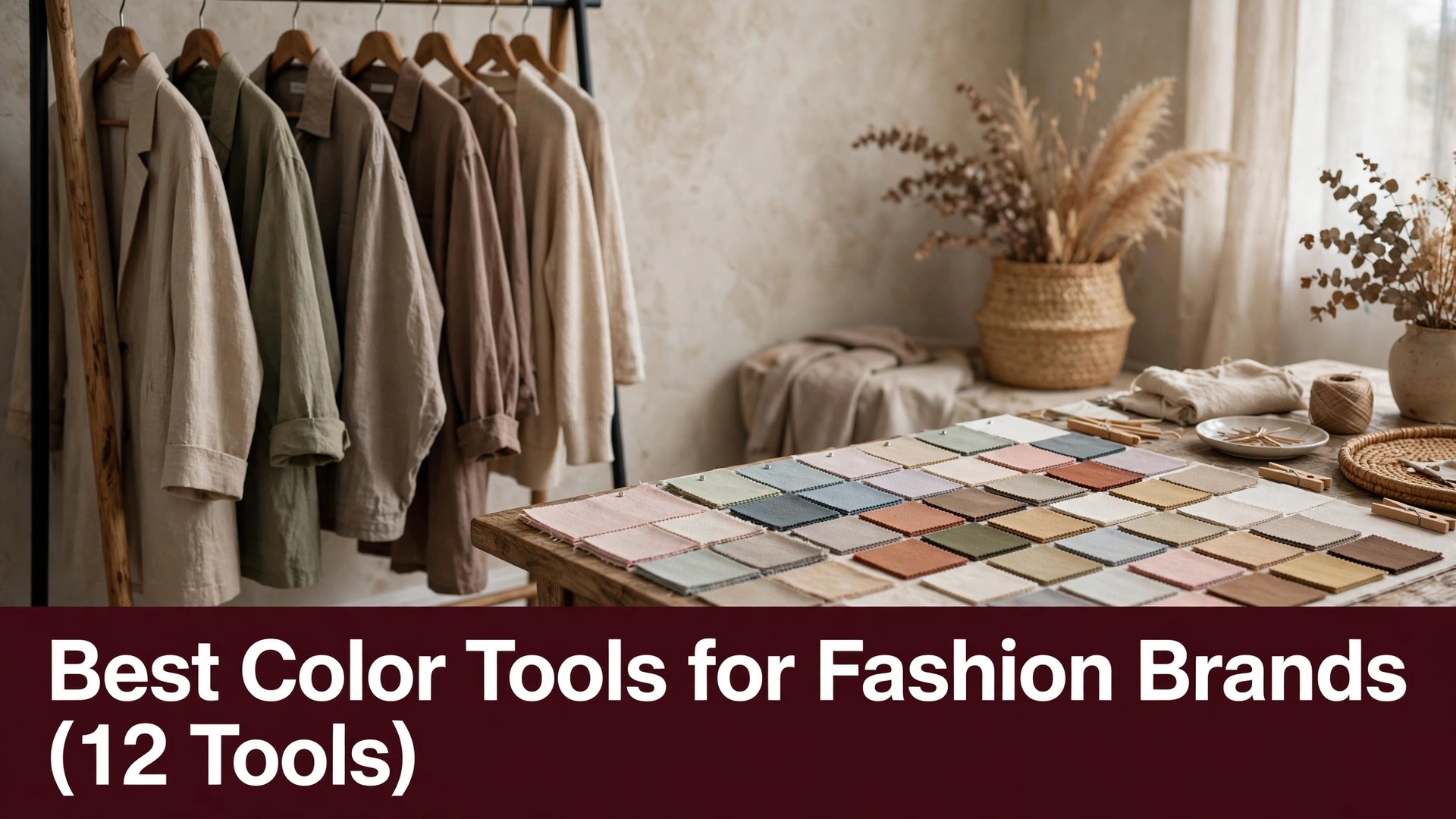
A fashion brand lives or dies on colour, and a palette that looks rich on a screen can turn flat on fabric, which is why the best color tools for fashion brands in this guide were judged on how a palette survives the jump from a monitor to a garment, not on how pretty the tool’s own interface looks.
Colour tools need to do three things for a fashion label. They must build palettes that work across a collection, they must check contrast for a website and a label, and they must export the exact values a factory can match. Each of the twelve tools below was judged on those three jobs.
Prices in this set run from free to about $60 a year, and the dearest option is not the one that builds the strongest palette. Read the table first, then read the reviews for the two or three options that fit the kind of collection you design.
Quick jump
- Best Color Tools for Fashion Brands Compared Side by Side
- What Fashion Brand Color Tools Really Cost in 2026
- The 12 Color Tools for Fashion Brands, One by One
- Best Pick by Job
- How Fashion Brands Should Choose a Color Tool
- Color Tool Mistakes That Cost Fashion Brands Sales
- Your First Week With a New Color Tool
- Keeping Color Tool Costs Down for Fashion Brands
- How We Verified Every Color Tool Price
- Frequently Asked Questions
- Color Habits That Keep Fashion Brands Consistent
- The Color Tool Most Fashion Brands Should Pick First
Best Color Tools for Fashion Brands Compared Side by Side
The table below lines up every color tool on the same four facts, so the best color tools for fashion brands comparison stays fair from the free palette builders to the dearest professional system.
Start with the free tier column, because it shows which tools let a designer finish a real palette without paying. Look at the paid column after that, because the yearly figure is the one a fashion brand budgets against.
| Tool | Best for | Free tier | Paid from |
|---|---|---|---|
| Coolors | fast palettes from a single colour | Free plan | $3 a month |
| Adobe Color | palettes inside the Adobe workflow | Free plan | Free |
| Pantone Connect | industry-standard colour matching | Free plan | $59.99 a year |
| Color Hunt | curated palettes picked by designers | Free plan | Free |
| Khroma | AI palettes trained on your taste | Free plan | Free |
| Huemint | palettes built for brands and websites | Free plan | Free |
| Colormind | AI palettes from photos and art | Free plan | Free |
| Paletton | classic colour wheel palettes | Free plan | Free |
| ColorKit | palettes, gradients and contrast in one place | Free plan | Free |
| Realtime Colors | palettes previewed on a real website | Free plan | Free |
| Figma | palettes inside a design system | Free plan | $15 a month |
| Canva | palettes with brand kit and templates | Free plan | $10 a month |
What Fashion Brand Color Tools Really Cost in 2026
Prices for the best color tools for fashion brands spread widely, from free palette builders that cover a whole collection to professional systems near $60 a year. The table above shows the starting price for each tool, and this section shows what sits behind it for a fashion brand.
Watch for the palette that costs little to build and much to use. Several tools in this set let a designer create palettes for free and then charge for export, sharing or brand libraries, so a brand that needs the palette in a factory file pays anyway. Check the export price before building a single palette.
Count the per-designer seat cost in the total as well. A tool that charges per designer adds a fee for every person on the collection, while a free tool covers the whole studio. Multiply those seats across the whole studio, not per person.
Judge a tool on its renewal price, not its opening offer, because a cheap first month can double when the plan renews. A tool that prints its renewal figure plainly is simpler to budget than one that hides the second-year price behind checkout.
A brand that dyes fabric should order a lab dip before a full run, because a colour that matches on screen can shift on cotton. A lab dip costs little and stops a whole collection going wrong.
The 12 Color Tools for Fashion Brands, One by One
The 12 options below are reviewed in the same order as the table, with what each one does, what it costs, and where it falls short for fashion brands. That order keeps the best color tools for fashion brands easy to compare side by side.
1. Coolors. Best for fast palettes from a single colour
Coolors builds a full palette from one starting colour with a tap of the spacebar, which suits a fashion designer who needs fresh ranges fast. Its generator covers harmonies, gradients and contrast checks, and its library stores every palette a studio makes.
Pro costs about $3 a month, with a free plan that covers the generator and basic saving. The speed is the draw, and the free plan already covers most of a small studio’s needs.
Coolors’ spacebar shuffle generates a fresh palette in a second, which suits a designer who needs ten ranges before lunch. A studio that saves the best shuffles builds a library of palettes to draw on all season.
Coolors suits brands who need palettes daily, though its palettes can feel random without a designer’s eye to edit them.
2. Adobe Color. Best for palettes inside the Adobe workflow
Adobe Color builds palettes from a photo, a wheel or a trend, and it lives inside the Adobe apps a fashion designer already uses. Its colour themes sync to Illustrator and Photoshop, so a palette moves from the tool to the garment artwork without retyping values.
Adobe Color is free, with no paid plan and no export charge, which makes it the cheapest professional option in this set. The free plan is the whole product, and the Adobe link is the reason to use it.
Adobe Color’s trend palettes show what the industry is using this season, which helps a fashion brand stay current without copying a rival. A designer who checks the trends monthly keeps the collection fresh.
Adobe Color works for designers already in Adobe apps, though it offers less standalone palette management than the dedicated tools above.
3. Pantone Connect. Best for industry-standard colour matching
Pantone Connect gives a fashion brand the industry-standard colour libraries that factories actually match, which suits a label whose garments must match a swatch exactly. Its digital swatches carry the codes a mill needs, and its palette builder keeps collections consistent.
A subscription costs $59.99 a year, with a free plan that covers basic browsing and a few palettes. The standard is the draw, and the price is the trade-off for a small brand.
Pantone Connect’s digital swatches carry the codes a mill matches, so a garment dyed in one country matches the sample from another. That exact match is why factories trust Pantone numbers over a screen colour.
Pantone Connect earns its fee for brands that manufacture at scale, and it matters less when the collection stays digital or small.
4. Color Hunt. Best for curated palettes picked by designers
Color Hunt publishes palettes curated by working designers, which suits a fashion brand that wants a proven range rather than a random generator. Its collections cover warm, cool and muted moods, and its one-click copy takes the values straight into a design file.
Color Hunt is free, with no paid plan and no export charge, which makes it the cheapest curated option in this set. The free plan is the whole product, and the curation is the reason to browse it.
Color Hunt’s curated palettes come from working designers, so a brand that picks one starts from a range a professional already judged. A designer who browses the new palettes weekly finds fresh ideas without a generator.
Color Hunt suits brands who want inspiration from real designers, though it offers no palette editing or brand library of its own.
5. Khroma. Best for AI palettes trained on your taste
Khroma learns a designer’s taste from fifty chosen colours and then generates palettes that match it, which suits a fashion brand with a clear house style. Its combinations stay close to the brand’s mood, so a new collection feels like the last one without copying it.
Khroma is free, with no paid plan and no export charge, which makes it the cheapest personalised option in this set. The free plan is the whole product, and the taste training is the reason to try it.
Khroma’s taste training means its palettes stay close to a brand’s house style, which suits a label with a clear identity. A new collection built from Khroma palettes feels like the brand, not like a random draw.
Khroma works for brands with a defined style, though a new brand with no taste history gets less from it.
6. Huemint. Best for palettes built for brands and websites
Huemint builds palettes with a brand, a website and an illustration in mind, which suits a fashion label that needs the same colours on a site and a garment. Its generator shows the palette on a real layout, so a designer sees the range in use before committing.
Huemint is free, with no paid plan and no export charge, which makes it the cheapest brand-focused option in this set. The free plan is the whole product, and the layout preview is the reason to use it.
Huemint’s layout preview shows the palette on a website and a brand card together, so a designer sees the range in use before committing. That preview catches the clashes a swatch row hides.
Huemint suits brands who need a palette that works on screen and on fabric, though its palette count is smaller than the bigger generators above.
7. Colormind. Best for AI palettes from photos and art
Colormind learns palettes from photos, films and art, which suits a fashion designer who starts a collection from a mood image. Its generator reads a photo and returns a palette that matches its tones, so a campaign image becomes a colour range in seconds.
Colormind is free, with no paid plan and no export charge, which makes it the cheapest image-based option in this set. The free plan is the whole product, and the photo matching is the reason to try it.
Colormind’s photo matching turns a campaign image into a palette in seconds, which suits a designer who starts a collection from a mood. A photo of a sunset becomes a range of warm tones without a manual pick.
Colormind works for designers who start from imagery, though its palettes need a human edit before they go to a factory.
8. Paletton. Best for classic colour wheel palettes
Paletton is a classic colour wheel tool that builds harmonies from a single base colour, which suits a designer who thinks in colour theory. Its wheel shows complementary, triadic and analogous ranges, and its preview shows the palette on a simple layout.
Paletton is free, with no paid plan and no export charge, which makes it the cheapest theory-based option in this set. The free plan is the whole product, and the wheel is the reason to use it.
Paletton’s wheel teaches colour theory while it builds, which suits a designer who wants to understand why a palette works. A student who learns the wheel makes better palettes in every other tool too.
Paletton suits designers who build palettes by theory, though its interface feels dated next to the modern generators above.
9. ColorKit. Best for palettes, gradients and contrast in one place
ColorKit combines a palette generator with gradients, contrast checks and a colour picker, which suits a fashion brand that needs several colour jobs in one tab. Its tools cover the whole workflow from picking a base to checking the result for a website.
ColorKit is free, with no paid plan and no export charge, which makes it the cheapest all-round option in this set. The free plan is the whole product, and the range of tools is the reason to bookmark it.
ColorKit’s contrast checker shows whether text stays readable on a palette colour, which matters for a brand’s website and labels. A palette that fails contrast looks good in a swatch and fails on a page.
ColorKit works for brands who want many small colour tools together, though its palettes are simpler than the curated libraries above.
10. Realtime Colors. Best for palettes previewed on a real website
Realtime Colors shows a palette on a full website preview as it is built, which suits a fashion brand that needs the same range on a store and a garment. Its generator covers text, background and accent colours together, so a designer sees the whole system at once.
Realtime Colors is free, with no paid plan and no export charge, which makes it the cheapest preview-based option in this set. The free plan is the whole product, and the live preview is the reason to try it.
Realtime Colors’ live preview rebuilds the website as the palette changes, so a designer sees the whole system at once. That instant feedback is faster than exporting swatches and checking them one by one.
Realtime Colors suits brands who design a store and a collection together, though its palette library is smaller than the bigger generators above.
11. Figma. Best for palettes inside a design system
Figma lets a fashion brand build palettes as shared styles inside a design system, which suits a team that designs garments, labels and a website together. Its variables keep every colour in sync, and its collaboration lets the whole studio edit one file at once.
Professional costs $15 a month per editor, with a free plan that covers basic files and three projects. The design system is the draw, and the per-editor price is the part to count across a team.
Figma’s shared styles keep every colour in a design system in sync, so a change to one swatch updates every garment sketch and web page at once. A team that works in Figma never has two versions of the same colour.
Figma works for brands with a design team, though a solo designer will find the palette generators above faster.
12. Canva. Best for palettes with brand kit and templates
Canva gives a fashion brand a palette generator inside a brand kit, which suits a label that needs colours, fonts and templates in one place. Its colour tools cover palettes, gradients and document colours, and its templates keep every asset in the brand range.
Canva Pro costs $10 a month on annual billing ($120 a year) or $15 a month billed monthly, and the free plan covers basic palettes and templates. The brand kit is the draw, and the palette depth is thinner than the dedicated tools above.
Canva’s brand kit stores the palette beside the fonts and templates, so every asset a brand makes uses the same range. A label that keeps its palette in Canva stays consistent across social posts and lookbooks.
Canva suits brands who want colour inside a wider design toolkit, and it suits them less when the palette itself is the whole job.
Best Pick by Job
The table below matches the pick to the job, so fashion brands can find their own situation and see the color tool that fits it. The reasons here are short, because the best color tools for fashion brands reviews above already carry the full argument for each option.
| Job / Need | Pick | Why |
|---|---|---|
| A brand starting out | Coolors | Coolors covers the most ground on a free plan. |
| A brand on a tight budget | Adobe Color | Adobe Color keeps the cost low for occasional work. |
| A brand who needs results this week | Khroma | Khroma sets up fast and delivers quickly. |
| A brand running palettes weekly | Coolors | Coolors pays off through steady weekly use. |
| A brand who wants the best professional system | Pantone Connect | Pantone Connect leads on professional colour for serious work. |
| A brand ready to pay for quality | Coolors | Coolors earns its fee once the work turns regular. |
How Fashion Brands Should Choose a Color Tool
Count the cost of the exported palette, not the design. A color tool price looks small until the export and sharing fees are added, so write the export total next to every candidate. A tool that charges five dollars a month and ten per export costs more than a flat plan, and that figure is the one to compare.
Ask who else designing fashion uses this tool. Look at who already uses the tool for collection work like yours, because a tool with a strong base of fashion designers usually has the palettes and the support to match. A short search for real designer reviews beats a long feature page.
Weigh the palette range against your collection. A tool with few palette styles costs a brand more than its subscription suggests when every season needs a fresh range, so test the generator on one real collection. If the palettes feel thin, the tool is fighting you, and a richer one may serve you better.
Check what leaves with you from the tool. Ask what happens to your palettes if you cancel, because a tool that holds palettes hostage is expensive whatever the monthly price. Export a test palette before paying, and confirm you can open it without the tool.
Test the palette on a real garment photo. A palette that looks good as swatches can fail on a dress, so place the colours on a photo of the actual garment. If the range still feels right, the tool passes, while a clash means the palette needs work.
Color Tool Mistakes That Cost Fashion Brands Sales
The most common mistake with the best color tools for fashion brands is picking the tool with the longest palette list, then finding the export you need sits behind the top plan. Compare the plan tables before the palette libraries, and confirm the export you need lives in the tier you would actually pay for.
Skipping the fabric test is the costly mistake. A polished screen preview never shows how a colour dyes on cotton, so order one fabric swatch first, and the awkward parts show up before any money is spent.
A third mistake is ignoring the sharing cost, because a tool that traps palettes makes switching painful later for a brand. Export a test palette before paying, and confirm it opens cleanly in another tool.
Your First Week With a New Color Tool
Pull a palette for a collection already in production, and see whether the colours hold up on fabric swatches. Build one real palette end to end, and judge the best color tools for fashion brands pick on that single palette, because a tool that survives a real collection earns its place fast.
Time the first palette from brief to finished swatches, and note which step takes the longest. After two palettes, the pattern is plain. Two palettes will tell you whether this tool saves time or only shifts the work elsewhere.
Finish the week by exporting everything you made, because a clean export shows the tool does not trap your work. If the files look wrong, switch now, while the palette count is small and the habit is fresh.
A tool that still feels slow after a week of daily palette work will not speed up on its own. Switch early, while the palettes are few, rather than rebuilding a workflow around the wrong tool months later.
Keeping Color Tool Costs Down for Fashion Brands
The best color tools for fashion brands bill stays small when brands treat the tool as something to earn its keep, not a subscription to collect. Most readers of this guide can run the colour work on a free plan for months, and the tips below keep the paid bill low when the time to pay finally comes.
Use one paid seat and share the palettes across the studio. A brand that keeps every palette in one library avoids paying for a second seat that nobody uses.
Do the practice palettes on the free tier and pay only to export the finished ones. The free tier then carries the trial work, and the paid plan covers just the finished palettes.
Fashion brands change palettes with the seasons, and the colour tool’s free tier changes too, so look at it each season rather than assuming the paid plan is still needed. Free palettes that now match the brand’s fabrics can carry the whole collection, which makes last year’s paid plan hard to defend at renewal.
Put the colour tool bill on one card and look at it every month. A small colour subscription hides among fabric and software charges, so a brand that reviews billing monthly never funds a tool it stopped using.
Start on the monthly colour plan and move to yearly only after a month of real palette work. A tool that looks right in a demo can still fail on a real collection, so let a month of palettes prove it before locking in a year.
How We Verified Every Color Tool Price
The best color tools for fashion brands prices quoted here were checked on the vendor pricing pages, with unverified figures flagged instead of filled in. Fashion brands buying a colour tool should know the true cost before the first payment goes through.
Coolors was checked first because its free plan covers the palette job most brands run each week, and every tool after it was asked the same three questions on real collections. The ranking follows palettes that work on garments, not palettes that only look good on screen.
A colour tool that suits one brand can still frustrate the next, because collections differ in fabric, print and palette range. Build your own palette on both and check the colours on fabric: the tool that holds up there is the one to keep.
Frequently Asked Questions
Is Coolors the best color tool for fashion brands?
It is the strongest starting point when the palette work runs every week, because the free plan removes the limits that slow a regular workflow for brands. If palettes are a monthly job rather than a daily one, the free tier normally covers it, so test it free for a month.
What is the best free color tool for fashion brands?
Coolors covers the most ground for free, and Adobe Color adds a useful second option at no cost. Give both a month on free plans, then spend money only on the one whose finished palette you kept using.
How much should fashion brands budget for a color tool each month?
What does a fashion brand’s first month with a color tool cost? Nothing, on the free plan. When paying starts to make sense, allow roughly a fabric swatch book a month and check the twelve-month total before committing, since a yearly plan usually costs less than twelve monthly payments.
Can I switch color tools later without losing my palettes?
Yes, when you export before cancelling. Save every finished palette in a standard format, keep the originals in a folder you control, and test one export before you pay for a new tool.
Which color tool is the kindest first step for a fashion brand building a palette?
Coolors is the natural starting point, because it builds a usable palette in minutes from colours that already work together. Try it on a collection in production and check the swatches against the fabric.
Color Habits That Keep Fashion Brands Consistent
A palette that sells a collection should become the master file for the next season. Keep the season, the fabric and one clear next step as blanks, and each new collection starts from colours that already proved themselves on the rack.
At each season change, ask which designer built a palette that month, and cut the seats that went unused. A plan covering three designers when only one works is money better spent on fabric or shoots.
Keep the palette that earned the most sales printed above the desk. When everyone can see a strong range and a clear mood, the next collection starts closer to that standard.
Name every palette after the season it belongs to, because a studio with fifty unnamed palettes cannot find the right one. A clear name turns a search into a single click.
The Color Tool Most Fashion Brands Should Pick First
Fashion brands building palettes under deadline should open Coolors first, and the best color tools for fashion brands choice follows its palettes, which work on fabric as well as on screen. Build one real palette free, and upgrade only when a limit stops a palette you need.
The right color tool is the one that is still in use a month from now, not the one with the longest feature list today. Pick Coolors, test it on a real palette this week, and let the result decide whether it stays.