
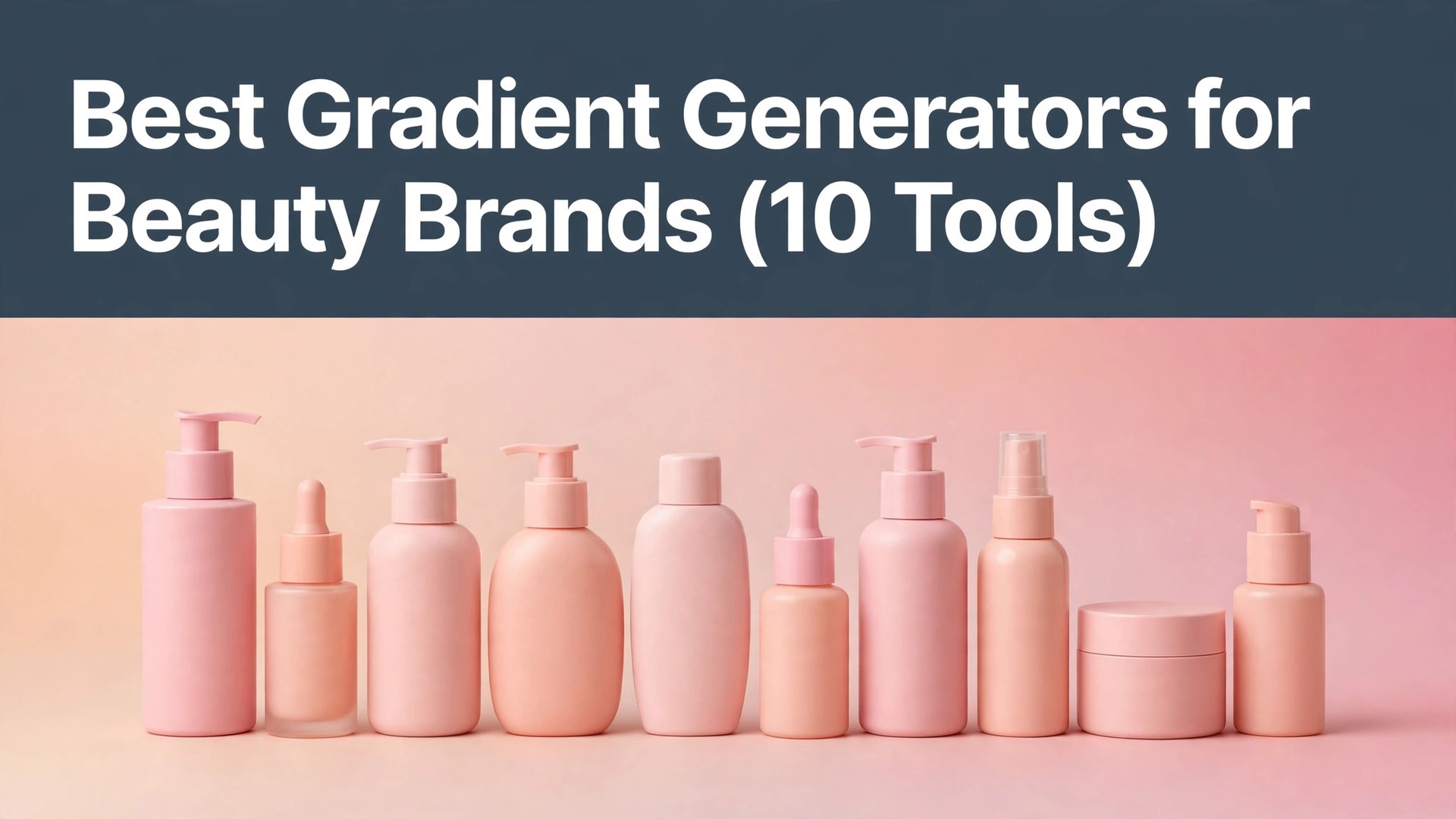
A serum bottle photographed against a flat white background looks like every other serum on the shelf, while the same bottle against a soft rose-to-peach blend looks like a brand, and that is why best gradient generators for beauty brands matter more than most founders expect. A gradient carries the mood of a product before a single word is read.
The ten tools in this guide were judged on the jobs a beauty brand actually runs, namely packaging art, social posts, website banners and shade cards. Each one was checked for how precisely it controls colour stops, whether the result exports as CSS or an image, and what the free tier really covers.
Read the table first, then read the reviews for the two or three tools that fit the way your brand works. One afternoon spent building a real banner will settle the choice faster than a long feature list ever could.
Shoppers also judge a brand by its feed, so the tools here were checked for how a gradient looks as a small square on a phone beside the product. A blend that needs a full screen to impress will not survive the feed.
Quick jump
- Best Gradient Generators for Beauty Brands Compared Side by Side
- What Gradient Generators for Beauty Brands Really Cost in 2026
- The 10 Gradient Generators for Beauty Brands, One by One
- Best Pick by Job
- How to Choose a Gradient Generator for Your Beauty Brand
- Gradient Mistakes Beauty Brands Make That Cheapen the Look
- Your First Week With a New Gradient Generator
- How to Keep Beauty Brand Design Costs Down
- How We Verified Every Gradient Generator Price
- Frequently Asked Questions
- Small Habits That Keep a Beauty Brand Palette Fresh
- The Gradient Generator Most Beauty Brands Should Pick First
Best Gradient Generators for Beauty Brands Compared Side by Side
The table lines up every tool on the same four facts, so best gradient generators for beauty brands stay easy to compare from the free-only tools to the one paid design platform. Start with the free tier column, because it shows which tools let a brand test a real gradient without paying.
Then read the paid column for the yearly total rather than the monthly figure, since a small monthly fee adds up across twelve months. A brand that designs new banners every month needs the yearly number before it commits.
| Tool | Best for | Free tier | Paid from |
|---|---|---|---|
| Coolors | brands that build a full palette first | free plan | $3 a month |
| CSS Gradient | brands that need copy-ready CSS | free | Free |
| Grabient | brands that want one-click gradients | free | Free |
| UI Gradients | brands that like curated colour pairs | free | Free |
| ColorSpace | brands that test gradients across a palette | free | Free |
| Mesh Gradient | brands that want soft mesh blends | free | Free |
| Gradient Hunt | brands that browse trending gradients | free | Free |
| WebGradients | brands that want 180 ready gradients | free | Free |
| Khroma | brands that train a palette on taste | free | Free |
| Canva | brands that apply gradients to real packaging art | free plan | $10 a month |
What Gradient Generators for Beauty Brands Really Cost in 2026
Prices for best gradient generators for beauty brands spread from completely free tools to a single paid design platform at $10 a month. The table shows the starting price for each gradient tool, and the paragraphs below show what sits behind it.
Watch for the export limits that free tools hide, because a gradient that cannot export at print quality forces a paid upgrade at the worst moment. A brand that tests the free tier on a real packaging file sees those limits before any money moves.
Beyond the monthly price, a brand should count the hours spent rebuilding a gradient, because a free tool that cannot save a palette costs more in rework than a paid one that keeps it. Time the first real banner on the shortlist and add that hour to the bill for the brand.
A brand that prints boxes should check the colour mode beside the price, because a gradient built in RGB can shift when it converts to CMYK. The tools that export print-ready files save a costly reprint.
Brands that sell on marketplaces should also check the image size rules, since a banner that is too large gets compressed and banded. A gradient built at the right size stays smooth after upload.
A brand that sells gift sets should check the gradient across the whole set, because a blend that suits one bottle can clash with the next. The tools that preview a full set save a costly mismatch.
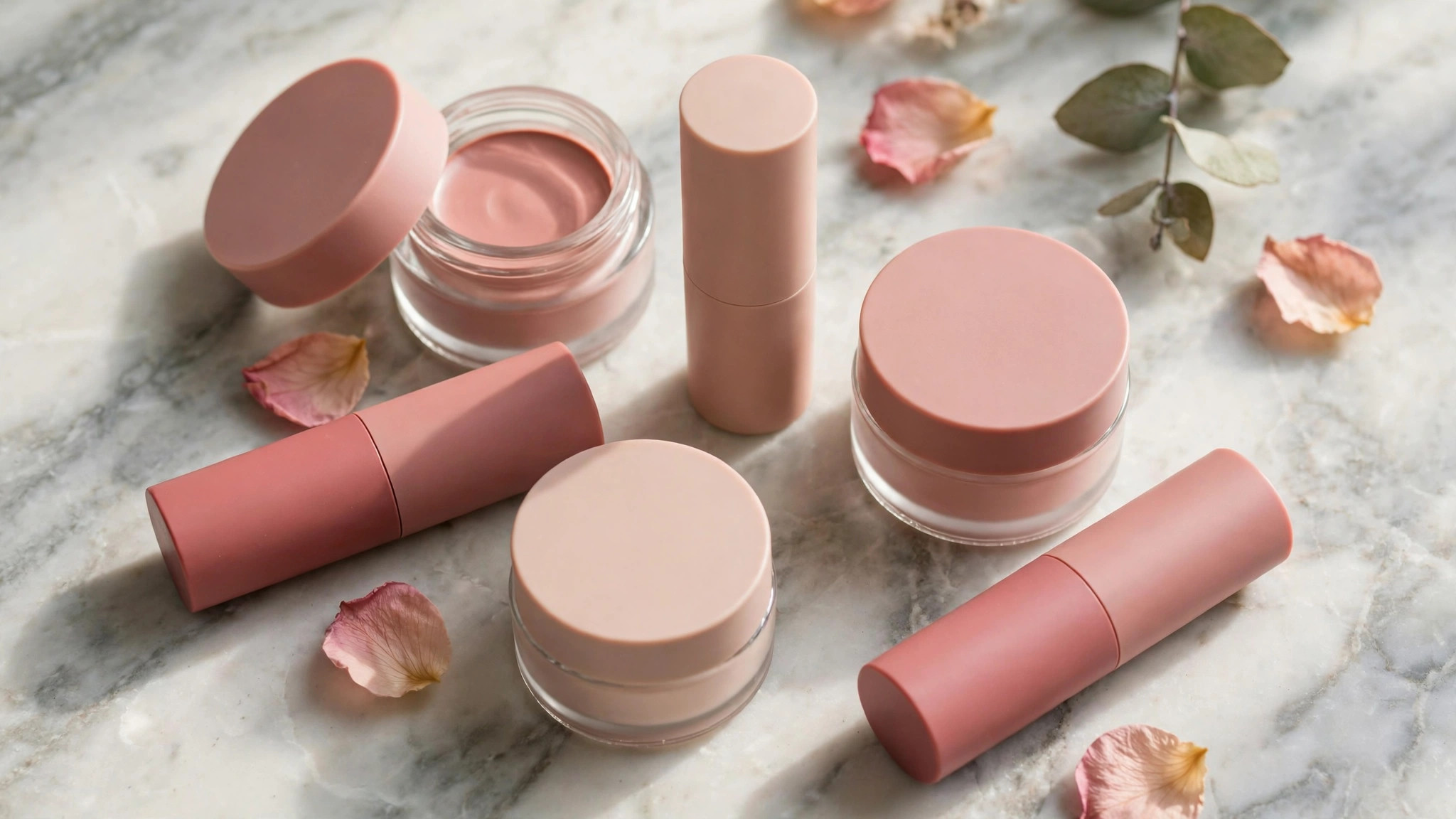
The 10 Gradient Generators for Beauty Brands, One by One
The ten options below are reviewed in the same order as the table, with what each one does, what it costs, and where it falls short for a beauty brand. That order keeps best gradient generators for beauty brands easy to compare side by side.
Each review below names the price, the free tier and the export options, so the brand can shortlist in minutes. The order follows the table, and the first three tools suit most small brands.
1. Coolors. Best for brands that build a full palette first
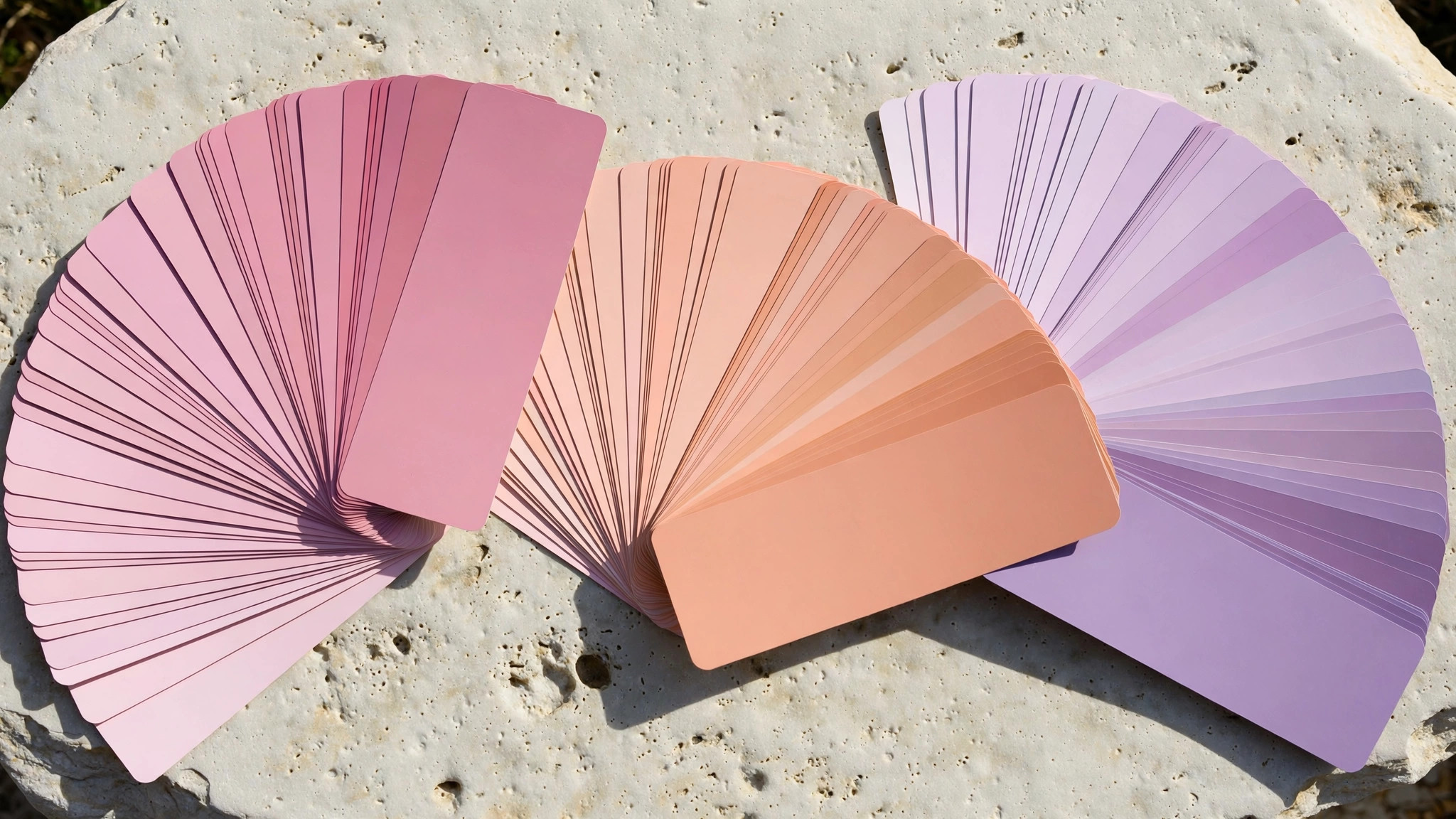
Coolors fits brands that build a full palette first through a palette generator that builds a full colour scheme from one seed shade, then turns it into gradients in a click. The setup asks for a base colour, and Coolors returns five shades that work together, with gradient previews beside them. It keeps the workflow short, which matters when the founder designs between orders. Its contrast checker keeps the text readable over the gradient. Its export options cover CSS, PNG and the palette file.
Coolors costs $3 a month to start, and the free tier covers free plan. The free plan limits saved palettes, so a brand with many product lines may need the Pro tier at $3 a month.
Coolors earns the top spot here because it pairs palette building with gradient export, so begin with its free plan and save the first palette today.
2. CSS Gradient. Best for brands that need copy-ready CSS
CSS Gradient fits brands that need copy-ready CSS through a free editor that builds multi-stop gradients and hands back the CSS code ready to paste into a website. CSS Gradient needs no account and no payment, and the code it produces works in any modern browser. It suits a brand that builds its own site and wants the banner gradient to load fast. Its angle control lets the brand tilt the blend to match the bottle. Its presets give the brand a starting point in seconds.
For CSS Gradient, paid use starts at Free, and the free tier covers free. There is no palette storage, so a brand must save the code itself or rebuild the gradient each time.
Use CSS Gradient when the website is the main channel, and keep the code in a file the team can reuse.
3. Grabient. Best for brands that want one-click gradients
Grabient fits brands that want one-click gradients through a free library of ready gradients that a brand can copy as CSS with a single click. Grabient lists gradients by mood, so a soft rose blend is one click away without any colour theory. It works for a brand that needs a banner gradient in minutes, not a design lesson. Its copy button pastes the code straight into the site editor. Its search finds a blend by colour name in one click.
Pricing for Grabient starts at Free, and the free tier covers free. The gradients cannot be edited much, so a brand that wants its exact shades will need a second tool.
Pick Grabient when speed matters more than precision, and pair it with Coolors when the shades must match exactly.
4. UI Gradients. Best for brands that like curated colour pairs
UI Gradients fits brands that like curated colour pairs through a free collection of hand-picked two-colour gradients, each with the CSS ready to copy. UI Gradients shows each gradient full screen, so the brand can judge the mood before copying anything. It fits a brand that trusts curation and wants a proven pair rather than a custom mix. Its full-screen preview shows the blend at real banner size. Its code works in any modern browser without a plugin.
UI Gradients charges from Free, and the free tier covers free. The collection is fixed, so a brand whose shades sit outside it will find nothing to use.
Browse UI Gradients when the brand needs inspiration fast, and save the CSS of any pair that flatters the product.
5. ColorSpace. Best for brands that test gradients across a palette
ColorSpace fits brands that test gradients across a palette through a free palette system that turns one colour into a full gradient set across tints, shades and tones. ColorSpace builds the gradient from the brand’s own base shade, so the result always matches the product line. It suits a brand that owns a distinct shade and wants every banner to echo it. Its palette export keeps the shades in the brand file for later. Its gradient steps let the brand add a third shade cleanly.
Paid plans for ColorSpace begin at Free, while the free tier covers free. The interface asks for more input than the one-click tools, so a first gradient takes a few minutes longer.
Choose ColorSpace when the brand’s own shade is the starting point, because its gradients never drift off-brand.
6. Mesh Gradient. Best for brands that want soft mesh blends
Mesh Gradient fits brands that want soft mesh blends through a free mesh gradient editor that blends several colours into a soft, fabric-like wash. Mesh Gradient lets the brand drag colour points around a canvas until the blend feels right for the product. It works for a brand that wants a dreamy, high-end backdrop behind a serum bottle. Its colour points let the brand pull the blend toward the product shade. Its random button sparks a blend the brand would never pick alone.
Entry pricing for Mesh Gradient is Free, and the free tier covers free. The export is an image only, so a brand that needs CSS must rebuild the effect elsewhere.
Try Mesh Gradient for hero banners and packaging art, and keep a simpler tool for the website code.
7. Gradient Hunt. Best for brands that browse trending gradients
Gradient Hunt fits brands that browse trending gradients through a free gallery of trending gradients voted up by designers, with the CSS for each one. Gradient Hunt sorts by popularity, so a brand can see which blends shoppers are seeing everywhere this season. It fits a brand that wants to stay current without hiring a trend researcher. Its vote count shows which blends designers trust this season. Its new section shows the freshest blends each week.
Gradient Hunt costs Free to start, and the free tier covers free. Trending blends can look dated within a year, so a brand should not build its whole identity on one.
Browse Gradient Hunt for seasonal campaigns, and keep the core palette on a tool the brand controls.
8. WebGradients. Best for brands that want 180 ready gradients
WebGradients fits brands that want 180 ready gradients through a free library of 180 gradients, each shown as a full-screen swatch with copy-ready CSS. WebGradients covers nearly every mood a beauty brand needs, from soft peach to deep plum. It suits a brand that wants a big shelf to pick from without paying for a design platform. Its swatch names make it easy to tell the team which blend to use. Its copy button pastes the CSS straight into the site.
For WebGradients, paid use starts at Free, and the free tier covers free. The sheer choice can slow a team down, since picking from 180 options takes longer than building one.
Use WebGradients as a reference shelf, and shortlist three blends before showing them to the team.
9. Khroma. Best for brands that train a palette on taste
Khroma fits brands that train a palette on taste through a free AI colour tool that learns the shades a brand likes and suggests gradients from them. Khroma asks the brand to pick fifty colours it likes, then builds gradients from those taste signals. It fits a founder with a strong eye who wants the tool to learn it rather than guess. Its saved taste profile improves with every colour the founder picks. Its pairing view shows which colours sit well together.
Pricing for Khroma starts at Free, and the free tier covers free. The training step takes time, so a brand in a hurry will prefer a one-click library.
Try Khroma when the brand’s taste is the asset, because its suggestions get closer with every pick.
10. Canva. Best for brands that apply gradients to real packaging art
Canva fits brands that apply gradients to real packaging art through a design platform where gradients sit inside real packaging art, social posts and website banners. Canva Pro costs $10 a month on annual billing ($120 a year) or $15 a month billed monthly, and the free plan covers basic gradient work. It suits a brand that designs daily, since the gradient lives in the same file as the product photo. Its background remover drops the product straight onto the gradient. Its templates place the gradient behind real product photos.
Canva charges from $10 a month, and the free tier covers free plan. The gradient controls are simpler than the dedicated tools here, with fewer stops and less precision.
Pick Canva when the brand designs everything in one place, and use Coolors when the gradient itself needs more control.
Best Pick by Job
The table matches the pick to the job, so a brand can find its own situation and see the tool that fits it. The reasons here are short, because the best gradient generators for beauty brands reviews above already carry the full argument for each option.
| Job / Need | Pick | Why |
|---|---|---|
| A brand starting out | Coolors | A free plan plus a cheap Pro tier covers palette building and gradient export in one place. |
| A brand on a tight budget | CSS Gradient | A completely free editor gives copy-ready CSS with no account and no bill. |
| A brand that needs results this week | Grabient | One-click gradients are ready to paste into a banner in minutes. |
| A brand that sells online | Canva | Gradients applied to real packaging art and social posts suit a brand that designs daily. |
| A brand that wants the most control | ColorSpace | A full palette system lets the brand test a gradient across every shade it owns. |
| A brand ready to pay for quality | Coolors | The Pro tier adds palette storage and export options a growing brand will use every week. |
How to Choose a Gradient Generator for Your Beauty Brand
Test the gradient on a real product photo first. Drop the gradient behind a photo of your own bottle and look at it on a phone, because a blend that looks soft on a desktop can turn harsh on a small screen. A gradient that flatters the product earns a second look.
Ask what happens when the palette changes. A tool that saves palettes lets the brand update every banner at once, while one that forgets them forces a rebuild. Count how often the brand refreshes its colours before choosing, since a tool that loses work will eat a weekend every season.
Weigh export quality against the price. A brand that prints packaging needs high-resolution exports, while a brand that only posts online can live with screen quality. Match the tool to the export need, not to the feature list.
Check the gradient after it is printed. Print one packaging proof before the full run, because a gradient that looks smooth on screen can band on paper. A two-minute check saves a whole print run.
Ask whether the gradient survives a small screen. A blend with many stops can turn to noise on a phone, so test it at feed size before committing. A gradient that reads at 100 pixels wide will read anywhere.
Gradient Mistakes Beauty Brands Make That Cheapen the Look
The most common mistake is using a harsh two-colour clash that fights the product instead of flattering it. A beauty brand lives on soft transitions, and a gradient with a hard edge makes the packaging look cheap before anyone reads the label.
Skipping the palette save is the expensive mistake, because a gradient rebuilt from memory never matches the first one. A brand that saves every palette keeps its banners consistent across the whole year.
A third mistake is copying a trending gradient that has nothing to do with the brand’s own shades. A rose brand that borrows a neon blue gradient confuses shoppers, while its own tones build recognition with every post.
A fourth mistake is choosing a tool before checking the export options, because a brand that discovers the export is low resolution only after designing the packaging loses a week. A brand that checks export quality first avoids the rework entirely.
A fifth mistake is using a different gradient on every post, because shoppers who see a new blend each week never learn what the brand looks like. A brand that repeats one blend builds recognition with every post.
Your First Week With a New Gradient Generator
Build one real banner on Monday, and check it on a phone before the week is out. Apply the gradient to a product photo, a social post and a website header, put them live, and watch which ones shoppers actually notice. A tool that survives a busy launch week earns its place fast.
Clock each gradient from first colour pick to finished export, and note the step that takes the longest. After three banners, the pattern is plain, and you will know whether the tool saves time or just moves the work into a dashboard.
End the week by printing one packaging proof yourself. If the gradient bands or shifts, fix it now, while the print count is small and the fix is cheap, rather than discovering the failure from a customer.
By the end of the first week, the brand should know the tool well enough to teach it to a colleague in ten minutes. If the tool still feels confusing after a week of daily use by the brand, it will not get easier on its own, and switching early costs less than rebuilding around it later.
By Friday, apply the winning gradient to the next product launch mockup, so the team sees it in context before the launch date. A gradient that works on the mockup will work on the shelf.
How to Keep Beauty Brand Design Costs Down
Use the free tools for anything that never needs a saved palette, like a one-off social post. Free gradients cost nothing on most tools here, so the paid plan only needs to cover the work that must be stored.
Build the palette once and reuse it across every banner. A saved palette turns each new design into minutes of work, and the brand stops paying a designer for every post.
A brand with one product line can often run every gradient from one free account where the licence allows it. Check the seat rules before buying a second licence, because one account covering the whole brand is the cheapest way to design.
Do the colour tests on the free tier and pay only for the exports that go live. Mix the colour blends on the free plan, and hand over money only for the gradient that lands on real packaging.
Review the subscription each quarter and drop the paid plan in a quiet month for the brand. A design tool that is not used for a month should not be paid for that month, so cancel and restart when the next launch begins.
Photograph the brand’s own products instead of buying stock photos. Real product shots cost nothing, look better than generic beauty images, and make the gradient feel like the brand shoppers will actually buy.
Save the gradient as a named file the day it is made. A file called final-final-v3 helps nobody, while one called rose-serum-2026 is found in seconds.
Test the gradient on a dark phone screen as well as a bright one. A blend that looks soft in daylight can turn muddy at night, when most shoppers browse.
Keep one master palette file that every designer uses. A palette that lives in one place keeps the banners consistent across the whole team.
Ask the printer which paper the gradient will sit on before designing. A blend on matte paper behaves differently from the same blend on gloss, and the proof shows it.
Use the same gradient across the box, the banner and the feed for one launch. A single blend repeated everywhere builds recognition faster than three different ones.
Check the gradient beside the product photo, not alone on a blank page. A blend that flatters the bottle is the right one, however plain it looks by itself.
Name the gradient after the shade it starts from. A name like rose-pearl tells the team more than gradient-7 ever will.
Keep the gradient files in the same folder as the product photos. A file that lives beside the photo is found when the banner is built.
Show the gradient to a customer before the launch, not after. A shopper who loves the blend confirms the choice, while one who shrugs saves a reprint.
How We Verified Every Gradient Generator Price
The best gradient generators for beauty brands prices below were taken from vendor pricing pages, and any figure that could not be verified is labelled as unverified. A brand choosing a gradient tool should see the honest price before the first banner goes live.
A tool that suits one brand can still frustrate the next, because brands differ in shades, channels and print needs. Build one real banner on each of the top two, show both to a customer, and keep the tool whose banner the customer remembers.
Where a vendor lists a monthly price beside an annual one, this guide uses the annual figure and says so, because that is the price most brands actually pay. A monthly-billed figure is used only when the vendor sells it that way.
Frequently Asked Questions
Which gradient generator is best for a beauty brand?
Coolors covers the most ground for a beauty brand, and CSS Gradient adds copy-ready code at no cost when the brand builds its own site. Give both an afternoon on a real banner, then spend money only on the one whose gradients flatter your products.
Can a beauty brand make gradients for free?
Yes, nine tools in this guide are free, which covers banners, social posts and packaging proofs. Pay only when the brand needs saved palettes and high-resolution exports in one place, which is what Canva Pro adds.
Do gradient generators export CSS for websites?
Yes, when the tool includes a CSS export, and CSS Gradient, Grabient and ColorSpace all do. A gradient copied as CSS keeps the website banner light and fast, which matters on a phone.
How do I pick gradient colours that suit a beauty brand?
Start from the product shades themselves, then add one lighter and one deeper tone from the same family. A gradient built from the product’s own colours looks intentional, while a borrowed palette looks random.
What happens if a gradient looks different in print?
A gradient that looks smooth on screen can band on paper, so print one proof before the full run. Brands that print packaging should test every gradient on the real paper stock first.
Small Habits That Keep a Beauty Brand Palette Fresh
Save every palette the day it is made, and name it after the product it belongs to. If the team knows where the palette lives, they will reuse it instead of guessing the colours again.
Once a month, check which gradients shoppers actually notice and retire the ones nobody remembers. A banner with a tired gradient teaches shoppers to scroll past, so a quick monthly tidy keeps the brand fresh.
Add one new gradient test each month, since small colour shifts can lift a banner without a redesign. A test that beats the old gradient becomes the new default, and the brand improves without a big relaunch.
Keep a screenshot of every gradient that performed well, with the product and the date beside it. A record of what worked beats a fresh guess every launch.
The Gradient Generator Most Beauty Brands Should Pick First
For most brands, the best gradient generators for beauty brands answer is Coolors, because its free plan covers palette building and its Pro tier stays cheap enough for a small brand. Start free, build one real banner, and upgrade only when a limit stops a gradient you need to finish.
The right tool is the one whose gradients still flatter the product a month from now, not the one with the longest feature list today. Pick Coolors, test it on a real banner this week, and let the shoppers decide whether it stays.