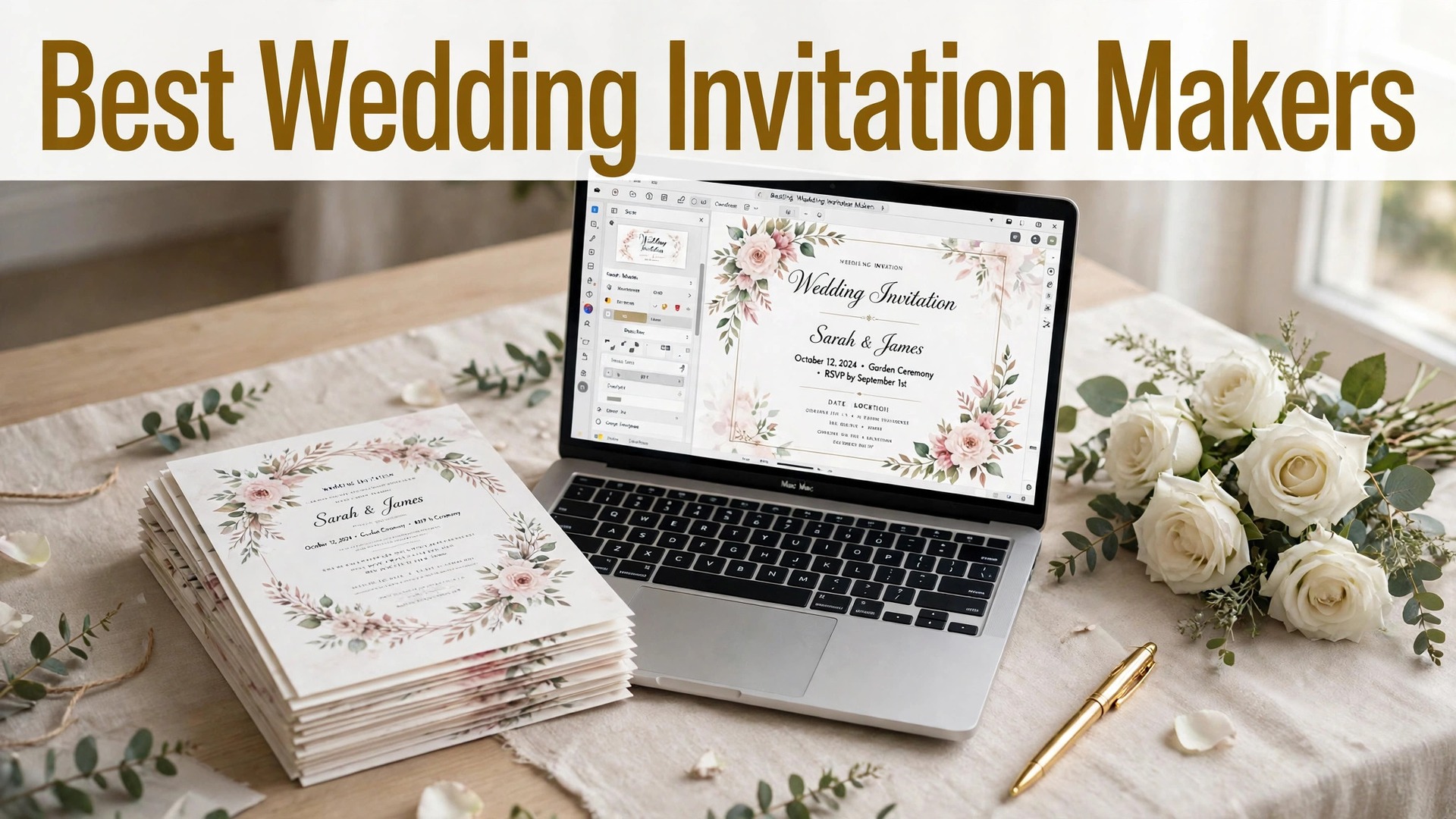
The best online wedding invitation makers in 2026 are Minted, Zola and Canva, and the right pick depends on one question. Do you want printed invitations that guests keep, digital invitations with RSVP tracking, or both? A printed invitation sets the tone for the day. A digital invitation tells you who is coming. Most couples need both, and the tools below handle each job differently.
Minted leads for printed invitations, with designs from independent artists and paper that feels expensive. Zola leads for a free wedding website with digital invitations and RSVP tracking built in. Canva leads for designing the invitation yourself, with a free plan and print from about $1 per card. Paperless Post, Greenvelope and Evite cover digital invitations with style.
Prices below were checked in November 2026. Printed invitations from Minted start at about $2 per card and fall with quantity. Digital invitations from Zola are free. Paperless Post uses a coin system, and Greenvelope charges from about $19 per event. Print prices change with paper, size and quantity, so check the price for your exact order.
Quick jump
- Quick Answer. The Best Online Wedding Invitation Makers in 30 Seconds
- How We Compared These Tools
- Best Pick by Job
- Free vs Paid. What You Actually Get
- How to Choose the Right One for You
- A Simple Workflow That Works
- The Details That Decide the Result
- Mistakes to Avoid
- Related Guides
- Frequently Asked Questions
- The Verdict
Quick Answer. The Best Online Wedding Invitation Makers in 30 Seconds
Minted is the best all-round pick for printed wedding invitations, with designs from independent artists from about $2 per card. Zola is the best free pick, with digital invitations, a wedding website and RSVP tracking at no cost. Canva is the best pick for designing the invitation yourself, with a free plan and print from about $1 per card.
If you want printed invitations that impress, order Minted. If you want to know who is coming without chasing replies, use Zola. If you want to design it yourself and print it cheaply, Canva will do it. The rest of this guide compares ten tools on designs, RSVP tools and price, so you can pick the one that fits your wedding.
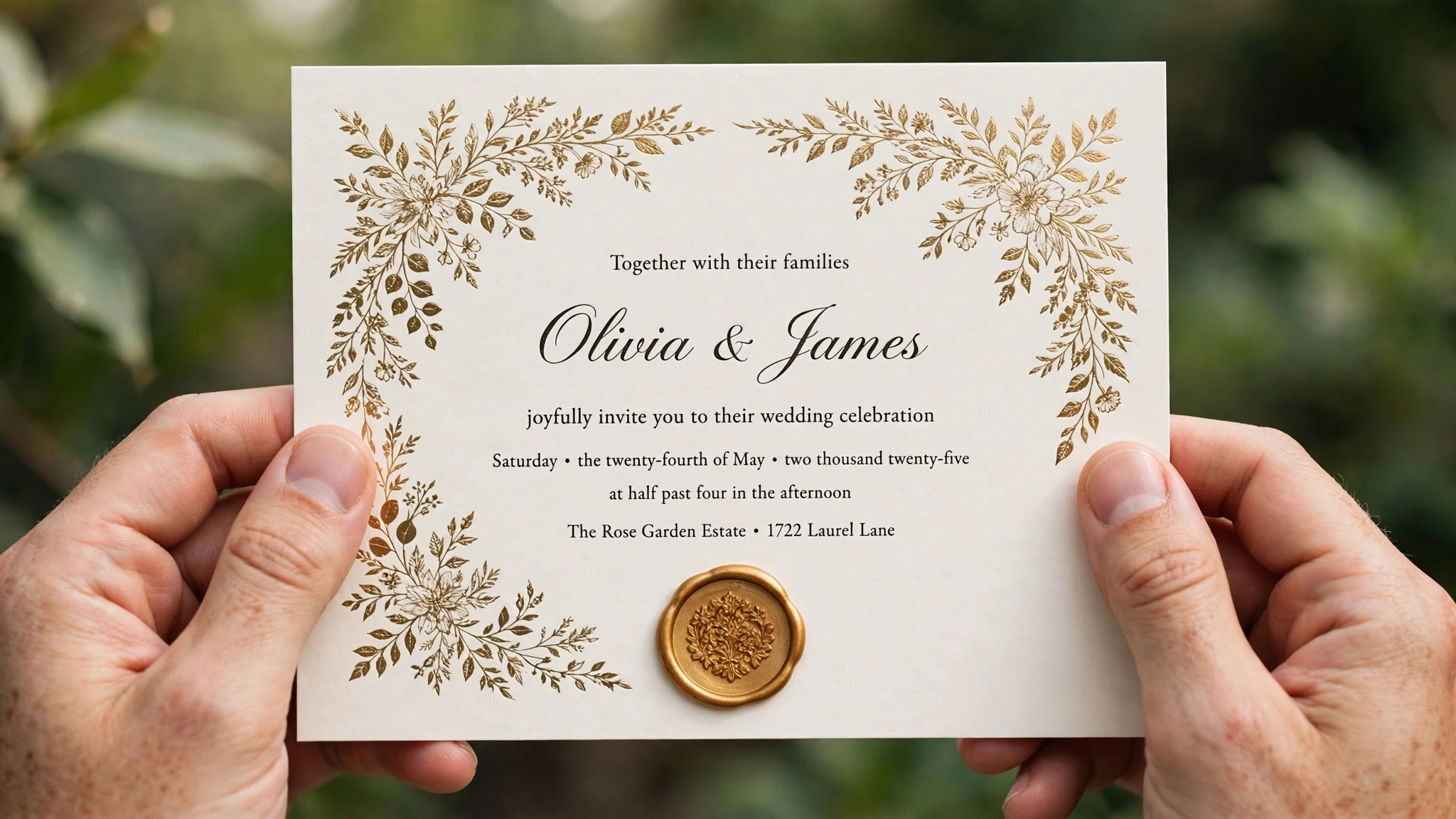
| Tool | Best for | Free plan | Paid from | Standout |
|---|---|---|---|---|
| Minted | Printed invitations | Design free | About $2/card | Artist designs, premium paper |
| Zola | Free digital invites plus website | Yes, free | Free | RSVP tracking built in |
| Canva | Designing it yourself | Yes | About $1/card print | Easiest design tool |
| Paperless Post | Stylish digital invitations | Yes, limited | Coins, from free | Beautiful digital designs |
| Greenvelope | Elegant digital invitations | Trial | From about $19/event | Luxury digital style |
| Evite | Casual digital invitations | Yes, free | Free, Premium about $10/mo | Fast and simple |
| Joy | Wedding website plus invites | Yes, free | Free | All-in-one wedding site |
| The Knot | Wedding planning plus invites | Yes, free | Free, print extra | Planning tools built in |
| Basic Invite | Custom printed invitations | Design free | About $1.50/card | Almost unlimited colours |
| Truly Engaging | Budget printed invitations | Design free | About $1/card | Low prices, free samples |
1. Minted
Best for printed invitations with designs from independent artists. Price Printed invitations start at about $2 per card, with prices falling in larger quantities. Free tier Designing and customising is free, and you can order a sample before you commit.
Minted offers free recipient addressing on envelopes, which saves hours of handwriting. Printed invitations start at about $2 per card, with prices falling in larger quantities. Designing and customising is free, and you can order a sample before you commit.
Minted designs come from independent artists, so the invitations look original, and the paper options include thick cotton and pearl finishes that feel expensive in the hand. It is the priciest printed option here, and the best designs cost more than the base price. The pick when the invitation matters as much as the wedding itself. Order a sample first, and check the paper in your hand before you order a hundred.
If printed invitations with designs from independent artists is your situation, Minted fits. It keeps the workflow short, the result looks right, and you will not need a tutorial to get there.
The question to ask before you pay for Minted is simple. Will you use it next month, and the month after? A tool you open once is a free tool. A tool you open every week is a subscription, and the right question is whether the work it saves is worth the monthly price.
2. Zola
Best for free digital invitations with a wedding website and RSVP tracking. Price Zola digital invitations, the wedding website and RSVP tracking are free. Free tier There is no paid plan for the core tools, though Zola sells registry and print services.
Zola also runs a registry, so guests can buy gifts from the same site where they RSVP. Zola digital invitations, the wedding website and RSVP tracking are free. There is no paid plan for the core tools, though Zola sells registry and print services.
Zola tracks RSVPs automatically, sends reminders, and manages plus-ones and meal choices, which is the part of wedding planning that eats the most time. The printed invitation options are fewer than Minted, and the designs are simpler. The best free pick in this list. Use Zola for the digital side, and Minted for the printed invitations, and you have the best of both.
Zola earns its place here for free digital invitations with a wedding website and RSVP tracking. Nothing flashy, just a tool that handles the job and lets you move on to the next thing.
One detail worth checking on Zola is the export. Open the free export before you invest an hour in the design, and make sure the file is clean, sharp and in a format you can actually use. A beautiful design you cannot export is a wasted afternoon.
3. Canva
Best for designing the wedding invitation yourself. Price Print prices start at about $1 per card in small quantities. Free tier The free plan includes wedding invitation templates and design tools.
Canva lets you design the invitation, the save-the-date and the thank-you card in matching styles. Print prices start at about $1 per card in small quantities. The free plan includes wedding invitation templates and design tools.
Canva has hundreds of wedding invitation templates, from minimal to floral to modern, and the editor is the easiest here for a non-designer. Canva print paper is good but not as luxurious as Minted, and the envelope options are fewer. The pick when you want to design it yourself and control the cost. Design in Canva, print a test, and order the rest when you are happy.
What designing the wedding invitation yourself does well for Canva is keep things simple. Open it, do the work, export the file. That is the whole experience, and for many people it is enough.
Before you commit to Canva, try it on a real job, not a test. A tool that feels good on a demo can still fight you on a deadline, and ten minutes with a real project tells you more than an hour of reading reviews.
4. Paperless Post
Best for stylish digital invitations that feel like paper. Price Digital invitations start free with limited coins, and more coins cost a few dollars per event. Free tier The free plan includes a small number of coins for a first event.
Paperless Post also offers printed invitations through its Paper Source partnership. Digital invitations start free with limited coins, and more coins cost a few dollars per event. The free plan includes a small number of coins for a first event.
Paperless Post digital invitations look like real paper, with envelopes that open on screen, and the designs come from well-known stationers. The coin system confuses first-time users, and a large guest list costs more in coins. The pick for a stylish digital invitation when you want the guest to feel they received something special, not just an email.
For stylish digital invitations that feel like paper, Paperless Post is the practical choice when you want stylish digital invitations that feel like paper without a long setup. It does the job, it does it well, and it stays out of your way.
The honest test for Paperless Post is whether you come back to it. A tool you use once and forget was never the right tool, however good the first result looked. The ones in this guide earned their place because people keep using them.
5. Greenvelope
Best for elegant digital invitations for a formal wedding. Price Pricing starts at about $19 per event. Free tier A trial lets you design and preview before you pay.
Greenvelope tracks RSVPs and sends reminders, like Zola, but with a more formal design language. Pricing starts at about $19 per event. A trial lets you design and preview before you pay.
Greenvelope digital invitations are elegant, with lined envelopes and wax seal designs that suit a formal wedding. It is a paid product with no free tier, and the guest list limits apply per event. The pick for a formal wedding where the digital invitation needs to feel as considered as a printed one.
If elegant digital invitations for a formal wedding is your situation, Greenvelope fits. It keeps the workflow short, the result looks right, and you will not need a tutorial to get there.
If you use Greenvelope once a month, the free plan is probably enough, and you should not pay for a year of something you open twice. If you use it every week, the paid plan is the honest cost, and it is worth budgeting for, because the time it saves adds up faster than the subscription.
6. Evite
Best for casual digital invitations, fast and free. Price Evite digital invitations are free, with a Premium plan from about $10 a month for extras. Free tier The free plan covers invitations with ads.
Evite has been sending digital invitations for over twenty years, and its RSVP tracking is simple and reliable. Evite digital invitations are free, with a Premium plan from about $10 a month for extras. The free plan covers invitations with ads.
Evite is the fastest tool here. Pick a design, add the details, send it. A casual wedding or an engagement party invitation takes ten minutes. The designs are casual, and the free plan shows ads to your guests. The pick for a casual event, an engagement party or a rehearsal dinner, where speed matters more than formality.
Evite earns its place here for casual digital invitations, fast and free. Nothing flashy, just a tool that handles the job and lets you move on to the next thing.
The question to ask before you pay for Evite is simple. Will you use it next month, and the month after? A tool you open once is a free tool. A tool you open every week is a subscription, and the right question is whether the work it saves is worth the monthly price.
7. Joy
Best for a wedding website and invitations in one free place. Price Joy is free, including the wedding website, digital invitations and RSVP tracking. Free tier There is no paid plan for the core tools.
Joy, formerly Joy by WithJoy, is built specifically for weddings, so every feature fits the job. Joy is free, including the wedding website, digital invitations and RSVP tracking. There is no paid plan for the core tools.
Joy combines a wedding website, digital invitations, RSVP tracking and a registry in one free account, which keeps everything in one place. The design options are fewer than Minted or Canva, and there is no printed invitation service. The pick when you want one free place for the website, the invitations and the RSVPs, without paying anything.
What a wedding website and invitations in one free place does well for Joy is keep things simple. Open it, do the work, export the file. That is the whole experience, and for many people it is enough.
One detail worth checking on Joy is the export. Open the free export before you invest an hour in the design, and make sure the file is clean, sharp and in a format you can actually use. A beautiful design you cannot export is a wasted afternoon.
8. The Knot
Best for wedding planning with invitations built in. Price The Knot website, planning tools and digital invitations are free. Free tier Printed invitations cost extra, with prices from about $1.50 per card.
The Knot is one of the largest wedding sites, with planning tools used by millions of couples. The Knot website, planning tools and digital invitations are free. Printed invitations cost extra, with prices from about $1.50 per card.
The Knot combines invitations with a checklist, budget tracker, vendor search and guest list, so the invitation is one part of a bigger planning system. The invitation designs are fewer than Minted, and the site shows vendor advertising. The pick when you want the invitation inside a full planning system, not a standalone tool.
For wedding planning with invitations built in, The Knot is the practical choice when you want wedding planning with invitations built in without a long setup. It does the job, it does it well, and it stays out of your way.
Before you commit to The Knot, try it on a real job, not a test. A tool that feels good on a demo can still fight you on a deadline, and ten minutes with a real project tells you more than an hour of reading reviews.
9. Basic Invite
Best for custom printed invitations in almost any colour. Price Printed invitations start at about $1.50 per card. Free tier Designing is free, with a free sample available.
Basic Invite offers free samples, so you can check the colours before you order. Printed invitations start at about $1.50 per card. Designing is free, with a free sample available.
Basic Invite lets you change almost every colour on the invitation, with hundreds of envelope colours, which suits a wedding with a specific colour scheme. The paper quality is good but not as luxurious as Minted. The pick when your wedding has an exact colour scheme and you need the invitation to match it perfectly.
If custom printed invitations in almost any colour is your situation, Basic Invite fits. It keeps the workflow short, the result looks right, and you will not need a tutorial to get there.
The honest test for Basic Invite is whether you come back to it. A tool you use once and forget was never the right tool, however good the first result looked. The ones in this guide earned their place because people keep using them.
10. Truly Engaging
Best for budget printed invitations with free samples. Price Printed invitations start at about $1 per card. Free tier Designing is free, and samples are free.
Truly Engaging offers matching save-the-dates, programs and thank-you cards. Printed invitations start at about $1 per card. Designing is free, and samples are free.
Truly Engaging is the cheapest printed option here, with free samples and a large template range, which suits a wedding on a tight budget. The designs are simpler than Minted, and the paper options are fewer. The pick for a beautiful printed invitation on a budget. Order the free sample first and check the quality yourself.
Truly Engaging earns its place here for budget printed invitations with free samples. Nothing flashy, just a tool that handles the job and lets you move on to the next thing.
How We Compared These Tools
We started with a long list of more than twenty tools and cut it to the 10 in this guide. A tool made the list only if a beginner could use it without a tutorial, it exports a usable file, and it is still actively maintained. Tools that had not been updated in years, or that locked the basic export behind a paywall, were cut.
Prices were checked on the vendor pricing pages in November 2026, and every price in this guide is the figure we found there. Prices change often, and some tools show different prices by country, so check the price on the day you pay. Where two sources disagreed, we used the vendor page and said so in the text.
We did not rank tools by features alone. A tool with a hundred features you never use loses to a tool with ten features you use every week. The rankings in this guide weigh ease of use, export quality, the free tier and the price, in that order, because those are the things that decide whether you finish the job.
Best Pick by Job
There is no single winner here, because the right tool depends on the job you are doing. The table below gives the pick by job, not by brand loyalty. Read the row that matches your situation and you have your answer.
| Your job | Best pick | Why |
|---|---|---|
| Printed invitations with designs from independent artists | Minted | The pick when the invitation matters as much as the wedding itself. Order a sample first, and check the paper in your hand before you order a hundred. |
| Free digital invitations with a wedding website and RSVP tracking | Zola | The best free pick in this list. Use Zola for the digital side, and Minted for the printed invitations, and you have the best of both. |
| Designing the wedding invitation yourself | Canva | The pick when you want to design it yourself and control the cost. Design in Canva, print a test, and order the rest when you are happy. |
| Tightest budget | Minted | Strongest free tier in this list. |
| Fastest result | Zola | Quickest path from idea to finished file. |
Free vs Paid. What You Actually Get
The free plans in this guide are real, but they all have a limit. Usually the limit is the export, the number of designs, or the licence. A free plan that exports a watermarked file is not free for a public project, and a free plan that allows three downloads a month is not free for a business that publishes weekly.
The paid plan is worth it when you use the tool every week, when you need the brand kit, or when the free export carries a watermark you cannot show a client. It is not worth it when you need one file, once. For a single project, use the free plan, finish the job, and cancel nothing, because there is nothing to cancel.
Watch the trial terms. Several tools in this list start with a cheap trial that renews automatically, and the renewal price is the real price. Set a reminder for the day before the trial ends, and decide then, with the finished file in your hand, whether the tool earned the subscription.
How to Choose the Right One for You
Start with the guest list, not the design. Count the households, not the people, because one invitation goes to each household. That number decides the quantity, and the quantity decides the price, so a guest list that is still changing will cost you money in reprints.
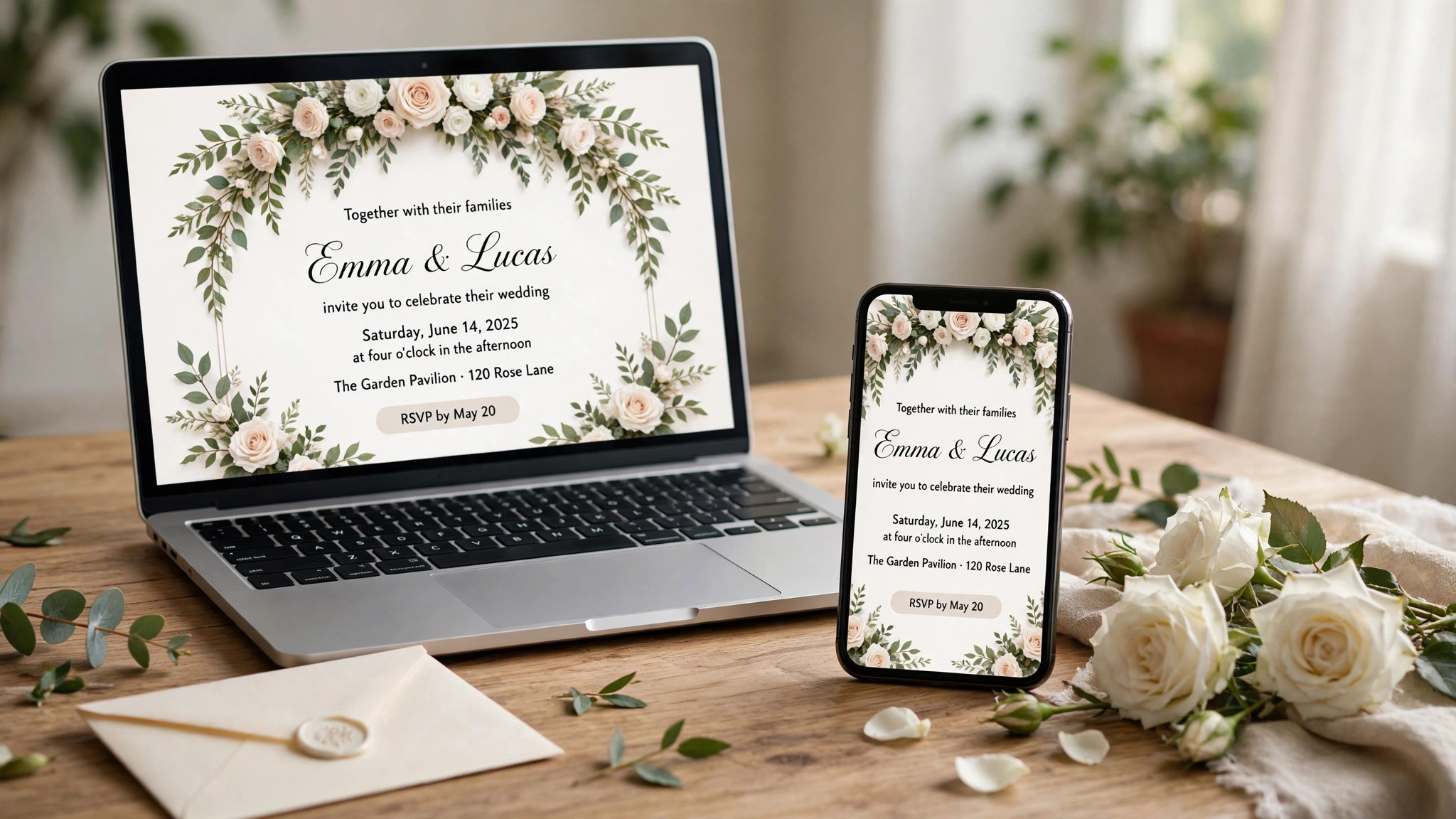
Next, decide printed, digital or both. Printed invitations set the tone and get kept. Digital invitations track RSVPs and cost nothing. Most weddings use printed invitations for the formal invite and digital tools for RSVP tracking, and Zola or Joy handles the digital side free.
Finally, order a sample before you order a hundred. Paper, colour and size are impossible to judge on screen. A sample costs a few dollars and tells you whether the invitation feels right in your hand.
A Simple Workflow That Works
Step 1. Finalise the guest list by household and count the invitations you need.
Step 2. Pick printed, digital or both, and choose the tool for each.
Step 3. Choose a design that matches the wedding style, formal, modern or rustic.
Step 4. Write the wording, names, date, time, venue and RSVP date, and proofread it twice.
Step 5. Order one sample and check the paper, colours and print quality.
Step 6. Order the full quantity, with ten extra for mistakes and keepsakes.
The Details That Decide the Result
Printed invitations should go out six to eight weeks before the wedding, and save-the-dates six to eight months before. Digital invitations can go out later, but the RSVP date should still be three to four weeks before the wedding, so you have time to chase the stragglers and give the caterer a final number.
Paper matters more than most couples expect. A thick cotton paper feels expensive and photographs well. A thin glossy paper feels cheap, however good the design is. If the budget allows, spend it on paper, not on extra decoration.
Wording is the part couples get wrong most often. Include the names, the date, the time, the venue address and the RSVP date. Proofread it twice, and ask someone else to read it too. A typo on a wedding invitation is the mistake guests remember.
Mistakes to Avoid
The most common mistake is ordering too few. Order ten extra for mistakes, keepsakes and the guests you forgot. A reprint of ten cards costs far more per card than adding ten to the original order.
The second mistake is forgetting the RSVP date. Guests need a deadline, and you need the number for the caterer. Set the RSVP date three to four weeks before the wedding, and send a reminder a week before it.
The third mistake is designing for the screen and forgetting the paper. Colours look different in print, and a design that looks good on a laptop can look washed out on paper. Order a sample and check it in daylight.
If you want the shortlist again, the best online wedding invitation makers that matter most are the ones above, and the best pick depends on your budget, your skill and how often you will use the tool.
That is the honest picture of the best online wedding invitation makers available today, and the differences that matter are the price, the free tier and how the tool handles your real work.
A final note on the best online wedding invitation makers in this list. None of them is perfect for everyone, and the right choice is the one that fits the job you actually do, not the one with the longest feature list.
Before you decide, remember what the best online wedding invitation makers are for. They exist to save you time and to make the result look professional, and any tool that does both is worth paying for.
The best online wedding invitation makers above cover every budget, from free to premium, so there is no reason to settle for a tool that fights you. Pick the one that feels easy, and get on with the work.
When friends ask about the best online wedding invitation makers, the advice is always the same. Start free, make one real thing, and pay only when the free plan stops you from finishing the job.
That is the full picture of the best online wedding invitation makers worth your time this year. The market will change, prices will move, and new tools will appear, but the way to choose will stay the same.
Related Guides
Frequently Asked Questions
Which wedding invitation maker is best?
Minted is the best pick for printed invitations, with artist designs from about $2 per card. Zola is the best free pick, with digital invitations and RSVP tracking at no cost. Canva is the best pick for designing the invitation yourself.
Should I send printed or digital wedding invitations?
Most weddings use both. Printed invitations set the tone and get kept as keepsakes. Digital invitations track RSVPs and cost nothing. Use Minted for print and Zola for digital, and you have the best of both.
How far in advance should I send wedding invitations?
Six to eight weeks before the wedding for printed invitations, and six to eight months before for save-the-dates. Set the RSVP date three to four weeks before the wedding, so you have time to finalise numbers.
Can I make wedding invitations for free?
Yes, you can design them free with Canva, Zola or Joy. Printing costs money, from about $1 per card. Digital invitations from Zola, Joy and Evite are free, with RSVP tracking included.
How many invitations should I order?
One per household, not one per guest, plus ten extra for mistakes, keepsakes and forgotten guests. A reprint costs far more per card than adding extras to the original order.
The Verdict
The best online wedding invitation makers are the ones that fit the wedding you are actually planning. Minted wins for printed invitations that impress, Zola wins for free digital invitations with RSVP tracking, and Canva wins when you want to design it yourself. Finalise the guest list by household, order a sample, proofread the wording twice, and order ten extra. A wedding invitation is a small thing, but it is the first thing your guests see, and it sets the tone for the whole day.
If you start today, open Zola, build the guest list, and send the digital save-the-date. The printed invitations can wait until the design is right. The guest list cannot, because every other decision depends on it.
A wedding invitation is a promise, not just a piece of paper. It tells your guests the date, the place and the tone, and it tells them you thought about them. Spend the time to get it right.
RSVP tracking is the part of wedding planning that saves the most time. A tool that chases replies for you is worth more than a prettier template, because the guest list is the decision every other decision depends on.
Order the sample. Paper is impossible to judge on a screen, and a sample costs less than a coffee. The couples who skip the sample are the ones who reorder.
The invitation sets the tone. A formal invitation tells guests to dress up. A casual invitation tells them to relax. Make sure the invitation matches the wedding, or guests will arrive dressed for the wrong day.
Keep the wording simple. Names, date, time, venue, RSVP date. Everything else, directions, accommodation, gift information, belongs on the wedding website.
A guest list that keeps changing will cost you money. Finalise it before you order, and accept that someone will be forgotten. That is what the ten extra cards are for.
Digital invitations are not a lesser choice. For a small wedding, a destination wedding or a second wedding, they are often the right choice, and your guests will not think less of you for it.
1 thought on “Best Online Wedding Invitation Makers: Complete 2026 Guide”