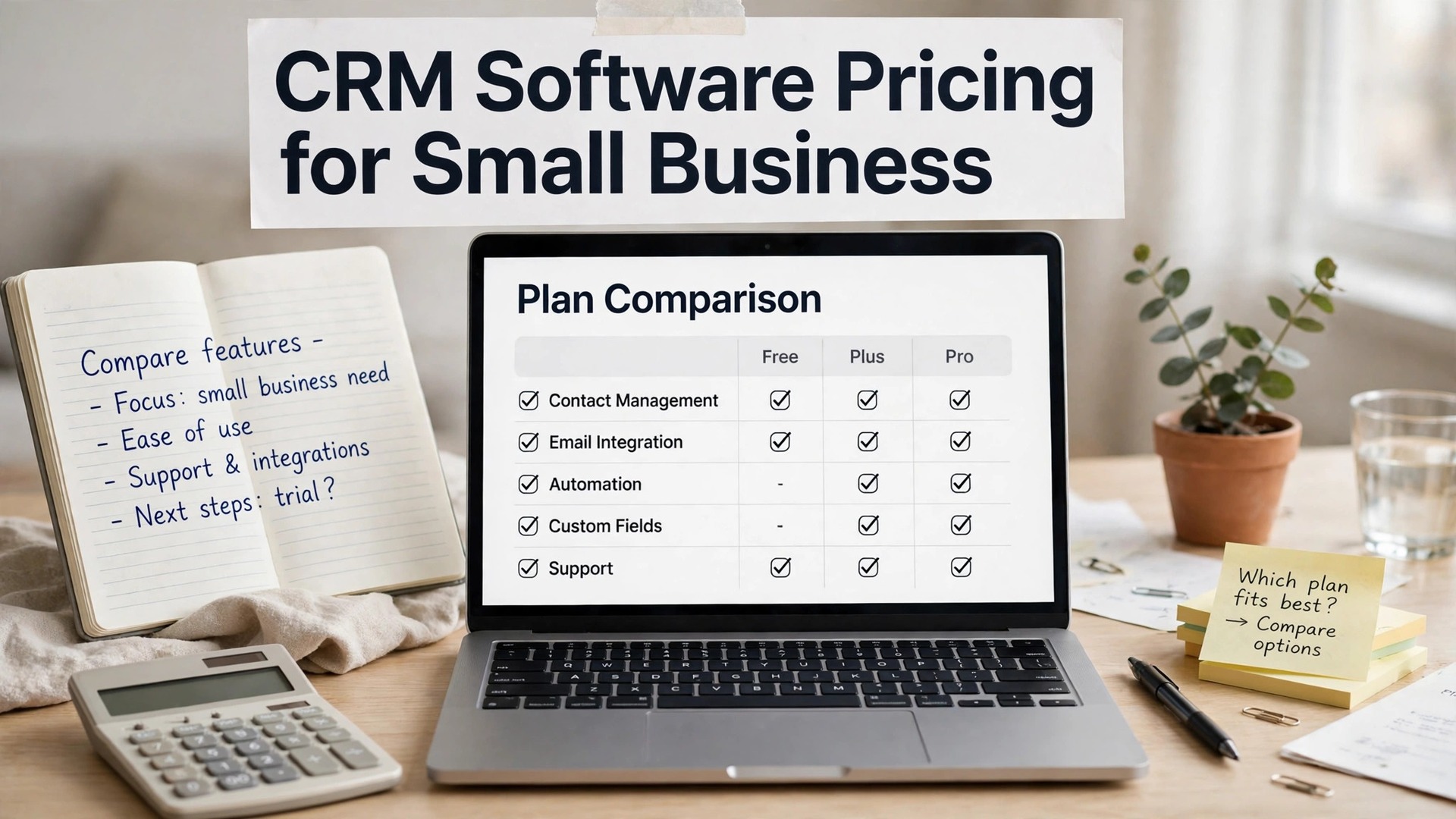
The crm software pricing for small business question is really two questions. What does the entry plan cost, and what does the plan you will actually land on cost. The two figures are rarely close, and the gap is where most buyers get surprised, usually in month three when the free tier runs out or the client count passes a cap.
This guide prices every major CRM the way a small business actually buys it. Per-user prices are multiplied by a five-person team, the free tier is priced honestly, and the add-ons that vendors leave off the pricing page are named where they matter. Prices come from vendor pricing pages checked in October and November 2026.
A five-person team is the yardstick throughout, because it is the size where per-user pricing starts to bite. A $14 seat is $70 a month for five people, or $840 a year, and a $20 seat is $100 a month, or $1,200 a year. Keep that arithmetic beside every price below.
Quick jump
Quick Answer. CRM Software Pricing for Small Business in 30 Seconds
The onboarding experience tells you a lot about the vendor, because a tool that is hard to set up is usually hard to use every day.
A tool that integrates with the calendar and the email you already use will be adopted faster than a tool that asks the team to learn a new inbox.
A short trial with real work tells you more than a long demo with sample data, so use the trial the way you would use the tool on a normal Tuesday.
A vendor that publishes its prices plainly is easier to trust than one that hides them behind a sales call, and the tools on this list all publish theirs.
For crm software pricing for small business, the cheapest real option is a free plan from HubSpot, Zoho CRM or Freshsales, which covers a small team at $0. The cheapest paid plan is Freshsales Growth at $9 per user a month, or $45 a month for five people. The best value paid plan for most teams is Zoho CRM Standard at $14 per user a month, or $70 a month for five.
The table below compares every tool on the price a five-person team actually pays, then each review breaks the plans down tier by tier, with the add-ons and the caps that change the total.
| Tool | Free plan | Entry paid | Five-person monthly cost | Best for |
|---|---|---|---|---|
| HubSpot | Free plan covers contacts, deals, pipelines and email | $20 per user a month for Starter | $100 | teams that want a free CRM that scales |
| Salesforce | No free plan, a 30-day trial is offered. | $25 per user a month for Starter Suite | $125 | businesses planning to scale past 50 people |
| Zoho CRM | Free plan covers up to 3 users. | $14 per user a month for Standard | $70 | budget teams that want full features |
| Pipedrive | No free plan, a 14-day trial is offered. | $14 per user a month for Essential | $70 | sales teams that live in the pipeline |
| Freshsales | Free plan covers up to 3 users. | $9 per user a month for Growth | $45 | teams that want calling and email built in |
| monday CRM | Free Individual plan covers up to 2 seats. | $9 per seat a month for Basic | $45 | visual teams that build their own workflows |
| Keap | No free plan, a 14-day trial is offered. | $249 a month billed annually | $249 | small businesses that want CRM plus marketing automation |
| Close | No free plan, a 14-day trial is offered. | $35 per user a month for Essentials | $175 | outbound sales teams that live on the phone |
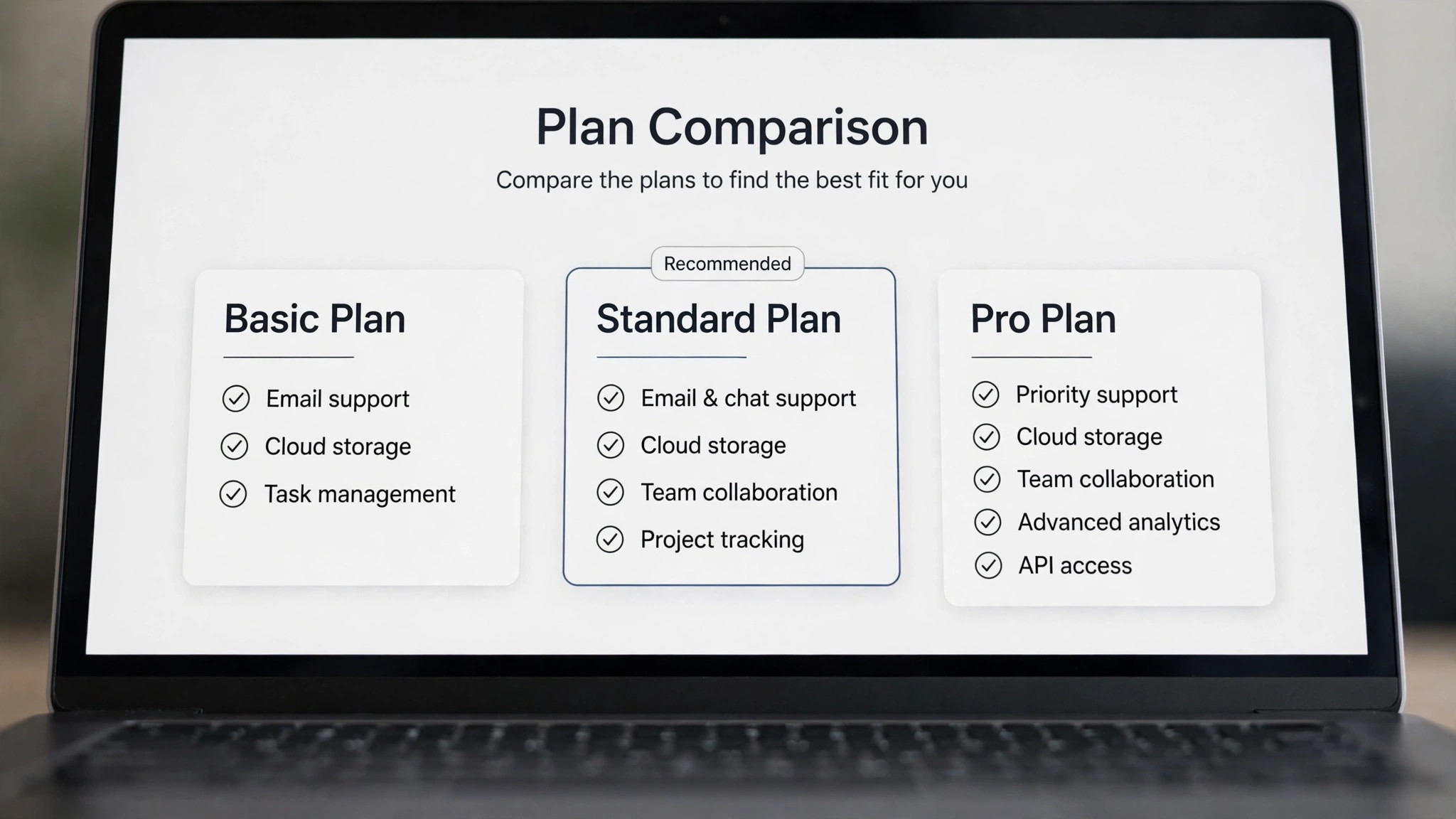
Crm software pricing for small business by Plan
Check the file formats the tool exports, because a PDF is good for a client and a CSV is good for a migration, and you will need both.
Keep a backup of the data outside the tool, because a subscription is not a backup, and a lost account should never mean lost records.

The best time to buy is after the test, not before it, because a tool that proves itself with real data is a tool the team will actually keep.
The cheapest plan is not always the cheapest year, because a free tier with a hard cap can cost more than a paid plan once the business grows past it.
The first thing to understand about crm software pricing for small business is that every vendor prices the same way, per user per month, and the differences hide in the caps. A free plan may cap contacts at 1,000 or users at 3, a Starter tier may cap at 10 users, and an add-on for calling or automation can add $30 a seat. The plan price is the start of the bill, not the end of it.
Annual billing is the second lever. Most vendors discount annual billing by 20 to 30 percent against monthly billing, so a $20 seat billed monthly is $16 billed annually. The saving is real, but only if the team will still use the tool in twelve months, so test on monthly billing first and switch to annual once the choice is proven.
1. HubSpot. Best for teams that want a free CRM that scales
HubSpot is built for teams that want a free CRM that scales. HubSpot is the easiest CRM to start with at no cost, and the free tier is genuinely usable rather than a demo. Contacts, deals, pipelines, email tracking and basic reporting are included, and the marketing, sales and service hubs share one contact record. Paid Starter at $20 per seat a month removes branding and bundles the hubs. Onboarding is short, and a new user can finish the first real task on day one without a training session.
Setup takes minutes, and the first invoice, contact or project can be live the same day you sign up. It connects with the accounting, email and calendar tools most small businesses already run. The mobile app covers the core job, so work done away from a desk still lands in the right place without waiting.
Pricing starts at $20 per user a month for Starter. Free plan covers contacts, deals, pipelines and email tracking.
What works. The free tier is the strongest here, and the ecosystem of integrations is the widest. What to watch. Paid tiers climb steeply, with Sales Hub Professional at $90 per seat a month plus a mandatory onboarding fee.
For a five-person team, HubSpot costs $100 a month on the entry paid plan. That figure excludes add-ons, onboarding fees and the higher tier you may need for automation, so treat it as the floor, not the ceiling.
2. Salesforce. Best for businesses planning to scale past 50 people
Among the crm software pricing for small business, salesforce is built for businesses planning to scale past 50 people. Salesforce is the default answer when a business expects to grow into complex sales. Starter Suite at $25 a user a month gives a simplified CRM on the Salesforce data model, with accounts, contacts, leads and opportunities. The upgrade path to Pro Suite at $100 a user a month adds workflows, forecasting and custom objects. Reporting covers the numbers a small business actually checks, such as what is owed, what is overdue, and what came in this month.
The dashboard stays readable on a phone, so work done away from a desk still lands in the right place. Native links to payment providers mean money moves without a separate export step. Data can be exported to CSV or PDF at any time, so the business is never locked into a format it cannot leave.
Pricing starts at $25 per user a month for Starter Suite. No free plan, a 30-day trial is offered.
What works. No other CRM on this list scales as far, and the AppExchange covers almost any integration. What to watch. Starter caps at 10 users and lacks API access and workflow automation, so the real price is often Pro Suite.
For a five-person team, Salesforce costs $125 a month on the entry paid plan. That figure excludes add-ons, onboarding fees and the higher tier you may need for automation, so treat it as the floor, not the ceiling.
3. Zoho CRM. Best for budget teams that want full features
Zoho CRM is built for budget teams that want full features. Zoho CRM gives small businesses the most CRM per dollar. Standard at $14 a user a month billed annually includes workflow automation, lead scoring, multichannel communication and customisation that costs two to three times more elsewhere. The free plan covers 3 users, and the Zoho suite adds email, invoicing and books beside it. The help centre answers the setup questions most new users hit, and the support team replies by chat or email within a working day.
Import from a spreadsheet or a rival tool is built in, which keeps a switch from turning into a data-entry weekend. A Zapier link covers the gaps, so an unusual workflow can still be wired up without code. The interface stays readable on a small screen, which matters for owners who check the business from a phone.
Pricing starts at $14 per user a month for Standard. Free plan covers up to 3 users.
What works. Standard at $14 is genuinely functional, with automation included where rivals charge extra. What to watch. The interface can feel busy, and the best features sit one or two tiers above Standard.
For a five-person team, Zoho CRM costs $70 a month on the entry paid plan. That figure excludes add-ons, onboarding fees and the higher tier you may need for automation, so treat it as the floor, not the ceiling.
4. Pipedrive. Best for sales teams that live in the pipeline
Pipedrive is built for sales teams that live in the pipeline. Pipedrive is built around one idea, the visual sales pipeline, and every feature serves that view. Deals move through stages by dragging, activities and reminders keep follow-ups from slipping, and the interface stays out of the way. Essential at $14 a seat a month covers the core pipeline, while Growth at $39 adds automation. The mobile app covers the core job, so work done away from a desk still lands in the right place without waiting.
Support answers through chat or email, and the help centre covers the setup steps most new users actually hit. Calendar and email sync keep client records current without manual copying. Integrations with the calendar, email and payment tools most small businesses already run are built in, not bolted on.
Pricing starts at $14 per user a month for Essential. No free plan, a 14-day trial is offered.
What works. The pipeline view is the clearest here, and a new rep can use it on day one without training. What to watch. There is no free plan and no marketing suite, so email campaigns need a separate tool.
For a five-person team, Pipedrive costs $70 a month on the entry paid plan. That figure excludes add-ons, onboarding fees and the higher tier you may need for automation, so treat it as the floor, not the ceiling.
5. Freshsales. Best for teams that want calling and email built in
Among the crm software pricing for small business, freshsales is built for teams that want calling and email built in. Freshsales, by Freshworks, is the value pick for teams that call and email customers all day. Growth at $9 a user a month billed annually includes multiple pipelines, workflow automation and 10,000 contacts, with a built-in phone and email client. Pro at $39 adds territory management and time-based workflows. Data can be exported to CSV or PDF at any time, so the business is never locked into a format it cannot leave.
The mobile app covers the core job, so approvals and entries do not wait until you are back at a desk. Exports to CSV and PDF are one click, so leaving later is never held hostage by the format. A free plan or trial lets a buyer test the workflow with real data before any money changes hands.
Pricing starts at $9 per user a month for Growth. Free plan covers up to 3 users.
What works. Growth at $9 is the cheapest paid tier here with real automation, and calling is built in. What to watch. Reporting is lighter than HubSpot or Salesforce, and the ecosystem of integrations is smaller.
For a five-person team, Freshsales costs $45 a month on the entry paid plan. That figure excludes add-ons, onboarding fees and the higher tier you may need for automation, so treat it as the floor, not the ceiling.
6. monday CRM. Best for visual teams that build their own workflows
monday CRM is built for visual teams that build their own workflows. monday CRM turns contact and deal management into colourful boards with typed columns, so a team can shape its own workflow without a developer. Basic at $9 a seat a month billed annually covers contacts, pipelines and unlimited boards, with a 3-seat minimum. Standard at $12 adds automation and integrations. The interface stays readable on a small screen, which matters for owners who check the business from a phone.
Two-factor sign-in and role controls are available, which matters once anyone else touches the account. It connects with the accounting, email and calendar tools most small businesses already run. The upgrade path is clear, with the next tier adding the features a growing team actually needs rather than a bundle of extras.
Pricing starts at $9 per seat a month for Basic. Free Individual plan covers up to 2 seats.
What works. Boards are fast to build and easy to read, and onboarding is the quickest in this list. What to watch. The 3-seat minimum inflates the bill for a two-person team, and automation sits on higher tiers.
For a five-person team, monday CRM costs $45 a month on the entry paid plan. That figure excludes add-ons, onboarding fees and the higher tier you may need for automation, so treat it as the floor, not the ceiling.
7. Keap. Best for small businesses that want CRM plus marketing automation
Keap is built for small businesses that want CRM plus marketing automation. Keap, formerly Infusionsoft, is the all-in-one for businesses that want CRM and marketing automation without stitching tools together. Contacts, pipelines, email sequences, landing pages and payments live in one account, and the automation builder can run a whole follow-up sequence from a single trigger. It is priced for businesses, not solo operators. Integrations with the calendar, email and payment tools most small businesses already run are built in, not bolted on.
Setup takes minutes, and the first invoice, contact or project can be live the same day you sign up. Native links to payment providers mean money moves without a separate export step. Security is handled with two-factor sign-in and role controls, which matters once anyone else touches the account.
Pricing starts at $249 a month billed annually. No free plan, a 14-day trial is offered.
What works. CRM plus email automation plus payments in one login removes three subscriptions. What to watch. At $249 a month it is the most expensive tool here, and setup takes real time to do well.
For a five-person team, Keap costs $249 a month on the entry paid plan. That figure excludes add-ons, onboarding fees and the higher tier you may need for automation, so treat it as the floor, not the ceiling.
8. Close. Best for outbound sales teams that live on the phone
Close is built for outbound sales teams that live on the phone. Close is built for teams that sell by phone and email in volume. Calling, SMS and email sit inside the CRM, so a rep never leaves the deal record to dial, and the power dialer on Growth at $99 a user a month can work through a list fast. Reporting shows exactly which rep and which sequence closes deals. A free plan or trial lets a buyer test the workflow with real data before any money changes hands.
The dashboard stays readable on a phone, so work done away from a desk still lands in the right place. A Zapier link covers the gaps, so an unusual workflow can still be wired up without code. Onboarding is short, and a new user can finish the first real task on day one without a training session.
Pricing starts at $35 per user a month for Essentials. No free plan, a 14-day trial is offered.
What works. Built-in calling and email inside the deal record is the fastest outbound workflow here. What to watch. It is narrow by design, with no marketing suite and a price that climbs fast on the Growth tier.
For a five-person team, Close costs $175 a month on the entry paid plan. That figure excludes add-ons, onboarding fees and the higher tier you may need for automation, so treat it as the floor, not the ceiling.
The Add-Ons That Change the Total
The renewal date deserves a calendar entry, because a plan that renews silently can cost a full year of a tool nobody uses.
Check whether the plan includes the users you need, because a per-seat price that looks low can double once the whole team is added.
Read the reviews from businesses the same size as yours, because a tool that works for a fifty-person team can be the wrong tool for a team of three.
The add-ons are where the CRM bill grows quietly, because the pricing page shows the seat price and the add-on list sits a click away. Calling, automation, extra storage, additional pipelines and advanced reporting are all sold separately on most tools here, and a $14 seat with a $30 add-on costs more than a $20 seat without one.
Onboarding fees are the second hidden line. HubSpot Professional carries a mandatory onboarding fee, and Salesforce charges for implementation help on the higher tiers, so a team that budgets only the seat price will be surprised by the first invoice. Ask for the onboarding fee in writing before you sign.
Contact tier overages are the third hidden line, and they matter most on HubSpot, where the contact count decides the tier. A list that grows past the tier limit jumps the whole bill to the next tier, so count the contacts you will have in a year, not today, before you compare two tools on price.
How to Choose on Price
A feature that looks impressive in a demo is only useful if the team uses it every week, so rank features by the hours they actually save.
A tool that works on a phone matters more than most buyers expect, because the work that happens away from a desk still needs to land in the right place.
A tool that the team actually opens every day is worth more than a tool with a longer feature list that nobody touches after the first week.
Start with the free plan and count the real cost at your team size. A $9 seat for five people is $45 a month, a $25 seat is $125, and the difference over a year is nearly $1,000. Then add the add-ons you will actually buy, such as calling, automation or extra storage, and the onboarding fee if the vendor charges one.
Test on monthly billing, then switch to annual billing once the choice is proven. Annual billing saves 20 to 30 percent, but only if the team is still using the tool in twelve months, and a year-long contract with the wrong tool is the most expensive mistake in this list.

Related Guides
- Email Marketing Software Pricing for Small Business
- How to Automate Your Small Business with AI Tools
- How to Market Your Etsy Shop with AI Tools
Frequently Asked Questions
The total cost includes the time the team spends learning the tool, so a simple tool that everyone learns in a day can be cheaper than a powerful tool that takes a month.
The invoice, the reminder and the report should all carry the same numbers, so check that the tool reconciles them without manual copying.
Set a reminder to review the subscription every quarter, and cancel the tools the team stopped using, because unused subscriptions are the easiest money to save.
What is the cheapest CRM for a small business?
The cheapest real option is a free plan from HubSpot, Zoho CRM or Freshsales, which covers a small team at $0. The cheapest paid plan is Freshsales Growth at $9 per user a month, or $45 a month for a five-person team.
How much does a CRM cost for five people?
A five-person team pays $45 a month on Freshsales Growth, $70 on Zoho CRM Standard, $100 on HubSpot Starter, and $125 on Salesforce Starter. Add-ons and onboarding fees sit on top of those figures, so treat them as the floor.
Is annual billing worth it?
Annual billing saves 20 to 30 percent, which is real money on a five-person team. It is worth it once the choice is proven, so test on monthly billing for a month or two, then switch to annual when the team is settled.
Are there hidden costs in CRM pricing?
Yes, and the common ones are calling add-ons, automation add-ons, extra storage, onboarding fees and contact tier overages. HubSpot Professional, for example, carries a mandatory onboarding fee, and Salesforce Starter lacks API access and automation.
Can I start free and upgrade later?
Yes, and it is the right way to buy. Start on the free plan with real data, upgrade when a cap or a missing feature slows the work down, and move to annual billing once the choice is proven. Every tool here supports that path.
What should I check before I pay for a year?
Check the renewal price, the user and contact caps, the add-ons you will actually buy, and the cancellation terms. Confirm that your data exports cleanly, and test the tool with real data for a month before committing to a year.
How do I know when to upgrade?
Upgrade when a limit slows the work down, such as a client cap, a user cap, or a feature that sits behind the paywall. Until then, the free plan is the right plan, and the money saved is better spent on the work itself.
Can I use two tools together?
Yes, and many small businesses do. A free invoicing tool beside a paid CRM is a common setup, and the integration between them matters more than either tool alone. Check the native integration before you commit to a pair.
The Bottom Line
Write down the reason you chose the tool, and the date, so the next review starts from the original decision instead of from scratch.
A yearly plan saves money only if the team is still using the tool in twelve months, so test on monthly billing first and switch to annual once the choice is proven.
The setup is the moment to get the data right, because a clean start saves a week of fixing later, and a dirty start costs a month.
The crm software pricing for small business verdict is simple. Start free on HubSpot, Zoho CRM or Freshsales, and pay only when a cap bites. When you do pay, Freshsales Growth at $9 a user a month is the cheapest real plan, and Zoho CRM Standard at $14 is the best value for most five-person teams.
Price the plan at your real team size, add the add-ons you will actually buy, test on monthly billing, and switch to annual once the choice is proven. The cheapest CRM is the one the team still uses in month twelve, at a price the business can afford for a full year.
1 thought on “CRM Software Pricing for Small Business”