Recruiters search LinkedIn the way shoppers search a store, and most profiles are invisible to them. How to optimize your LinkedIn profile for recruiters is a system, not a single edit, and it works by rewriting your profile in the keywords recruiters actually type, and by keeping it active so the algorithm keeps showing it.
A strong profile does two jobs at once. It convinces a recruiter who found you, and it helps a recruiter find you in the first place. This guide shows you the system step by step, from the headline to the weekly habit, so your profile works while you sleep.
Quick jump
- Quick Answer. How to Optimize Your LinkedIn Profile for Recruiters in 30 Seconds
- The Tools That Help, and What Each One Does
- Mistakes That Make a Profile Invisible
- How to Ask for Recommendations
- LinkedIn Groups and Communities Worth Joining
- How to Write a Summary That Gets Read
- Using LinkedIn Analytics to Improve
- Profile Photo and Banner Tips
- How to Optimize Your LinkedIn Profile for Recruiters
- Related Guides
- Frequently Asked Questions
- The Bottom Line
Quick Answer. How to Optimize Your LinkedIn Profile for Recruiters in 30 Seconds
If you want the short version, here it is. Fix the headline first, with your role, your specialty and one proof point, then rewrite the summary and experience in the keywords from three real postings, turn on recruiter visibility, and post twice a week. The whole rewrite takes an afternoon, and the habit takes ten minutes a week.
How to optimize your LinkedIn profile for recruiters comes down to three moves, which are be findable, be believable, and be visible. The rest of this guide shows you each move in detail, with the steps and the tools.
The steps below assume you have a LinkedIn account and a target role in mind. If you do not have a target role yet, pick three real postings first, because the keywords in those postings are the brief for the whole rewrite.
Step 1. Get a Score Before You Rewrite Anything
Run your profile through a free scorer before you change a word, because a score gives you a baseline and a list of fixes. Resume Worded shows a partial score free, with full reports behind Pro at $49 a month, and Jobscan includes a LinkedIn optimizer in Premium at $49.95 a month. The score tells you which sections are weak, which keywords you are missing, and how your headline reads to a recruiter.
Write the score down, with the three biggest gaps, and keep it as the brief for the rewrite. A rewrite without a diagnosis is guesswork, and a rewrite from a diagnosis is a fix list. The score also gives you a target, so you can measure whether the rewrite worked.
Do not pay for a scorer until you have tested the free tier. The partial score is enough to find the big problems, and the full report is worth paying for only if you want the line-by-line detail. Test free first, and pay only if the free tier leaves questions unanswered.
Step 2. Fix the Headline First
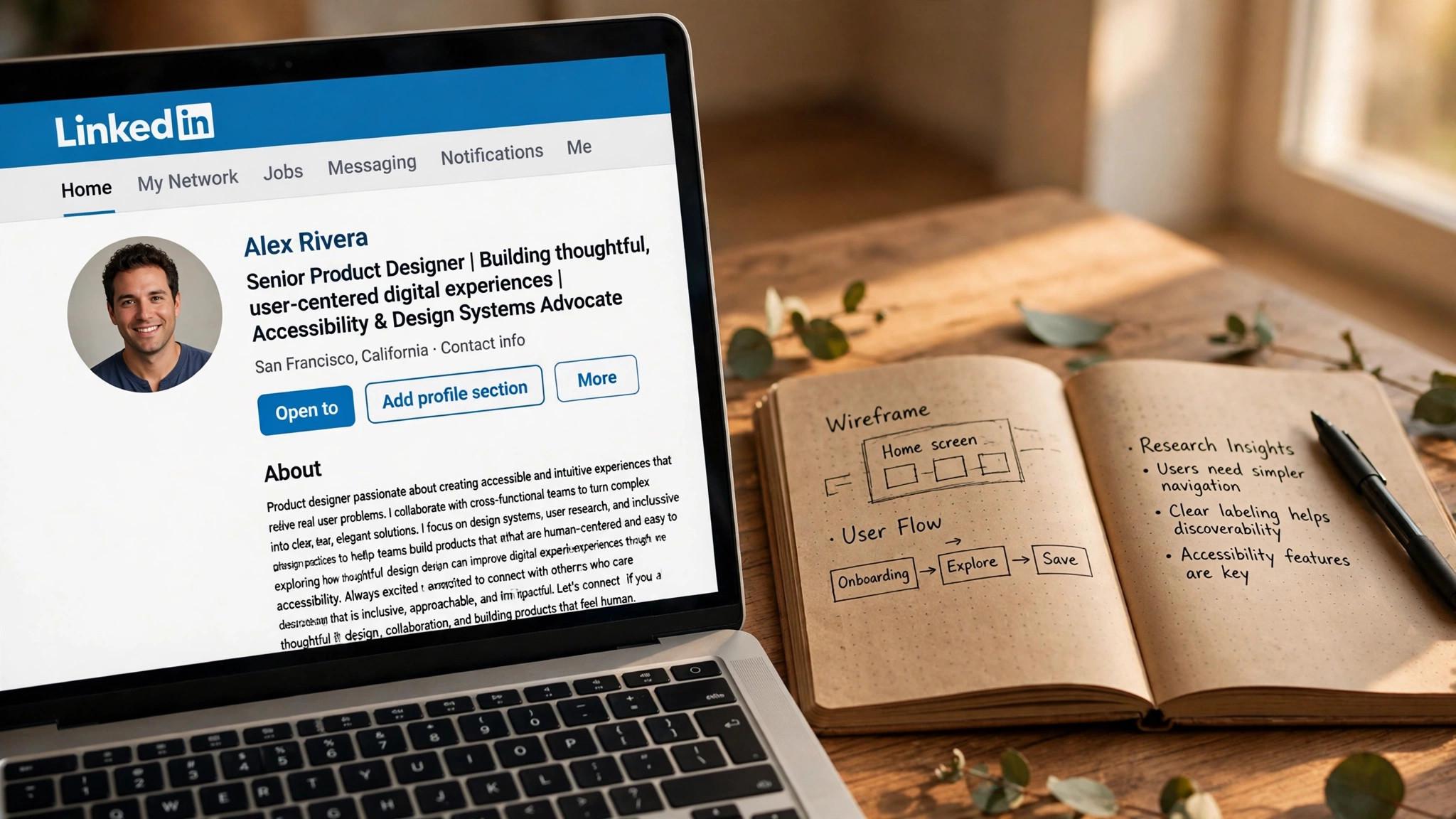
Your headline is the most searched field on your profile, and it follows you everywhere, in search results, in comments, and in connection requests. Write it as your role, your specialty and one proof point, in plain language a recruiter would type. A product manager who writes Product Manager, B2B SaaS, shipped onboarding that cut churn 18 percent will be found and believed, and a headline that says open to work or passionate professional says nothing a recruiter can search for.
Skip the clever phrases and the jargon. A headline that tries to be clever confuses the search, and a headline that names the role clearly gets found. Use the exact job title from the roles you want, because recruiters search for the title, not for a synonym.
Test the headline by searching for it yourself. Type the job title and the specialty into LinkedIn search, and see whether a profile like yours appears. If it does not, add the missing keyword. The headline is where most profiles lose the search, and it takes five minutes to fix.
Step 3. Rewrite the Summary as a Pitch, Not a Biography
Your summary, the About section, should read like a pitch, not a biography. Open with the role you want and the problem you solve, follow with two or three achievements with numbers, and close with what you are looking for. Keep it under 300 words, and write it in the first person, because a summary that sounds like a person is more believable than one that sounds like a company brochure.
Use the keywords from three real postings in the summary, naturally, not stuffed. If the postings ask for SQL, stakeholder management and B2B SaaS, those words should appear in your summary, because recruiters search for them, and a summary without them is invisible to the search.
End the summary with a clear call to action, such as the roles you want and how to reach you. A recruiter who reads a good summary and does not know what to do next will move on, and a clear next step turns a reader into a message.
Step 4. Rewrite Experience with Results, Not Duties
Rewrite every role in your experience section as achievements, not duties. A bullet that says you managed a team tells the reader nothing, and a bullet that says you led a team of six that shipped onboarding in eight weeks and cut churn 18 percent tells them everything. Use numbers wherever you have them, and use the STAR method, situation, task, action and result, to structure each bullet.
Match the language to the postings. If the role asks for cross-functional collaboration, say where you did it, with whom, and what happened. If it asks for data analysis, name the tools and the decision the analysis drove. The experience section is where the recruiter checks whether the headline is true, and it must prove the claim.
Keep each role to three or four bullets, and put the strongest achievement first. A hiring manager skims, so the first bullet of the most recent role must carry the story, and anything that does not earn its place should be cut. A short, strong experience section beats a long, vague one every time.
Step 5. Add Skills, Endorsements and Proof
Add the skills from the three postings, in the Skills section, and order them by relevance, not alphabetically. Recruiters filter by skills, and a profile with the right skills at the top gets found first. Ask colleagues to endorse your top three skills, because endorsements add credibility, and a skill with no endorsements looks untested.
Add proof beyond the profile. Link to a portfolio, a project, a publication, or a recommendation, in the Featured section, so a recruiter who likes the headline can see the work. A profile with proof is believable, and a profile without it is a claim. Ask two former colleagues for recommendations, and write one for them in return, because a recommendation from a real person carries more weight than any self-description.
Keep the skills honest. A skill you cannot discuss in an interview will fail when the recruiter asks about it, and a long list of skills you barely know dilutes the ones you actually have. List the skills you can defend, and leave the rest off.
Step 6. Turn On Recruiter Visibility
Turn on the open-to-work setting for recruiters only, not for everyone, so recruiters can find you without your current employer or your network seeing the badge. Set your job preferences, with the titles, locations, job types and start date, so the algorithm shows you to the right recruiters. The setting is in the profile, under Open to, and it takes two minutes to set.
Turn on creator mode if you plan to post regularly, because it changes your profile layout to highlight your content and your topics. Add the services you offer, if you freelance or consult, so clients can find you too. The settings are small, but they change who sees your profile, and a profile that is not visible to recruiters is a profile that does not work.
Check the settings monthly, because LinkedIn changes them, and a setting that turned itself off will cost you weeks of visibility. A quick check takes a minute, and it is the cheapest maintenance in this guide.
Step 7. Post Twice a Week and Stay Visible
LinkedIn ranks profiles that post, comment and engage above profiles that sit still, and recruiters notice the difference. Post twice a week about your work, a problem you solved, a lesson you learned, or a useful thing you found, and comment on posts in your field. The habit takes ten minutes a week, and it keeps your profile visible long after the rewrite.
Use a tool to help with the writing if you need it. Taplio helps you write and schedule posts, with plans from $49 a month, and AuthoredUp helps you draft hooks and analyse performance, with plans from $19.95 a month. The tool helps, but the habit matters more, because a tool cannot post for you and a schedule you do not keep is just a plan.
Measure what works. After a month, check which posts got seen, which ones got comments, and which ones brought profile views. Do more of what worked, and less of what did not. A profile that is active and improving beats a profile that was rewritten once and forgotten.
The Tools That Help, and What Each One Does
Resume Worded is the best tool for the diagnosis, with a partial score free and Pro at $49 a month or $229 a year. It gives your profile a score out of 100 and walks through it line by line, which is the most specific feedback in this guide. Jobscan is the best tool for matching your profile to a specific job, with a LinkedIn optimizer in Premium at $49.95 a month or $89.95 a quarter.
Taplio is the best tool for content, with plans from $49 a month, and AuthoredUp is the best tool for writing posts, with plans from $19.95 a month. LinkedIn Premium Career is the best tool for visibility itself, at $39.99 a month or $239.88 a year, with five InMail credits a month and applicant insights. Use a scorer for the rewrite, a content tool for the habit, and Premium only while you search.
Check the price at checkout before you pay, because prices change often, and test the free tier first. Most of the rewrite can be done with free tools, and the paid tools are for the diagnosis and the habit, not for the profile itself.
Mistakes That Make a Profile Invisible
The first mistake is a headline that says nothing a recruiter can search for. Open to work, passionate professional, and seeking new opportunities are not job titles, and they will not appear in a search for the role you want. Name the role, the specialty and one proof point, in plain language.
The second mistake is a profile that is rewritten once and forgotten. LinkedIn ranks active profiles above still ones, and a profile with no posts, no comments and no updates fades fast. Post twice a week, comment on posts in your field, and update the profile when your work changes.
The third mistake is paying for Premium before fixing the profile. Premium cannot fix a weak headline, and InMail from a weak profile gets ignored. Optimise first, subscribe second, and only for the months you are actively searching.
How to Ask for Recommendations
Ask people who saw your work, not people with impressive titles. A recommendation from a manager who watched you ship a project carries more weight than a recommendation from an executive who barely knows you, because the specific story is the proof, and a vague endorsement from a senior title is just a name.
Make it easy to say yes. When you ask, suggest the project and the result you would like them to mention, and offer to write a draft they can edit. A request that says would you write me a recommendation is easy to ignore, and a request that says would you write two sentences about the onboarding project is easy to accept.
Give recommendations first. Write one for a colleague, a client, or a manager, and ask in return, because generosity earns reciprocity, and a profile with two or three strong recommendations is believable in a way a profile without them is not. The best time to ask is right after a project ends, when the work is fresh.
Keep the recommendations current. A recommendation from five years ago tells the reader who you were, not who you are, and a profile with only old recommendations looks stale. Ask for a new one after each major project, and remove the ones that no longer match the roles you want.
LinkedIn Groups and Communities Worth Joining
Join one group in your field, and be useful there. A group with ten thousand silent members is a noticeboard, and a group with five hundred active members who answer questions is a community. Answer questions, share resources, and help people who are earlier in the journey than you are, because the community remembers the people who help.
Follow the companies you want to work for, and the hiring managers who post there. A company page shows you the roles before they are posted widely, and a hiring manager who posts regularly is a person you can reach with a thoughtful comment. The follow is the first step, and the comment is the second.
Join a community outside LinkedIn too, such as a Slack group, a forum, or a local meetup in your field. The relationships you build there are stronger than a LinkedIn connection, because they are based on shared work, not on a request. A community that knows your work will refer you, and a network that only knows your profile will not.
Leave groups that do not help. A group full of spam, self-promotion and irrelevant posts wastes the time you could spend in a community that matters, and a feed full of noise hides the posts that do. Audit your groups quarterly, leave the noisy ones, and invest the time in the one community where you are known.
How to Write a Summary That Gets Read
Open with the role you want and the problem you solve, in two sentences, because a summary that opens with a job title and a value proposition gets read, and one that opens with a biography gets skipped. The first two sentences are the summary, and the rest is the detail, so make them count.
Follow with two or three achievements, each with a number, because a summary with proof is believable, and one without it is a claim. A product manager who writes shipped onboarding that cut churn 18 percent has proof, and one who writes experienced product manager has a title. The number is the proof, and the proof is the point.
Use the keywords from three real postings, naturally, not stuffed, because recruiters search for them, and a summary without them is invisible to the search. If the postings ask for SQL, stakeholder management and B2B SaaS, those words should appear in your summary, in sentences that make sense, not in a list at the end.
Close with what you are looking for and how to reach you, in one sentence, because a recruiter who reads a good summary and does not know what to do next will move on. A clear next step turns a reader into a message, and a message is the goal of the whole profile.
Using LinkedIn Analytics to Improve
Check who viewed your profile weekly, and note the companies and roles, because the viewers tell you whether the right people are finding you. A profile viewed by recruiters from target companies is working, and one viewed only by strangers is not, and the difference tells you whether the keywords and the activity are right.
Check which posts got seen, which ones got comments, and which ones brought profile views, monthly, because the data tells you what to do more of. A post that brought ten profile views from hiring managers is worth repeating, and one that brought a hundred likes from strangers is not, and the metric that matters is interviews, not impressions.
Check the search appearances, which LinkedIn shows in the analytics, because the number tells you how often your profile appeared in recruiter searches. A profile that appears a hundred times a week is findable, and one that appears ten times is invisible, and the fix is keywords, activity, or both.
Review quarterly, and change one thing at a time, because a profile that improves beats one that repeats, and the data tells you what to change. If the views are low, fix the keywords. If the views are high but the messages are low, fix the summary. The measurement is the management, and a profile that is measured is a profile that grows.
Profile Photo and Banner Tips
Use a clear headshot, with your face taking up most of the frame, good lighting, and a plain background, because a profile photo is the first thing a recruiter sees, and a blurry, dark, or distant photo signals carelessness. A professional headshot costs little, and a phone photo in good light works just as well, if the face is clear and the background is clean.
Smile, because a smiling photo is approachable, and a serious one is distant, and a recruiter who feels welcome is more likely to message. The smile should be natural, not forced, and the photo should look like you on a good day, not like a stranger, because the interviewer will meet the person in the photo.
Use the banner to say what you do, with a short line of text or an image that shows the work, because the banner is free advertising space that most profiles waste. A banner that names your niche, with a clean design, tells the recruiter what you do before they read a word, and a default banner tells them nothing.
Update the photo every two years, or when your appearance changes significantly, because a photo that does not look like you anymore is a surprise at the interview, and a surprise is not the first impression you want. A current photo is honest, and honesty is the foundation of the whole profile.

How to Optimize Your LinkedIn Profile for Recruiters
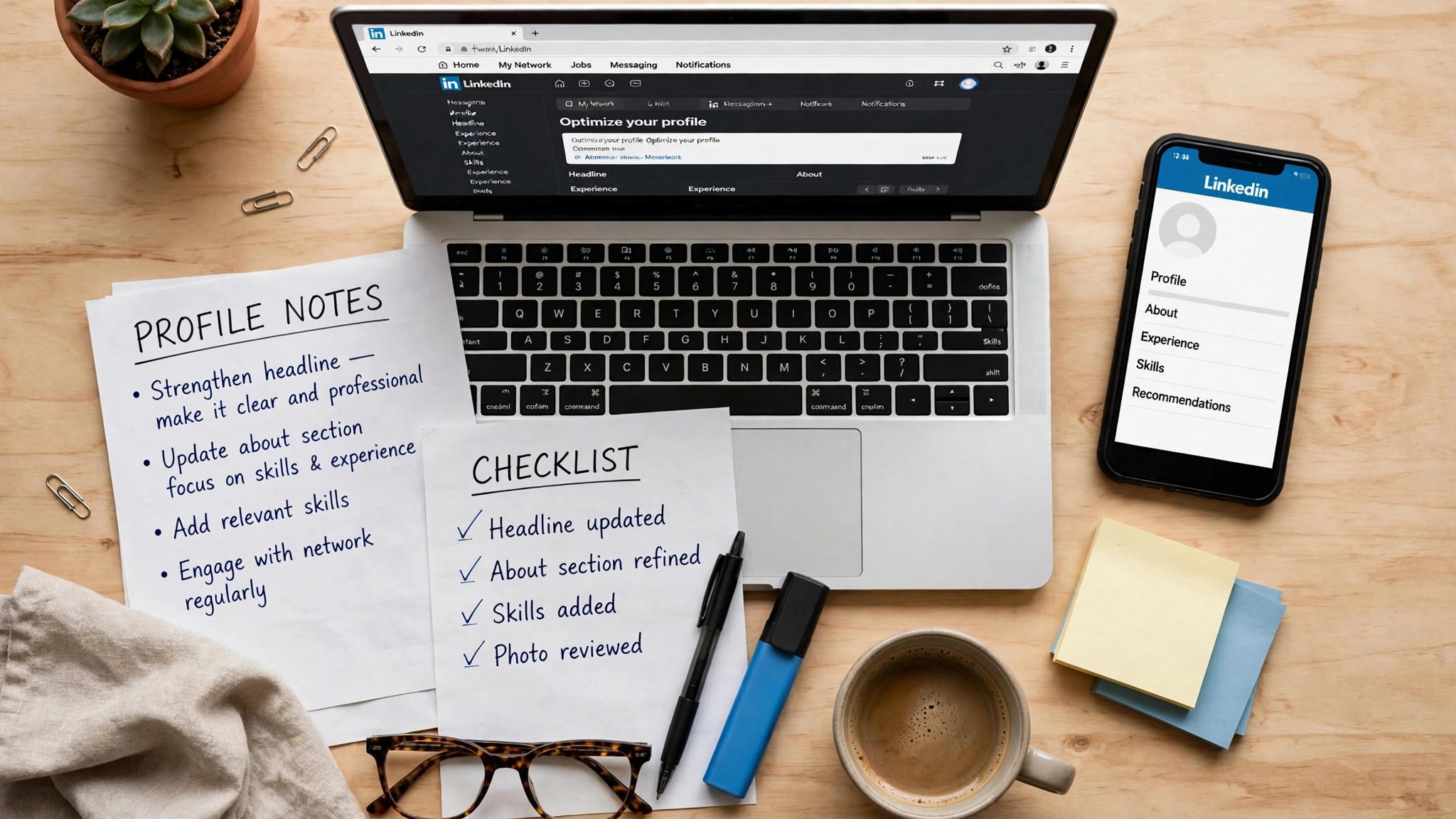
Step 1. Get a score, then fix the headline. Run the profile through a free scorer, write down the three biggest gaps, and rewrite the headline as your role, specialty and one proof point. The headline is where most profiles lose the search, and it takes five minutes to fix.
Step 2. Rewrite the summary and experience with keywords and results. Use the keywords from three real postings, write every bullet as an achievement with a number, and add proof in the Featured section. A profile that proves its claims gets believed, and a profile that only claims them gets skipped.
Step 3. Turn on visibility and post twice a week. Set open-to-work for recruiters only, set your job preferences, and post twice a week about your work. The rewrite gets you found, and the habit keeps you visible.
Related Guides
- How to Prepare for an AI Job Interview
- How to Switch Careers with AI Tools
- How to Use AI to Apply for Jobs Faster
Frequently Asked Questions
How do I make my LinkedIn profile show up in recruiter searches?
Use the exact job title and skills from the roles you want, in your headline, your summary and your experience section. Recruiters search with keywords, so a profile that names the role and the tools gets found, and a profile that describes itself in vague terms does not. Turn on the open-to-work setting for recruiters only, not for everyone. That is the value of how to optimize your linkedin profile for recruiters. A tool that fits the job beats a tool that promises everything.
What should my LinkedIn headline say?
Your headline should name your role, your specialty and one proof point, in plain language. A product manager who writes Product Manager, B2B SaaS, shipped onboarding that cut churn 18 percent will be found and believed. A headline that says open to work or passionate professional says nothing a recruiter can search for. The test for any how to optimize your linkedin profile for recruiters is simple. Does it fix the step where your search breaks down?
How often should I post on LinkedIn while job hunting?
Twice a week is enough. One post about your work or a problem you solved, and one comment or share that adds something useful. Daily posting burns out fast and adds little, while silence makes a rewritten profile fade. Consistency beats volume. The right pick among how to optimize your linkedin profile for recruiters is the one you will actually use every week, not the one with the longest feature list.
Is LinkedIn Premium worth it for job seekers?
Premium Career is worth it while you are actively searching, because applicant insights show where you rank and five InMail credits a month let you message recruiters directly. The annual price of $239.88 works out to $19.99 a month, which is half the monthly rate. Cancel when the search ends.
How long does it take to optimize a LinkedIn profile?
An afternoon for the rewrite, and ten minutes a week for the habit. The headline takes five minutes, the summary takes an hour, the experience takes two hours, and the settings take ten minutes. The posting habit takes ten minutes a week, and it is what keeps the profile visible after the rewrite.
How do I get my LinkedIn profile noticed by recruiters?
Use the exact job title and skills from the roles you want, in your headline, summary and experience, turn on open-to-work for recruiters only, and post twice a week about your work. Recruiters search with keywords, so a profile that names the role gets found, and a profile that is active stays visible. The combination of keywords and activity is what gets noticed.
Should I list every job I have ever had on LinkedIn?
No. List the roles that match the jobs you want, and summarise or omit the ones that do not. A profile with fifteen unrelated roles tells the reader you have no focus, and a profile with the five relevant ones tells them you do. Keep the history honest, but curate it, because a profile is a pitch, not an archive.
Should I include my phone number on LinkedIn?
No, not publicly, because a phone number on a public profile invites spam and cold calls. Share it privately with recruiters you are talking to, and keep the public profile to an email or a LinkedIn message. The contact section should make it easy for the right person to reach you, and hard for the wrong one.
How do I handle a gap in my LinkedIn experience?
Name it honestly, in one line, and move on, because a gap that is explained is a gap that is understood, and one that is hidden invites the reader to guess. A line that says career break, caring for family, followed by the work you did during it, is stronger than a blank space, and the honesty builds trust.
The Bottom Line
Fix the headline first, rewrite the summary and experience in the keywords from three real postings, turn on recruiter visibility, and post twice a week. How to optimize your LinkedIn profile for recruiters is a system, not a single edit, and a profile that is findable, believable and visible works while you sleep. Start with the free tier, and let how to optimize your linkedin profile for recruiters prove itself on one real role before you pay.
Start with a free score today. Fix the headline in five minutes, rewrite the summary this afternoon, and post once this week. A profile that gets found is the cheapest way to get interviews, and the rewrite takes less than a day. Used well, how to optimize your linkedin profile for recruiters saves hours every week, and the time saved is the real return on the price.
1 thought on “How to Optimize Your LinkedIn Profile for Recruiters”