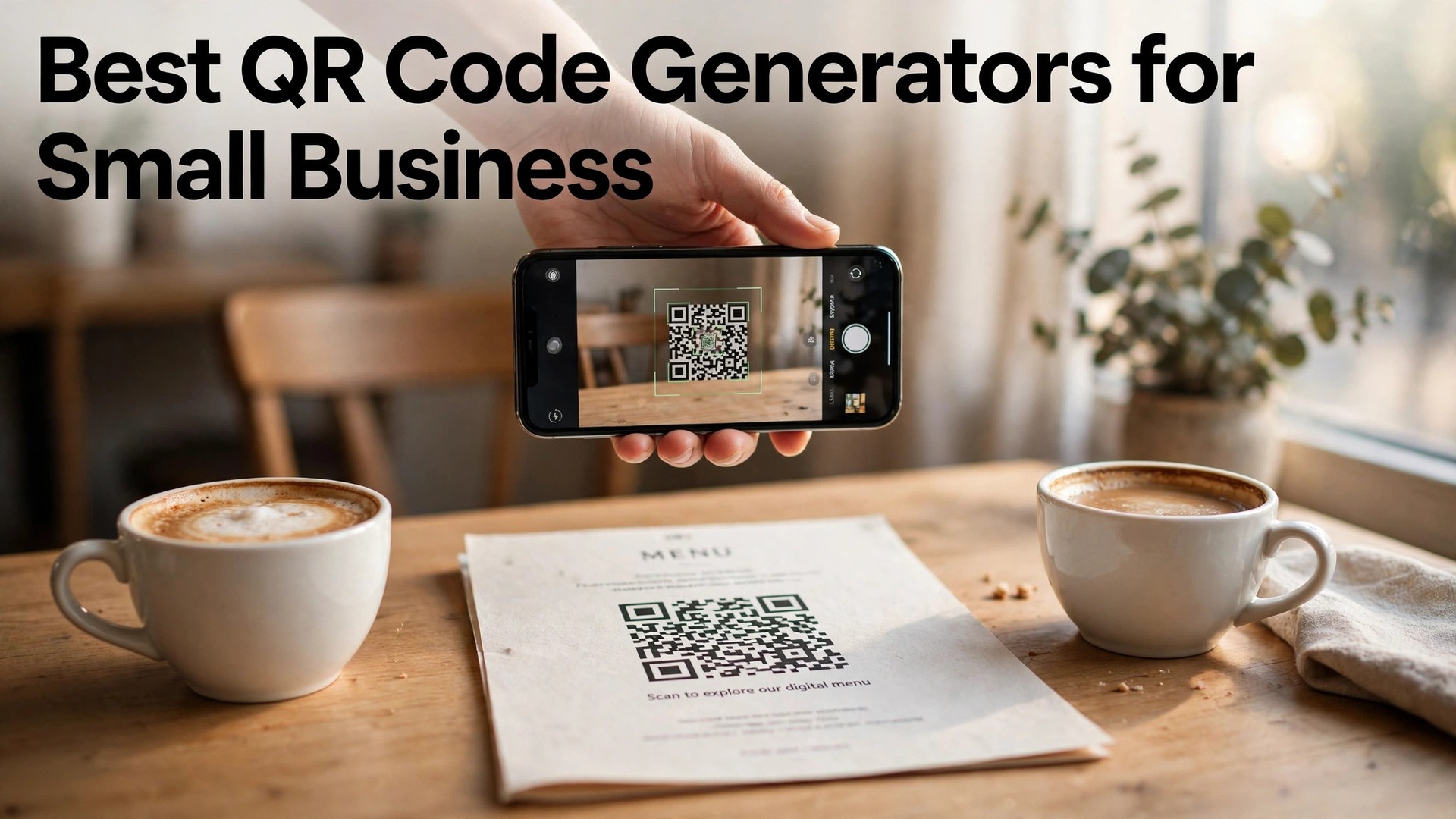
The best qr code generators for small business in 2026 are QRCode Monkey, QR Tiger and Flowcode, and the gap between them is not the code itself. Every generator on this list produces a square that scans. What separates them is what happens after the scan, and that is where a small business either learns something useful or wastes a print run.
A static code points at one fixed web address forever. A dynamic code points at a dashboard, so you can change the destination, count the scans, see where they came from and switch the offer without reprinting a single menu, flyer or box. That difference is worth real money. Reprinting 500 menus because a link changed costs far more than a year of any paid plan here.
This guide compares eight tools on the facts that change a buying decision. Which ones are genuinely free, what a dynamic code costs per month, whether you can put your logo in the middle, and which tool fits a menu, a shop window, a product label or a trade show stand. Prices move, so every figure below is the published price we checked, with a note to confirm it at checkout before you pay.
Quick Answer. The Short Version for Busy Owners
QRCode Monkey is the best free starting point, with free high-resolution static codes and a logo in the middle at no cost. QR Tiger is the best all-round paid pick for a business that wants dynamic codes, scan tracking and bulk creation, with paid plans from about $7 a month. Flowcode is the best pick for a shop or restaurant that wants codes that look good in a physical space, with free codes and paid plans from about $25 a month.
If you only need one code on a flyer, the free tier of QRCode Monkey or Canva does the job and costs nothing. If the code goes on packaging or a menu that you cannot reprint cheaply, pay for a dynamic code. The ability to change the link later is the whole reason to spend money here, and the best qr code generators for small business all sell that ability as their core paid feature.
| Tool | Best for | Free tier | Paid from | Key strength |
|---|---|---|---|---|
| QRCode Monkey | Free static codes | Free high-res PNG | About $5/mo | Free logo in the middle |
| QR Tiger | Dynamic codes and tracking | 14-day trial | About $7/mo | Bulk codes, deep analytics |
| Flowcode | Codes in physical spaces | Free codes | About $25/mo | Beautiful codes, offline scans |
| Uniqode | Teams and compliance | 14-day trial | About $15/mo | SSO, GDPR, bulk tools |
| QR Code Generator | Quick branded codes | Free static | About $5/mo | Fast setup, app links |
| Canva | Codes inside designs | Free with account | $18/mo or $144/yr | Design plus code in one place |
| Adobe Express | Adobe-quality print | Free plan | $9.99/mo | Print-ready exports |
| QRStuff | Simple codes fast | Free codes | About $11.95/mo | 25 code types, no account needed |
Static or Dynamic. The One Decision That Matters
A static code bakes the web address into the pattern itself. It costs nothing, it never expires, and it never needs a subscription. It also cannot be changed, cannot be counted and cannot tell you whether anyone scanned it. Put a static code on a flyer for a one-off event and it is perfect. Put one on 1,000 product boxes and you have frozen your marketing for the life of that box.
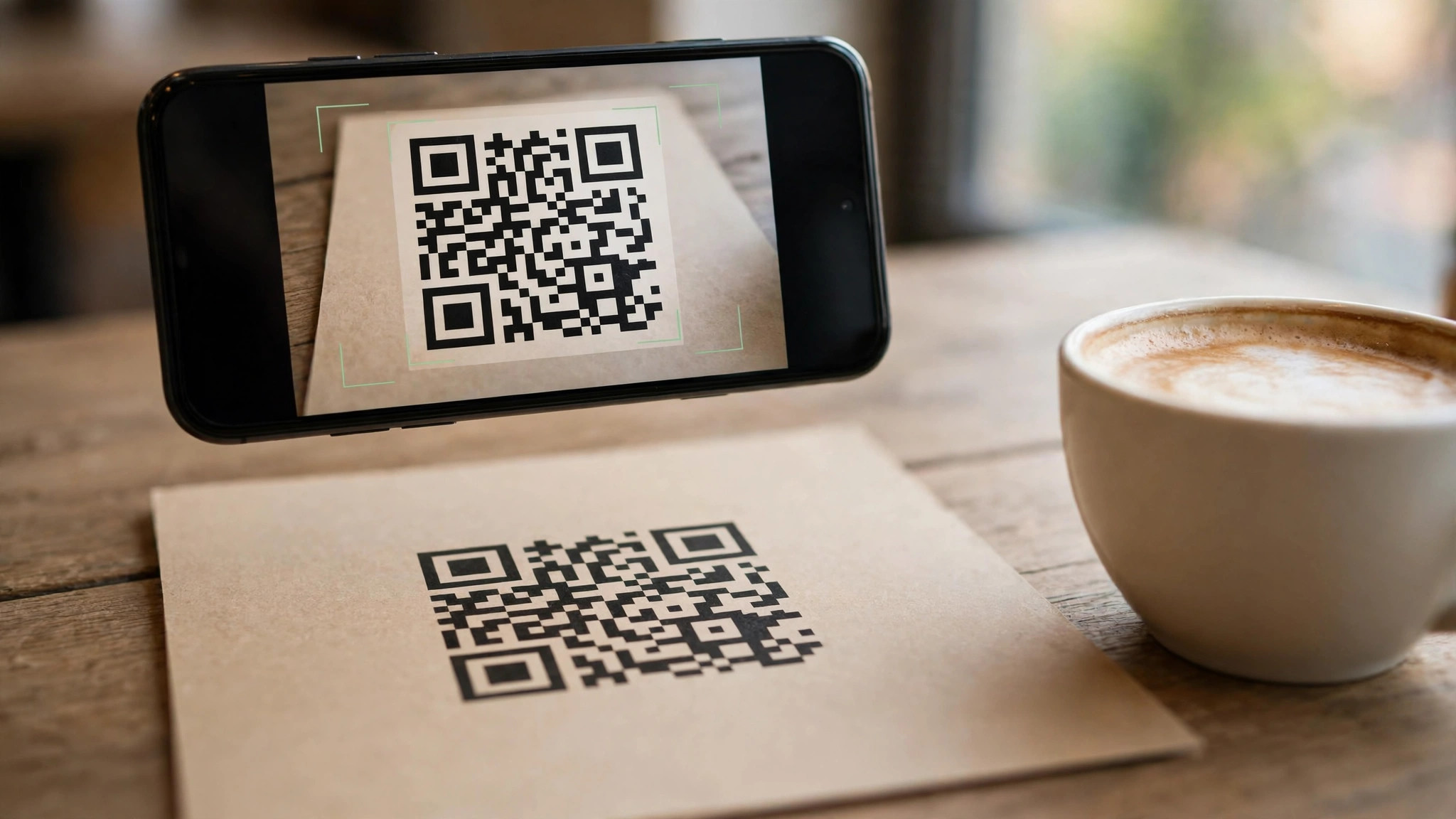
A dynamic code points at a short link on the generator’s server, and the generator lets you change where that link goes. Scan it in January and it opens your winter menu. Change the destination in June and the same printed code opens your summer menu. Dynamic codes also count scans, record the phone type, the city and the time, and let you run A and B tests on two different landing pages. That is the feature every paid plan here is really selling.
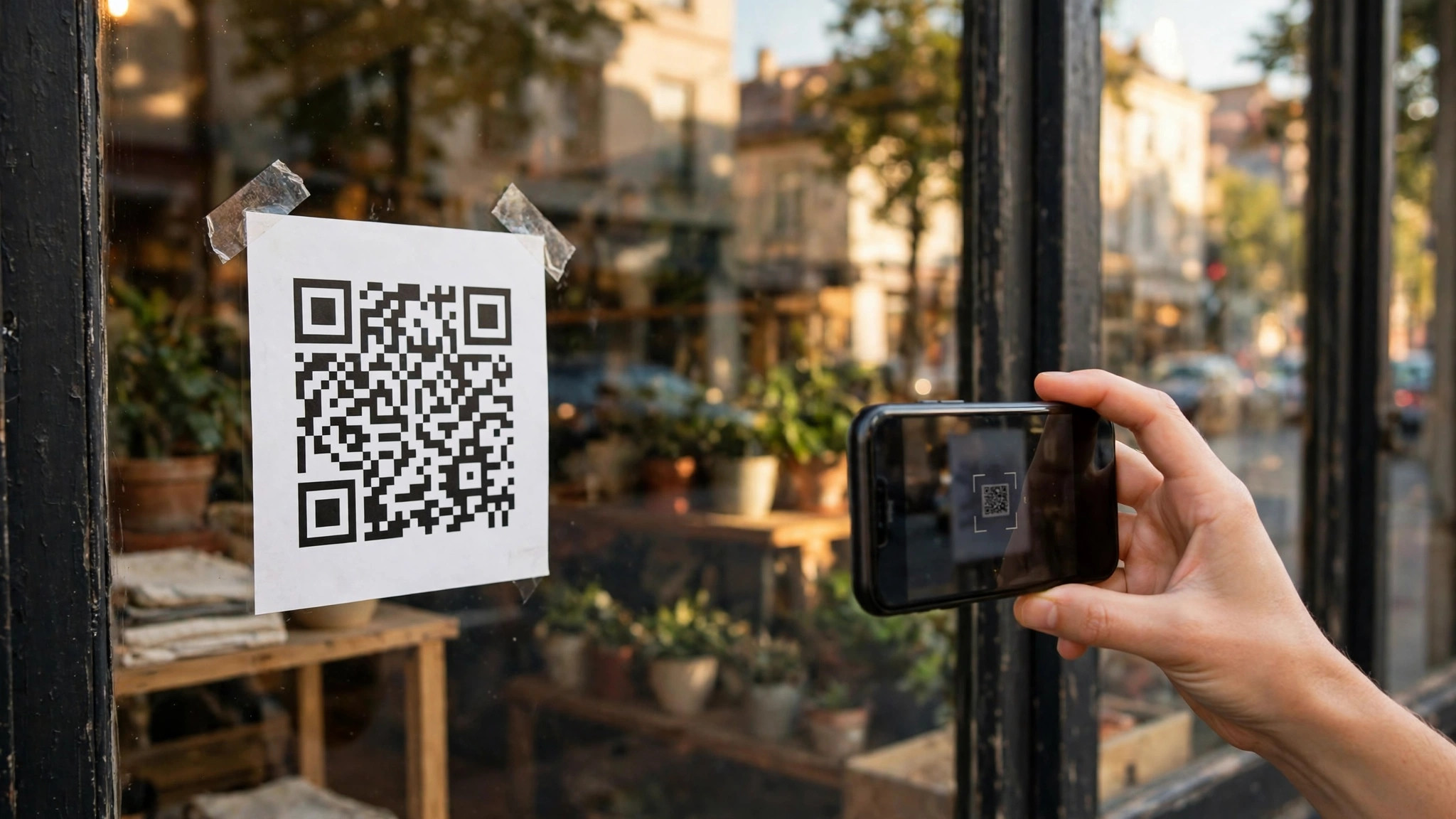
The price of that flexibility starts low. QRCode Monkey and QR Code Generator both start paid plans near $5 a month, and QR Tiger starts near $7. What rises with price is the number of dynamic codes, the number of scans included, the number of team seats and the depth of the analytics. A cafe with two codes needs the cheapest tier. A brand with 500 product labels needs bulk creation and a higher tier, and should budget $15 to $25 a month rather than $5.
1. QRCode Monkey. Best Free Static Codes
QRCode Monkey is the most generous free generator in this category, and it has been since it launched. You can build a static code, add your logo in the centre, change the colours and the shape of the corners, and download a high-resolution PNG, SVG, EPS or PDF file without creating an account and without paying anything. For a one-off flyer, a poster or a shop window, that free tier is genuinely complete, and it is the reason this tool tops so many shortlists.
What works. The free tier includes vector files, which most rivals charge for, and the editor is fast enough to finish a code in under a minute. What to watch. Free codes are static only, so there is no tracking and no editing after printing. Paid plans from about $5 a month add dynamic codes, scan statistics and bulk creation, and the analytics are thinner than QR Tiger at the same price.
2. QR Tiger. Best All-Round Paid Pick
QR Tiger is the specialist that small businesses graduate to when free codes stop being enough. It handles dynamic codes, bulk generation from a spreadsheet, branded short links, password-protected codes and retargeting pixels, and its analytics show scans by location, device, operating system and time of day. A food brand can print 200 codes, one per product batch, and see which batch gets scanned most. That is the level of control a growing business actually needs.
What works. Bulk creation is the best in this price range, the analytics are detailed without being confusing, and the $7 a month entry tier is honest value. What to watch. There is no permanent free tier, only a 14-day trial, so budget from day one. The interface packs in a lot of options, and a first-time user can spend ten minutes finding the setting they want.
3. Flowcode. Best for Shops and Restaurants
Flowcode was built for codes that live in the real world, on tables, windows, packaging and point-of-sale stands, and it shows in the design. Its codes use rounded, colourful patterns that look like part of the branding rather than a black-and-white afterthought, and its free tier includes unlimited scans with basic analytics. Restaurants use it for menus, retailers for window displays, and event organisers for check-in, because the code itself looks like it belongs there.
What works. The codes look better than any rival here, offline scan data is included, and the free tier is genuinely usable. What to watch. Paid plans from about $25 a month cost more than QR Tiger for similar tracking, and the prettiest code styles sit behind the paywall. If the code lives on a screen, the design edge matters less than the price gap.
4. Uniqode. Best for Teams and Regulated Businesses
Uniqode, formerly known as Beaconstac, is the enterprise-leaning option that still fits a small business with serious requirements. It covers dynamic codes, bulk generation, branded domains, single sign-on, role-based access and GDPR and SOC 2 compliance documentation, which matters if you work with healthcare clients, schools or European customers. Its analytics include GPS-level location data and scan funnels, and its API lets a developer generate codes automatically from an ordering system.
What works. Compliance paperwork and team controls are the strongest here, and bulk tools handle thousands of codes without fuss. What to watch. Paid plans from about $15 a month make it the priciest starting point among the specialists, and a two-person shop will not use half the features. Buy it for the compliance and the team seats, not for a single menu code.
5. QR Code Generator. Best for Quick Branded Codes
QR Code Generator, the tool at qrcode-generator.com, is the fastest route from an idea to a finished code. You paste a link, pick a code type, add a frame that says scan me, drop in a logo, and download. It supports vCards for contact details, Wi-Fi codes that connect a phone to a network, app store codes that detect iPhone or Android, and event codes. The paid tiers add dynamic codes, unlimited scans and analytics, and the whole flow takes about two minutes.
What works. Speed is the selling point, and the frame and call-to-action options lift scan rates on printed material. What to watch. The free tier is static only, and paid plans from about $5 a month include fewer bulk tools than QR Tiger. The brand name is generic, so double-check you are on the right site before entering payment details.
6. Canva. Best When the Code Sits Inside a Design
Canva is not a QR specialist, and that is exactly why it belongs here. Most small businesses do not need a standalone code. They need a code on a flyer, a menu, a poster or a business card, and Canva builds the design and the code in the same place. Its built-in QR generator creates a code from any link, drops it into the layout, and exports the whole thing as a print-ready PDF. Canva Pro costs $18 a month or $144 a year and adds brand kits, background removal and premium templates.
What works. One login covers the design and the code, the print quality is reliable, and the free plan already includes the QR generator. What to watch. Canva codes are static, with no scan tracking and no editing after printing. If you need analytics or a changeable link, pair Canva with QR Tiger or QRCode Monkey rather than relying on Canva alone.
7. Adobe Express. Best for Print-Ready Design
Adobe Express brings Adobe-quality templates and print exports to a QR workflow, and it suits a business that already lives in the Adobe world. Its QR generator builds a code in seconds, and the surrounding design tools offer 30,000-plus Adobe Fonts, premium stock photos and one-click resizing for every platform. A code made here can go on a poster, a social post and a menu without rebuilding the design three times. Premium costs $9.99 a month with no annual commitment.
What works. Print exports are clean, the template quality is a step above Canva for formal material, and monthly billing means you can pay for one month and stop. What to watch. Like Canva, its codes are static with no tracking. The QR tool is a small feature inside a big app, so a business that only needs codes should not pay $9.99 a month for it.
8. QRStuff. Best for Unusual Code Types
QRStuff has been around since 2007, and its strength is range. It offers more than 25 code types, including PayPal payment codes, Bitcoin addresses, SMS messages, email drafts, calendar events and plain text, alongside the usual web links and vCards. You can generate a code without an account, change the colours, add a logo, and download a print-quality file. Paid plans from about $11.95 a month add dynamic codes, analytics and higher-resolution downloads.
What works. No other tool here covers as many code types, and the no-account free tier is the fastest way to test an idea. What to watch. The design looks dated next to Flowcode, and $11.95 a month is steep for analytics that QR Tiger sells for less. Use it for an unusual code type, not as a daily driver.
Best Pick by Job
There is no single winner here, because a code on a one-off flyer and a code on 10,000 product boxes are different jobs. Read the row that matches yours and you have your answer.
| Your job | Best pick | Why |
|---|---|---|
| One code on a flyer | QRCode Monkey | Free, high-res, logo included |
| Menu you will update | QR Tiger | Dynamic codes from about $7/mo |
| Shop window or table | Flowcode | Codes that look like branding |
| 500 product labels | QR Tiger | Bulk creation from a spreadsheet |
| Regulated clients | Uniqode | Compliance docs and team controls |
| Code inside a poster | Canva | Design plus code in one login |
| Payment or Wi-Fi code | QRStuff | 25 code types, no account needed |
How to Choose the Best QR Code Generators for Small Business
Step 1. Decide static or dynamic first. If the link will never change and you do not need to count scans, a free static code is enough. If the code goes on anything you cannot reprint cheaply, pay for dynamic. This one decision removes half the list.
Step 2. Test the scan at real size. Print the code at the size it will actually appear, hold a phone at arm’s length, and scan it in normal light. A code smaller than about 2 centimetres on a side fails often, and a code with a logo covering more than about 30 percent of the centre fails too. Test before you print 500 copies.
Step 3. Put a reason next to the code. A bare code gets ignored. A code with the words scan for the menu, scan for 10 percent off or scan to book gets used. The call to action matters more than the generator, so pick a tool that lets you add a frame or a caption.
Step 4. Check the download format. A PNG is fine for a screen and a small flyer. A menu, a sign or packaging needs SVG or PDF vector files, or the code turns blurry when enlarged. Confirm the free tier includes vectors before you commit to a tool.
Step 5. Count the real yearly cost. A $5 a month plan costs $60 a year. A $25 a month plan costs $300 a year. If you need two dynamic codes, the cheapest tier is enough. If you need bulk creation and team seats, budget for the tier that actually includes them, not the headline price.
Mistakes That Waste a Print Run
The most expensive mistake is printing a static code with a link you later change. A restaurant that reprinted 400 menus after a website move learned this the hard way, and the reprint cost more than five years of a dynamic plan. If the destination might change, and it almost always might, buy the dynamic code before the first print run, not after.
The second mistake is a code that points at a homepage instead of the exact page. A code on a table should open the menu, not the homepage with a menu link buried in it. A code on a product box should open the instructions or the warranty page, not the shop front. Every extra tap loses scanners, so point the code at the destination, not the front door.
The third mistake is skipping the print test. Codes look perfect on a laptop screen and fail on a glossy menu under warm restaurant lighting, or on a curved bottle, or on a window with reflections behind it. Print one copy, stick it where it will live, and scan it with two different phones before ordering the full run. Ten minutes of testing saves a wasted batch.
Getting More From the Best QR Code Generators for Small Business
A dynamic code earns its fee in the places where a printed link cannot change. A restaurant menu is the clearest example. The best qr code generators for small business let you point one printed code at a winter menu in January and a summer menu in June, without reprinting anything. A cafe that changes its menu four times a year would otherwise pay for four print runs, and the cost of those runs is far more than a year of QR Tiger at about $7 a month. The same logic applies to a product label, a real estate sign and a trade show stand, because all of them outlive the link printed on them.
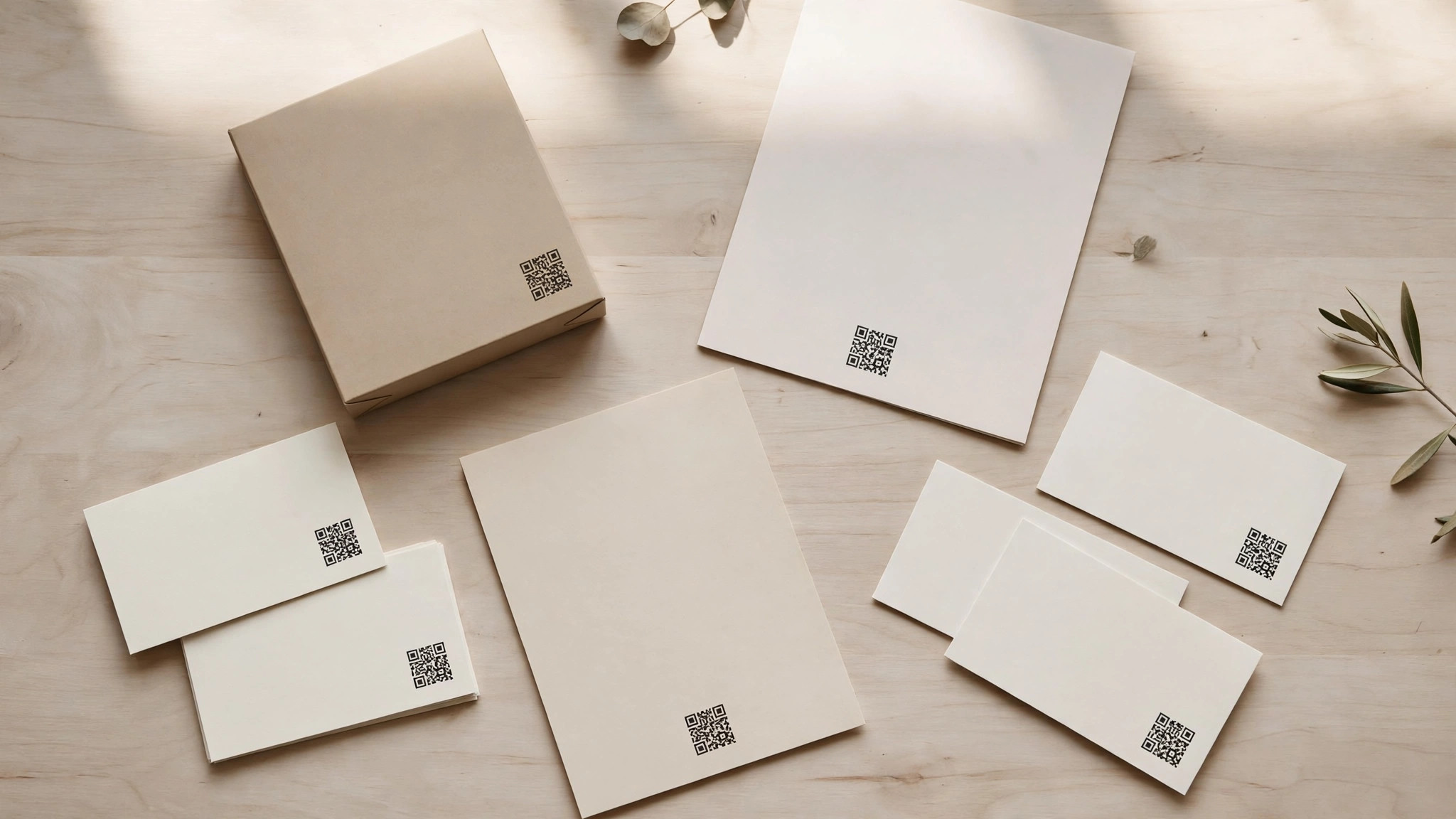
Packaging is the second place a dynamic code pays off, and it pays off in data as well as flexibility. A food brand that prints a different code on each product batch can see which batch gets scanned most, which flavours earn repeat scans, and which regions scan at all. That data is worth more than the code itself, because it tells the brand what customers actually care about. The setup needs bulk creation, which QR Tiger and Uniqode both handle from a spreadsheet, and the codes should be tested on the real packaging, because a code on a curved bottle or a glossy box scans differently from a code on a flat flyer.
Events are the third place, and the use case is check-in and feedback. A code on a ticket or a lanyard can open a check-in form, a feedback survey or a discount page, and the organiser can change the destination after the event without reprinting anything. Flowcode is built for this, with codes designed to look good on a lanyard or a stand, and its offline scan data means the count survives a venue with poor signal. The mistake to avoid is a code that points at a generic homepage, because an attendee who scans for the agenda and lands on a homepage will not hunt for it.
Review links are the quietest win in this whole category, and the best qr code generators for small business make them easy. A code on a receipt, a table tent or a delivery box that opens your Google review page turns a happy customer into a public review in about ten seconds, and a business with more recent reviews ranks better and converts better. The code should open the review page directly, not the business profile, because every extra tap loses reviewers. Test the link on two phones before you print, because a review code that opens the wrong page is worse than no code at all.
Tracking is the feature that justifies the monthly fee, and it is worth understanding before you buy. The best qr code generators for small business count scans by time, location, device and operating system, and the better ones show a scan funnel, from scan to page view to action. That data answers real questions. Which flyer worked, which shop window earned scans, and whether the code on the menu or the code on the receipt gets used more. A business that never looks at the data should not pay for tracking, and should use a free static code instead. A business that checks the numbers monthly will find the paid plan pays for itself in better decisions.
Print quality is the last check, and it is the one that causes the most wasted runs. A code printed too small, in pale colours, on glossy paper under warm light, or on a curved surface, will fail to scan, and the failure is silent, because nobody tells you the code did not work.
The rule is to print one copy at the real size, stick it where it will live, and scan it with two different phones in normal light. A code smaller than about 2 centimetres fails often on a table, and a code on a window needs to be at least 5 centimetres to scan from the pavement. Ten minutes of testing saves a wasted batch, and it is the cheapest insurance in this whole guide.
Expiry is the detail most buyers forget, and it matters most for dynamic codes. A static code never expires, because the link is baked into the pattern. A dynamic code works only while you keep paying for the plan that hosts it, and if you cancel, the code usually stops working or shows an error page. Never put a dynamic code on long-life packaging, a shop sign or a vehicle wrap unless you plan to keep the subscription for the life of that print. For anything that lasts years, either use a static code or budget the subscription as a permanent cost, not a trial.
The final check is the destination page itself. A code that opens a slow page, a page that is not mobile-friendly, or a page that asks for an app download will lose most scanners in the first three seconds. The best qr code generators for small business all link to a page, but none of them fix a bad page, so test the destination on a phone with a normal connection before you print the code. A menu that loads in two seconds and shows the food earns the scan. A homepage that takes eight seconds to load wastes it, and the customer will not try again.
Put together, the decision is simple. Use a free static code for a one-off flyer, a single event or a test. Use a paid dynamic code for anything you cannot reprint cheaply, anything you want to measure, and anything whose destination will change. QRCode Monkey covers the free case better than anyone, QR Tiger covers the paid case at the lowest honest price, and Flowcode covers the case where the code itself has to look good. Pick the job, check the price at checkout, and test the code before you print it.
Related Guides
Frequently Asked Questions
Are free QR code generators safe to use?
A free static code from a well-known tool is safe, because the code itself contains only your link and nothing else. The risk is with dynamic codes from unknown sites, where the link passes through the generator’s server. Stick to the established names in this guide, and avoid any generator that asks for payment details before showing you a code.
How much does a QR code generator cost?
A static code costs nothing from QRCode Monkey, Canva or QRStuff. A dynamic code with tracking costs from about $5 a month at QRCode Monkey or QR Code Generator, about $7 at QR Tiger, about $15 at Uniqode and about $25 at Flowcode. Most small businesses spend $60 to $90 a year, and only brands with bulk codes need more.
Do QR codes expire?
A static code never expires, because the link is baked into the pattern. A dynamic code works for as long as you keep paying for the plan that hosts it. If you cancel a dynamic plan, the code usually stops working or shows an error page, so never put a dynamic code on long-life packaging unless you plan to keep the subscription.
Can I put my logo in a QR code?
Yes, and every tool here except the most basic free tiers allows it. Keep the logo small, covering no more than about 30 percent of the centre, and keep the contrast high. A logo that is too large or a code printed in pale colours will fail to scan, so test the finished code on two phones before printing.
What size should a QR code be when printed?
A good rule is at least 2 centimetres on a side for a code scanned from close range, like a table or a business card, and larger for anything scanned from a distance. A code on a shop window or a poster should be at least 5 centimetres, and a code on a billboard needs to be far larger. Always test at the real size and the real distance.
The Bottom Line
The best qr code generators for small business split into three clear winners by job. QRCode Monkey is the best free starting point, because its free tier includes high-resolution and vector files with a logo at no cost. QR Tiger is the best paid pick for most businesses, because dynamic codes, bulk creation and real analytics start at about $7 a month. Flowcode is the best pick when the code itself has to look good in a physical space.
Start with the static-or-dynamic decision, test the code at real size on real paper, and put a clear reason to scan next to it. A code that points at the exact page, in a size people can actually scan, will do more for your business than any feature list. Pick the tool that fits the job, check the price at checkout, and print with confidence.
1 thought on “Best QR Code Generators for Small Business”