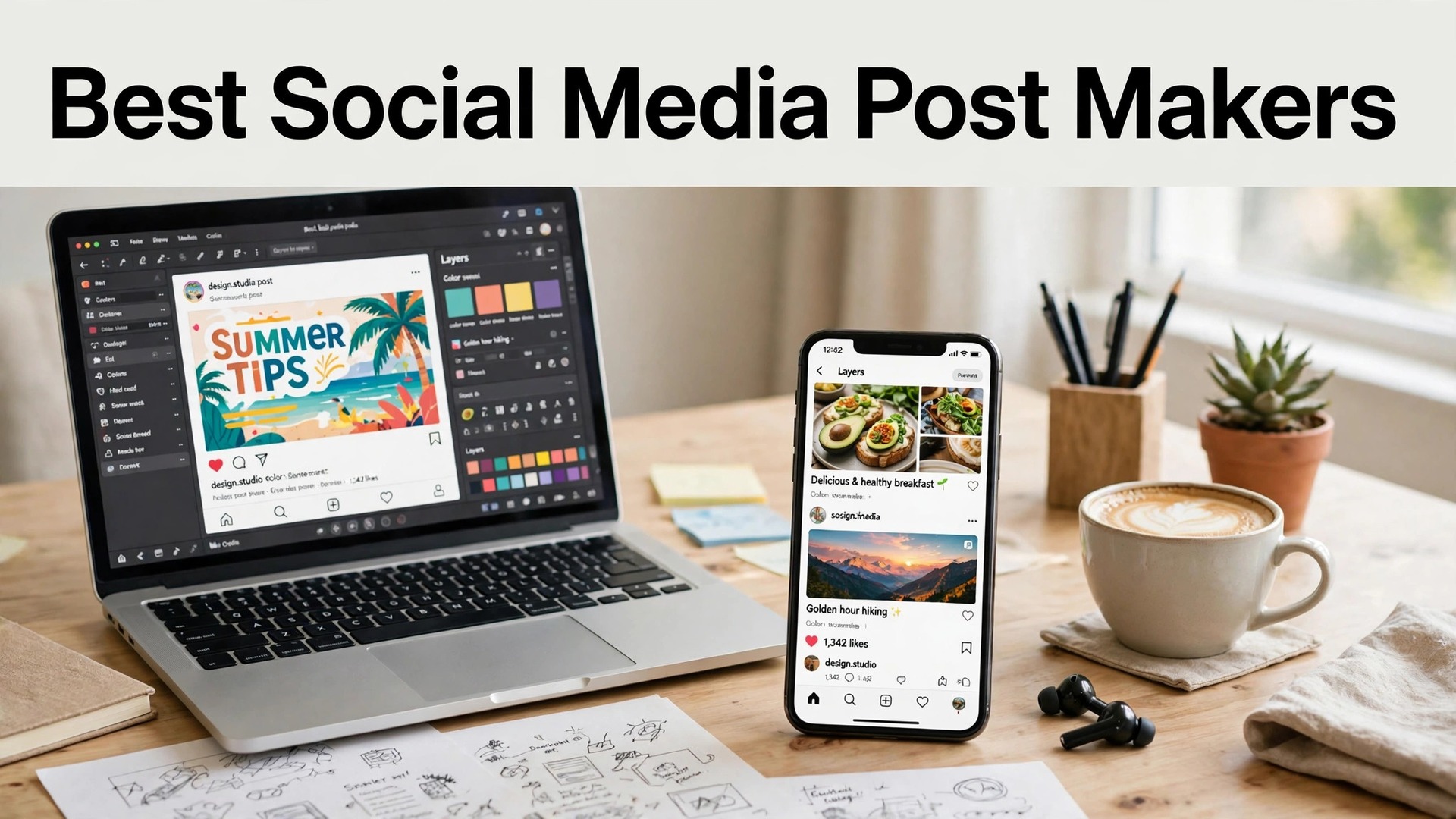
The best social media post makers in 2026 are Canva, Adobe Express and Buffer, and the reason most small businesses struggle with social media is not a lack of ideas. It is a lack of time. A shop owner who has to design a post, write a caption, find the hashtags and publish it on three platforms will do it for a week, then stop. The tools in this guide exist to shrink that job from an hour to ten minutes, and the best of them do it without making every post look the same.
A good social post does three jobs in about two seconds. It stops the scroll, it says one clear thing, and it gives the reader a reason to act, whether that is a like, a visit or a purchase. The design matters, but the consistency matters more. A business that posts three times a week with a recognisable style will outperform a business that posts once a month with a perfect design. The tools here are judged on whether they make consistency easy, not on whether they make one beautiful post.
This guide compares ten makers on the facts that change a buying decision. Template quality, scheduling, the price of the plan that removes the watermark, and which tool fits a shop, a restaurant, a service business or a creator. Prices are the published figures we checked, with a note to confirm them at checkout, because they move often.
Quick Answer. The Short Version for Busy Owners
Canva is the best all-round pick, because its template library is the largest here, its scheduler posts to every major platform, and Pro at $18 a month or $144 a year adds brand kits, Magic Resize and background removal. Adobe Express is the best pick for a polished feed, because its templates are cleaner and Premium at $9.99 a month includes premium stock, fonts and a scheduler. Buffer is the best pick if you already design elsewhere and just need scheduling, because its free plan covers three channels and its paid plans start at about $6 a month per channel.
If you want one tool that designs and schedules, start with Canva. If you want the feed to look designed, start with Adobe Express. The best social media post makers all agree on one point. A post that goes out three times a week beats a perfect post that never goes out, so pick the tool you will actually use.
| Tool | Best for | Free tier | Paid from | Key strength |
|---|---|---|---|---|
| Canva | All-round posts | Free plan | $18/mo or $144/yr | Largest templates + scheduler |
| Adobe Express | Polished feed | Free plan | $9.99/mo | Premium stock + scheduler |
| Buffer | Scheduling only | Free, 3 channels | About $6/mo per channel | Simple, reliable scheduling |
| Later | Visual planning | Free plan | About $25/mo | Visual calendar, link in bio |
| Hootsuite | Teams + analytics | 30-day trial | About $99/mo | Deep analytics, team tools |
| VistaCreate | Quick posts | Free plan | About $13/mo | Fast, animated templates |
| Snappa | Fast graphics | Free, 3/mo | About $15/mo | Speed, simple templates |
| Desygner | Mobile posts | Free plan | About $9.99/mo | Strong mobile app |
| Sprout Social | Serious analytics | 30-day trial | About $199/mo | Best reporting, inbox |
| Pablo | Quotes fast | Free | Free | Fastest quote graphics |
Design, Scheduling and the Time It Saves
Design quality is the first test, and it is about consistency rather than beauty. A feed where every post uses the same fonts, the same colours and the same layout looks professional, even if no single post is spectacular. Canva’s brand kits and Adobe Express’s brand kits both lock in your fonts and colours, so every new post matches the last one without thinking. The test is to look at your last nine posts as a grid. If they look like they belong together, the tool is working. If they look like nine different businesses, the tool is not.

Scheduling is the second test, and it is where the time saving lives. A tool that lets you design ten posts on a Sunday and schedule them for the week is worth more than a tool that makes one beautiful post at a time. Canva, Adobe Express, Buffer and Later all schedule to Instagram, Facebook, TikTok, LinkedIn and Pinterest, with a calendar view that shows the week at a glance. Hootsuite and Sprout Social add team approval, which matters when two people post for one business. The free plans usually limit the number of scheduled posts, so check the limit before you build a month of content.

The third test is the monthly total, and it includes the channels. Buffer charges per channel, so three channels cost about $18 a month, while Canva Pro at $18 a month covers the design and the scheduling for one person with no per-channel fee. Later starts at about $25 a month for one social set, and Hootsuite at about $99 a month is a team tool, not a solo tool. Add the channels you actually use, then compare the totals. A $6 a month plan that charges per channel can cost more than an $18 a month plan that does not.
1. Canva. Best All-Round Pick
Canva is the default social post maker for most small businesses, and the reason is the combination of design and scheduling in one place. Its template library covers every platform and every size, from Instagram posts and stories to Facebook covers, TikTok videos and LinkedIn carousels, and its scheduler publishes directly to each platform. Pro at $18 a month or $144 a year adds brand kits, Magic Resize, background removal and premium templates, plus a content planner that shows the month at a glance. For a business that posts three times a week, it is the most complete option here.
What works. The template range is unmatched, the scheduler covers every major platform, and the brand kit keeps the feed consistent. What to watch. The free plan limits scheduled posts, and the library is so large that finding the right template takes time. The AI tools are useful, but the copy still needs a human edit.
2. Adobe Express. Best Polished Feed
Adobe Express is Adobe’s design app for social posts, and its templates look a step more polished than most rivals. The layouts use strong typography and generous white space, the library includes premium Adobe Stock photos and 30,000-plus Adobe Fonts, and one-click resize turns a post into a story, a reel cover and a banner in seconds. Premium costs $9.99 a month with no annual commitment, and it adds brand kits, premium templates, 100GB of storage and a scheduler that posts to the major platforms. It suits a business that wants its feed to look designed, not assembled.
What works. The template quality is the best here for a professional feed, the stock and fonts are genuinely premium, and monthly billing means you can stop after one month. What to watch. The template count is smaller than Canva, and the scheduler is simpler than Buffer or Later. Use it for the look, and pair it with a dedicated scheduler if you need team approval.
3. Buffer. Best Scheduling Only
Buffer is a scheduler, not a design tool, and it is the best pick for a business that already designs in Canva or Adobe Express and just needs the posts to go out on time. Its free plan covers three channels and ten scheduled posts, and paid plans start at about $6 a month per channel, with analytics, a landing page and AI writing help on the higher tiers. The interface is clean, the queue system is simple, and the analytics show which posts earned engagement and which did not. It is the tool that social media managers recommend when the design is already handled.
What works. Scheduling is simple and reliable, the analytics are clear, and the per-channel price is honest. What to watch. There is no design tool, so you still need Canva or Adobe Express. The free plan allows only ten scheduled posts, which a busy business will outgrow in a week.
4. Later. Best Visual Planning
Later is built for visual planning, and its drag-and-drop calendar shows your Instagram grid before you post, so you can see whether the next nine posts look good together. It covers Instagram, TikTok, Facebook, Pinterest, LinkedIn and X, with a link-in-bio tool, hashtag suggestions and analytics that show the best time to post. The free plan covers basic scheduling, and paid plans start at about $25 a month for one social set. It suits a shop, a cafe or a creator whose Instagram grid is the shop window.
What works. The visual planner is the best here, the link-in-bio tool is genuinely useful, and the best-time-to-post data saves guesswork. What to watch. At $25 a month it costs more than Buffer for a single user, and the design tools are basic. Pair it with Canva for the design.
5. Hootsuite. Best Teams and Analytics
Hootsuite is the team tool here, built for a business where two or three people post, approve and reply. Its dashboard covers scheduling, social listening, analytics and a shared inbox, with approval workflows that let a manager check a post before it goes live. Paid plans start at about $99 a month after a 30-day trial, which is the highest price here, and the value is in the team controls and the depth of the reporting. A solo business will not use half of it, but a business with a small marketing team will.
What works. Team approval and the shared inbox are the best here, and the analytics are deep. What to watch. At $99 a month it is expensive for a solo owner, and the interface has a learning curve. Buy it for a team, not for a single poster.
6. VistaCreate. Best Quick Posts
VistaCreate is a fast, simple design tool with a strong social template library and animated templates that are easy to use. Its editor is lighter than Canva, its free plan covers thousands of templates, and Pro costs about $13 a month, adding premium templates, background removal, brand kits and unlimited storage. It suits a business that makes a post in ten minutes between customers, because the resize tool turns one design into a post, a story and a banner in one click. The animated templates are a bonus for a feed that needs movement.
What works. It is fast, the animated templates are genuinely useful, and the free tier is generous. What to watch. The scheduler is basic compared with Buffer or Later, and the library is smaller than Canva. Use it for the design, and schedule elsewhere if you need a calendar.
7. Snappa. Best Speed
Snappa is the fastest post maker here, built for an owner who needs a graphic in five minutes. Its templates are simple, its editor has almost no learning curve, and its stock photos are built in, so you never leave the page to find an image. The free plan covers three downloads a month, and Pro costs about $15 a month for unlimited downloads and scheduling. It suits a busy owner who posts a promotion or an announcement and wants it done, not perfect, and it is honest about that trade.
What works. Nothing here is faster, and the simplicity is a feature. What to watch. Three free downloads a month is a tight limit, and the templates are simpler than Canva. It is a speed tool, and it shows.
8. Desygner. Best Mobile Posts
Desygner is a design tool with a particularly strong mobile app, and it suits an owner who designs posts on a phone between customers. Its templates cover social posts, stories and business cards, its editor works well on a small screen, and its free plan covers thousands of templates. Paid plans start at about $9.99 a month, adding premium templates, brand kits and print ordering. It is the best pick for a market trader, a food truck or a mobile business that designs on the go and posts the same day.
What works. The mobile app is the best here, and the free tier is generous. What to watch. The desktop editor is simpler than Canva, and the scheduler is basic. Design on the phone, and it shines.
9. Sprout Social. Best Serious Analytics
Sprout Social is the analytics tool here, built for a business that treats social media as a serious channel and wants to know what works. Its reporting covers engagement, reach, audience growth and competitor comparison, its shared inbox brings messages from every platform into one place, and its scheduling includes approval workflows for teams. Paid plans start at about $199 a month after a 30-day trial, which is the highest price here, and the value is in the reporting and the inbox, not the design tools.
What works. The reporting is the best here by a clear margin, and the shared inbox saves hours for a business that gets messages daily. What to watch. At $199 a month it is a serious investment, and there is no real design tool. Buy it for the analytics, and design in Canva.
10. Pablo. Best Quotes Fast
Pablo is Buffer’s free tool for quote graphics, and it does one job in under a minute. Pick a background photo, type a quote, choose a font, and download a post sized for any platform. There is no account, no watermark and no cost, which makes it the fastest way to turn a customer testimonial, a tip or a piece of advice into a post. It will not build a campaign or schedule a week of content, but for a single quote graphic, nothing here is faster.
What works. It is free, instant and watermark-free, and the quote templates look clean. What to watch. It only makes quote graphics, so it is a side tool rather than a main one. Use it for a quick post between the bigger designs.
Best Pick by Job
A post for a shop and a post for a consultancy are different jobs, and the right tool changes with the job. Read the row that matches yours.
| Your job | Best pick | Why |
|---|---|---|
| Design and schedule in one | Canva | Largest library, scheduler included |
| Polished Instagram grid | Adobe Express | Best templates, $9.99/mo |
| Schedule only | Buffer | Simple, from $6/mo per channel |
| Visual planning | Later | Grid preview, link in bio |
| Team posting | Hootsuite | Approval workflows, shared inbox |
| Quick posts on phone | Desygner | Best mobile app |
| Quote graphics | Pablo | Free, instant, no watermark |
How to Choose the Best Social Media Post Makers
Step 1. Count how many posts you make a week. Three posts a week suits a paid plan with a scheduler. One post a week suits a free plan. A business that posts daily needs a tool with a calendar and bulk scheduling, because designing one post at a time will not last a month.
Step 2. Pick the platforms before the tool. A business that posts only on Instagram needs a visual planner like Later. A business that posts on five platforms needs a scheduler like Buffer or Canva that covers them all. List the platforms you actually use, then check the tool covers them, because a scheduler that misses your main platform is useless.
Step 3. Test the brand kit. Upload your logo, set your fonts and colours, and make three posts. If they look like they belong together, the tool is working. If every post needs manual fixing, the brand kit is not doing its job, and you will spend more time fixing than posting.
Step 4. Check the scheduling limit. Free plans usually limit the number of scheduled posts, and a busy business will hit that limit in a week. Check the limit on the plan you will actually use, and count the posts you schedule in a month before you commit.
Step 5. Try two tools for a week each. The design and the scheduling are both free to try on most tools here, so run a week in Canva and a week in Adobe Express, and notice which one you return to. The tool you actually open is the right tool, whatever the feature list says.
Mistakes That Kill a Social Feed
The most common mistake is posting without a plan. A business that posts when it remembers will post in bursts, then go silent for three weeks, and the algorithm and the audience both notice. The fix is a simple calendar. Pick three days a week, pick a theme for each day, like a product, a tip and a customer story, and design the posts in one sitting on a Sunday. The tools here all support scheduling, and a week of posts designed in an hour is the difference between a feed that grows and a feed that stalls.
The second mistake is designing every post from scratch. A feed where every post uses a different font, a different colour and a different layout looks disorganised, even if each post is good on its own. Pick one template, lock in your fonts and colours, and reuse it with a new photo and headline each time. Customers start to recognise your posts before they read them, and that recognition is worth more than a new design every day.
The third mistake is forgetting the caption. A beautiful image with a one-word caption wastes the post, because the caption is where the sale, the booking or the visit happens. Write two or three sentences that say what the post is about, why it matters, and what the reader should do next, and add a call to action in the first line. The design stops the scroll. The caption earns the click.
A One-Week Posting Plan With the Best Social Media Post Makers
A posting plan is what turns a tool into a habit, and the best social media post makers all support scheduling, which means the plan can be built in one sitting. The plan below covers one week, three posts and two stories, which is a realistic rhythm for a small business, and it uses one template throughout, so the feed stays consistent without extra work. Design all of it on a Sunday, schedule it for the week, and spend the rest of the week running the business instead of designing posts.
Monday is the product post. Show one product, one dish, one service or one result, with a photo that fills the frame and a headline that says what it is and what it costs or what it does. The caption should be two or three sentences, with the price or the benefit in the first line, because most readers never get past it. The best social media post makers all offer product templates, and the one that matches your brand is the one to reuse every Monday, with a new photo and a new headline each week.
Wednesday is the tip post. Teach the reader something useful in one post, like how to choose, how to use, or what to avoid, and keep it short enough to read in ten seconds. A tip post earns saves and shares, which matter more than likes, because a saved post is a post the reader wants to return to, and a shared post is a post that reaches new people. Canva and Adobe Express both offer tip templates, and the format is simple. One headline, three short points, and a call to action at the end.
Friday is the people post. Show the team, the customer, the workshop or the shop, with a real photo and a real name, because people buy from people, and a feed that only shows products feels like a catalogue. A customer story, a behind-the-scenes photo or a team introduction earns more engagement than any product post, and it costs nothing to make. The best social media post makers all offer story templates for this, and the photo should be real, not stock, because a real photo is what makes the post believable.
Stories fill the gaps between the three posts, and they take two minutes each. A story on Tuesday can be a poll, asking followers to choose between two products. A story on Thursday can be a question, asking what the audience wants to see next. A story on Saturday can be a repost of a customer photo, with a thank-you. Stories disappear in 24 hours, which makes them low-pressure, and they are watched more than feed posts, so they are the best place to test an idea before it becomes a post.
The final step is the review. On Sunday, before you design the next week, look at the analytics for the week just gone. Which post earned the most saves, which earned the most shares, and which earned the least of everything. Do more of the first, less of the last, and change one thing at a time, so you know what worked. The best social media post makers all include analytics, and the owners who check them weekly are the ones whose feeds grow, because they learn what their audience actually wants instead of guessing.
Related Guides
Frequently Asked Questions
How often should a small business post on social media?
Three times a week is a realistic target for most small businesses, and it is enough to stay visible without burning out. A daily post suits a shop or restaurant with new products every day, while a weekly post suits a service business with longer sales cycles. Consistency matters more than frequency, so pick a rhythm you can keep for six months and stick to it.
Can I schedule posts for free?
Yes, with limits. Canva’s free plan allows some scheduling, Buffer’s free plan covers three channels and ten scheduled posts, and Later’s free plan covers basic scheduling. A business that schedules a full week at a time will usually need a paid plan, because the free limits run out fast. Buffer from about $6 a month per channel is the cheapest serious scheduling option.
What size should a social media post be?
An Instagram post is usually 1080 by 1080 pixels for a square or 1080 by 1350 for a portrait, a story is 1080 by 1920, and a Facebook post is 1200 by 630. Every tool here offers preset sizes, so pick the platform before you design, because a design made for one size will not fit another without rebuilding.
Do I need a separate design tool and scheduler?
Not necessarily. Canva and Adobe Express both design and schedule in one place, which suits most small businesses. Buffer and Later are schedulers only, so they pair with a design tool. If you already design in Canva, Buffer adds little. If you design elsewhere, Buffer is the simplest way to get the posts out on time.
How much does a social media post maker cost?
Most are free to start, with paid plans from about $6 to $25 a month for a solo business. Canva Pro costs $18 a month or $144 a year, Adobe Express Premium $9.99 a month, Buffer from about $6 a month per channel, and Later from about $25 a month. Team tools cost more, with Hootsuite from about $99 a month and Sprout Social from about $199 a month. A solo business should budget $10 to $25 a month.
The Bottom Line
The best social media post makers split into three clear winners by job. Canva is the best all-round pick, because it designs and schedules in one place, its library is the largest, and Pro at $144 a year covers the brand kit and the scheduler a busy business needs. Adobe Express is the best pick for a polished feed, because its templates are cleaner and Premium at $9.99 a month is the cheapest route to premium stock and fonts. Buffer is the best pick if you already design elsewhere and just need scheduling, because its free plan is honest and its paid plans start at about $6 a month per channel.
Pick a rhythm you can keep, use one template with your brand locked in, and design a week of posts in one sitting. A feed that posts three times a week with a recognisable style will outperform a feed that posts once a month with a perfect design. Pick the tool you will actually open, check the scheduling limit before you commit, and get the posts out.
1 thought on “Best Social Media Post Makers”