Recruiters search LinkedIn the way shoppers search a store, and most profiles are invisible to them. The best LinkedIn profile optimizers for job seekers fix that invisibility, by rewriting your headline, summary and experience in the keywords recruiters actually type, and by showing you exactly where you rank against other applicants.
A strong LinkedIn profile does two jobs at once. It convinces a recruiter who found you, and it helps a recruiter find you in the first place. This guide compares eight optimizers on real prices, keyword help and recruiter visibility, and names the best pick for getting found.
Quick jump
- Quick Answer. Best LinkedIn Profile Optimizers for Job Seekers in 30 Seconds
- How Recruiters Actually Search LinkedIn
- LinkedIn Mistakes That Make You Invisible
- How to Get Recommendations That Matter
- Content Ideas That Get Seen
- How to Use LinkedIn Search Like a Recruiter
- Optimising for a Career Change on LinkedIn
- LinkedIn Premium Features That Actually Help
- How to Choose the Best LinkedIn Profile Optimizers for Job Seekers
- Related Guides
- Frequently Asked Questions
- The Bottom Line
Quick Answer. Best LinkedIn Profile Optimizers for Job Seekers in 30 Seconds
If you want the answer before the detail, here it is. Resume Worded is the best pick for a scored LinkedIn review, with Pro at $49 a month or $229 a year. Jobscan is the best pick for matching your profile to a specific job, with Premium at $49.95 a month or $89.95 a quarter. LinkedIn Premium Career is the best pick for recruiter visibility, at $39.99 a month or $239.88 a year.
The best LinkedIn profile optimizers for job seekers are the ones that work from real recruiter search terms, not generic advice. A headline that names your role and your proof beats a clever headline every time.
The rest of this guide proves that short answer, with a full comparison table, a detailed review of each tool with real prices, a guide to choosing, and answers to the questions job seekers ask most.
| Tool | Best for | Free tier | Paid from | Key strength |
|---|---|---|---|---|
| Resume Worded | A scored LinkedIn review | Partial free score | $49/mo or $229/yr | Line-by-line profile feedback |
| Jobscan | Matching your profile to a job | 5 scans a month | $49.95/mo | LinkedIn optimizer included |
| Teal | Profile review inside a tracker | Free plan | $29 per 30 days | Profile plus resume and tracking |
| Taplio | Content and profile growth | Free to browse | Paid plans from $49/mo | AI content plus profile help |
| AuthoredUp | Writing posts that get seen | Free trial | Paid plans from $19.95/mo | Post analytics and hooks |
| Careerflow | LinkedIn tools plus job search | Free plan | Paid plans from $19/mo | Profile review and tracker |
| LinkedIn Premium Career | Recruiter visibility itself | Free LinkedIn | $39.99/mo or $239.88/yr | InMail and applicant insights |
| Kleo | Free profile insights | Free | $0 | Free Chrome extension insights |
How Recruiters Actually Search LinkedIn
The first thing to understand is that recruiters do not browse LinkedIn the way you do. They search with keywords, and they search for the exact job title, skills and tools in the role they are filling. A profile that says you are a creative problem solver will not appear in a search for a product manager with SQL and stakeholder management. A profile that names the role and the skills will.
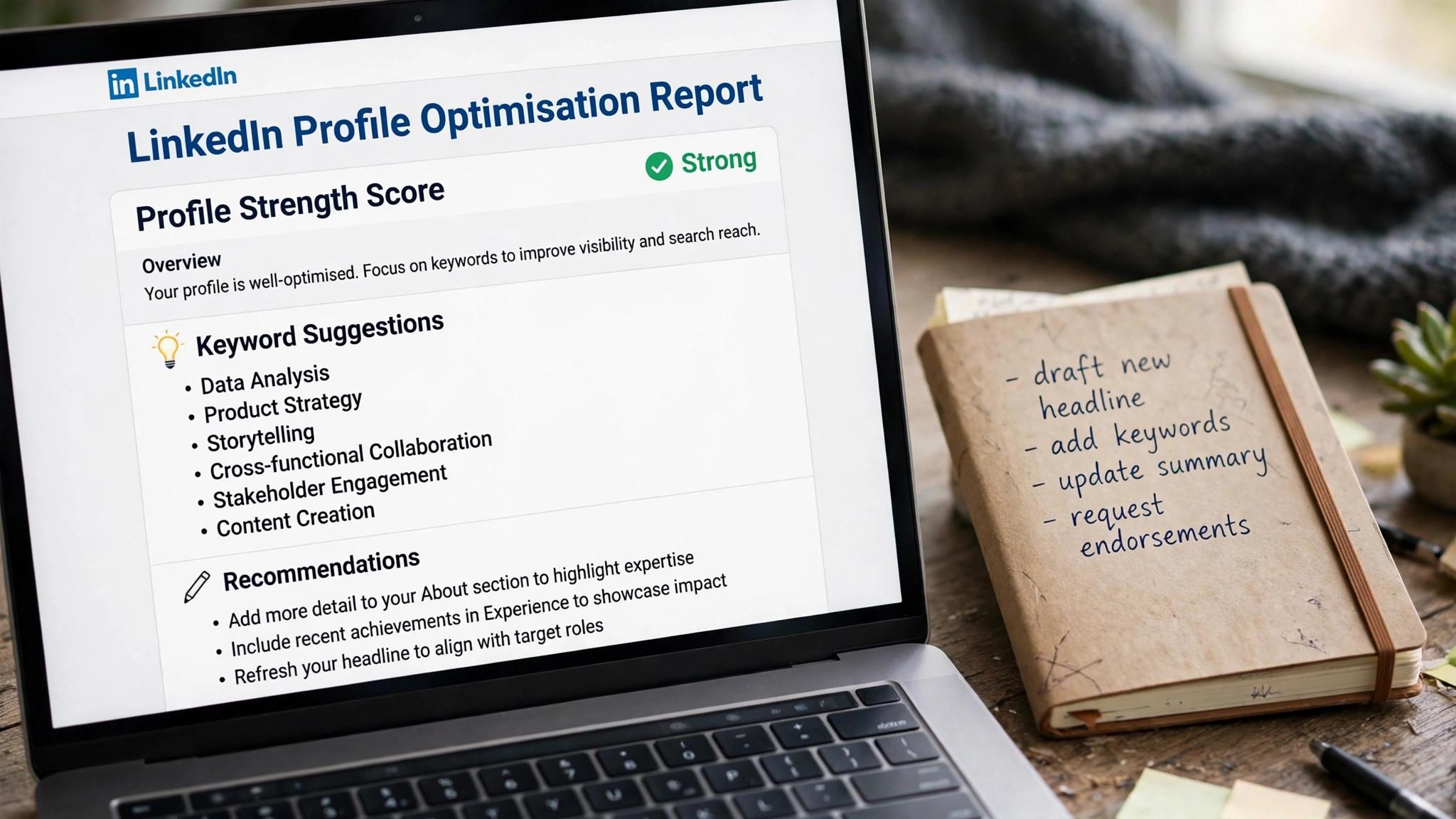
The second thing is the headline. Your headline is the most searched field on your profile, and it follows you everywhere, in search results, in comments, and in connection requests. A headline that says your job title and one proof point, such as the result you deliver, works harder than a headline that says you are open to work. The best LinkedIn profile optimizers for job seekers start here, because the headline is where most profiles lose the search.

The third thing is activity. LinkedIn ranks profiles that post, comment and engage above profiles that sit still, and recruiters notice the difference. An optimizer that only rewrites your profile is half the job. The tools here that also help you write posts and engage, like Taplio and AuthoredUp, cover the second half, which is staying visible after the rewrite.
1. Resume Worded. Best for a scored LinkedIn review
Resume Worded applies the same scoring approach to LinkedIn that it applies to resumes. It gives your profile a score out of 100, then walks through it line by line, flagging vague headlines, weak summaries and missing keywords, and showing you exactly what to change. It is the most specific feedback in this guide, and the only tool here that scores your profile the way a recruiter would judge it.
Pricing starts with a free account tier that shows a partial score, with full reports behind Pro. Pro costs $49 a month, $99 every three months, or $229 in one annual payment, which works out to about $19 a month. Its terms state that refunds are not available to first-time buyers, so try the free partial report first.
What works. The line-by-line feedback is the most specific here, and the score gives you a clear target. What to watch. The price is high for a profile tool, and the no-refund policy means you should test before you pay.
2. Jobscan. Best for matching your profile to a job
Jobscan includes a LinkedIn optimizer in its Premium plan, and it works the same way as its resume scanner. You paste a job description, and it compares your profile against the posting, flagging missing keywords and skills. It is the best pick when you want your profile and your resume to tell the same story for one specific role.
Pricing is free for five resume scans a month, with Premium at $49.95 a month or $89.95 every three months, which works out to about $29.98 a month. Premium adds unlimited scans, one-click bullet rewriting, LinkedIn optimization, cover letter scanning and a job tracker.
What works. The job-specific matching is unique, and the bundle covers resume, letter and profile in one plan. What to watch. The LinkedIn tool is an add-on, not the main product, so the depth is less than a dedicated optimizer.
3. Teal. Best for profile review inside a tracker
Teal includes LinkedIn review tools inside its full job search workspace, and that context is its advantage. Your resume, your applications and your profile all live in one place, so the profile review can pull from the same work history and the same target roles. It suits a job seeker who wants one tool for the whole search, not a separate tool for each document.
Pricing starts at $0, with unlimited resume creation and unlimited job tracking on the free plan and no card required. Teal+ costs $13 every seven days, $29 every 30 days, or $79 every 90 days, and adds unlimited AI, unlimited keyword matching and full analysis.
What works. The profile lives with the resume and the tracker, and the free tier is generous. What to watch. The LinkedIn features are part of a bigger product, so the depth is less than a dedicated review tool.
4. Taplio. Best for content and profile growth
Taplio is the growth tool. It helps you write LinkedIn posts with AI, schedule them, analyse what works, and grow an audience, while also helping you optimise your profile. It is built for job seekers who understand that a profile alone is not enough, and that regular posting is what keeps you visible to recruiters.
Pricing starts free to browse, and paid plans start from $49 a month. Check the current figures at checkout, because plan names and limits change often.
What works. The content tools are the strongest here, and the analytics show what actually gets seen. What to watch. The price is high, and it is built for creators as much as job seekers, so the profile help is one feature among many.
5. AuthoredUp. Best for writing posts that get seen
AuthoredUp is the writing tool for LinkedIn posts. It helps you draft hooks, structure posts, preview how they will look, and analyse performance, so your posts reach more people. It is the best pick when your profile is already good and the problem is visibility, not the profile itself.
Pricing starts with a free trial, and paid plans start from $19.95 a month. Check the current figures at checkout, because plan names and prices change often.
What works. The post editor is excellent, and the analytics are clear. What to watch. It is a content tool, not a profile optimizer, so pair it with a review tool like Resume Worded for the profile itself.
6. Careerflow. Best for LinkedIn tools plus job search
Careerflow combines LinkedIn tools with a job search copilot. It reviews your profile, helps you write outreach messages, and tracks your applications, so the LinkedIn work and the job search live in one place. It suits a job seeker who applies to many roles and wants the outreach handled too.
Pricing starts with a free plan, and paid plans start from around $19 a month. Check the current figures at checkout, because plan names and prices change often.
What works. The combination of profile review, outreach and tracking is useful, and the price is low. What to watch. The profile review is less deep than a dedicated scorer, so use it for the workflow, not the diagnosis.
7. LinkedIn Premium Career. Best for recruiter visibility itself
LinkedIn Premium Career is not an optimizer, but it is the tool that makes optimisation pay off. It shows you who viewed your profile, gives you five InMail credits a month to message recruiters directly, shows applicant insights that tell you where you rank against other applicants, and includes LinkedIn Learning courses.
Pricing is $39.99 a month, or $239.88 a year, which works out to $19.99 a month. A one-month free trial is available to eligible accounts. Some accounts see $29.99 at checkout, because LinkedIn tests different prices, so check your own rate.
What works. Applicant insights and InMail are genuinely useful, and the annual price is half the monthly rate. What to watch. Premium cannot fix a weak profile, so optimise first and subscribe second, and only for the months you are actively searching.
8. Kleo. Best for free profile insights
Kleo is the free Chrome extension that shows you insights about any LinkedIn profile you visit, including growth, posting patterns and engagement. It is the best free way to study profiles that work, compare your own profile against them, and learn what good looks like before you rewrite your own.
Pricing is $0, with no paid tier for the core insights. The extension is free to install and use.
What works. It costs nothing, and studying strong profiles is the fastest way to learn. What to watch. It shows insights, not fixes, so you still need a review tool to tell you what to change.
LinkedIn Mistakes That Make You Invisible
The first mistake is a headline that says nothing a recruiter can search for. Open to work, passionate professional, and seeking new opportunities are not job titles, and they will not appear in a search for the role you want. Name the role, the specialty and one proof point, in plain language, because the headline is where most profiles lose the search. The second mistake is a summary that reads like a biography. A summary that lists your history without naming the problem you solve tells the reader nothing, and a summary that opens with the role you want, follows with two achievements with numbers, and closes with what you are looking for gets read. Keep it under 300 words and write it in the first person. The third mistake is an experience section full of duties. A bullet that says you managed a team tells the reader nothing, and a bullet that says you led a team of six that shipped onboarding in eight weeks and cut churn 18 percent tells them everything. Use numbers wherever you have them, and cut any bullet that does not prove something. The fourth mistake is a profile that is rewritten once and forgotten. LinkedIn ranks active profiles above still ones, and a profile with no posts, no comments and no updates fades fast. Post twice a week, comment on posts in your field, and update the profile when your work changes, because a profile that is active stays visible.
How to Get Recommendations That Matter
Ask people who saw your work, not people with impressive titles. A recommendation from a manager who watched you ship a project carries more weight than a recommendation from an executive who barely knows you, because the specific story is the proof, and a vague endorsement from a senior title is just a name. Make it easy to say yes. When you ask, suggest the project and the result you would like them to mention, and offer to write a draft they can edit. A request that says would you write me a recommendation is easy to ignore, and a request that says would you write two sentences about the onboarding project is easy to accept. Give recommendations first. Write one for a colleague, a client, or a manager, and ask in return, because generosity earns reciprocity, and a profile with two or three strong recommendations is believable in a way a profile without them is not. The best time to ask is right after a project ends, when the work is fresh. Keep the recommendations current. A recommendation from five years ago tells the reader who you were, not who you are, and a profile with only old recommendations looks stale. Ask for a new one after each major project, and remove the ones that no longer match the roles you want.
Content Ideas That Get Seen
The best content teaches something. A post that explains how you solved a problem, what you learned from a mistake, or what surprised you about a project teaches the reader, and a post that says work hard and stay positive teaches nothing. The audience follows people who teach, not people who preach. Write about the work, not about yourself. A post that says I am excited to announce is about you, and a post that says here is what I learned shipping onboarding in eight weeks is about the reader. The second post gets comments, and the first gets likes, and comments are what the algorithm rewards. Use the three-sentence structure. Open with the lesson or the result, explain what happened in three short paragraphs, and close with a question or a takeaway. Keep it under 200 words, because LinkedIn readers skim, and a short post that teaches one thing beats a long post that teaches nothing. Post about the niche, not about everything. A profile that posts about one topic builds an audience that cares about that topic, and a profile that posts about everything builds an audience that cares about nothing. Pick the niche, post about it twice a week, and let the audience find you.
How to Use LinkedIn Search Like a Recruiter
Search LinkedIn the way a recruiter does, with the job title, the skills and the location, and see who appears. A profile that appears in the top ten results for your target role is optimised, and one that does not appear is invisible, no matter how good the experience is. The search is the test, and the results are the score. Filter by the things recruiters filter by, which are current company, past company, school, and years of experience, and see whether your profile survives the filters. A profile that disappears when the recruiter filters for a skill is a profile that is missing the keyword, and the fix is to add it, honestly, in the headline, the summary, or the experience. Study the profiles that rank first, and learn what they do differently. A top-ranked profile usually has a clear headline, a summary with keywords, recent activity, and recommendations, and the pattern is visible once you look for it. Copy the structure, not the words, because the structure is what the algorithm rewards. Search monthly, because the algorithm changes and your profile ages. A profile that ranked first three months ago may rank twentieth today, and a monthly search catches the drift before it costs you interviews. The search takes five minutes, and it is the cheapest audit in this guide.
Optimising for a Career Change on LinkedIn
A career changer profile must lead with the new role, not the old one. The headline should name the new role and the transferable skill, the summary should explain the move in two sentences, and the experience should lead with the achievements that match the new field. A profile that leads with the old title tells the recruiter you are the old job, and one that leads with the new role tells them you are the new one. Add a projects section above experience, with the two projects you built while closing the gaps, because the projects prove you can do the new work, and they matter more than the old job history. Link to the work, describe the result, and let the projects carry the profile, because they are the only evidence from the new field. Change the skills to match the new field, and order them by relevance, not by history. A teacher moving into corporate training should list instructional design, curriculum development and stakeholder management first, and classroom management last, because the recruiter searches for the new skills, not the old ones. Post about the new field, not the old one, twice a week, with real lessons and real projects. A profile that posts about the new field signals the change, and a profile that posts about the old field signals that the change has not happened yet. The content is the proof of the move, and the move is the story.
LinkedIn Premium Features That Actually Help
Applicant insights help most, because they show where you rank against other applicants and highlight the roles where you are a top applicant. A job seeker who applies to twenty roles where they rank highly will do better than one who applies to a hundred at random, and the feature earns its keep in focus, not in volume. InMail helps when you have a short list of target companies and a specific person to reach. Five messages a month is enough to contact five hiring managers about five real roles, and one reply can change a search. The cost per message is about $8 on monthly billing and $4 on annual billing, which is fair for a message that reaches a person no other channel can reach. Salary insights help you judge a role before you apply, though the data is thinner than Levels.fyi or Glassdoor. LinkedIn Learning helps you fill a skills gap, though the same material is available free elsewhere. Who viewed your profile is a nice extra, not a reason to pay, because it feels good to see and changes nothing about what you should do next. Subscribe only while you search, and cancel the moment you accept an offer. Premium at $39.99 a month is fair for one or two months of intensive applying, and the annual price of $239.88 is fair if you will search for a full year. A subscription that keeps billing after the search ends is a cost, not a help.
How to Choose the Best LinkedIn Profile Optimizers for Job Seekers
Step 1. Get a score before you rewrite anything. Run your profile through Resume Worded free or Jobscan and see what it flags. A score gives you a baseline and a list of fixes, which is far more useful than generic advice. Rewrite from the diagnosis, not from guesswork.
Step 2. Fix the headline first. Your headline is the most searched field on your profile, and it follows you everywhere. Name your role, your specialty and one proof point, in plain language a recruiter would type. Skip the clever phrases and the open-to-work badge, and let the headline do the searching for you.
Step 3. Match the profile to your target roles. Paste three real postings into your chosen tool and collect the keywords they share. Those are the words your profile must contain, in your headline, your summary and your experience. A profile that matches the search terms gets found, and a profile that does not stays invisible.
Step 4. Post twice a week. A rewritten profile with no activity fades fast. Post twice a week about your work, comment on posts in your field, and share one useful thing you learned. Taplio or AuthoredUp can help with the writing, but the habit matters more than the tool.
Step 5. Subscribe to Premium only while you search. LinkedIn Premium Career is worth $39.99 a month while you are actively applying, because InMail and applicant insights help. It is not worth paying for when you are not searching, so subscribe for the search and cancel the moment you accept an offer.

Related Guides
- Cover Letter Generator Pricing
- How to Build a Personal Brand for Job Hunting
- How to Make a Resume That Passes ATS
Frequently Asked Questions
How do I make my LinkedIn profile show up in recruiter searches?
Use the exact job title and skills from the roles you want, in your headline, your summary and your experience section. Recruiters search with keywords, so a profile that names the role and the tools gets found, and a profile that describes itself in vague terms does not. Turn on the open-to-work setting for recruiters only, not for everyone. That is the value of best linkedin profile optimizers for job seekers. A tool that fits the job beats a tool that promises everything.
Is LinkedIn Premium worth it for job seekers?
Premium Career is worth it while you are actively searching, because applicant insights show where you rank and five InMail credits a month let you message recruiters directly. The annual price of $239.88 works out to $19.99 a month, which is half the monthly rate. Cancel when the search ends. The test for any best linkedin profile optimizers for job seekers is simple. Does it fix the step where your search breaks down?
What should my LinkedIn headline say?
Your headline should name your role, your specialty and one proof point, in plain language. A product manager who writes Product Manager, B2B SaaS, shipped onboarding that cut churn 18 percent will be found and believed. A headline that says open to work or passionate professional says nothing a recruiter can search for.
How often should I post on LinkedIn while job hunting?
Twice a week is enough. One post about your work or a problem you solved, and one comment or share that adds something useful. Daily posting burns out fast and adds little, while silence makes a rewritten profile fade. Consistency beats volume.
Can an AI tool really improve my LinkedIn profile?
Yes, for the diagnosis. A scoring tool can tell you which keywords you are missing, which sections are weak, and how your headline reads to a recruiter. What it cannot do is supply your achievements, so you still need to write the proof yourself. Use the tool for the fix list, and your own experience for the content.
How many skills should I list on LinkedIn?
List the ten to fifteen skills that match your target roles, ordered by relevance, not alphabetically. Recruiters filter by skills, and a profile with the right skills at the top gets found first. A list of fifty skills dilutes the ones that matter, and a list of three looks thin, so aim for the skills you can defend in an interview.
Should I accept every LinkedIn connection request?
No. Accept requests from people in your field, from recruiters, and from people you have met, and ignore the rest. A network of five hundred relevant connections is worth more than a network of five thousand strangers, because the relevant network finds you roles and the strangers find you spam.
The Bottom Line
Resume Worded is the best pick for a scored LinkedIn review, Jobscan is the best pick for matching your profile to a specific job, and LinkedIn Premium Career is the best pick for recruiter visibility. The best LinkedIn profile optimizers for job seekers are the ones that work from real recruiter search terms, so get a score, fix the headline, and post twice a week. Start with the free tier, and let best linkedin profile optimizers for job seekers prove itself on one real role before you pay.
Start with a free score today. Fix the headline first, add the keywords from three real postings, and turn on recruiter visibility. A profile that gets found is the cheapest way to get interviews, and the rewrite takes less than an hour. Used well, best linkedin profile optimizers for job seekers saves hours every week, and the time saved is the real return on the price.