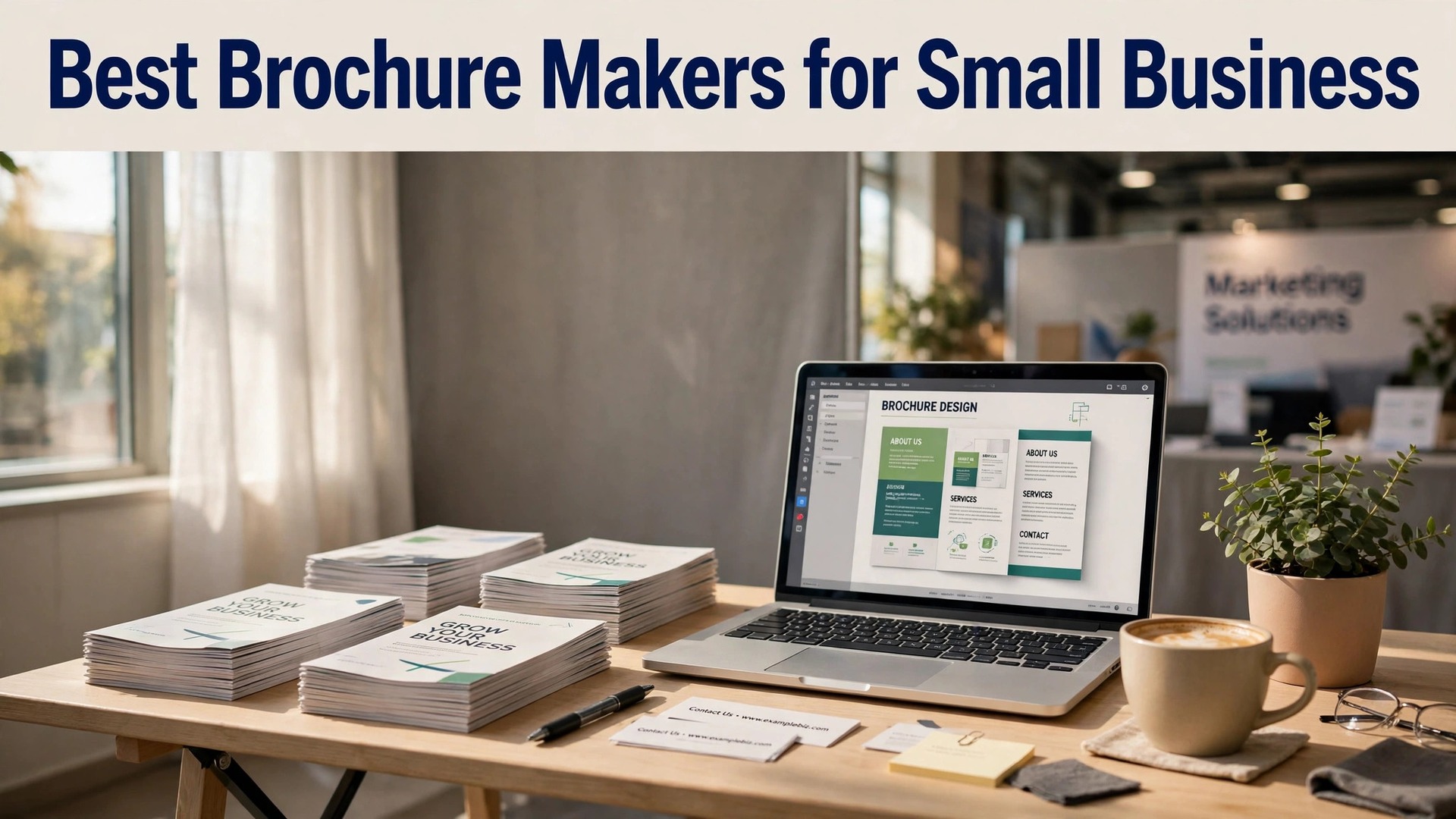
A brochure has one job, and most of them fail at it. The job is to make a stranger pick up your business, read for thirty seconds, and decide to call. That takes a clear headline, one strong photo, and a next step that is impossible to miss. It does not take five paragraphs about your company history. The best brochure makers for small business are the tools that make that simple structure easy, and this guide compares eight of them.
The choice splits two ways. Design tools like Canva and Adobe Express give you templates and an easy editor, and you print wherever you like. Print-first services like Vistaprint give you the design and the printing in one order, with paper stocks and folds handled for you. Neither route is wrong. The right one depends on whether you already have a printer you trust and whether you enjoy designing.
Paper matters more than people expect. A brochure printed on thin, glossy stock feels like a flyer and gets binned like one. The same design on a heavier matte stock feels like a real business, and it gets kept. The fold matters too. A tri-fold that opens cleanly and lies flat reads better than one that springs shut. The printers and tools below were judged on how the finished piece feels in a hand, not just how it looks on screen.
The best brochure makers for small business are not the ones with the most templates. They are the ones that help you write less, show more, and finish with a brochure that survives the journey from a trade show table to a customer kitchen counter. This guide names the best pick for each job, from a 25-piece trade show run to a digital flipbook.
Quick jump
- Quick Answer. The Best Brochure Makers for Small Business in 30 Seconds
- What a Brochure Really Costs
- Brochure Folds Explained. Tri-Fold, Bi-Fold and Z-Fold
- Writing a Brochure That Gets Read
- How to Choose the Right Option for Your Business
- Before You Print a Brochure. A Checklist
- Related Guides
- Questions Owners Ask Most
- The Bottom Line
Quick Answer. The Best Brochure Makers for Small Business in 30 Seconds
If you want the answer before the detail, here it is. Canva is the best all-round pick, with the easiest editor and the largest template library, free to design and Pro from $120 a year. Vistaprint is the best choice when you want design and printing in one order, from about $29 for 25 tri-folds. Adobe Express is the best pick for a premium look, with Premium at $9.99 a month. Marq is the best choice for teams that need brand control. The rest of this guide proves that short answer, with a full comparison table, a detailed review of each tool, and answers to the questions owners ask most.
The table below compares all eight of the best brochure makers for small business on the four facts that change a buying decision. Free tier means what you can design without paying. Paid from means the cheapest plan or print run that produces a usable brochure.
| Tool | Best for | Free tier | Paid from | Key strength |
|---|---|---|---|---|
| Canva | Best all-round brochure maker | Free plan, 600k templates | Free, Pro from $120 a year | Easiest editor, huge template library |
| Vistaprint | Best for design plus printing in one order | Free templates | From about $29 for 25 tri-folds | Print quality and paper choice |
| Adobe Express | Best for polished, on-brand brochures | Free plan | Free, Premium $9.99 a month | Adobe fonts and stock photos |
| Marq | Best for teams and brand control | Free plan | Pro from $10 a month per user | Brand lockdown and team templates |
| Venngage | Best for data-heavy brochures | Free plan, limited | Premium from $19 a month | Charts, icons and infographics |
| Visme | Best for interactive and digital brochures | Free plan | Starter from $12.25 a month | Interactive elements and analytics |
| PicMonkey | Best for photo-led brochures | 7-day trial | Basic from $7.99 a month | Photo editing built in |
| Flipsnack | Best for flipbook brochures | Free plan, limited | Starter from $14 a month | Page-flip digital brochures |
What a Brochure Really Costs
The first number is the print run. Twenty-five tri-folds from Vistaprint cost about $29, or $1.16 each. One hundred cost far less per piece, and 250 less again. For a trade show, order the quantity you will actually hand out, plus a small margin. Running out halfway through a show costs more than the extra brochures would have.
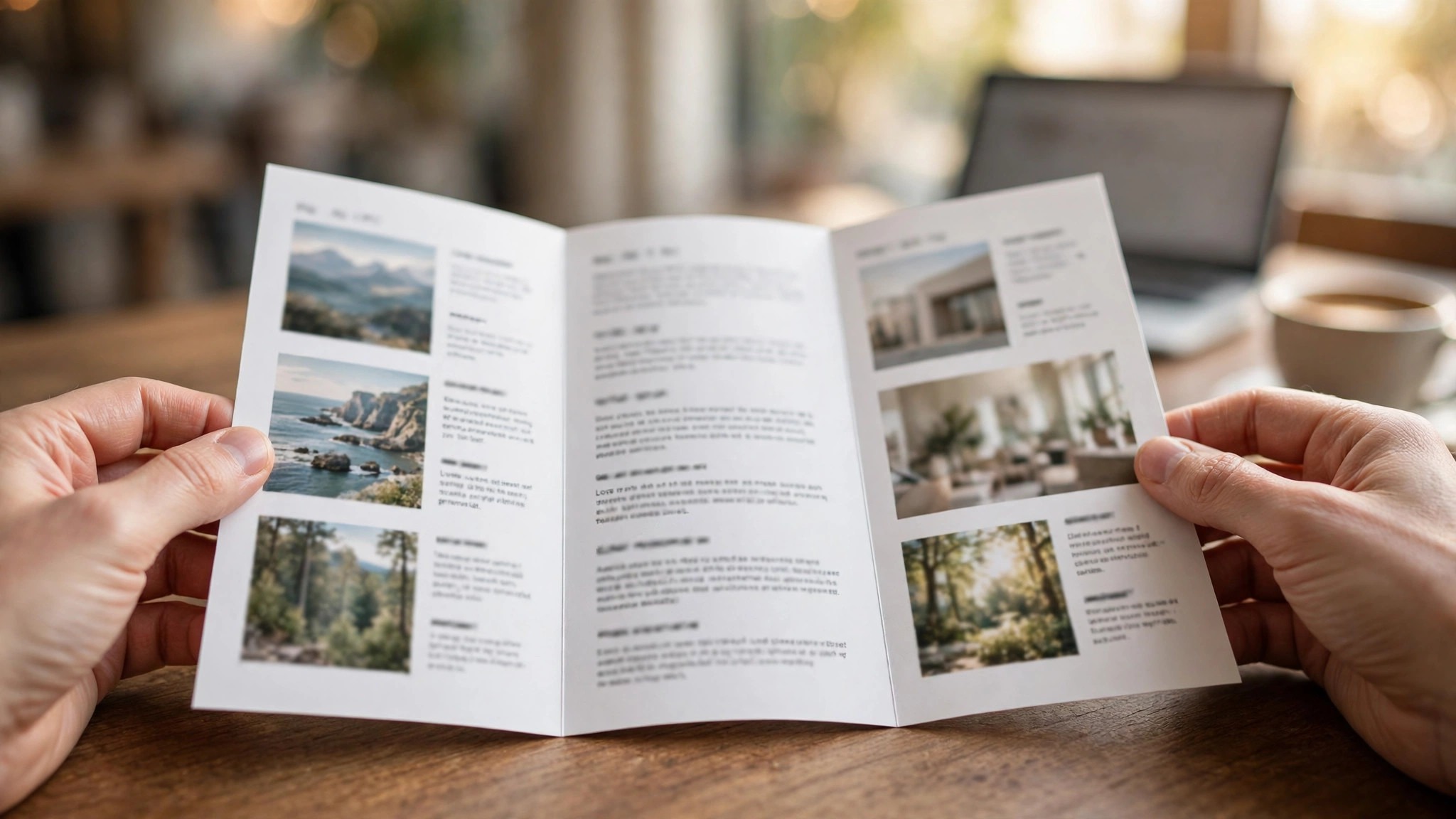
The second number is the design cost. Canva and Adobe Express are free for most brochure work, and their Pro plans cost $120 a year and $9.99 a month. That is the whole design budget for a business that designs its own brochures. Hiring a designer costs $200 to $500 for a single brochure, which makes sense for a flagship piece and not for a seasonal flyer.
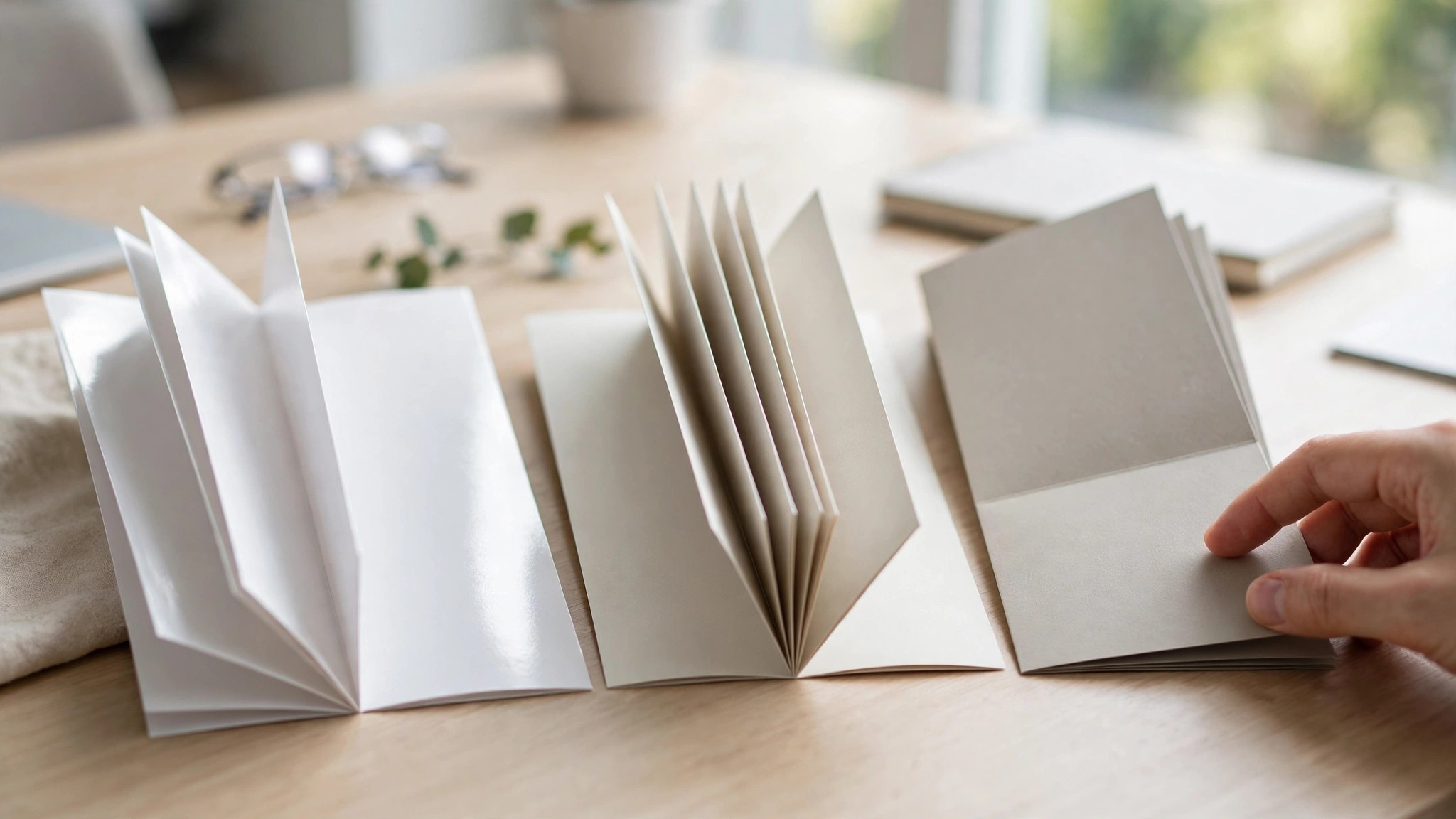
The third number is paper. Standard glossy stock is included in most base prices. Premium matte or heavier stock adds 20 to 40 percent, and it is worth it for a brochure that represents a premium service. A law firm, a clinic or a high-end salon should pay for the heavier stock. A pizza shop handing out menus can use the standard stock and spend the saving on quantity.

1. Canva. Best all-round brochure maker
Canva is where most small businesses start, and for brochures it is still the easiest path from a blank page to a printed piece. The template library covers tri-fold, bi-fold and z-fold layouts for real businesses, not just generic placeholders, and the drag-and-drop editor lets anyone swap photos, change colours and set brand fonts in minutes. Print through Canva Print or export a PDF and use a local printer. Either way the file is print-ready.
Canva is free for most brochure work, and Pro costs $120 a year or $15 a month, adding premium templates, background removal and brand kits. Canva Print brochure prices start around $29 for 25 tri-folds. If you design here and print locally you often save money, but Canva Print quality is good and the convenience is real.
What works. Templates are plentiful and modern, the editor needs no design skill, and print is built in.
Watch out for. Free templates repeat across businesses, and fine typography control is limited.
On balance, Canva earns its place for one reason. Easiest editor, huge template library. At Free, Pro from $120 a year, the value is fair for a business that needs best all-round brochure maker. Try the free tier first (Free plan, 600k templates), and order a small batch before you commit. If the result matches the promise, reorder with confidence. If it does not, the table above shows the next best option for the same job.
2. Vistaprint. Best for design plus printing in one order
Vistaprint is the print-first pick. Its brochure builder is simpler than Canva, but the printing is the point. Paper stocks include glossy, matte and premium matte, and the folds are crisp and consistent, which matters more than people expect when a brochure lands in a customer’s hands. Upload your own design or use a template, then choose paper, quantity and delivery in one checkout.
Tri-fold brochures start near $29 for 25, with steep discounts at 100 and 250. Frequent sales cut 30 to 50 percent, so never order at full price. The design tool is basic, so designers should upload finished art. For everyone else, the template plus print bundle is the simplest route to a professional brochure.
What works. Print quality is reliable, paper options are good, and sales are frequent.
Watch out for. The design tool is weaker than Canva, and custom folds cost extra.
Who should pick Vistaprint? A business that wants best for design plus printing in one order and values print quality and paper choice. The price, From about $29 for 25 tri-folds, is reasonable for what you get, and the free tier (Free templates) removes the risk of trying it. The trade is the one named above, and for the right buyer it is a small price. For anyone else, a different row in the table fits better.
3. Adobe Express. Best for polished, on-brand brochures
Adobe Express brings Adobe quality without Adobe complexity. The brochure templates look a step more polished than the free competition, helped by Adobe Fonts and a stock photo library that is genuinely good. Brand kits keep colours and fonts consistent, and one-click resize turns a brochure into a social post or flyer. It suits a business that cares about looking premium and already uses Adobe tools.
Adobe Express is free for basic brochure work, and Premium costs $9.99 a month, adding premium templates, fonts and stock. There is no built-in print service, so export a PDF and print locally or through a print shop. The subscription is cheap for what it includes, and the free plan covers a surprising amount.
What works. Templates and fonts look premium, stock photos are excellent, and brand kits are easy.
Watch out for. No built-in printing, and the free plan locks the best templates.
Adobe Express is a specialist, not an all-rounder, and that is its strength. Adobe fonts and stock photos is what it does best, and at Free, Premium $9.99 a month it does it at a fair price. Start with the free tier (Free plan) and test it on a real job. If it handles that job well, it will handle the next one too. Specialists beat generalists when the job matches, and this one matches best for polished, on-brand brochures.
4. Marq. Best for teams and brand control
Marq, formerly Lucidpress, is built for businesses where more than one person touches marketing. Admins can lock logos, colours and fonts so a branch manager cannot turn a brochure into a rainbow, while staff edit only the text and photos. Templates are business-focused, and the editor handles multi-page documents well. It is the pick for franchises, chains and teams.
Marq is free for single users, and Pro starts at $10 a month per user with brand controls and team features. Print is available through partners, or export a print-ready PDF. For a solo shop this is overkill. For a business with five locations, the brand control pays for itself the first time someone nearly prints an off-brand brochure.
What works. Brand locking is excellent, team workflows are smooth, and templates are business-ready.
Watch out for. Overkill for a solo business, and the editor is slower than Canva.
The practical case for Marq comes down to brand lockdown and team templates. At Pro from $10 a month per user, you pay for that, and for a business where best for teams and brand control matters, the price is justified. The free tier (Free plan) means you can check the quality before you pay. Order small, test properly, and scale up only when the results prove the choice.
5. Venngage. Best for data-heavy brochures
Venngage suits brochures that carry numbers. Product specs, comparison charts, pricing tables and timelines all look better here than in a general design tool, because Venngage was built for infographics first. The template set leans business and healthcare, and the icon library is large. If your brochure needs to explain rather than just impress, Venngage earns its place.
Venngage is free with watermarks and limits, and Premium starts at $19 a month, which removes watermarks and unlocks exports. Business plans cost more and add brand kits and team features. Export print-ready PDFs and print locally. The price is higher than Canva, so only pay it if your brochures carry charts and data.
What works. Charts and data visuals are strong, icons are plentiful, and templates are professional.
Watch out for. Pricier than general tools, and the free plan is limited.
Put simply, Venngage is worth trying if best for data-heavy brochures is your priority. Charts, icons and infographics is the reason, and at Premium from $19 a month the cost is fair for the quality on offer. The free tier (Free plan, limited) lets you test without risk, so there is no reason to guess. Try it on a real job, judge the result, and decide from evidence rather than from a product page.
6. Visme. Best for interactive and digital brochures
Visme is the digital-first pick. Brochures built here can include clickable links, embedded video and animations, and you can publish them as a web link and track views. That makes Visme the right choice for a brochure that lives on your website or goes out by email, rather than one that gets printed. Print exports exist too, and the templates are clean and modern.
Visme is free with limits, and Starter costs $12.25 a month billed yearly, adding full exports and more templates. Pro costs $24.75 a month and adds analytics and brand controls. If you print brochures, the subscription is hard to justify against Canva. If your brochure is digital, the analytics alone can justify it.
What works. Interactive features are genuinely useful, analytics show real reads, and templates are clean.
Watch out for. Print is secondary, and pricing climbs fast for teams.
On balance, Visme earns its place for one reason. Interactive elements and analytics. At Starter from $12.25 a month, the value is fair for a business that needs best for interactive and digital brochures. Try the free tier first (Free plan), and order a small batch before you commit. If the result matches the promise, reorder with confidence. If it does not, the table above shows the next best option for the same job.
7. PicMonkey. Best for photo-led brochures
PicMonkey is a photo editor that makes good brochures, which suits businesses whose selling point is visual. A bakery, a salon, a florist or a photographer can edit photos, remove backgrounds and lay out a brochure in one tool. Templates are fewer than Canva, but the photo tools are stronger, and the results look warm and human rather than corporate.
PicMonkey has no free plan beyond a 7-day trial, and Basic costs $7.99 a month billed yearly. Pro costs $12.99 a month and adds brand kits and more storage. There is no built-in print, so export and print locally. It is a good pick if your brochure is mostly photos and you want them to look their best.
What works. Photo editing is strong, the interface is friendly, and results look warm and human.
Watch out for. No free plan, fewer templates than Canva, and no built-in print.
Who should pick PicMonkey? A business that wants best for photo-led brochures and values photo editing built in. The price, Basic from $7.99 a month, is reasonable for what you get, and the free tier (7-day trial) removes the risk of trying it. The trade is the one named above, and for the right buyer it is a small price. For anyone else, a different row in the table fits better.
8. Flipsnack. Best for flipbook brochures
Flipsnack turns a PDF brochure into a page-flip digital publication that feels like a magazine. Upload your finished PDF, and Flipsnack adds the flip effect, links, video and sharing controls. It is the pick for a catalogue or brochure that customers read on screen, and it suits trade shows where a QR code opens the brochure on a visitor phone. Print is not the point here. The screen experience is.
Flipsnack is free for one publication with limits, and Starter costs $14 a month, adding branding and more publications. Professional costs $35 a month and adds lead capture and statistics. If you print brochures, skip it. If your brochure lives online, the flipbook format reads better than a flat PDF.
What works. Flipbook format reads beautifully on screen, sharing is easy, and lead capture is built in.
Watch out for. Not a design tool, and print is not supported.
Flipsnack is a specialist, not an all-rounder, and that is its strength. Page-flip digital brochures is what it does best, and at Starter from $14 a month it does it at a fair price. Start with the free tier (Free plan, limited) and test it on a real job. If it handles that job well, it will handle the next one too. Specialists beat generalists when the job matches, and this one matches best for flipbook brochures.
Brochure Folds Explained. Tri-Fold, Bi-Fold and Z-Fold
The tri-fold is the standard brochure, a letter sheet folded into three panels, and it suits most small businesses because it fits a standard envelope and a brochure rack. The layout is simple. Front panel for the headline, inside panels for the offer, back panel for contact details. A customer opens it in order, and the story unfolds naturally. If you are unsure which fold to choose, choose the tri-fold.
The bi-fold is a letter sheet folded in half, giving four larger panels. It suits a single offer with big photos and short text, like a restaurant menu or a property listing. The larger panels give photos room to breathe, and the design feels more spacious. The trade is content. A bi-fold holds less text than a tri-fold, so it suits a business with one thing to say, said well.
The z-fold is a tri-fold that opens like an accordion, with panels that unfold in sequence. It suits a step-by-step story, a timeline, or a product range that builds. The format is less familiar, which can be a strength, because a customer pauses to work out how it opens. For a business that wants a brochure people remember, the z-fold is worth considering, and most printers on this list offer it.
Writing a Brochure That Gets Read
A brochure is read in thirty seconds, so every word has to earn its place. Start with the customer problem, not your company history. A headline that names the problem, like a leaking roof or a slow website, stops a reader. A headline that names your company does not, because the reader does not care about your company yet. They care about their problem, and the brochure has thirty seconds to show you can solve it.
Write one idea per panel, and support it with one photo and a few short lines. A panel with five ideas is a panel with no ideas, because the reader cannot tell what matters. Use short sentences, active verbs and specific numbers. A claim like we serve 400 local businesses beats a claim like we are passionate about service, because numbers can be checked and passion cannot.
End every brochure with a next step that is impossible to miss. Call this number, visit this address, scan this code. One next step, not three, because three choices mean no choice. Put the next step on the back panel in large type, with the phone number and website beside it. A brochure without a next step is a leaflet, and a leaflet gets binned.
Among the best brochure makers for small business, the right choice is the one that fits how the brochure reaches the customer, in print at an event or on screen by email.
How to Choose the Right Option for Your Business
Start with how the brochure reaches the customer. A printed brochure for a trade show needs a print-first service like Vistaprint, with paper choice and reliable folds. A digital brochure for email or a website needs Visme or Flipsnack, with links and tracking. A brochure your team edits across locations needs Marq, with brand locking. Match the tool to the distribution, not to the template count.
Next, be honest about your design skill. If you enjoy designing, Canva or Adobe Express gives you the most control for the least money. If you do not, Vistaprint templates plus its print service get you a finished brochure with the least effort. A tool you enjoy using gets used. A powerful tool you avoid does not.
Then write less than you think. A tri-fold has six panels, and each panel deserves one idea, one photo and a few short lines. Put your headline and your phone number on the front panel, your offer on the inside panels, and your contact details on the back. If a sentence does not help a stranger decide, cut it.
Finally, print a single copy before you order 250. Check the fold, the paper, the colours and the text size in real light. Colours on screen always look brighter than colours on paper, and a font that reads well on a monitor can be too small in print. One test copy costs a few dollars and saves a ruined run.
Before You Print a Brochure. A Checklist
- Headline and phone number on the front panel, visible at a glance
- One idea per panel, with one photo and a few short lines
- Paper stock chosen for the audience, heavier matte for premium services
- Colours checked in print, since screen colours always look brighter
- Single test copy printed and read in real light before the full run
- Contact details and a clear next step on the back panel
- Quantity matches the event or campaign, plus a small margin
The best brochure makers for small business all produce a decent brochure. The difference is the paper, the fold and the writing, so judge the tool on those, not on the template count.
Related Guides
- Best Free Certificate Makers Online
- Best Free Flyer Makers Online
- Best Free Postcard Makers Online: Complete 2026 Guide
Questions Owners Ask Most
How much does it cost to print brochures for a small business?
A run of 25 tri-fold brochures costs about $29 from Vistaprint, or $1.16 each. At 100 the per-unit price falls sharply, and at 250 it can drop under $0.50 each. Design is free with Canva or Adobe Express, or $200 to $500 if you hire a designer. Always compare the delivered total, including shipping.
What size should a brochure be?
The standard tri-fold is a letter-size sheet, 8.5 by 11 inches, folded into three panels. It fits a standard envelope and a brochure rack, and it is the size customers expect. Larger formats suit catalogues and menus. For a first brochure, use the standard tri-fold and spend your effort on the words and photos.
What is the difference between a tri-fold and a bi-fold brochure?
A tri-fold folds a letter sheet into three panels, giving six surfaces for content. A bi-fold folds it in half, giving four larger panels. Tri-folds suit businesses with several services or products to list. Bi-folds suit a single offer with big photos and short text.
Can I design a brochure for free?
Yes. Canva and Adobe Express both offer free plans with brochure templates, and you can export a print-ready PDF and print it locally or through a print shop. The free templates are good, and the only cost is printing. A Pro subscription adds premium templates and brand kits, but it is not required for a good brochure.
Should my brochure be printed or digital?
Print suits trade shows, waiting rooms, direct mail and anywhere a customer meets you in person. Digital suits email campaigns, websites and social media, where links and tracking matter. Many businesses need both. Design once in Canva, print a run for events, and publish a digital version through Visme or Flipsnack for your website.
When you compare the best brochure makers for small business side by side, the pattern is clear. Design where the design is best, print where the print is best, and write less than you think.
Which of the best brochure makers for small business is best for a trade show?
Vistaprint is the best choice for a trade show, because the print quality is reliable, the paper choice is good, and 25 tri-folds cost about $29. Design the brochure in Canva first, export a print-ready PDF, and upload it to Vistaprint for printing. That combination gives you the best design and the best print, and it costs nothing extra.
The Bottom Line
Canva is the best all-round pick for most small businesses, because the editor is easy, the templates are strong, and designing is free. Vistaprint wins when you want design and printing in one order, and Adobe Express wins when the brochure has to look premium. Whichever tool you choose, write less, show more, and print one test copy before you order the run. A brochure that gets read is worth far more than a brochure that gets printed.
1 thought on “Best Brochure Makers for Small Business”