
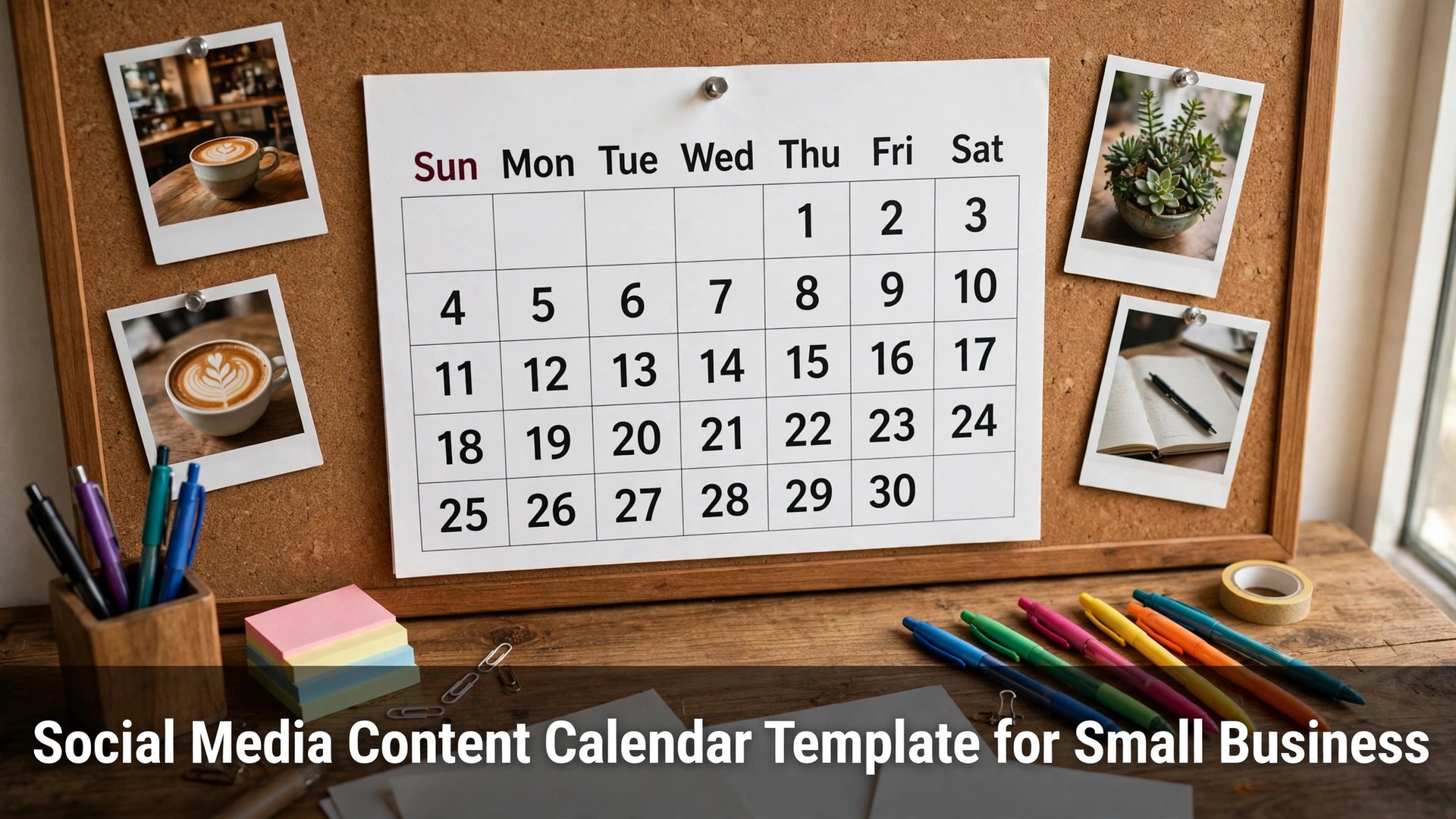
A small business that posts when it remembers to post gets the results that luck gives it, and a social media content calendar template for small business is what turns posting into a habit. The template is not a spreadsheet for its own sake, it is the plan that decides what goes out, when it goes out, and who it is for, before the week gets busy.
This guide is a ten-item checklist, not a tool roundup. Each item is one decision that makes the calendar work, from picking posting days to keeping an ideas bank, and the whole list can be set up in a single afternoon with a free tool or even a sheet of paper.
Work through the items in order, because each one builds on the last. The table at the top shows the time each step needs, the closing section names the single item to start with, and the first-week section shows how to run the calendar on a real week before changing anything else.
Quick jump
- Social Media Content Calendar Template for Small Business Compared by Step
- What Running a Content Calendar Costs a Small Business Each Week
- The 10-Step Content Calendar Checklist for Small Business, One by One
- Best Pick by Job
- How Small Businesses Should Choose a Calendar Tool
- Mistakes Small Businesses Make With Content Calendars
- Your First Week With a Content Calendar
- How Small Businesses Save Time on Content Planning
- How We Verified Every Calendar Tip in This Guide
- Frequently Asked Questions
- Habits That Keep a Small Business Calendar Alive
- The One Checklist Item to Start With
Social Media Content Calendar Template for Small Business Compared by Step
The table below puts the ten checklist items on the same footing, with what each step asks you to do and how long it takes. The order matches the sections that follow, so a row leads straight to the full write-up without hunting through the page.
Two patterns show up at once. First, the setup steps take the longest and only happen once, while the weekly steps are short and repeat. Second, the items that look like admin, like picking days and themes, are the ones that save the most time later, because they remove a decision from every single post.
| Checklist item | What to do | Time needed |
|---|---|---|
| Pick Your Posting Days | Choose three or four days a week and fix them on the calendar | 30 minutes, once |
| Choose Monthly Themes | Give each month one theme that guides every post | 45 minutes, once a month |
| Batch Your Photos | Shoot a week of photos in one session | 1 hour, weekly |
| Write Captions in Advance | Draft every caption the day before it posts | 45 minutes, weekly |
| Schedule With a Tool | Load the week into a scheduler every Monday | 20 minutes, weekly |
| Mix Content Types | Rotate product, story, and behind-the-scenes posts | 15 minutes, weekly |
| Plan Stories and Reels | Add one short video or story to the week | 30 minutes, weekly |
| Review Analytics Weekly | Check what worked every Friday and note it | 20 minutes, weekly |
| Keep an Ideas Bank | Store every post idea in one list the moment it appears | 10 minutes, ongoing |
| Block 30 Minutes Daily | Set aside half an hour a day to reply and engage | 30 minutes, daily |
What Running a Content Calendar Costs a Small Business Each Week
A social media content calendar template for small business costs very little money and a few honest hours, and the split between the two is what decides whether it survives. The money is usually zero to about $30 a month for a scheduling tool, while the time is roughly three to five hours a week once the routine settles, and most of that is creating the posts themselves rather than planning them.
The setup afternoon is the biggest single cost, at about three hours for the ten items in this checklist. After that, the weekly rhythm is a 30-minute planning session, a one-hour batching session for photos and captions, and a ten-minute daily check, which is less time than most owners already spend scrolling and wondering what to post.
Watch the hidden cost, which is not the tool but the abandoned calendar. A template that asks for an hour of planning every day will be dropped by week two, while one that asks for thirty minutes on a Monday survives. The cheapest calendar is the one that is still in use three months later, so design for the week you actually have, not the week you wish you had.

The 10-Step Content Calendar Checklist for Small Business, One by One
The social media content calendar template for small business below is reviewed item by item in the same order as the table, with what each step does, how long it takes, and where it goes wrong when it is skipped.

1. Pick Your Posting Days. Choose three or four days a week and fix them on the calendar
Picking posting days is the first decision because everything else in the calendar hangs off it. Three or four days a week is the right range for most small businesses, since daily posting burns out the owner and weekly posting is too rare for the algorithm to notice, and fixed days mean the audience learns when to expect something new.
The step takes about thirty minutes and happens once, and the work is choosing days that fit the business rather than copying another account. A cafe posts on the mornings it bakes, a shop posts on the days new stock arrives, and the calendar should follow the real rhythm of the work instead of fighting it.
The mistake to avoid is picking seven days out of enthusiasm and dropping to zero by week three. Verdict. Fixed posting days are the foundation of the whole calendar, and a business that keeps three days a week for a year beats one that posts daily for a month and then stops.
2. Choose Monthly Themes. Give each month one theme that guides every post
A monthly theme is the idea that stops a calendar from becoming a random list of posts. One theme per month, like a seasonal product, a customer story, or a behind-the-scenes look, gives every post a reason to exist and makes the month feel planned rather than improvised.
The step takes about forty-five minutes once a month, and the work is picking a theme that matches what the business is actually doing that month. A theme tied to a real event, a product launch, or a season writes its own posts, while a theme picked from a list of ideas online usually produces content nobody in the business cares about.
The mistake to avoid is choosing four themes for one month, because the calendar then has no centre. Verdict. One theme a month keeps the calendar focused, and the posts that fit inside it are easier to write and easier for customers to remember.
3. Batch Your Photos. Shoot a week of photos in one session
Batching photos means taking a week’s worth of images in one session instead of scrambling for a picture every posting day. A single hour with a phone, decent daylight, and the products or the workspace produces enough material for three or four posts, and the quality is better because the light and the setup stay the same.
The step takes about an hour a week, and the work is preparing a short shot list before picking up the phone. Five to eight shots per session is enough, covering the product, the process, the people behind it, and one detail shot, and the photos should be taken in the order the calendar needs them.
The mistake to avoid is batching without a list, because the session then produces forty similar photos and no variety. Verdict. A weekly batch session is the single biggest time saver in this checklist, and it is the step that makes the rest of the calendar possible.
4. Write Captions in Advance. Draft every caption the day before it posts
Writing captions in advance separates the thinking from the posting, which is why it works. A caption written the day before, when there is time to check the details and read it back, is sharper than one typed in a hurry on the morning it goes out, and the advance draft is where the call to action and the link get checked properly.
The step takes about forty-five minutes a week, and the work is drafting the captions for the week’s posts in one sitting. Keep each caption short, put the important information first, and read it aloud once, because a caption that sounds awkward spoken will read awkwardly too.
The mistake to avoid is writing captions on the day of posting, because the rush shows in the text. Verdict. Advance captions are the quality control of the calendar, and they cost less than an hour a week for noticeably better posts.
5. Schedule With a Tool. Load the week into a scheduler every Monday
Scheduling with a tool means the posts go out even when the owner is busy with customers, which is the whole point of a calendar. A free scheduler like Buffer or Meta Business Suite loads the week’s posts on a Monday, and the business stops depending on someone remembering to open an app at the right hour.
The step takes about twenty minutes a week, and the work is loading the photos and captions into the scheduler and checking the preview for each platform. The preview matters, because a caption that fits one platform can be cut off on another, and the check takes two minutes per post.
The mistake to avoid is scheduling a month ahead and never looking at it again, because a post about a sunny day can go out in a storm. Verdict. Weekly scheduling keeps the calendar honest, and the twenty minutes it takes is repaid the first time a post goes out while the owner is serving a customer.
6. Mix Content Types. Rotate product, story, and behind-the-scenes posts
Mixing content types keeps the feed from becoming a catalogue, because a customer who only sees products stops looking. A simple rotation of product posts, customer stories, and behind-the-scenes work gives the audience a reason to keep following, and it gives the owner more to say than a price list.
The step takes about fifteen minutes a week, and the work is checking the week’s posts against the rotation and swapping one out if the mix is wrong. Three types are enough, and the ratio that works for most small businesses is roughly half product, a quarter story, and a quarter behind the scenes.
The mistake to avoid is posting the same type every day because it is the easiest to make. Verdict. A mixed feed holds attention longer, and the fifteen minutes spent checking the rotation is the cheapest engagement work in this checklist.
7. Plan Stories and Reels. Add one short video or story to the week
Planning one short video or story a week adds the format that static posts cannot match, because a moving image shows the product and the person behind it in a way a photo cannot. A thirty-second clip of the work being done, filmed on a phone, is enough, and it does not need editing software or a script.
The step takes about thirty minutes a week, and the work is choosing one moment from the week’s real work and filming it simply. The best subjects are the process, the finished product, and a quick answer to a question customers keep asking, because those three never run out.
The mistake to avoid is planning a polished video that never gets filmed because it feels like too much work. Verdict. One simple weekly video beats a planned series that never happens, and the phone in the owner’s pocket is the only equipment it needs.
8. Review Analytics Weekly. Check what worked every Friday and note it
Reviewing analytics weekly means looking at which posts earned attention and which were ignored, and writing the answer down. The numbers are free inside every platform, and the review takes twenty minutes, yet most small businesses never do it, so they repeat the posts that failed and stop the ones that worked.
The step takes about twenty minutes a week, and the work is noting the best and worst post of the week and one reason for each. The reason matters more than the number, because a post that worked for its photo is a different lesson from one that worked for its timing.
The mistake to avoid is checking numbers daily, because daily figures are noise and the weekly pattern is the signal. Verdict. A Friday review turns the calendar into a learning system, and the notes it produces are what make next month’s planning faster.
9. Keep an Ideas Bank. Store every post idea in one list the moment it appears
An ideas bank is a single list where every post idea goes the moment it appears, so a good idea is never lost because nobody wrote it down. Customer questions, seasonal moments, and things overheard in the shop are all content, and the bank turns them into a resource the calendar can draw on.
The step takes about ten minutes a week to maintain, and the work is adding ideas as they come and crossing them off when they are used. A phone note or a page in the planner is enough, and the list should be in one place rather than spread across messages and scraps of paper.
The mistake to avoid is keeping the ideas in your head, because the head forgets them by the time the planning session starts. Verdict. An ideas bank is the cheapest item in this checklist, and it is the one that stops the blank-page moment on a Monday morning.
10. Block 30 Minutes Daily. Set aside half an hour a day to reply and engage
Blocking thirty minutes a day for replies and engagement is what turns posting into a conversation, because a post with no replies is a noticeboard, not a presence. The half hour covers answering comments, replying to messages, and commenting on a few local accounts, and it is the part of social media that builds customers rather than just reach.
The step takes thirty minutes a day, and the work is best done at a fixed time, like the first half hour after opening. A fixed slot means the replies happen even on a busy day, and customers who get an answer quickly remember the business fondly.
The mistake to avoid is spending the half hour scrolling instead of replying, because scrolling feels like work and produces nothing. Verdict. Daily replies are the habit that converts followers into customers, and the thirty minutes is the most valuable time in this whole checklist.
Best Pick by Job
The table below matches the pick to the job, so a reader can find their own situation and see the approach or tool that fits it. The reasons are short, because the full checklist above carries the detail.
| Job / Need | Pick | Why |
|---|---|---|
| Business with no budget at all | Meta Business Suite | Free scheduling and analytics, built into the platforms |
| Owner short on time | Buffer | Simple weekly scheduling, free plan covers the basics |
| Business that sells visually | Later | Visual planning and a media library for photos |
| Owner who hates planning | Canva | Templates and a calendar view in one place, Pro from $10 a month annual |
| Business with lots of customer questions | Ideas bank first | Questions become posts, and replies become content |
| Business starting from zero | Pick Your Posting Days | Fixed days first, everything else follows |
How Small Businesses Should Choose a Calendar Tool
Start with paper, then buy software. A social media content calendar template for small business works on a wall calendar before it works in an app, and a business that cannot keep a paper plan for two weeks will not keep a digital one either. Prove the habit first, then pay for the tool that removes the friction.
Match the tool to the number of platforms. A business on one platform needs nothing more than the platform’s own scheduler, while one on three platforms saves real time with a tool like Buffer or Later. Paying for a multi-platform tool to post on one account is the most common waste in this category.
Check the free tier before paying. Meta Business Suite, Buffer, and Later all offer free plans that cover a small business’s weekly volume, and the paid step is only worth it when a limit blocks real work. A business that pays before testing the free tier is buying a guess.
Weigh the calendar view, not the feature list. The daily difference between scheduling tools is how clearly the week looks on screen, because a calendar that is hard to read gets ignored. Try the free plan for a week and see whether the layout makes planning easier or adds another screen to manage.
Mistakes Small Businesses Make With Content Calendars
The most common error is building a calendar so ambitious that it collapses in the second week, and a social media content calendar template for small business fails most often from over-planning rather than under-planning. Three posts a week kept for a year beats seven posts a week kept for a fortnight, so design for the week the business actually has.
A second error is filling the calendar with product posts and nothing else, because a feed that only sells trains customers to scroll past it. Mix in the stories and the behind-the-scenes work, and the product posts that remain will be noticed more, not less.
A third error is treating the calendar as finished once it is written, when the whole point is that it changes. A post about an event that was cancelled, a product that sold out, or a storm that closed the shop should be pulled, and a calendar that cannot change is a liability rather than a plan.
Your First Week With a Content Calendar
In the first week, run the calendar on a real week rather than a perfect one, because a social media content calendar template for small business reveals its limits only when the shop is busy. Pick the posting days, write the captions, schedule the posts, and note where the plan broke down, since that friction is the honest cost of the system.
Keep the ideas bank open all week and add to it whenever a customer asks a question or something interesting happens in the business. By Friday the bank should have at least five entries, and those entries are next week’s posts already half written.
At the end of the week, review what worked and change one thing only. If the captions took too long, write them shorter, and if the photos were the bottleneck, batch them earlier next week. One change a week is how a calendar improves without being rebuilt.
How Small Businesses Save Time on Content Planning
Reuse one piece of content in three forms, because a photo from a batch session can become a post, a story, and a reply to a customer question. One shoot that serves three placements is the cheapest content a small business will ever make.
Write captions in batches, because five captions in one sitting take less time than five captions on five separate days. The thinking is already warmed up after the first one, and the later captions come faster and read better.
Let customer questions write the posts, since a question asked twice is a post that an audience already wants. The ideas bank turns those questions into a queue, and the queue means the planning session starts with material instead of a blank page.
Keep the tool free until a limit actually blocks the week, because Meta Business Suite and the free tier of Buffer cover most small businesses completely. A paid scheduler is worth it only when the free plan’s limits cost real time.
Set the planning session for the same time every week, because a routine that has a slot survives and one that floats gets skipped. Monday morning works for most owners, and the session that starts the week sets the tone for all of it.
How We Verified Every Calendar Tip in This Guide
The tips in this guide were checked against how small businesses actually run their social media, including the free tiers of the scheduling tools named here. Where a tool’s free plan has limits, the guide says so, because a business that signs up expecting unlimited scheduling deserves to know before it builds a routine around it.
The checklist was judged on real weeks of work, like planning around a busy shop, posting while serving customers, and recovering when a post goes out wrong. A step that only works in a quiet week did not earn its place here, whatever its promise on a marketing page.
Frequently Asked Questions
How many times a week should a small business post?
Three or four times a week is the right range for most small businesses, because it keeps the account visible without burning out the owner. A social media content calendar template for small business works best at that pace, and the posting days should be fixed so the audience learns when to expect something new.
Do I need a paid scheduling tool?
No, not at the start, because Meta Business Suite schedules for free and Buffer’s free plan covers a small weekly volume. Pay only when a limit blocks real work, like a cap on scheduled posts or a missing platform, and test the free tier for a month first.
What should a small business post about?
Start with the business itself, because customers follow for the product, the process, and the people behind it. A simple mix of product posts, customer stories, and behind-the-scenes work covers most weeks, and the ideas bank turns customer questions into posts that an audience already wants.
How long does it take to run a content calendar?
About three to five hours a week once the routine settles, including a 30-minute planning session, an hour of photo batching, and thirty minutes a day for replies. The setup afternoon takes about three hours, and the weekly rhythm after that is far less than the time most owners already spend wondering what to post.
What if I miss a posting day?
Nothing serious happens, and the calendar should be built to survive a missed day. Post the next day if the content still fits, or skip it and move on, because a missed post costs nothing while a rushed post that goes out wrong costs trust.
Habits That Keep a Small Business Calendar Alive
Make the Monday planning session a habit, not an afterthought. A calendar planned at the start of the week survives the busy days that follow, while one planned on the fly collapses by Wednesday, and the session takes thirty minutes when the ideas bank is kept up to date.
Keep the ideas bank in one place and add to it daily, because the bank is what makes Monday fast. A customer question, a seasonal moment, or something overheard in the shop is a post waiting to happen, and the list is the difference between planning and staring at a blank page.
Revisit the calendar once a month, even when everything works. Themes change, products change, and a calendar that was right in spring may be wrong in autumn, so a monthly review of what worked keeps the plan honest.
The One Checklist Item to Start With
Pick Your Posting Days is the item to start with, because it is the decision every other item depends on. Fix three or four days, put them on the wall where everyone in the business can see them, and the rest of the checklist has something to hang from. A social media content calendar template for small business only works when the days are fixed, and everything else is a refinement.
Start this week, with a paper calendar and a pen, and run the ten items on a real week of work. The template should make posting easier, not harder, and the first week will show whether the rhythm fits. If it does, the calendar becomes a habit, and the habit becomes the presence that customers remember.