The Canva vs Vistaprint for flyers question is the first decision most small businesses face when they need a flyer, and it is worth settling properly. Canva and Vistaprint answer the same question in different ways. Canva asks, how do you want the flyer to look. Vistaprint asks, how many do you want printed. Canva is a design tool that also prints. Vistaprint is a printer that also designs. Both can produce a good flyer, and the right choice depends on whether you need one flyer or five hundred, and this guide compares them head to head.
The price picture splits by quantity. Designing a flyer in Canva is free, and printing a single copy at home costs almost nothing. Printing 100 flyers through Canva Print costs about $29, and 500 cost far less per flyer. Vistaprint flyers start at about $29 for 100, with frequent sales cutting 30 to 50 percent, and the per-flyer price falls fast at 250 and 500. For a single flyer, Canva wins. For a large run, Vistaprint wins.
Design is where Canva leads. The template library is enormous, the editor is easy, and the result looks modern. Vistaprint templates are good but simpler, and the editor is basic. A business that cares about the design should start in Canva, even if it prints elsewhere. A business that wants the simplest route from idea to printed flyer should use Vistaprint, because the design and the print happen in one order.
This guide compares Canva vs Vistaprint for flyers on design, print quality, price, turnaround and the jobs each one wins, with real prices and an honest verdict for each type of business. No option wins every round, and the winner for a single event flyer is not the winner for a 500-piece mail drop.
Quick jump
- Quick Answer. Canva vs Vistaprint for Flyers in 30 Seconds
- Design. Canva Wins, and It Is Not Close
- Print Quality and Paper. Vistaprint Wins on Paper
- Pricing. A Tie at 100, Vistaprint Wins at 500
- Turnaround and Delivery. Vistaprint Is Faster
- Digital Flyers. Canva Wins Easily
- Ease of Use. Canva Is Easier, Vistaprint Is Simpler
- Best for Each Job. Who Should Choose Which
- Verdict. A Winner for Every Job
- How to Decide in Ten Minutes
- What Real Users Say
- Flyer Sizes and Paper. A Quick Guide
- Design in Canva, Print With Vistaprint. The Workflow
- Decision Worksheet. Answer These Before You Pay
- Flyer Distribution. Getting It Seen
- Related Guides
- Questions Owners Ask Most
- The Bottom Line
Quick Answer. Canva vs Vistaprint for Flyers in 30 Seconds
If you want the answer before the detail, here it is. Canva is the best pick when design matters most, because the templates are stronger, the editor is easier, and designing is free. Vistaprint is the best pick when you need a large printed run, because the print quality is reliable, the paper choice is better, and frequent sales cut prices by 30 to 50 percent. If you need one flyer or a digital flyer, choose Canva. If you need 250 printed flyers for an event, choose Vistaprint. The smart move for many businesses is both. Design in Canva, print with Vistaprint. The rest of this guide proves that short answer, round by round.
The table below puts the decision in one place. Read it, then read the sections that matter to your job, because the winner changes with the job.
| Canva | Vistaprint | ||
|---|---|---|---|
| Best for | Design and digital flyers | Large printed runs | |
| Design cost | Free, Pro $120 a year | Free templates | |
| 100 flyers from | About $29 | About $29, often on sale | |
| Paper choice | Standard | Glossy, matte, premium | |
| Templates | Huge library | Good, simpler | |
| Turnaround | About a week | 4 to 6 days | |
| Winner | Design-led jobs | Print-led jobs |
Design. Canva Wins, and It Is Not Close
Canva template library covers every flyer format, from event announcements to menus to real estate listings, with modern layouts that look current. The editor is drag and drop, the font library is strong, and the photo library is large. A non-designer can make a flyer in Canva that looks like a designer made it, and the result is ready in twenty minutes.
Vistaprint templates are good but simpler, with fewer choices and a more traditional look. The editor is basic, with fewer fonts and fewer layout options. A Vistaprint flyer looks professional, but it rarely looks modern or distinctive. For a straightforward announcement, that is enough. For a flyer that has to stand out, Canva is better.
The smart move is to design in Canva and print wherever you like. Canva exports a print-ready PDF, which Vistaprint accepts, and that combination gives you the best design and the best print. You do not have to choose one tool for everything. Use each tool for the job it does best, and the flyer will be better for it.
Whichever tool you use, keep the flyer simple. One headline, one photo, one offer, and one next step. A flyer with five messages is a flyer with no message. Leave white space, use a large headline, and put the phone number or website where it cannot be missed.
Print Quality and Paper. Vistaprint Wins on Paper
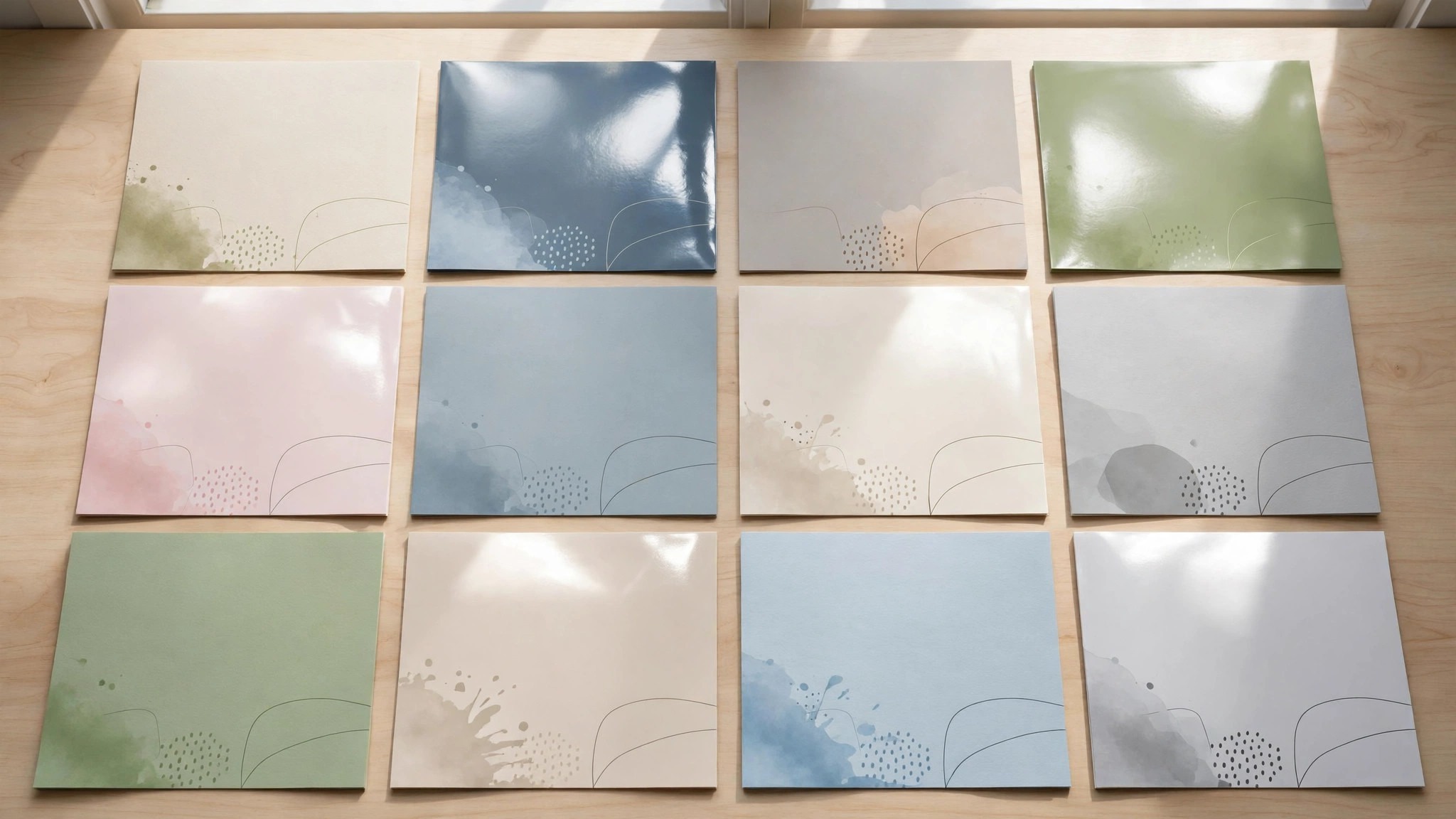
Vistaprint print quality is reliable, with crisp text, accurate colours and consistent results across a run. Paper stocks include glossy, matte and premium matte, and the heavier stocks feel substantial in the hand. A flyer on premium matte stock feels like a real business, and it gets kept. The fold and the cut are clean, which matters when a flyer is handed out by the hundred.
Canva Print quality is good, with accurate colours and clean printing, but the paper choice is narrower. Standard stock is solid, and premium options exist, but the range is smaller than Vistaprint. For a small run or a digital flyer, Canva Print is fine. For a large run where paper matters, Vistaprint has more choice.
Both printers check files before printing, and both offer proofs. Vistaprint proofing is more thorough, with a real review of the file. Canva proofing is simpler. If your flyer has a dark background, a full-bleed photo or fine text, Vistaprint review is worth having, because those are the designs where print problems appear.
Order a single test copy before a large run, whatever printer you choose. Check the colours in daylight, check the text size, and check the paper feel. Colours on screen always look brighter than colours on paper, and a font that reads well on a monitor can be too small in print. One test copy costs a few dollars and saves a ruined run.
Pricing. A Tie at 100, Vistaprint Wins at 500
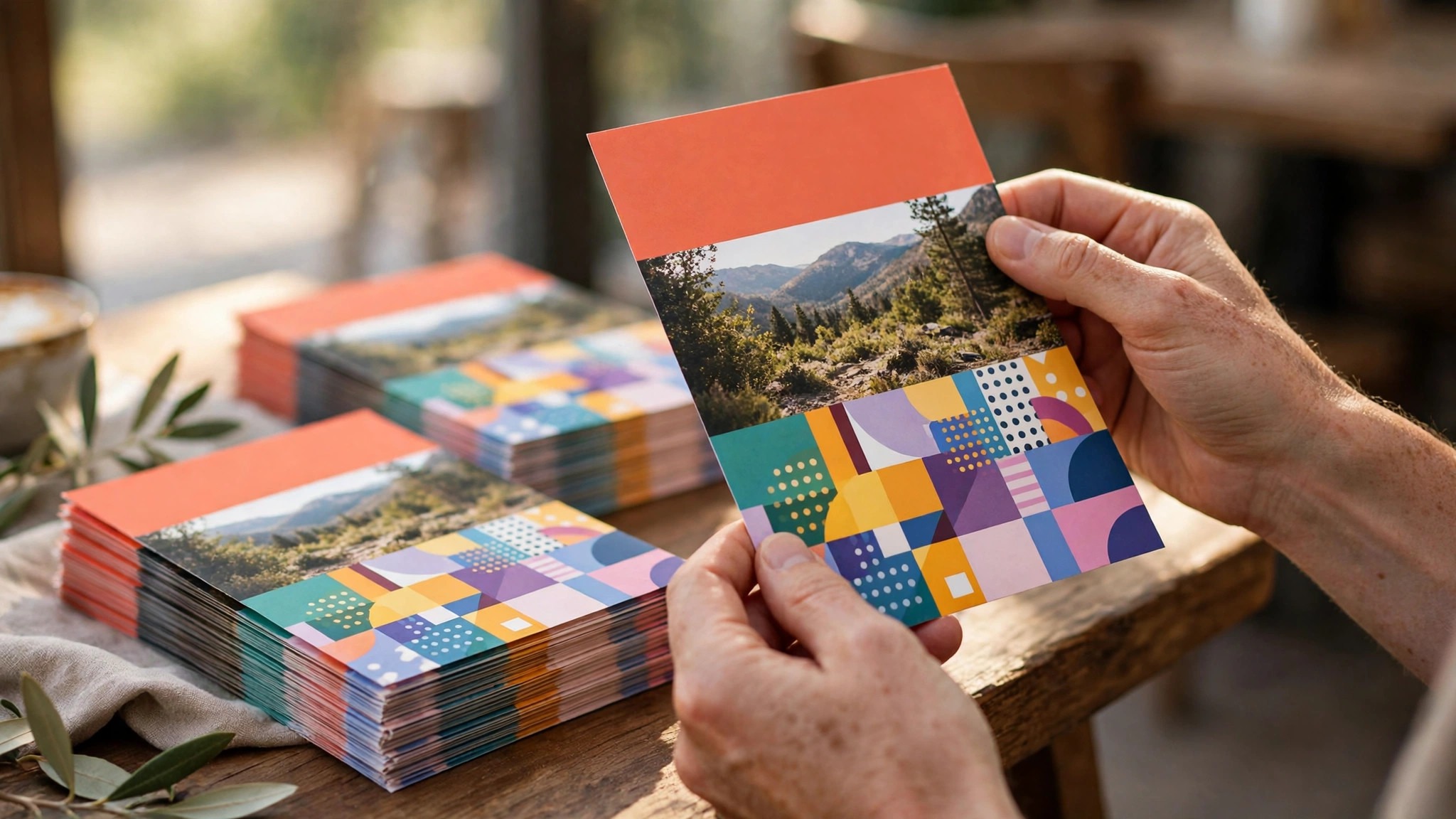
Canva Print flyers cost about $29 for 100, with prices falling at larger quantities. Designing is free, and Pro costs $120 a year for premium templates and brand kits. For a business that already pays for Canva Pro, the flyer design costs nothing extra, and the print price is fair.
Vistaprint flyers start at about $29 for 100, and frequent sales cut that by 30 to 50 percent, so the real price is often $15 to $20. At 250 and 500, the per-flyer price falls further, and Vistaprint is usually cheaper than Canva Print at those quantities. The sales are the key. Never order from Vistaprint at full price, because a sale is always coming.
The honest comparison is the delivered total, including shipping. Both printers charge for shipping, and both offer faster delivery at a premium. Add the shipping to the print price, and compare the totals. A cheap flyer with expensive shipping is not a cheap flyer.
For a single flyer or a digital flyer, Canva wins, because designing is free and you can print one copy at home. For a run of 500, Vistaprint wins, because the sales and the volume discounts make it cheaper. For a run of 100, it is a tie, and the design quality should decide it.
Turnaround and Delivery. Vistaprint Is Faster
Vistaprint turnaround is about four to six business days for standard delivery, with express options for urgent orders. The ordering process is smooth, the proofing is clear, and the delivery is reliable. For a business that needs flyers for an event next week, Vistaprint is the safer choice.
Canva Print turnaround is about a week, including shipping, which is slower than Vistaprint. The process is simple, and the tracking is clear, but the extra days matter when an event is close. If you need flyers fast, order from Vistaprint, or design in Canva and print locally.
Local printing is worth considering for urgent jobs. A local print shop can often print 100 flyers in a day, from a Canva PDF, at a fair price. The quality is usually good, and the turnaround is unbeatable. For a last-minute event, local printing beats both online options.
Order ahead, whatever printer you choose. A flyer order placed the week before an event is a risk, because shipping delays happen. Order three weeks ahead, check the flyers when they arrive, and keep a spare pack. A business that runs out of flyers at an event loses more than the cost of the flyers.
Digital Flyers. Canva Wins Easily
Canva is the clear winner for digital flyers, the kind that go on Instagram, Facebook, WhatsApp or email. The templates are built for social sizes, the export is one click, and the scheduling tool can publish the flyer directly. A digital flyer made in Canva takes ten minutes and costs nothing.
Vistaprint is a print company, and its digital tools are basic. You can design a flyer and download it, but the social sizes, the scheduling and the templates are weaker. For a flyer that lives on screen, Vistaprint is the wrong tool, and Canva is the right one.
Many businesses need both. A printed flyer for the shop counter, and a digital version for social media. Design once in Canva, export a print PDF for Vistaprint and a social image for Instagram, and the two match. That is the smart workflow, and it costs nothing extra.
A digital flyer has different rules from a printed one. Text must be larger, because the flyer appears on a phone screen. The headline must be readable at thumbnail size, and the call to action must be a link, not a phone number. Design for the screen first, and the print version will follow.
Ease of Use. Canva Is Easier, Vistaprint Is Simpler
Canva is easier for a beginner, because the editor is visual, the templates are plentiful, and the community is enormous. Any question has a tutorial, and any format has a template. A new user can make a good flyer in twenty minutes, and the learning curve is gentle.
Vistaprint is simpler, because the editor has fewer options and the process is more guided. Pick a template, add your details, choose paper and quantity, and checkout. The simplicity is a strength for a user who wants a flyer with the least effort, and a weakness for a user who wants a distinctive design.
Both tools autosave, both work in a browser, and both export in the formats a small business needs. Neither tool will frustrate a normal user. The difference is the ceiling. Canva lets you build a better flyer if you put in the effort. Vistaprint gets you a decent flyer with less effort.
The best test is to design the same flyer in both tools, with the same words and the same photo, and compare the results. In most tests, the Canva version looks more modern, and the Vistaprint version gets finished faster. That trade is the whole decision.
Best for Each Job. Who Should Choose Which
A business that needs a digital flyer, a social post or a single printed flyer should choose Canva. The design is free, the templates are strong, and the result looks modern. A cafe, a salon or a fitness studio promoting a weekly offer will be happy with Canva.
A business that needs 250 or 500 printed flyers for an event, a mail drop or a trade show should choose Vistaprint. The print quality is reliable, the paper choice is better, and the sales make it cheaper at volume. A real estate agent, a restaurant or a local service will save money with Vistaprint.
A business that needs both should design in Canva and print with Vistaprint. Export a print-ready PDF from Canva, upload it to Vistaprint, and get the best design and the best print. That combination is the smartest workflow here, and it costs nothing extra.
A business that needs flyers urgently should design in Canva and print locally. A local print shop can turn a Canva PDF into 100 flyers in a day, and the quality is usually good. For a last-minute event, local printing beats both online options.
Verdict. A Winner for Every Job
Canva wins when design matters most. The templates are stronger, the editor is easier, and designing is free. If you need one flyer, a digital flyer, or a flyer that has to look modern, Canva is the right choice.
Vistaprint wins when print matters most. The print quality is reliable, the paper choice is better, and the sales make large runs cheaper. If you need 250 printed flyers for an event, Vistaprint is the right choice.
The honest verdict is that the best flyer comes from both tools. Design in Canva, print with Vistaprint, and you get the best of each. A flyer that looks good and feels good is worth the extra step, and the combination costs nothing more than either tool alone.
How to Decide in Ten Minutes
Set a timer and answer three questions. What is the job, how often will you do it, and who will see the result? The job decides the features you need, the frequency decides whether a subscription is worth it, and the audience decides how much polish matters. Write the answers down, because a decision made from a written list is better than one made from a feeling.
Next, test the two finalists with a real job, not a demo. Design the same flyer, card or page in each tool, using your own words and your own photos, and compare the results side by side. The tool that produces the better result in less time is the one to choose. A free trial is the cheapest way to learn this, and it costs nothing but an hour.
Finally, check the total cost for a year, including the plan, the add-ons and the shipping. The cheapest monthly price is not always the cheapest year, and a tool that replaces a second subscription can be free in practice. In the canva vs vistaprint for flyers comparison, the winner is the tool that fits your real week, not the one with the longest feature list.
What Real Users Say
Read the reviews for any tool in the %s comparison and a pattern appears quickly. Users praise the winner for the same reasons every time, speed, reliability and results that look professional without effort. They complain about the same things too, usually price rises, upsells at checkout, or a feature that moved in an update. The complaints matter, because they predict your own frustrations.
The most useful reviews are the detailed ones from businesses like yours, not the five-star summaries. Look for a reviewer who describes their job, their volume and their problem, and see whether the tool solved it. A review that says great tool tells you nothing. A review that says we print 500 flyers a month and the colours are consistent tells you everything.
Treat review scores with care. A tool with thousands of reviews and a 4.5 average is a safer bet than a tool with fifty reviews and a 5.0 average. The larger sample is more honest. And remember that unhappy customers review more often than happy ones, so a 4.5 average usually means most users are satisfied. Use reviews to confirm a choice, not to make it.
Flyer Sizes and Paper. A Quick Guide
The standard flyer is A5 or half-letter size, which fits a hand, a pocket and a noticeboard. It suits event announcements, offers and handouts. A4 flyers suit menus, detailed offers and anything with more text, because the larger page gives words room. Smaller flyers suit coupons and invitations. For a first flyer, use the standard size and spend your effort on the headline and the photo.
Paper weight matters more than people expect. Standard 130gsm stock is fine for a handout. Heavier 170gsm stock feels more substantial and suits a premium offer. Glossy paper makes colours pop and suits photos. Matte paper looks modern, reduces glare and suits text-heavy flyers. In the canva vs vistaprint for flyers choice, Vistaprint offers more paper options, and the heavier stock is worth the small extra cost for a flyer that represents a premium business.
Always print a single test copy before a large run. Check the colours in daylight, check the text size, and check the paper feel. Colours on screen always look brighter than colours on paper, and a font that reads well on a monitor can be too small in print. One test copy costs a few dollars and saves a ruined run of 500.
Design in Canva, Print With Vistaprint. The Workflow
The best flyer workflow uses both tools, and it takes less time than using one. Design the flyer in Canva, where the templates are stronger and the editor is easier. Use your own photos, your brand colours and a headline that names the offer. Export a print-ready PDF at the size you need, with bleed if the design reaches the edge.
Upload the PDF to Vistaprint, choose the paper and the quantity, and check the proof. Vistaprint will flag any problem with the file, like low resolution or missing bleed, and you can fix it in Canva in minutes. Order a single test copy first if the run is large, and check it in daylight before you approve the full run.
Save the Canva design as a template for next time, so the next flyer takes ten minutes instead of an hour. Keep the Vistaprint order in your account, so reordering is two clicks. In the canva vs vistaprint for flyers comparison, the workflow is the answer. Design where the design is best, print where the print is best, and the flyer will be better for it.
Decision Worksheet. Answer These Before You Pay
- What is the one job this tool has to do well, in a single sentence
- How often will you use it, daily, weekly or monthly
- Who will see the result, and how much does polish matter to them
- What is the total cost for a year, including add-ons and shipping
- Which plan includes the feature you need, and what does the next plan add
- Have you tested it with a real job, using your own words and photos
In the Canva vs Vistaprint for flyers comparison, the pattern is clear. Design points to Canva, large print runs point to Vistaprint, and the best flyer uses both.
Flyer Distribution. Getting It Seen
A printed flyer only works if it reaches the right hands. Handing out flyers at an event, in a shop or at a market puts the flyer in front of people who are already nearby, and the conversion is high. A flyer left on a counter gets picked up by a customer who is already interested. A flyer handed to a stranger on the street gets binned more often, so choose the location as carefully as the design.
Direct mail reaches people at home, where they have time to read. A flyer in a mailbox competes with bills and catalogues, so the headline has to work harder. Use a clear offer, a large headline and a single next step. A mail drop of 500 flyers in a local area can bring a measurable response, especially for a local service like a restaurant, a salon or a trades business. Track the response with a code or a dedicated phone number, so you know what worked.
Digital distribution is free and fast. Post the flyer on Instagram, Facebook and WhatsApp, send it by email, and pin it to your Google Business profile. A digital flyer reaches people who never visit your shop, and it can be shared, which a printed flyer cannot. In the canva vs vistaprint for flyers comparison, the digital flyer is Canva territory, and the printed flyer is Vistaprint territory, so use both and reach both audiences.
Measure the result, whatever the channel. A flyer that brings ten customers is worth repeating. A flyer that brings none needs a new headline, a new offer or a new location. Change one thing at a time, so you know what made the difference. A flyer is a test, not a guess, and the businesses that test learn faster than the businesses that print and hope.
Related Guides
- How to Design a Menu for Your Restaurant
- How to Make a Poster for Your Business
- Vistaprint vs Moo Business Cards
Questions Owners Ask Most
Is Canva good for flyers?
Yes, Canva is one of the best flyer design tools, with a huge template library, an easy editor and free designing. It also offers Canva Print, so you can print flyers directly. For digital flyers and single printed flyers, Canva is the best choice.
Is Vistaprint good for flyers?
Yes, Vistaprint is a reliable flyer printer, with good print quality, a choice of paper stocks and frequent sales that cut prices by 30 to 50 percent. It is the best choice for large printed runs of 250 or 500 flyers.
How much do flyers cost at Vistaprint?
Vistaprint flyers start at about $29 for 100, and frequent sales cut that to $15 to $20. At 250 and 500, the per-flyer price falls further. Never order at full price, because a sale is always coming, and always compare the delivered total including shipping.
Can I design in Canva and print with Vistaprint?
Yes, and it is the smartest workflow. Design the flyer in Canva, export a print-ready PDF, and upload it to Vistaprint. You get the best design from Canva and the best print and paper from Vistaprint, for no extra cost.
What size should a flyer be?
The standard flyer is A5 or half-letter size, which fits a hand and a noticeboard. Larger A4 flyers suit menus and detailed offers. Smaller flyers suit handouts. Use the standard size for a first flyer, and spend your effort on the headline and the photo.
The Canva vs Vistaprint for flyers question has no single winner. The winner is the workflow that fits your job, design in Canva, print with Vistaprint, and the flyer is better for it.
Canva vs Vistaprint for flyers. Which is better?
Canva is better when design matters most, because the templates are stronger, the editor is easier, and designing is free. Vistaprint is better when print matters most, because the quality is reliable, the paper choice is better, and the sales make large runs cheaper. The smartest move is both, design in Canva and print with Vistaprint.
How much do 100 flyers cost?
A hundred flyers cost about $29 from both Canva Print and Vistaprint at full price, and Vistaprint sales often cut that to $15 to $20. At 250 and 500, the per-flyer price falls further, and Vistaprint is usually cheaper. Always compare the delivered total, including shipping, not the headline price.
Can I print flyers at home?
Yes, for a small run. A home inkjet printer and good paper can produce a decent flyer, but the cost per flyer is higher than a professional run at 100 plus, and the quality is lower. Home printing suits a prototype or a dozen flyers. For anything more, use a professional printer.
One last check before you order. Print a single test copy, read it in daylight, and check the headline, the photo and the phone number. A flyer that reads well on screen can fail in print, and a test copy costs a few dollars. The best flyer is the one that gets read, kept and acted on, and a test copy is the cheapest way to be sure yours does.
The Bottom Line
Canva is the best pick when design matters most, because the templates are stronger, the editor is easier, and designing is free. Vistaprint is the best pick when print matters most, because the quality is reliable, the paper choice is better, and the sales make large runs cheaper. The smartest move is both. Design in Canva, print with Vistaprint, and you get the best of each. A flyer that looks good and feels good is worth the extra step.
1 thought on “Canva vs Vistaprint for Flyers”