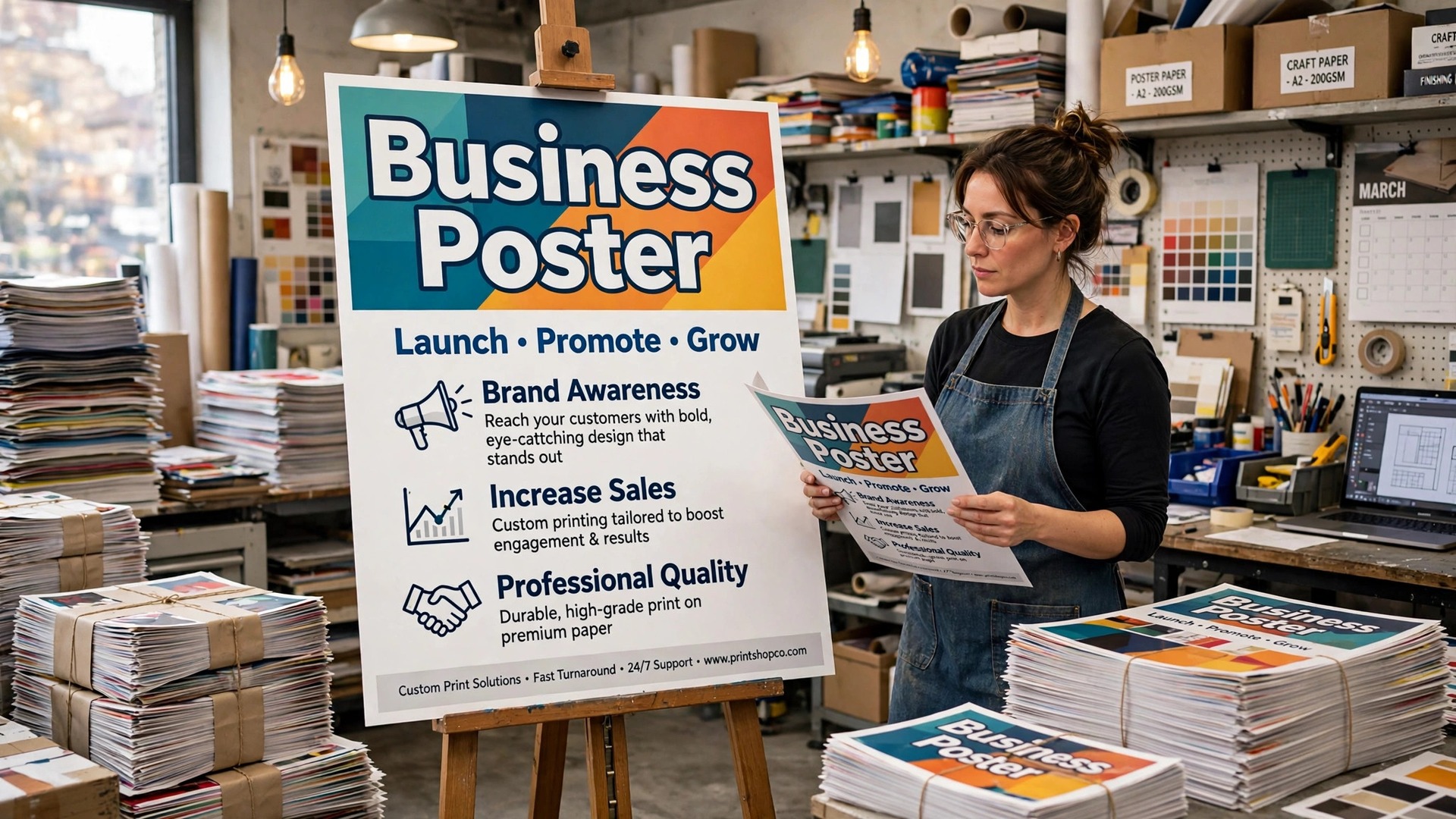
Canva is the best tool for making a business poster, and it is not close. The template library is the largest, the free plan covers the whole job, and a first poster takes about thirty minutes. That is the verdict on how to make a poster for your business. The rest of this guide is about making the poster good, because the tool is the easy part and the design is the hard part.
A poster has three seconds to earn a look, one message to deliver, and one action to ask for. Get those three right and the poster works, whether it hangs in a shop window, a community board, or a trade show booth. Get them wrong and the poster is wallpaper, however pretty it looks. Learning how to make a poster for your business is really learning to say one thing clearly, at a size people can read from across the street.
A poster is the oldest form of advertising, and the rules have not changed since the first ones went up on walls a century ago. One big idea, one big image, a handful of words, and a clear next step. The tools have changed. The printing has changed. The attention span has shrunk. The poster itself has not, and the businesses that make good posters are the ones that respect what a poster is for.
Quick Answer. How to Make a Poster for Your Business in One Afternoon
Here is the short version. Open Canva and pick a poster template at the size you will print, usually 18 by 24 inches for a shop window or 11 by 17 inches for a notice board. Put one headline in large bold text, one strong photo or illustration, and one call to action with the details a passer-by needs. Keep the text to twenty words or fewer, use two fonts at most, and leave plenty of empty space.
Export a print-ready PDF at 300 dots per inch, order the print from Vistaprint or a local print shop, and check the poster from three metres away before you hang it. The design takes about an hour. The printing takes a few days. The whole job, from blank page to a poster on the wall, takes one afternoon of work and a few days of waiting.
| The decision | The standard choice | Why it works |
|---|---|---|
| Size for a shop window | 18 by 24 inches | Big enough to read from the pavement |
| Size for a notice board | 11 by 17 inches | Fits standard boards and frames |
| Size for a trade show | 24 by 36 inches | Commands attention across a hall |
| Headline words | 7 or fewer | Readable in three seconds |
| Total words on the poster | 20 or fewer | A passer-by will not read more |
| Fonts | Two at most | Keeps the poster calm and clear |
| File format | PDF at 300 DPI, CMYK | Prints sharply with true colours |
| Print cost | From about $5 for a small poster | Vistaprint lists posters from $4.99 |
| Best free tools | Canva, Adobe Express, PosterMyWall | Templates, free export, no skill needed |
| Time for a first poster | About an hour of design | Most of it is deciding the message |
What a Poster Has to Do in Three Seconds
A poster gets three seconds. That is how long a person walking past a shop window will give it, and the poster has to do three things in that time. Three seconds is the whole brief in how to make a poster for your business, and everything else in this guide serves it. It has to catch the eye, it has to deliver the message, and it has to tell the reader what to do next. A poster that does one of those things well and the other two badly is a poster that fails quietly. Nobody complains about a bad poster. They just walk past it.
Catching the eye is the image’s job. One strong photo or illustration, big and bold, with colours that stand out against the wall or window behind it. A poster with three small photos catches nobody’s eye, because there is nothing to look at first. A poster with one big photo gives the eye a place to land, and the headline does the rest.
Delivering the message is the headline’s job. Seven words or fewer, big enough to read from three metres away, saying the one thing that matters. A sale, an event, a new product, a service. If the headline needs a paragraph to explain it, the message is wrong, and no amount of design will fix it. Cut the message until it fits in seven words, then design around those words.
The next step is the call to action’s job. Visit the shop, scan the code, call the number, book the date. One action, stated plainly, with the detail the reader needs. A website address, a phone number, or a QR code. Not all three, because a reader given three options picks none of them. Pick the one action that matters most and print it large enough to read from the same distance as the headline.
Sizes. Picking the Right Poster for the Place
Poster size is a practical decision in how to make a poster for your business, and it starts with where the poster will hang. A poster that is too small for its spot disappears. A poster that is too big for its spot looks desperate. Match the size to the viewing distance, and the rest follows.
For a notice board, a cafe wall, or a community hall, 11 by 17 inches is the standard. It fits a frame, it fits a board, and it reads well from a metre away. For a shop window or a reception wall, 18 by 24 inches is the standard. It reads from the pavement, it fills a window without crowding it, and it is the size most print shops stock. For a trade show booth or an exhibition hall, 24 by 36 inches is the standard. It commands attention across a room, and it is the size that looks intentional rather than improvised.
Vistaprint offers eight poster sizes, from 11 by 14 inches up to 24 by 36 inches, in glossy, matte, or outdoor paper. Prices start from about $4.99 for a small poster and rise with size, with bulk pricing for quantities of 100 or more in budget matte or glossy. Rush printing can deliver in as little as two business days. A local print shop will usually match those prices for a small run, and the advantage of a local shop is that you can see a proof before the full run is printed.
Design at the size you will print. A poster designed at 11 by 17 and printed at 24 by 36 will look soft, because the file was built for a smaller page. A poster designed at 24 by 36 and printed at 11 by 17 will look cramped, because the text was sized for a larger page. Pick the size first, set the canvas to that size, and design inside it. The print shop will thank you, and the poster will look the way you designed it.
The Best Free Tools for a Business Poster
You do not need paid software to make a poster that looks professional. The tools below all offer poster templates at the right sizes, and each one suits a different kind of business.
Canva. The Best All-Round Poster Tool
Canva is the safest all-round pick for posters. Its template library is the largest, its editor is the easiest to learn, and its free plan covers the whole job, including templates, text, stock photos, and PDF export. Pro costs about $18 a month or $144 a year and adds a brand kit, background removal, and one-click resize, which matters when one poster has to become a flyer and a social post as well. For a business making posters regularly, Pro pays for itself in time saved. For a single poster, the free plan is enough.
Adobe Express. The Best Free Plan for Photo Posters
Adobe Express is the better pick when the poster leads with a photograph. Its free plan includes background removal, which Canva charges for, plus Adobe Fonts and a solid template library. Premium costs $9.99 a month or $99.99 a year and adds more templates and 250 generative AI credits a month. Adobe Express also offers integrated printing in standard sizes, from 11 by 17 to 24 by 36 inches, which means the design and the print order can happen in one place. If your poster is built around a photo of your product, your food, or your team, start here.
PosterMyWall. The Quick Alternative
PosterMyWall is built specifically for posters, flyers, and social graphics, and its interface is simpler than Canva’s. The free plan covers poster design with a watermark on some downloads, and the paid plans start from about $9.95 a month. Its template library leans towards events, sales, and promotions, which suits a business that makes posters for specific occasions rather than for general branding. If Canva’s interface feels crowded, PosterMyWall is worth a look.
Visme and Photopea. The Specialist Options
Visme covers poster design as part of a broader toolkit for presentations and infographics. Its Starter plan costs $12.25 a month on annual billing, and it suits a business that wants one tool for posters, reports, and slides. Photopea is a free photo editor that runs in the browser and works like Photoshop. It has no templates, so you build from a blank canvas, but it gives full control over layers, masks, and image editing. Use Photopea when the poster needs precise photo work that template tools cannot do.
| Tool | Free plan covers posters | Paid price | Best for |
|---|---|---|---|
| Canva | Yes, fully | Pro about $18 a month or $144 a year | All-round posters, biggest library |
| Adobe Express | Yes, fully | Premium $9.99 a month or $99.99 a year | Photo-led posters, free background removal |
| PosterMyWall | Yes, some downloads watermarked | From about $9.95 a month | Events and promotions |
| Visme | Yes, limited | Starter $12.25 a month annual | Posters plus presentations |
| Photopea | Yes, fully | Free | Full photo control, no templates |
How to Make a Poster for Your Business, Step by Step
With the tool chosen, the build follows eight steps. Work through them in order, and check the poster from three metres away before you print it.
Step 1. Write the Message in Seven Words
Before you open any tool, write the headline. Seven words or fewer, saying the one thing that matters. A sale, an event, a new service. If the message needs more words, the message is wrong. Cut it until it fits. Write it on paper, read it aloud, and ask whether a stranger would understand it in three seconds. If they would not, cut more words. The headline is the poster. Everything else supports it.
Step 2. Pick the Size and the Place
Choose the poster size from where it will hang. A notice board takes 11 by 17 inches. A shop window takes 18 by 24 inches. A trade show takes 24 by 36 inches. Set the canvas to that size in your design tool, and check that the size matches the frame or the board you will use. A poster that does not fit its frame is a poster that never gets hung.
Step 3. Choose One Strong Image
Pick one photo or illustration that carries the poster. A dish for a restaurant, a product for a shop, a face for an event, a place for a travel offer. The image should be high resolution, at least 300 dots per inch at the printed size, and it should fill a large part of the poster. A small image in the corner does not catch an eye. A big image does. If you do not have a good photo, use a bold colour block or a simple illustration instead. A strong colour is better than a weak photo.
Step 4. Place the Headline
Add the headline in a large, bold font, taking up at least a third of the poster’s height. Use one font for the headline and one for everything else, and keep the headline to a single line if possible. Place it where the eye lands first, usually the top third of the poster, and make sure it reads clearly against the background. If the background is busy, add a dark overlay behind the text or place the text on a solid panel. Contrast is what makes a poster readable, not a brighter photo.
Step 5. Add the Details a Passer-By Needs
Add the details in a smaller size, below the headline. The date, the place, the price, or the offer. Keep it to two or three lines at most. A poster is not a flyer, and a passer-by will not read a paragraph. Put the most important detail first, because a reader who stops after one line should still know what is happening and when.
Step 6. Add One Call to Action
Add a single call to action with the detail the reader needs. A website address, a phone number, or a QR code. Pick one. A QR code works well on a poster, because a passer-by can scan it without typing anything, but only if the code is large enough to scan from a metre away. A website address works when it is short and memorable. A phone number works when the action is a call. Whatever you pick, make it big enough to read from the same distance as the headline.
Step 7. Export a Print-Ready PDF
Export the poster as a PDF at 300 dots per inch, in CMYK colour mode, with bleed of 0.125 inches, or 3 millimetres, on all sides if the design runs to the edge. Check the file size and the resolution before you send it to print. A poster exported at 72 dots per inch will print soft and blurry, and the mistake is only visible when the poster is on the wall. Keep the editable project file too, so you can change the date or the price for the next event without rebuilding the poster.
Step 8. Print a Proof and Check It From Three Metres
Order one proof copy before you order the full run, or print a small version at home and tape it to a wall. Step back three metres and look at it. Can you read the headline? Can you see the image? Can you find the call to action? If any answer is no, go back to the design and fix it. A proof costs a few dollars. A run of a hundred posters with a headline nobody can read costs real money.
Design Rules That Make a Poster Work
Size and layout get your poster printed. Design is what makes it stop a passer-by. The rules below are the working core of how to make a poster for your business, and breaking any one of them is visible from across the street.
Hierarchy comes first. A poster needs a clear order. Headline first, image second, details third, call to action last. The eye should travel down the poster in that order without thinking about it. If the details are bigger than the headline, the eye lands in the wrong place. If the call to action is bigger than the headline, the poster looks like a demand rather than an invitation. Size the elements in the order they should be read, and the poster reads itself.
Contrast comes second. White text on a light photo is unreadable, and dark text on a dark photo is unreadable too. The fix is a dark overlay behind the text, a solid panel, or a photo with a naturally dark area where the text sits. Test the poster by shrinking it to phone size on your screen. If you can still read every word, the contrast is right. If you cannot, add the overlay and test again.
Colour comes third. Two colours plus white or black is enough for most posters. A sale poster in red and white is a classic for a reason. A spa poster in soft green and cream is a classic for the same reason. The colours should match the mood of the message and the brand of the business. When in doubt, use the colours already in your logo and add white text. A poster with five bright colours looks like a warning sign, not an invitation.
Space comes fourth. A poster needs empty room around the headline and the image. Crowded posters happen when a business tries to fit the headline, a paragraph, three offers, two phone numbers, a website, a QR code, and a logo into one page. Leave the paragraph out. Leave the second offer out. White space is not wasted space. It is what lets the important words stand out from three metres away.
Printing. Paper, Cost, and Turnaround
Paper choice changes how a poster looks and how long it lasts. Printing is the part of how to make a poster for your business that most guides treat as an afterthought, and it is the part that decides the schedule.
Matte paper gives a soft, professional finish with no glare, and it suits indoor posters in shops and offices. Glossy paper gives bright, saturated colours, and it suits posters with strong photography. Outdoor paper is coated to resist rain and sun, and it is the right choice for a poster that will hang outside for more than a few days. Vistaprint offers all three, and a local print shop will offer the same choice. Pick matte for text-heavy posters, glossy for photo-led posters, and outdoor for anything that faces the weather.
Cost depends on size and quantity. A single small poster from Vistaprint starts from about $4.99, and a large 24 by 36 poster costs more, usually in the $15 to $40 range depending on the paper and the finish. Bulk orders of 100 or more drop the per-poster price sharply in budget matte or glossy, which is the right choice for a campaign that needs the same poster in many places. Rush printing can deliver in as little as two business days, but it costs more, so order early when the event date is fixed.
Turnaround is the part people forget. Design takes an hour. Printing takes two to five business days for standard delivery. Shipping takes another day or two. A poster for an event on Friday needs to be ordered by Monday at the latest, and earlier is better. The businesses that hang posters on time are the ones that treat printing as part of the schedule, not as an afterthought.
If the poster will be reprinted with a new date or a new price, save the editable project file and keep the print settings. The second poster takes twenty minutes, because the design is done and only the details change. The first poster is the investment. Every poster after that is cheap.
Mistakes to Avoid With Your Business Poster
The first mistake is too many words. A poster with a paragraph is a flyer, and a passer-by will not read it. Keep the total to twenty words or fewer, with seven in the headline. If the message needs more words, the message is wrong, or the poster is the wrong format. Use a flyer for the detail and a poster for the hook.
The second mistake is a small headline. A headline that looks fine on a laptop disappears on a wall. Make the headline take up at least a third of the poster’s height. If it looks too big on your monitor, it is probably right. The test is the three-metre check, not the screen.
The third mistake is a low-resolution image. A photo downloaded from a website at 72 dots per inch will print soft and blurry at poster size. Use a photo at 300 dots per inch at the printed size, or use a bold colour block instead. A strong colour is better than a weak photo, and a blurry photo is worse than no photo at all.
The fourth mistake is a poster that does not match the brand. A poster in colours and fonts that have nothing to do with the shop, the website, or the business card looks like it came from a different business. Use the same colours and fonts everywhere. The poster is one piece of a brand, not a standalone design.
The fifth mistake is no call to action. A poster that announces a sale without saying where, or an event without saying when, wastes the attention it earned. Every poster needs one action and the detail that makes it possible. A date, a place, a number, or a code. Without it, the poster is decoration.
The sixth mistake is hanging the poster where nobody looks. A poster behind a door, above eye level, or in a corner nobody passes is a poster that never gets read. Hang it at eye level, where people stop, near the till, the entrance, or the queue. A poster in the right place with an average design outperforms a brilliant poster in the wrong place.
How to Choose the Right Tool for Your Poster
The tool matters less than the message, but the wrong tool can still waste an afternoon. Choose by how often you make posters, not by which tool has the longest feature list. If you make posters weekly, use Canva Pro and build a template, because the brand kit and the resize tool save hours. If you make posters occasionally, use Canva free or Adobe Express free, and spend the time on the message instead of the subscription. If your poster is built around a photograph, use Adobe Express for the free background removal. If you need precise photo work, use Photopea.
The how to make a poster for your business decision is really a message decision. A poster with a clear message works in any tool. A poster with a confused message fails in every tool. Write the headline first, pick the size second, and open the tool third. The tool is the last decision, not the first.
Related Guides
- Best Brochure Makers for Small Business
- Best Business Card Makers Online
- Best Free Certificate Makers Online
Frequently Asked Questions
What size should a business poster be?
It depends on where it will hang. Use 11 by 17 inches for a notice board or a cafe wall, 18 by 24 inches for a shop window, and 24 by 36 inches for a trade show booth. Design at the size you will print, because a poster designed small and printed large looks soft, and a poster designed large and printed small looks cramped.
Can I make a poster for free?
Yes. Canva, Adobe Express, and Photopea all offer free poster design with free export. Canva’s free plan covers templates, text, stock photos, and PDF export. Adobe Express is free too, with background removal included. You only pay for printing, which starts from about $4.99 for a small poster at Vistaprint.
How many words should a poster have?
Twenty words or fewer in total, with seven or fewer in the headline. A passer-by gives a poster about three seconds, and they will not read a paragraph. Put the most important detail first, because a reader who stops after one line should still know what is happening and when.
What is the best file format for printing a poster?
Export a PDF at 300 dots per inch in CMYK colour mode, with 0.125 inches of bleed on all sides if the design runs to the edge. PDF holds the layout steady between programs, 300 DPI keeps the print sharp, and CMYK matches print colours better than RGB. Keep the editable project file for future changes.
How much does it cost to print a poster?
A single small poster from Vistaprint starts from about $4.99, and a large 24 by 36 poster usually costs $15 to $40 depending on the paper and finish. Bulk orders of 100 or more drop the per-poster price sharply. Rush printing can deliver in as little as two business days for an extra fee. A local print shop will usually match these prices for a small run.
Where should I hang a business poster?
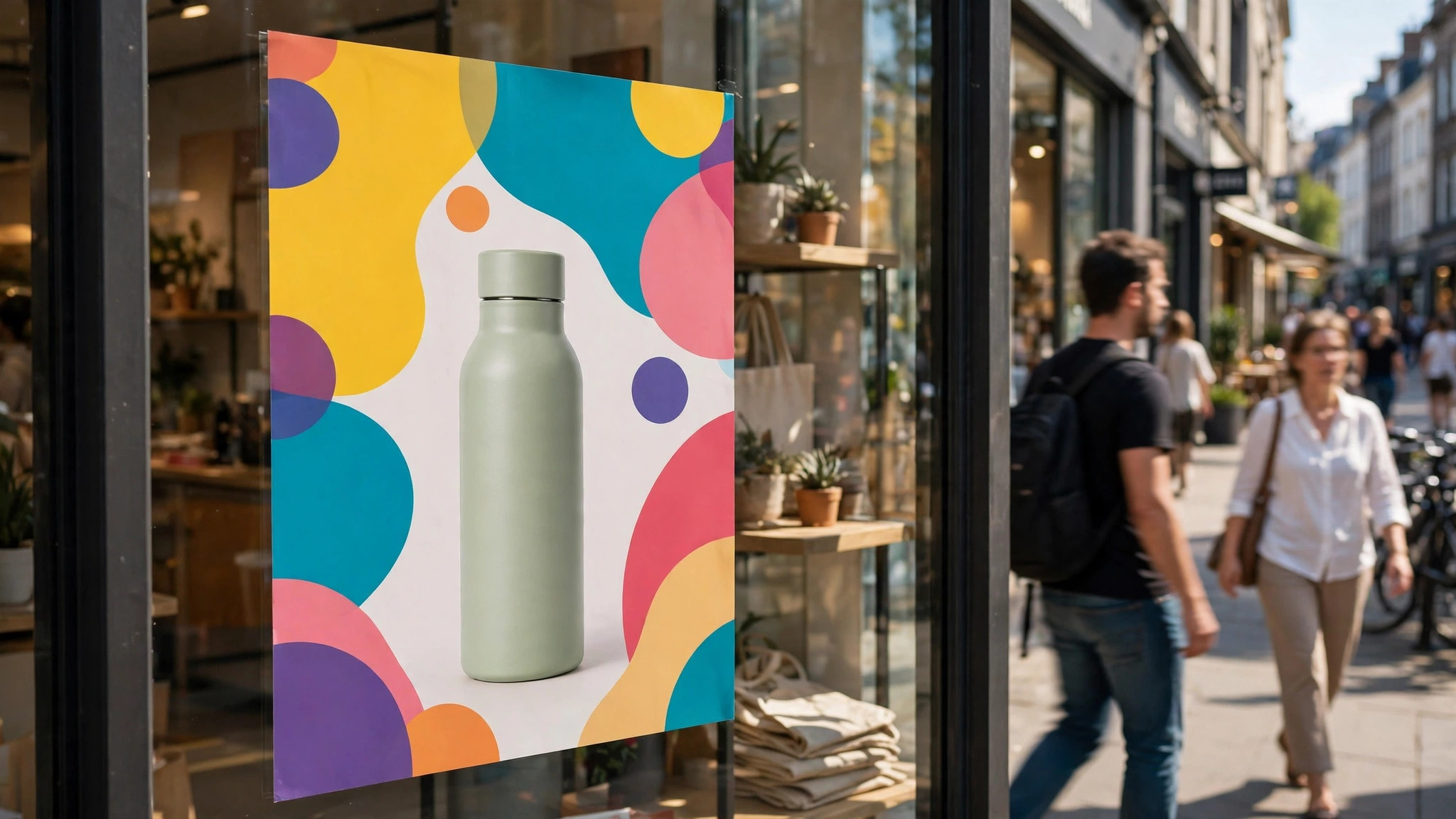
Hang it at eye level where people stop, near the entrance, the till, or the queue. A poster behind a door, above eye level, or in a corner nobody passes will never be read. For a shop window, use 18 by 24 inches so it reads from the pavement. For a community board, use 11 by 17 inches so it fits the frame.
The Bottom Line
A good poster is a small job with a visible return. One message in seven words, one strong image, one call to action, printed at the right size on the right paper, will stop a passer-by and send them through your door. The tools are free, the design takes about an hour, and the printing takes a few days. Build the message first, pick the size second, and open the tool third. Check the poster from three metres away before you print it, and hang it where people actually look. Your poster will do the job it was made for, because it was built for the person walking past, not for the person who designed it.
1 thought on “How to Make a Poster for Your Business”