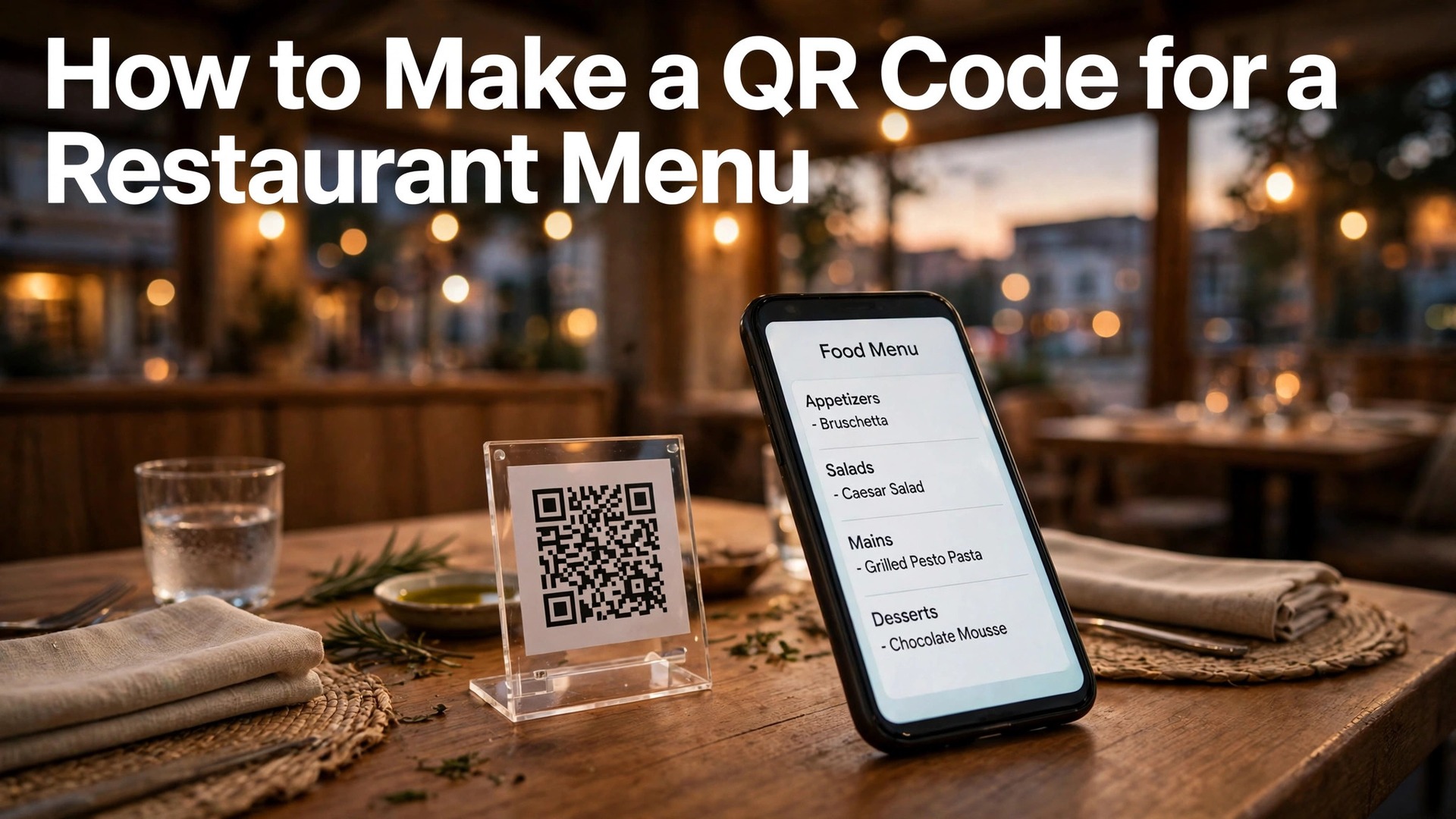
Knowing how to make a QR code for a restaurant menu is now a basic skill for any cafe, food truck, or restaurant owner. A printed code on each table lets guests open the menu on their own phone in two seconds, without waiting for a paper menu, and without the restaurant reprinting menus every time a dish or a price changes.
The idea is simple, but the details decide whether it works. A code that is too small will not scan in dim light. A code that links to a PDF nobody can read on a phone will frustrate guests. A code that breaks when the menu link changes will leave tables full of dead squares. This guide covers the full process, from choosing the right kind of code to printing it, testing it, and tracking how many guests use it.
A QR menu is not a replacement for hospitality. It is a tool that frees staff from handing out menus and reprinting them, so they can spend that time with guests. The best QR menus feel invisible. A guest sits down, points a phone, and the menu opens. No app to install, no account to create, no waiting.
Quick jump
- Quick Answer. A QR Menu in 30 Seconds
- How to Make a QR Code for a Restaurant Menu in 6 Steps
- Static Versus Dynamic Codes, and Why Menus Need Dynamic
- Choosing a Generator, Free and Paid
- Building a Menu Page Guests Can Actually Read
- Printing, Table Stands and Placement
- Tracking Scans and Fixing Codes That Fail
- Mistakes That Leave Guests Staring at a Dead Code
- How to Make a QR Code for a Restaurant Menu Work for Takeaway and Delivery
- Related Guides
- Frequently Asked Questions
- The Bottom Line
Quick Answer. A QR Menu in 30 Seconds
Learning how to make a QR code for a restaurant menu takes about ten minutes. Pick a dynamic QR code generator, paste the link to your menu page or PDF, customise the colours and add your logo in the centre, download the code as a high-resolution PNG or SVG, and print it at least 2 cm wide on a table stand or tent card. Test it with two different phones before you print the full batch.
QR Code Generator and Beaconstac are the most popular paid tools, with free plans that cover a basic code. Canva includes a free QR generator inside its editor, which suits a restaurant that already designs in Canva. A dynamic code is the right choice for a menu, because it lets you change the destination link later without reprinting anything.
The rest of this guide proves that short answer. It covers static versus dynamic codes, the free and paid generators, menu page design, print sizes, table stands, tracking, and the mistakes that leave guests staring at a code that will not scan.
| Choice | Best for | Watch out for |
|---|---|---|
| Dynamic QR code | Menus that change prices or dishes | Needs a paid plan after the trial |
| Static QR code | A fixed menu that never changes | The link can never be edited |
| Menu web page | Best phone experience, easy to update | Needs a page that loads fast on mobile |
| PDF menu | Quick to build from an existing file | Hard to read on small screens |
| Table tent card | Visible on every table, easy to replace | Falls over if the card stock is too light |
How to Make a QR Code for a Restaurant Menu in 6 Steps
Step one is the destination. Decide what the code opens. A mobile-friendly menu web page is the best destination, because it loads fast, the text is readable, and you can update a price in minutes. A PDF is the second choice, and it works when the PDF is built for phones, with large text and one column. A link to your homepage is the wrong destination, because guests must then hunt for the menu.
Step two is the generator. Open a QR code generator and choose a dynamic code. Paste the menu link, and check that the preview opens the right page on your phone. A dynamic code stores a short redirect link inside the code, so you can change the destination later. A static code stores the full link inside the pattern, so a changed link means a dead code and a reprint.
Step three is the design. Keep the code itself high contrast, dark squares on a light background, because a code with light squares on a dark background fails on many older phones. Add your logo in the centre if the generator supports it, and keep it small, covering no more than a third of the code area. Add a short instruction under the code, such as scan for menu, because many guests still need the prompt.
Step four is the download. Export the code as a PNG at 300 DPI or as an SVG vector file. A PNG is fine for a small table card. An SVG stays sharp at any size, which matters for a window poster or an A4 stand. Never screenshot a code from a web page and print the screenshot, because the compression blurs the edges and breaks scanning.
Step five is the print. Print the code at least 2 cm wide for a table card, and larger for anything guests scan from further away. A code on a wall or a window needs to be at least 5 cm wide, and a code on a poster needs to be bigger still. Use matte paper or matte lamination, because glossy surfaces reflect light and confuse phone cameras.
Step six is the test. Scan the printed code with an iPhone and an Android phone, in the restaurant’s real lighting, from a normal seated distance. If either phone struggles, enlarge the code or increase the contrast. Testing on one phone is not enough, because different camera apps read codes differently, and the guest’s phone will not be the one you tested with.
Static Versus Dynamic Codes, and Why Menus Need Dynamic
A static QR code bakes the destination link directly into the pattern of squares. It costs nothing, it never expires, and it works forever as long as the link never changes. The problem is that restaurant menus change constantly. A dish sells out, a price rises, a seasonal special arrives, and the link to the old PDF is suddenly wrong. With a static code, the only fix is a reprint.
A dynamic QR code stores a short redirect link in the pattern, and the redirect points to your menu. When the menu moves or changes, you edit the redirect in the generator’s dashboard, and the printed code keeps working. The printed card never needs to change. That single feature is worth paying for, because reprinting table stands for a whole dining room costs more than a year of a dynamic code plan.
Dynamic codes also give you tracking. The dashboard shows how many times the code was scanned, at what times, and from which devices. That data answers real questions. Do guests scan the code at lunch or only at dinner. Do they scan the drinks menu as often as the food menu. Does the code on the window bring in walk-ins. A static code tells you none of this.
The cost is modest. QR Code Generator offers a free plan for static codes and a paid plan for dynamic codes with tracking, starting from a few dollars a month. Beaconstac offers a free trial and paid plans with dynamic codes, bulk generation, and analytics. Bitly includes QR codes in its paid plans, which suits a restaurant that already uses Bitly for links. Canva generates static codes free inside its editor, which is fine for a one-off event menu that will never change.
One warning applies to every free dynamic code. Some free plans deactivate the code after a trial period, or replace the destination with an advertising page. Read the terms before you print a hundred table cards on a free dynamic code, because a code that stops working in a month is worse than a static code that works forever.
Choosing a Generator, Free and Paid
QR Code Generator is the easiest starting point. Its free plan builds static codes with colour and logo options, and its paid plans add dynamic codes, scan tracking, and bulk creation. The interface is simple, the download options include PNG and SVG, and the dashboard shows scans by day and by device. It suits a single restaurant that needs one or two codes and a clear dashboard.
Beaconstac is the stronger choice for a restaurant group or a chain. It offers dynamic codes, bulk generation for many tables, GPS-based analytics, and integrations with marketing tools. Its pricing is higher, starting from a monthly plan, but the bulk features pay off when you need a different code for each table or each branch. Its support team is responsive, which matters when a code stops working on a Friday night.
Canva is the best choice when design matters more than tracking. Its built-in QR generator creates a code from any link, and the code drops straight into a table tent design, a poster, or a menu cover. The code is static, so it cannot be edited later, but the design workflow is the fastest of any tool here. Canva Pro costs $18 a month or $144 a year, though the QR generator works on the free plan too.
Flowcode is worth a look for restaurants that want a branded code. Its codes can carry custom colours, frames, and logos, and its analytics show scan locations and times. It offers a free plan with basic codes and paid plans for advanced tracking. Its codes are designed to look like part of the branding, not a black square pasted on a card.
Bitly is the practical choice for a restaurant that already shortens links. Its paid plans include QR codes with the same analytics as its links, so the menu code and the social media links live in one dashboard. The QR design options are simpler than a dedicated generator, but the tracking is reliable and the workflow is familiar.
Whatever generator you choose, download the code in two formats. Keep the SVG as the master file for print, and keep a high-resolution PNG for digital use, such as the website or an email. Store both in a folder with the menu link written in a text file, so a future manager can find the link and the code without guessing.
Building a Menu Page Guests Can Actually Read
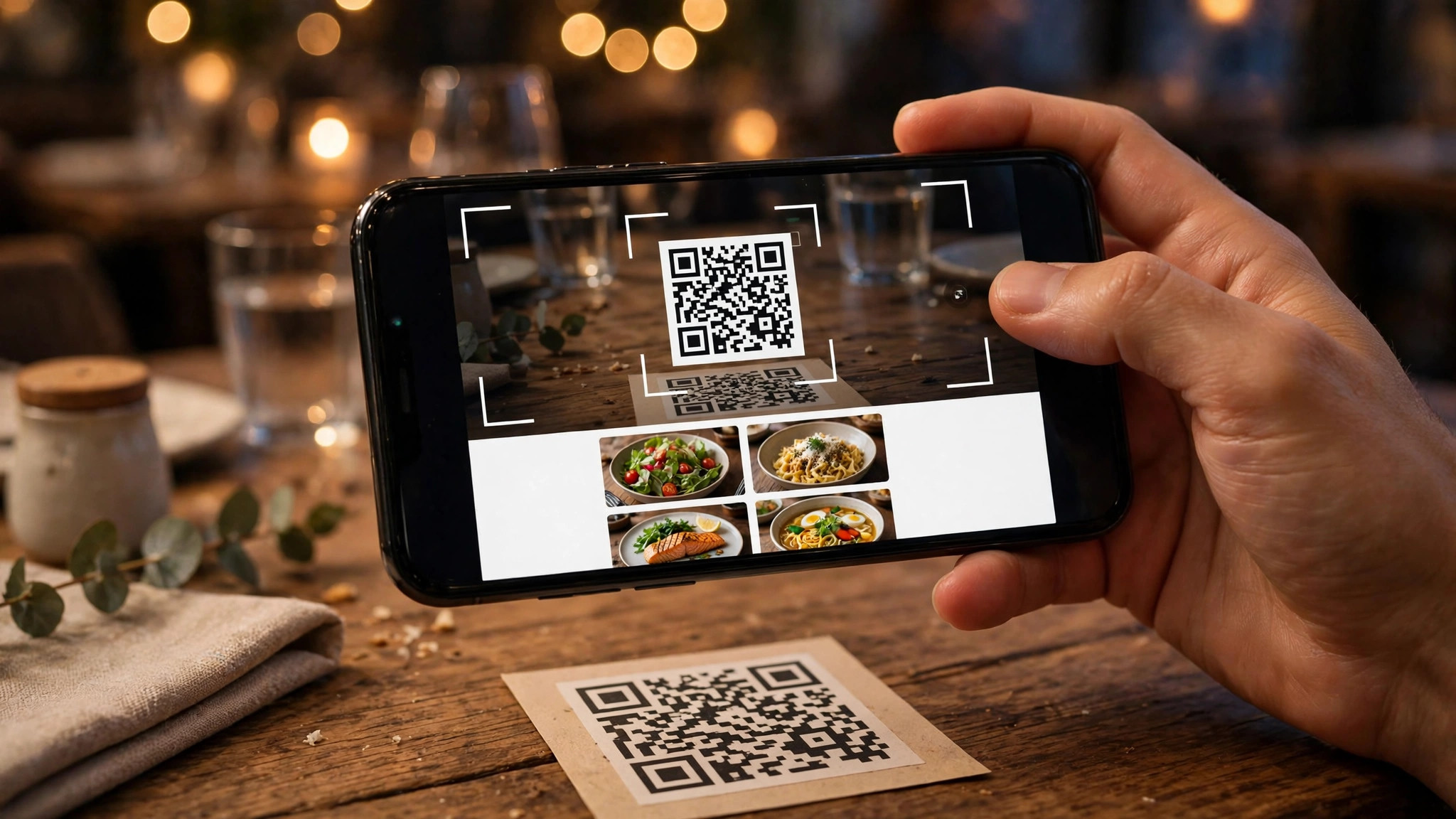
The code is only half the job. The page it opens decides whether the guest orders happily or gives up and asks for a paper menu. A menu page must load in under three seconds on a phone, because a guest who waits will stop waiting. Compress every food photo, keep the page light, and test it on a slow mobile connection, not only on the restaurant’s fast wifi.
The layout should be one column, with the sections in the order guests think. Starters, mains, desserts, drinks. Each dish needs a name, a price, and one line of description. Allergen information belongs next to the dish, not on a separate page, because a guest with an allergy will not hunt for it. A small icon system for vegetarian, vegan, and gluten-free dishes helps guests scan fast.
Photos help, but they must earn their place. One good photo per section is enough. A photo of every dish slows the page and makes scrolling endless. Use your own photos, taken in daylight near a window, with the dish on a plain plate. Stock photos of food you do not serve will disappoint guests when the real dish arrives looking different.
Prices must be current and honest. A menu page that shows last season’s prices creates an argument at the bill. Update the price in the same hour you change it on the till, and keep a checklist so the paper menu, the QR menu, and the delivery apps all change together. A guest who finds a different price at the table than at the till will not come back.
Accessibility matters more than most owners realise. Use text of at least 16 pixels, with strong contrast between text and background. Never put the menu text inside an image, because screen readers cannot read it and guests cannot enlarge it. A menu built as real text works for everyone, including older guests and guests with weak vision.
Printing, Table Stands and Placement
The table tent card is the classic format, and it works because it stands up and faces the guest. Use card stock of at least 250 gsm so the tent holds its shape, and print on both sides so guests on either side of the table can scan. A tent card that falls flat after one evening is a design failure, not a paper failure, so test the fold before you print fifty.
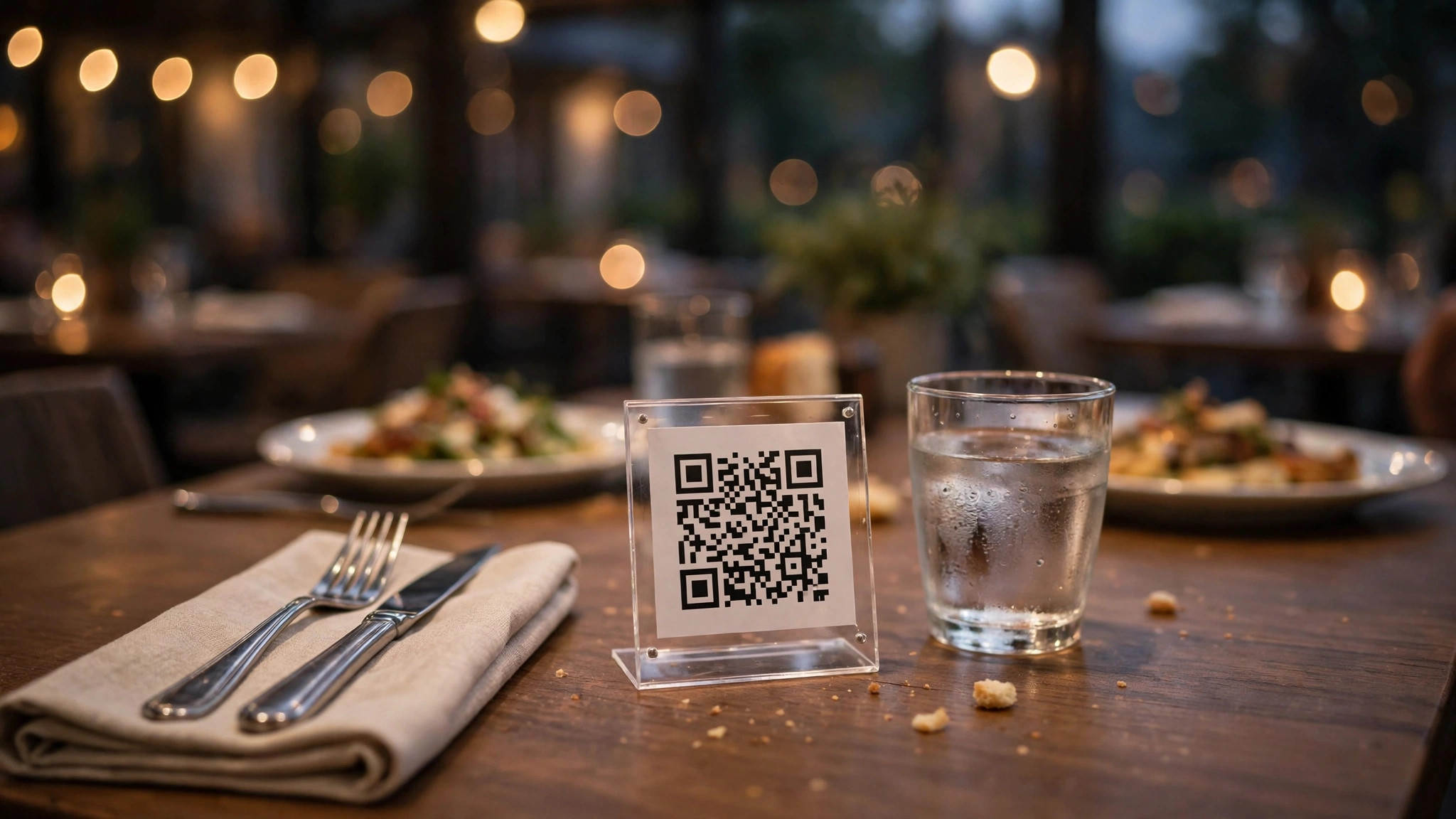
Acrylic stands are the durable alternative. A small acrylic holder with a printed insert looks professional, survives spills, and lets you swap the insert in seconds when the menu changes. The insert is a standard business card or postcard size, which keeps printing cheap. Wipe the acrylic weekly, because fingerprints and grease blur the code.
Placement matters as much as size. Put the code where a seated guest naturally looks, which is near the centre of the table, not at the far edge near the wall. Avoid placing the code under a vase, a candle, or a menu holder, because anything covering part of the code breaks the scan. On a bar, put the code on the bar top itself, facing up, where a guest’s phone already rests.
Lighting decides whether a code scans. A code in a dark corner will fail even when it is perfectly printed. Test the code under the restaurant’s evening lighting, not only under bright daylight. If the spot is dark, add a small light, move the stand, or enlarge the code. A code that works at noon and fails at dinner is a code that fails when it matters most.
For takeaway and delivery, add the code to the bag, the receipt, and the box. A code on the bag brings the guest back to the online menu for their next order, and a code on the receipt can link to a feedback form or a loyalty signup. One printed code can do three jobs if you plan the destinations.
Tracking Scans and Fixing Codes That Fail
Learning how to make a QR code for a restaurant menu also means learning to read the numbers it produces. A dynamic code dashboard shows the numbers that matter. Total scans per day tells you whether guests use the code at all. Scans by hour tell you whether lunch guests scan more than dinner guests. Scans by device tell you whether Android guests struggle more than iPhone guests. If one table scans far less than the others, check that table’s lighting and the code’s condition.
A sudden drop in scans usually means something broke. Check the destination link first, because a menu page that moved or a PDF that was deleted will kill every code at once. Then check the printed codes for damage. A coffee stain, a scratch, or a faded print can break a code that worked for months. Replace damaged cards the same day, because a table with a dead code is a table with no menu.
Some guests will never scan a code. Older guests, guests with a dead phone battery, and guests who simply prefer paper will ask for a printed menu. Keep five paper menus behind the counter for those guests, and train staff to offer one without making the guest feel awkward. A restaurant that forces a QR code on every guest loses the guests who value a paper menu.
Privacy is worth a line. A QR code itself collects nothing, but the tracking dashboard collects scan times and device types. Your privacy policy should say so, and the menu page should not ask for personal details before showing the food. A menu that demands an email address before it shows the prices will lose more guests than it gains.
Test the whole system once a month. Scan every code in the dining room, check every destination link, and confirm the prices match the till. A monthly five-minute check prevents the slow decay that turns a good QR menu into a room full of dead codes.
Mistakes That Leave Guests Staring at a Dead Code
The first mistake is a code that is too small. A 1 cm code on a table card looks tidy and scans never. Print the code at least 2 cm wide for a table, and larger for anything scanned from further away. When in doubt, print it bigger, because no guest ever complained that a code was too easy to scan.
The second mistake is low contrast. A stylish code in pale grey on white, or in your brand colours with light squares on a light background, looks good in the design file and fails in the restaurant. Keep the code dark on light, always, and save the brand colours for the border and the text around it.
The third mistake is linking to the homepage. A guest who scans a code wants the menu, not a slideshow and a reservation form. Link directly to the menu page, and make sure the menu is the first thing on that page. Every extra tap loses guests, and a guest who taps three times will ask for a paper menu instead.
The fourth mistake is a PDF built for print. A two-column A4 PDF with 10-point text is unreadable on a phone, and guests will pinch and zoom until they give up. If you must use a PDF, build it as a single column with large text, or better, build a real web page. The web page is the right tool for a phone screen.
The fifth mistake is forgetting the human backup. A restaurant with no paper menus and no staff who can explain the code will lose guests on a busy night. Keep paper menus, train the staff, and treat the QR code as the fast lane, not the only lane.
How to Make a QR Code for a Restaurant Menu Work for Takeaway and Delivery
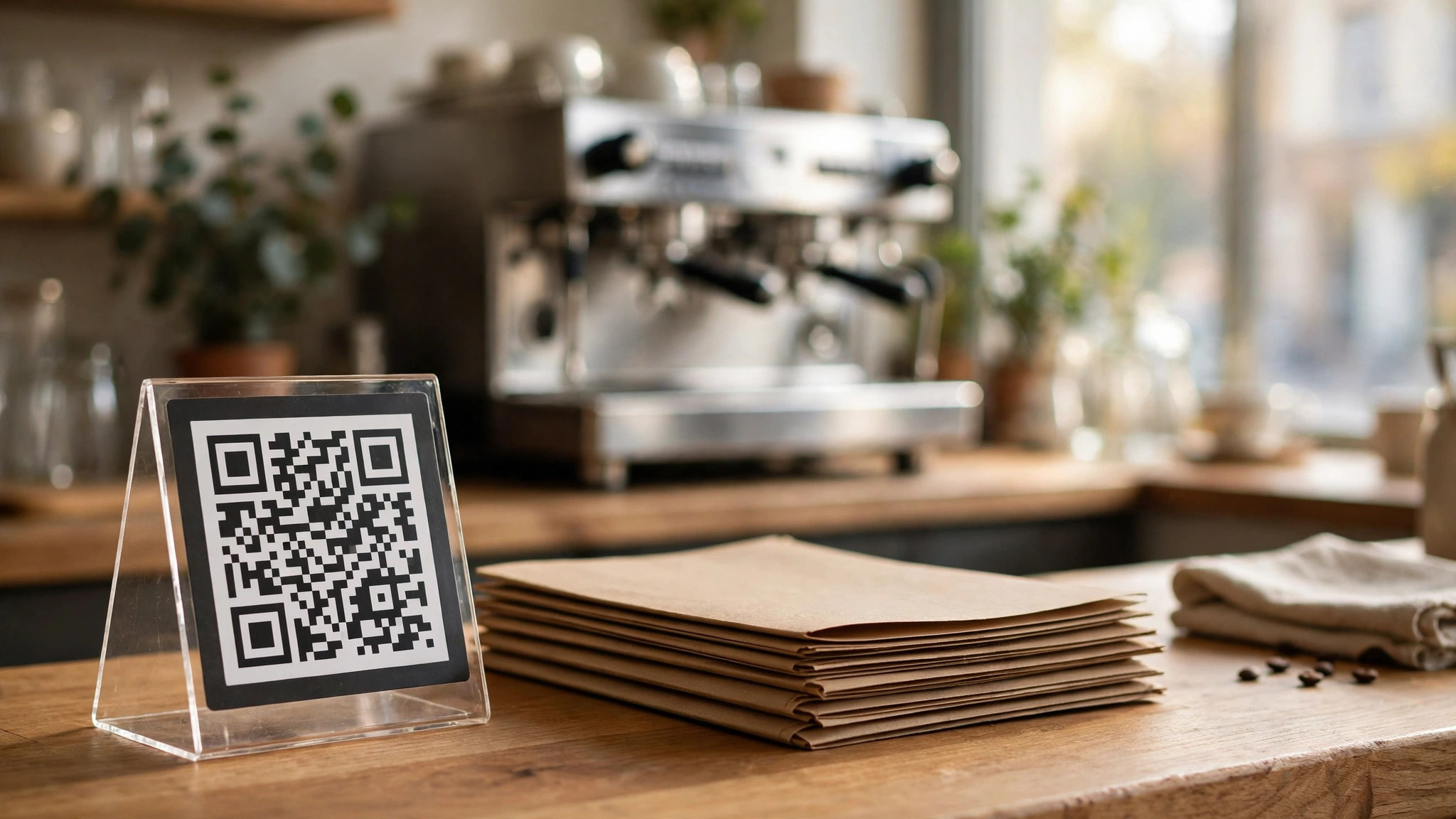
A QR code on a table serves guests who are already seated. The same code can also win the next order, if it travels home with the guest. Print the code on the takeaway bag, the receipt, and the box, and link it to the online ordering page rather than the dine-in menu. A guest who enjoyed the meal can reorder from the sofa without searching for the restaurant online, and that convenience turns one visit into a repeat order.
The delivery version needs a different destination from the dine-in version. Dine-in guests want the menu and the drinks list. Takeaway guests want the ordering page with prices, delivery times, and the checkout button. Using one code for both jobs sends takeaway guests to a page with no order button, which wastes the best moment to win a second order. Generate two codes, one for the table and one for the bag, and label them clearly in the dashboard so you can track each one separately. That split is a key part of how to make a QR code for a restaurant menu that works beyond the dining room.
Packaging space is small, so the takeaway code must be printed with care. A code on a paper bag needs to be at least 2.5 cm wide, because the bag creases and the paper is not flat. A code on a pizza box can be larger, and the flat top of the box is the best surface in the whole delivery, because it sits face up on the customer’s table. Avoid printing the code across a fold or a seam, because a crease through the pattern breaks the scan.
The receipt is the most underused surface. A code at the bottom of the receipt, linking to a feedback form or a loyalty signup, catches the guest in the minute after payment, when the meal is fresh in their mind. Offer something small in return, such as 10 percent off the next order, and the scan rate rises sharply. Keep the form short, with three questions at most, because a guest will not fill in a ten-question survey on the walk home.
For a food truck or a market stall, the QR code is even more important, because there is no table and no waiter. Print the code large on the stall banner and on the counter, at least 8 cm wide on the banner so it scans from the queue. Link it to the menu with live stock, so a dish that sells out disappears from the page instead of disappointing a guest who queued for it. A food truck that updates its menu page during service saves its staff from repeating the same sold-out answer all day.
Seasonal menus and specials deserve their own code. A Christmas set menu, a summer drinks list, or a weekend brunch special can each carry a small table card with its own code, and the code can be switched off when the special ends. This keeps the main menu clean and gives the special a clear identity. When the special returns next year, the same code can be switched back on, which saves a reprint and keeps the design consistent.
Related Guides
- How to Make a Wedding Invitation Online
- Vistaprint vs Canva for Business Cards
- Best Greeting Card Makers Online
Frequently Asked Questions
How do I make a QR code for a restaurant menu for free?
Use a free generator such as Canva’s built-in QR tool or the free plan of QR Code Generator, and link it to your menu page or PDF. That is the cheapest way to learn how to make a QR code for a restaurant menu before you pay for a dynamic plan. A free code is usually static, so it cannot be edited later, which is fine for a fixed menu. If your menu changes often, a paid dynamic code is worth the cost because it lets you update the link without reprinting.
Should I use a dynamic or static QR code for my menu?
Use a dynamic code for any menu that changes prices or dishes, because it lets you update the destination link without reprinting the table cards. A static code suits a fixed menu that will never change, such as a drinks list that stays the same all year. Dynamic codes also show scan counts, which tells you how many guests actually use the code.
How big should a QR code be on a table?
Print the code at least 2 cm wide for a table card scanned from a seated distance. For a code on a wall or a window, use at least 5 cm, and for a poster, larger still. Test the printed size with two different phones in the restaurant’s real lighting before you print the full batch.
What should the QR code link to?
Link directly to a mobile-friendly menu web page, with one column, large text, and the dishes in the order guests think. A PDF is the second choice, and it must be built for phones with large text. Never link to the homepage, because guests must then hunt for the menu.
Why will my QR code not scan?
The usual causes are a code that is too small, low contrast between the code and the background, glare from glossy paper, damage such as a coffee stain, or a destination link that no longer works. Enlarge the code, print it dark on light matte paper, and test it with two phones in the restaurant’s evening light.
Do customers like QR code menus?
Most guests accept them when the code works fast and the menu page is easy to read. Some guests prefer paper, especially older guests and anyone with a low phone battery, so keep a few paper menus behind the counter. A restaurant that offers both keeps every guest happy.
The Bottom Line
Learning how to make a QR code for a restaurant menu is a ten-minute job with a lasting payoff. Choose a dynamic code, link it to a fast mobile menu page, print it large and dark on matte card, and test it with two phones in real light. Keep a few paper menus for the guests who prefer them, and check the codes once a month.
The code itself is simple. The craft is in the destination, the print, and the testing. That is the whole of how to make a QR code for a restaurant menu that guests actually use. Get those three right and the QR menu becomes invisible, which is exactly what a good tool should be.