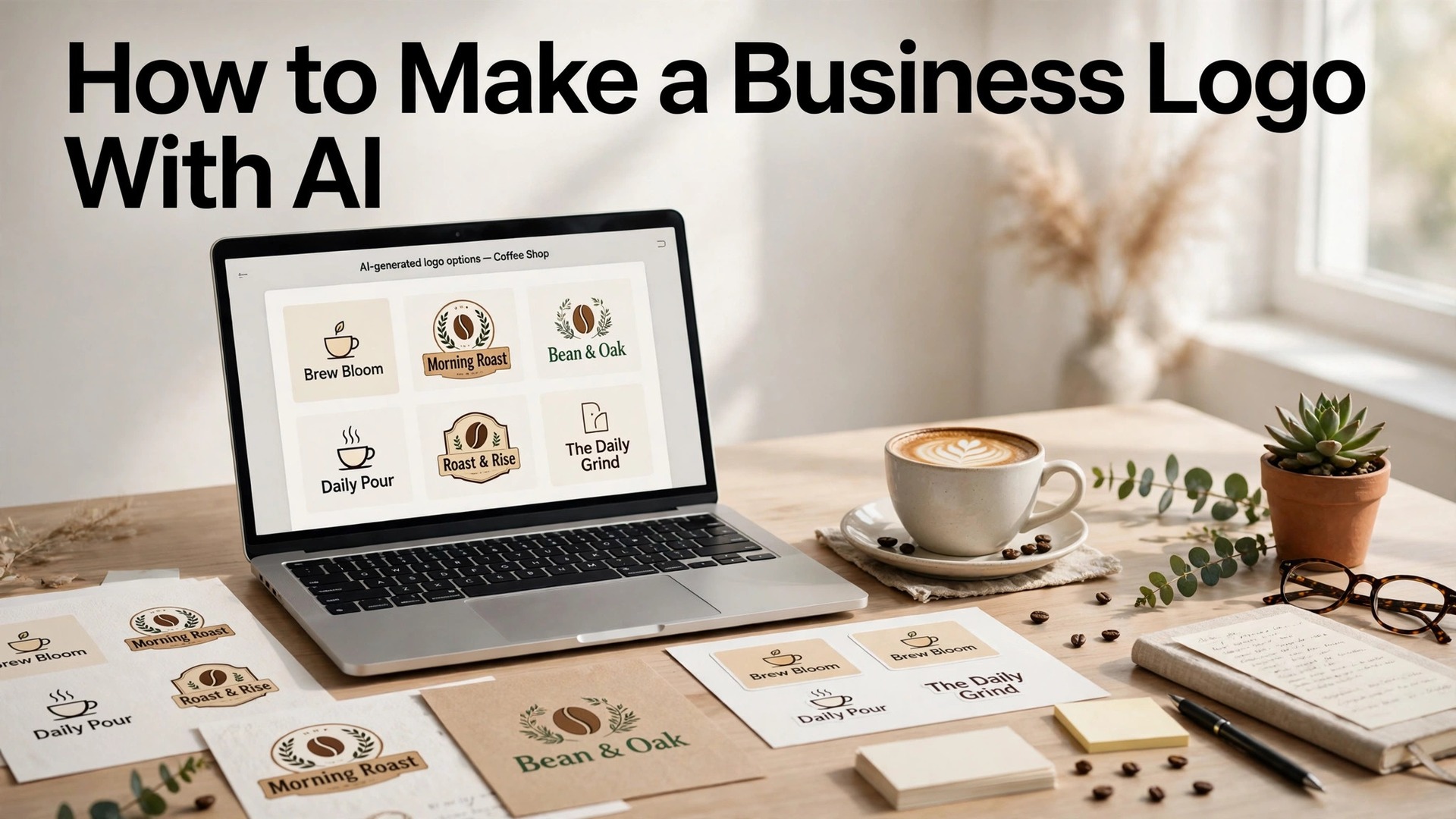
Learning how to make a business logo with ai takes about an hour, and the result is the mark that will live on your website, your packaging, your invoices and your shop sign for years. A logo that looks professional earns trust before a word is read. A logo that looks like a template loses trust just as fast. This guide walks through the whole job in seven steps, from the brand to the files, with free tools, real prices and file formats that work for a business that needs a logo this week.
A logo is not a decoration. It is the face of the business, and it works harder than most owners think. A customer who sees a sharp logo believes the business is professional. A customer who sees a blurry logo, a stretched icon or a free template wonders what else is sloppy. The logo appears on every touchpoint, from the website header to the business card to the social avatar, and a logo that works at every size is worth more than a logo that looks good only on a laptop.
The trap is the free download that is not free where it counts. Most logo makers let you design for free, and most charge at download, and the cheapest tier often buys a single low-resolution PNG with no transparent background and no vector file. A logo without a vector file cannot scale to a shop sign, a van or a trade show banner without turning blurry, so the real price of a logo is the price of the tier that includes SVG or EPS files. That is the number this guide uses in every comparison below.
In this article
Quick Answer. How to Make a Logo with AI in 30 Seconds
If you want the short version, here it is. Open Looka free, type your business name, pick an industry and a style, and generate a hundred options in seconds. Pick three you like, refine the winner in the editor, and pay for the tier that includes vector files. Looka Premium costs $72 one-time and buys the PNG, EPS, SVG and PDF files with transparent backgrounds and full ownership. LOGO.com is the best free option, with a finished PNG download and a full commercial license at no cost.
The seven steps below cover the brand, the tool, the generation, the refinement, the files, the test and the brand kit, with free tools from Looka, LOGO.com and Canva. That is how to make a business logo with ai in an hour, and the result is a logo that looks professional on a website, a card and a sign.
How to Make a Business Logo with AI in Seven Steps
The seven steps below are the whole job, in order, and each one builds on the last. The brand comes first, because a logo without a brand is a picture, not a mark. The tool comes second, because the right tool saves an hour. The generation comes third, because a hundred options beat ten. The refinement, the files, the test and the brand kit follow, and the result is a logo that works everywhere it will be seen.
Step 1. Define the Brand Before You Open a Tool
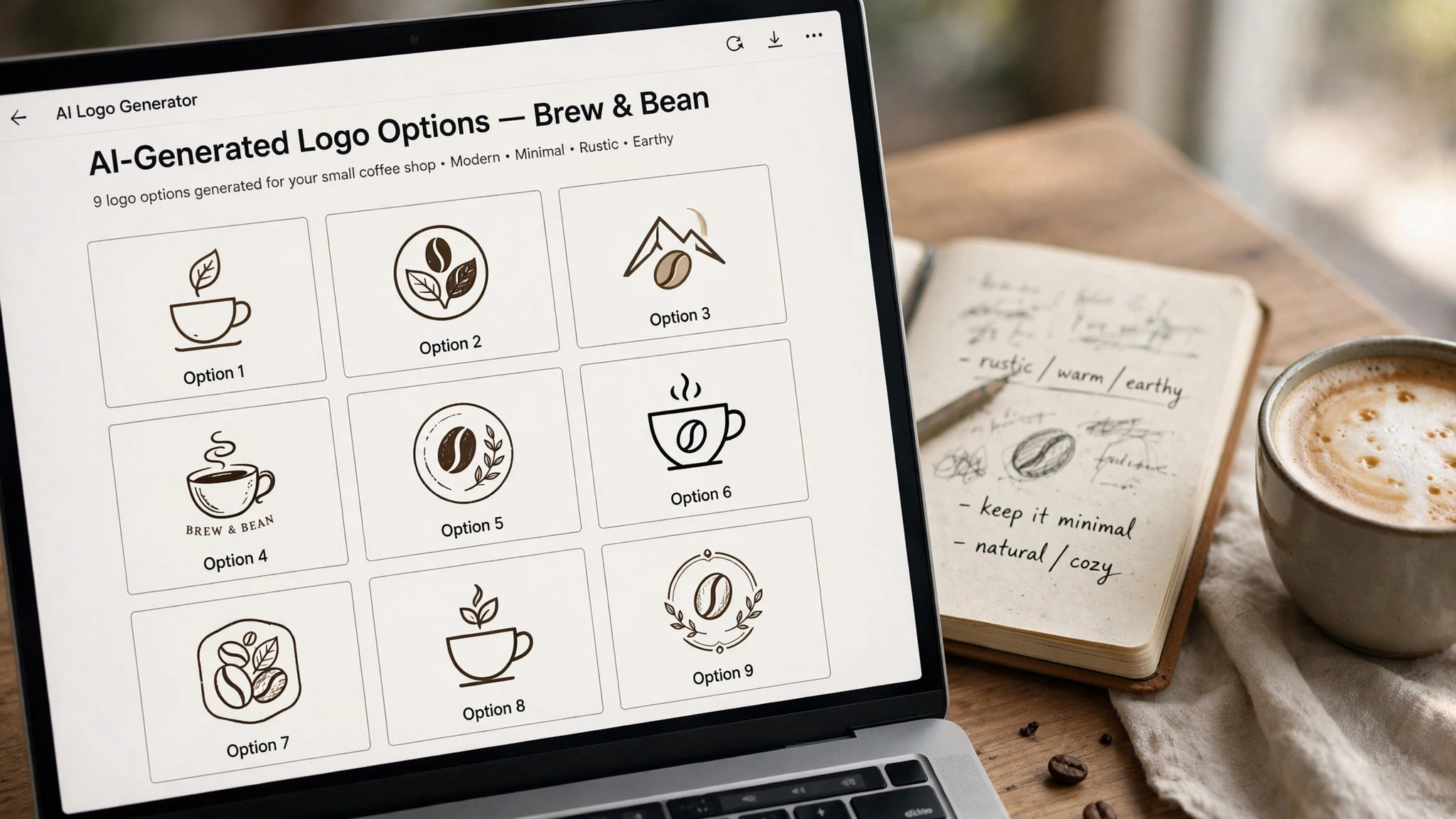
A logo without a brand is a picture, and a picture does not sell. Before you open any tool, write down three facts. The business name, the industry, and the feeling the logo should give. A coffee shop might want warm, friendly and local. A law firm might want calm, serious and trusted. A tech startup might want clean, modern and fast. Those three words decide the icon, the font and the colors, and a tool that does not know them will generate a hundred logos that all miss.
Write down the audience too, because a logo for teenagers looks different from a logo for retirees, and a logo for a luxury brand looks different from a logo for a budget shop. That audience note is the first step in how to make a business logo with ai that fits, because the tool can only generate what the brand already knows. A coffee shop for students needs a bold, playful mark. A coffee shop for executives needs a calm, premium mark. The same business name with a different audience needs a different logo, and the tool cannot decide the audience for you.
Write down the colors last, because the colors follow the feeling. A warm brand needs warm colors, such as orange, red or brown. A calm brand needs cool colors, such as blue, green or grey. A luxury brand needs dark colors with one accent, such as black and gold. Two colors and one accent look intentional. Five colors look like a collage. Pick the two colors before you open the tool, because a tool that asks for colors will generate better options when you know the answer.
Step 2. Pick Your Tool in Looka
Looka is the best tool here for the job, because it was built for logos, and every feature serves that goal. Its wizard asks about your industry, style and colors, then shows hundreds of options you can edit in a real editor. What sets Looka apart is what happens after the logo. Its Brand Kit turns one logo into more than 300 matching templates for business cards, social posts, email signatures, letterheads, invoices and brand guidelines. The company started in 2016 as Logojoy and has generated millions of logos since.
Pricing is free to design and paid to download. The Basic package costs $35 one-time and buys a single low-resolution PNG, which suits a social avatar and little else. The Premium package costs $72 one-time and buys high-resolution PNG, EPS, SVG and PDF files, color and black-and-white variants, transparent backgrounds, full ownership and unlimited edits after purchase. The Brand Kit costs $96 a year and adds the 300-plus templates. Brand Kit Web costs $129 a year and adds an AI-built website. Both bill annually.
Two other tools cover the job well. LOGO.com is the best free option, with a finished PNG download and a full commercial license at no cost, and a Brand Plan at $1 a month for three months, then $15 a month, that adds SVG and PDF vector files. Canva Pro at $18 a month or $144 a year includes a logo maker inside the full design suite, which suits a business that designs everything in Canva. Start with Looka free, generate a hundred options, and pay only for the tier that includes vector files.
Step 3. Generate a Hundred Options
Type your business name into Looka, pick an industry and a style, and generate a hundred options in seconds. That is the heart of how to make a business logo with ai, because the model does the sketching and you do the choosing. Do not pick the first logo you like. Generate three rounds, with different styles, different icons and different colors, and save the ten you like best. A logo that looks good in a list of a hundred will look better than a logo that looks good alone, because the comparison shows what works and what does not.
Look for three things in the options. The icon should be simple enough to read at the size of a social avatar, which is about 40 pixels wide. The font should be readable at that size too, with no thin strokes that disappear. The colors should be two plus one accent, with high contrast between the text and the background. A logo that passes all three tests at avatar size will pass at every size, and a logo that fails at avatar size will fail everywhere.
Avoid the options that look like a hundred other logos, because a logo that looks familiar is a logo that will be forgotten. A coffee cup for a coffee shop, a house for a real estate agent, and a scale for a lawyer are all obvious, and obvious is forgettable. Pick an icon that says the feeling, not the industry, because a feeling is memorable and an industry is generic. A coffee shop with a mountain icon is more memorable than a coffee shop with a cup, because the mountain says the feeling, and the cup says the product.
Step 4. Refine the Winner in the Editor
Pick three logos you like, and refine the winner in the editor. Change the icon, the font, the colors and the layout until the logo feels like yours, not like a template. The editor is the place where a good logo becomes a great one, because the small changes matter more than the big ones. A font that is one weight heavier, a color that is one shade darker, and an icon that is one size larger can turn a logo that looks fine into a logo that looks professional.
Check the logo in black and white, because a logo that works in color but fails in black and white will fail on a fax, a stamp and a single-color print. Check the logo on a dark background, because a logo that works on white but fails on black will fail on a dark website. Check the logo at avatar size, because a logo that works at full size but fails at 40 pixels will fail on every social profile. A logo that survives all three tests is a logo worth paying for.
Save the three versions you like best, and ask a friend to pick one without telling them which is yours. If they pick the one you like, the logo is clear. If they pick a different one, ask them why, because the reason will tell you what to fix. A logo that a stranger understands in two seconds is a logo that works, and a logo that needs explaining is a logo that fails. The test is cheap, and the fix is fast, so do it before you pay, not after.
Step 5. Buy the Files That Matter in Looka
The files matter more than the design, because a logo without the right files cannot be used. Buy the tier that includes vector files, which are SVG or EPS, because a vector file scales to any size without blurring, from a business card to a shop sign to a trade show banner. Looka Premium at $72 one-time buys the PNG, EPS, SVG and PDF files, with transparent backgrounds and full ownership. LOGO.com Brand Plan at $1 a month for three months, then $15 a month, adds SVG and PDF vector files. LogoAI Pro at $59 one-time adds vector files too.
A PNG with a transparent background covers websites, social profiles, email signatures and slide decks. An SVG or EPS vector file covers print, packaging, signage, vehicle wraps and anything that must scale to a large size without blurring. A logo that has only a PNG will look fine on a website and blurry on a sign, and a sign is the most expensive place to discover that mistake. Budget for the tier that includes vectors, usually $50 to $72 one-time, because the $37 gap between a PNG-only tier and a vector tier is the price of a logo you can actually print.
Check the licence before you pay. Most tools here grant full commercial rights on paid plans, which covers websites, packaging, signage and advertising. Fiverr Logo Maker is the exception to study, because its license is non-exclusive, which means the same design can be sold more than once and you cannot trademark it. An AI-generated design has very thin copyright protection in the United States, so the real protection for a business logo is a trademark, not a copyright claim. Check the license and consider a trademark search before investing in signage.
Step 6. Test the Logo at Every Size
Test the logo at every size before you call it done, because a logo that works at full size can fail at avatar size, and a logo that works on a website can fail on a sign. Check the logo at 40 pixels wide, which is the size of a social avatar, and check that the icon and the text are still readable. Check the logo at 200 pixels wide, which is the size of a website header, and check that the colors are still accurate. Check the logo at full size, which is the size of a print, and check that the edges are still sharp.
Check the logo in black and white, on a dark background, and on a light background, because a logo that works in one context but fails in another will fail somewhere it matters. A logo that is readable in all three contexts is a logo that works everywhere, and a logo that fails in one context needs another pass in the editor. The test takes ten minutes, and it catches the mistakes that no editor can see, because the editor shows the logo at full size and the real world shows it at every size.
Ask a friend to look at the logo and tell you what the business does in one sentence. If they cannot, the logo is not clear enough, and it needs another pass. A logo that a stranger understands in two seconds is a logo that works, and a logo that needs explaining is a logo that fails. The test is cheap, and the fix is fast, so do it before you pay for the files, not after.
Step 7. Build the Brand Kit in Canva
A logo alone is not a brand, and a brand kit is what turns one logo into a business. Canva Pro at $18 a month or $144 a year includes 5 brand kits, which lock in colors, fonts and logos across every graphic you make, from business cards to social posts to flyers. Looka Brand Kit at $96 a year adds more than 300 matching templates for business cards, social posts, email signatures, letterheads, invoices and brand guidelines. A brand kit is worth paying for when the logo is one of many graphics, because it keeps every design on brand without thinking.
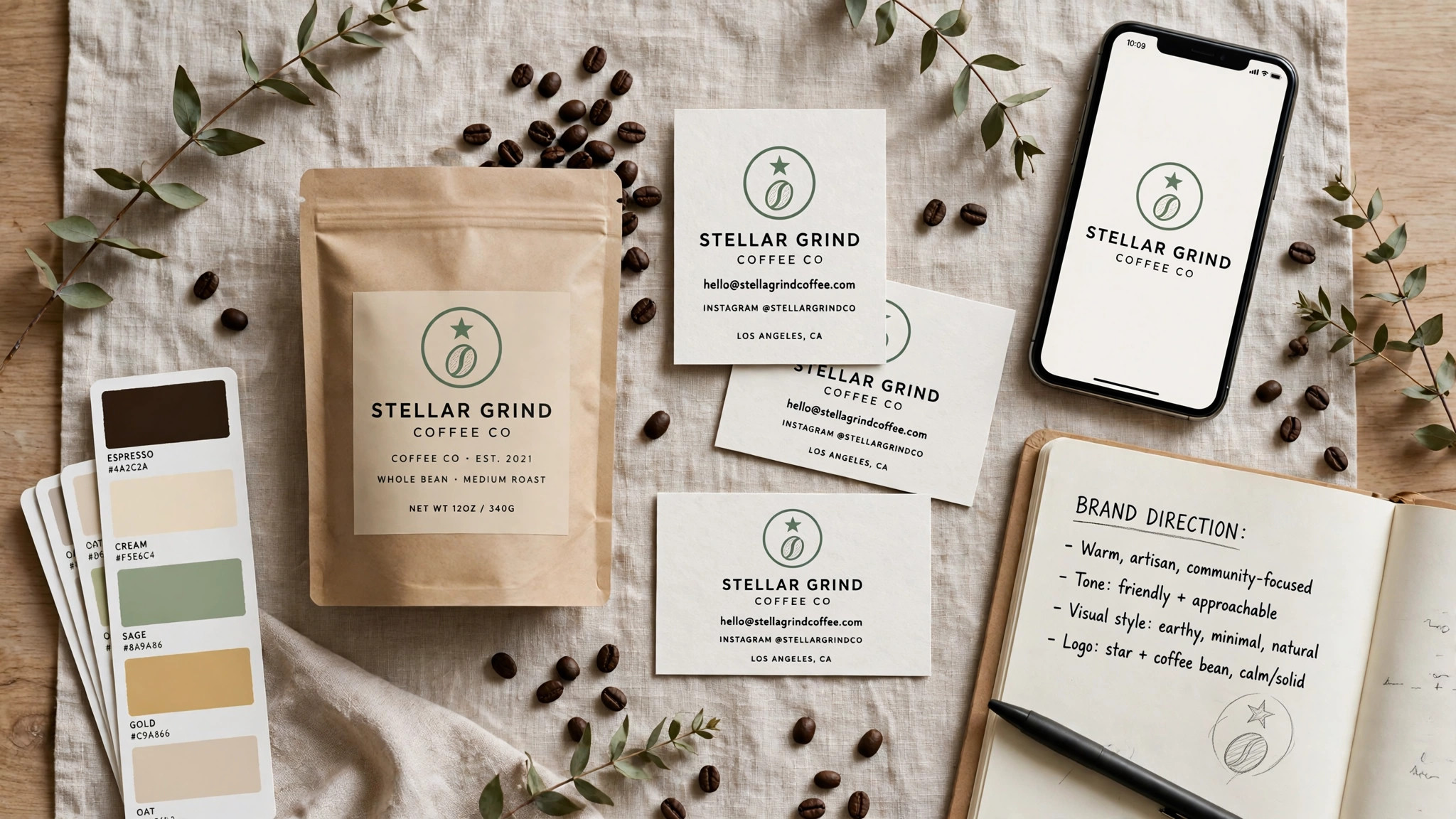
Build the kit with the logo, the two colors, the accent, the fonts and the icon, and use it for every graphic the business makes. A business card, a social post, an invoice and a flyer that all use the same kit look like they come from the same business, and a set of graphics that match builds trust faster than a set that does not. A brand kit that is used daily is a brand kit that pays for itself, and a brand kit that is never used is a waste of money, so build the kit only when the logo is final.
Save the logo files in one folder, with the PNG, the SVG, the PDF and the EPS together, and keep a copy in the cloud. A logo that is saved in one place is a logo that can be found in a minute, and a logo that is lost is a logo that has to be rebuilt. A business that keeps its files organised will use the logo more, and a business that uses the logo more will build a stronger brand.
A useful habit is to make a one-page brand sheet with the logo, the two colors, the accent, the fonts and the icon, and to share it with anyone who makes a graphic for the business. A designer, a printer and a social media manager who all use the same sheet will make graphics that match, and a set of graphics that match builds trust faster than a set that does not. The brand sheet takes ten minutes to make, and it saves hours of correction later.
The Tools That Make It Fast
Three tools cover the whole job, and each one fits a different step in how to make a business logo with ai. Looka is the best all-round pick, with Premium at $72 one-time buying the vector files and full ownership. LOGO.com is the best free option, with a finished PNG download and a full commercial license at no cost. Canva is the best pick if you want the logo and every other graphic your business will need in one place, with Pro at $18 a month or $144 a year.
LogoAI is the best pick for one-time purchase value, with Pro at $59 one-time buying vector files and a brand kit. Hatchful by Shopify is the best pick for a zero budget, with a free PNG kit, no watermark and no card required, though it exports PNG only, with no vector file. Start with the free design step in two or three tools, and pay only for the tier that includes vector files.
The Mistakes That Ruin a Logo
A logo fails for one of three reasons, and all three are avoidable. The first is a PNG-only purchase. A logo bought as a single low-resolution PNG cannot scale to a sign, a van or a banner without turning blurry, so budget for the tier that includes SVG or EPS files. The second is a generic icon. A coffee cup for a coffee shop, a house for a real estate agent, and a scale for a lawyer are all obvious, and obvious is forgettable. Pick an icon that says the feeling, not the industry.
The third is a logo that is never tested. A logo that works at full size can fail at avatar size, and a logo that works on white can fail on black. Test the logo at 40 pixels, at 200 pixels, and at full size, in color and in black and white, on a light background and on a dark background, before you pay for the files. A logo that survives all those tests is a logo worth paying for, and a logo that fails one of them needs another pass in the editor.
The Logo Checklist. Before You Pay
Run through this checklist before you pay for the files, because it catches the mistakes that no editor can see. The brand is defined, with the name, the industry, the feeling and the audience written down. The icon is simple enough to read at 40 pixels wide, the font is readable at that size too, and the colors are two plus one accent, with high contrast between the text and the background.
The logo has been tested at 40 pixels, at 200 pixels and at full size, in color and in black and white, on a light background and on a dark background. The files include a PNG with a transparent background and an SVG or EPS vector file, with full commercial rights. The licence has been checked, and a trademark search has been considered before investing in signage.
Save the files in one folder, with the PNG, the SVG, the PDF and the EPS together, and keep a copy in the cloud. Build the brand kit in Canva or Looka, and share the brand sheet with anyone who makes a graphic for the business. That checklist is the last step in how to make a business logo with ai that lasts, because a logo that is tested, filed and shared will live on your website, your packaging and your shop sign for years.
Related Guides
- How to Rebrand Your Small Business
- Small Business Branding Strategy for Beginners
- AI Logo Generator Pricing
Frequently Asked Questions

Which AI logo generator is actually free?
Two tools give you a finished file at no cost. LOGO.com lets you download a high-resolution PNG with a full commercial license for free, and Hatchful by Shopify gives you a free PNG kit with the same commercial use. Every other tool on this list is free to design and paid to download, so treat any other free claim as a preview, not a file.
What file format should a business logo be?
You need two formats. PNG with a transparent background covers websites, social profiles, email signatures and slide decks. SVG or EPS vector files cover print, packaging, signage, vehicle wraps and anything that must scale to a large size without blurring. Budget for the tier that includes vectors, usually $50 to $72 one-time, because the gap between a PNG-only tier and a vector tier is the price of a logo you can actually print.
Can I trademark a logo made by AI?
A trademark is the right protection to pursue, because AI-generated artwork has very thin copyright protection in the United States. Most tools here grant full commercial rights on paid plans, which covers use on products and advertising, but commercial rights and trademark ownership are different things. Fiverr Logo Maker states its license is non-exclusive, which means the design can be sold more than once and you cannot trademark it. Check the license and consider a trademark search before investing in signage.
How much should a small business pay for a logo?
Most small businesses should budget $0 to $99 for a one-time logo purchase. A free PNG from LOGO.com or Hatchful costs nothing. A vector file package costs $29 to $72 once from LogoAI or Looka. A full brand kit costs $72 to $99 once. Subscriptions run $96 to $180 a year for Looka Brand Kit, Canva Pro or LOGO.com Brand Plan. A human designer typically starts at $300, so AI tools save real money for a first logo.
Is Looka or LOGO.com better for a small business?
It depends on what you need after the logo. LOGO.com is better if you want a free finished file today and a cheap path to vectors at $1 a month for three months, then $15 a month. Looka is better if you want a complete brand kit, because its $72 Premium package buys the vector files with full ownership and its $96 a year Brand Kit adds more than 300 matching templates. Try both free and pay for the one whose files match your plans.
How long does it take to make a logo with AI?
About an hour for a first logo, and ten minutes for a second one, when you know how to make a business logo with ai and the workflow is already decided. The brand definition takes fifteen minutes, the generation takes five, the refinement takes twenty, and the file check and the brand kit take the rest. A logo that is rushed in ten minutes will look like a template, and a logo that takes a week is a logo that is overthought. An hour is the right amount of time for a logo that will live on your website, your packaging and your shop sign for years.
The Bottom Line
Learning how to make a business logo with ai takes about an hour, and the result is the mark that will live on your website, your packaging, your invoices and your shop sign for years. Define the brand first, generate a hundred options in Looka, refine the winner in the editor, and pay for the tier that includes vector files. Looka Premium at $72 one-time buys the PNG, EPS, SVG and PDF files with full ownership.
LOGO.com is the best free starting point, with a finished PNG and a commercial license at no cost. Canva is the best long-term home, because Pro at $144 a year covers the logo and every graphic your business will make after it. Start with the free design step in two or three tools, test the logo at every size, and pay only for the tier that includes vector files.
1 thought on “How to Make a Business Logo with AI”