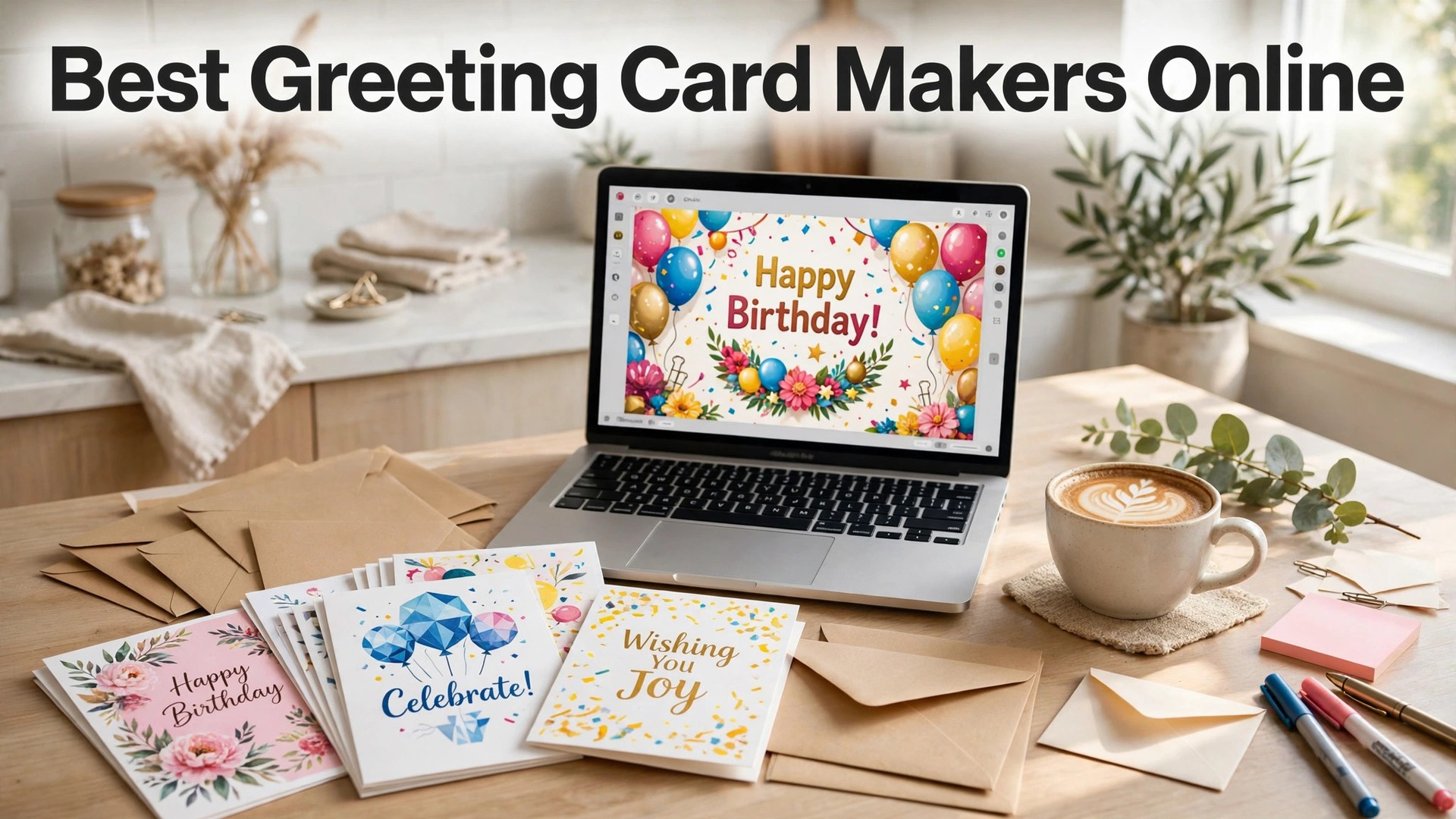
The best greeting card makers online in 2026 are Canva, Greetings Island and Adobe Express, and the choice between them comes down to what happens after the design. Canva is the best pick if you want to print the card yourself or order a print through its own service. Greetings Island is the best pick if you want a free card to send in minutes. Adobe Express is the best pick if you want Adobe fonts and stock photos on a card that looks designed rather than typed.
A greeting card is a small thing that carries a large message, and the difference between a card that gets kept and a card that gets recycled is rarely the price. It is the photo, the words and the paper. A card with a real photo of the family, a short message in your own words, and a decent weight of card stock feels personal. A card with a stock photo, a generic verse and thin paper feels like an afterthought, and the person who receives it knows the difference at once.
The trap is the template that looks like every other template. A birthday card with the same balloons, the same font and the same layout as a hundred other birthday cards does not stand out, and a holiday card with the same snow scene does not either. The fix is not a new tool. It is a template you adapt, with your own photo, your own colors, and a message written for one person. Every tool in this guide supports that, but the ones built for cards make it faster.
Quick jump
- Quick Answer. The Best Greeting Card Makers in 30 Seconds
- What the Best Greeting Card Makers Online Get Right
- The Card Rules That Decide Whether It Gets Kept
- The Free Plan Test. What You Get Without Paying
- How to Choose the Best Greeting Card Makers Online
- Related Guides
- Frequently Asked Questions
- The Bottom Line
Quick Answer. The Best Greeting Card Makers in 30 Seconds
If you want the short version, here it is. Canva is the best all-round pick, with the largest template library, a free plan that exports a full-size card, and Pro at $18 a month or $144 a year. Greetings Island is the best pick for a free card in minutes, with thousands of templates and a premium plan from about $6 a month. Adobe Express is the best pick if you want Adobe fonts and stock photos, with Premium at $9.99 a month.
The best greeting card makers online are the ones that give you the right card size, templates that fit the occasion, and an export or print option that puts a real card in the post. The table below compares all eight on the facts that change a decision.
| Tool | Best for | Free tier | Paid from | Key strength |
|---|---|---|---|---|
| Canva | Biggest template library | Free plan | $18/mo or $144/yr | 600,000+ templates |
| Greetings Island | Fastest free cards | Free plan | $6/mo | Thousands of card templates |
| Adobe Express | Adobe fonts and stock | Free plan | $9.99/mo | Premium Adobe Stock included |
| Fotor | Photo-led cards | Free plan | $39.99/yr | Strong photo tools |
| PicMonkey | Polished text layouts | 7-day trial | $7.99/mo | Strong text tools |
| VistaCreate | Bold, modern cards | Free plan | $13/mo or $120/yr | Motion templates |
| Snappa | Fastest simple cards | Free plan | $15/mo or $120/yr | Built for social sizes |
| Punchbowl | Invitations and e-cards | Free plan | $4.99/mo | Easy party invitations |
What the Best Greeting Card Makers Online Get Right
The first thing a good card tool gets right is the size. A standard folded card is 5 by 7 inches, and every tool here opens a canvas at that size or lets you set a custom size. The difference shows up in the export. A free plan that exports at full resolution is worth more than a paid plan that caps downloads, because a card at half size prints soft and blurry. Canva, Greetings Island, Adobe Express and VistaCreate all export full-size cards on their free plans.
The second thing is the occasion. A birthday card, a holiday card, a thank you card and a sympathy card follow different rules, and a tool that knows the difference saves you from a card that feels wrong. Greetings Island is the strongest here, because its templates are organised by occasion and its card maker is built for cards first. Canva is the strongest for range, with thousands of templates across every occasion, and Punchbowl is the strongest for invitations, with RSVP tracking and party planning built in.
The third thing is the message. A card message should be short, specific and in your own words. A message that names the person, the memory and the wish earns the smile. A generic verse does not. Canva and PicMonkey have the strongest text tools here, with layered type, font pairings and curved text for messages that need a little more style. Adobe Express adds Adobe Fonts, more than 30,000 typefaces, which means the message can look like a printed card rather than a template.
The fourth thing is the print. A card printed at home needs a good printer and heavy paper, at least 200 gsm, or the card feels flimsy. A card ordered online needs a print service that ships in time, and Canva Print, which ships cards from within Canva, is the simplest route here. Greetings Island also offers printing and mailing, so you can design a card and have it posted without leaving the site. Check the print price and the delivery time before you commit, because a card that arrives after the birthday is a card that fails.
The Card Rules That Decide Whether It Gets Kept
A card fails for one of three reasons, and all three are avoidable. The first is a message that is too generic. A verse copied from a template feels like a template, so write two or three sentences for one person, naming the memory and the wish. The second is a photo that is too small or too dark. A card photo should be sharp, well lit and large enough to carry the design, so start with a photo at least 1500 pixels wide. The third is thin paper. A card printed on office paper feels like a printout, so use card stock of at least 200 gsm, or order a print from a service that uses it.
Color choice matters more on a card than on any other small design, because the card has to feel right in the hand. A card with two colors and one accent looks intentional. A card with five colors looks like a collage. Pick the two colors from the occasion or the photo, use one accent for the message, and leave the rest of the space empty. Empty space is not wasted space on a card. It is what makes the message readable at a glance.
The Free Plan Test. What You Get Without Paying
Seven of the eight best greeting card makers online offer a free plan, and the free plans are not equal. The test that matters is simple. Can you make a card, export it at full size, and send or print it without a watermark? Canva, Greetings Island, Adobe Express, Fotor, VistaCreate, Snappa and Punchbowl all pass that test. PicMonkey does not, because it has no free plan, only a 7-day trial that covers a batch of cards well enough.
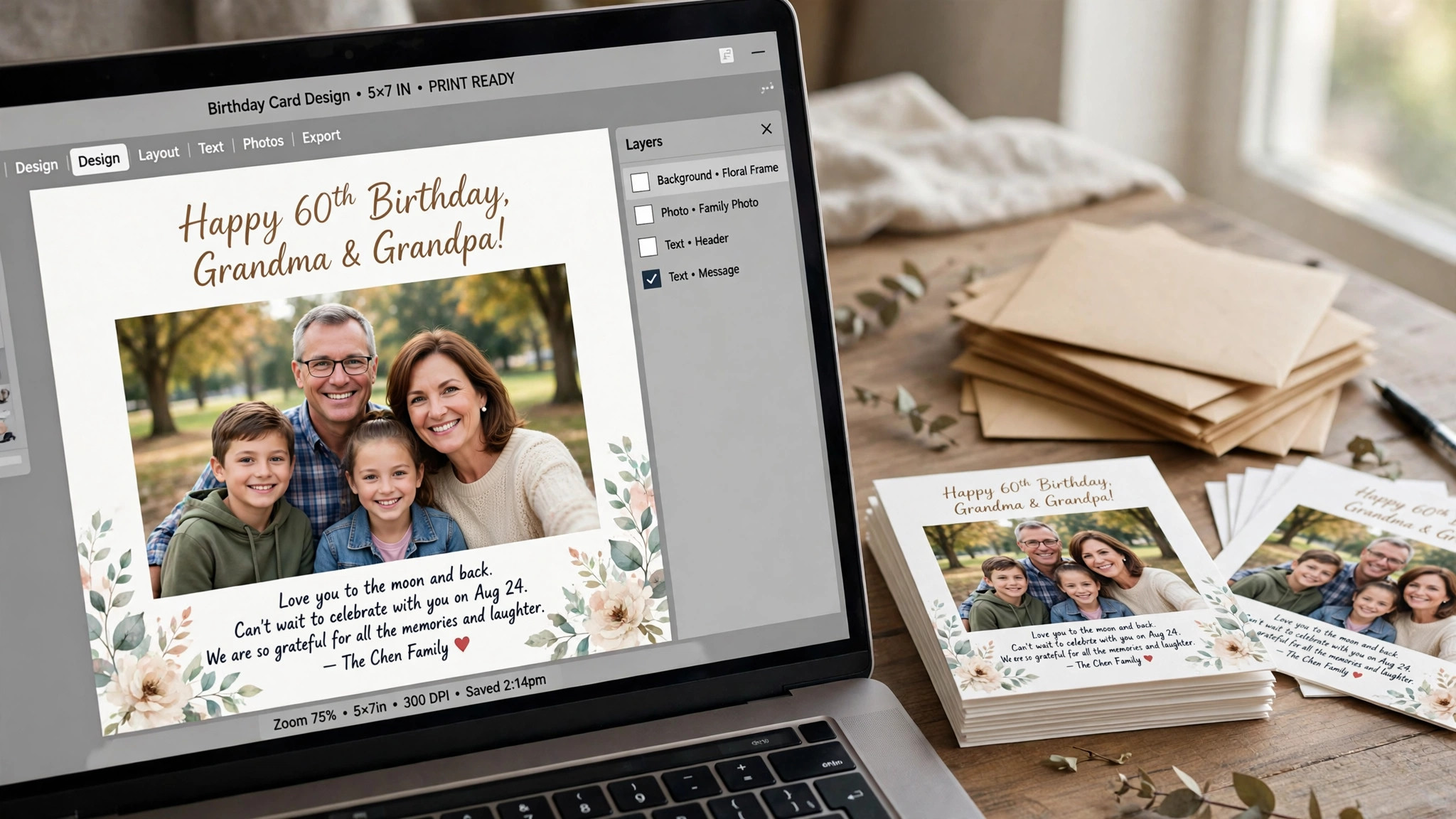
The second test is what the free plan holds back. Canva holds back premium stock photos and the background remover. Adobe Express holds back most brand kits and Firefly output. Greetings Island holds back premium templates and the print service on its free plan. Snappa limits you to three downloads a month. Fotor shows ads and holds back its AI tools. Punchbowl limits the free plan to a handful of invitations. None of these limits stops you from making a good card, but they decide which tool you will still be using in six months, when the next birthday comes around.
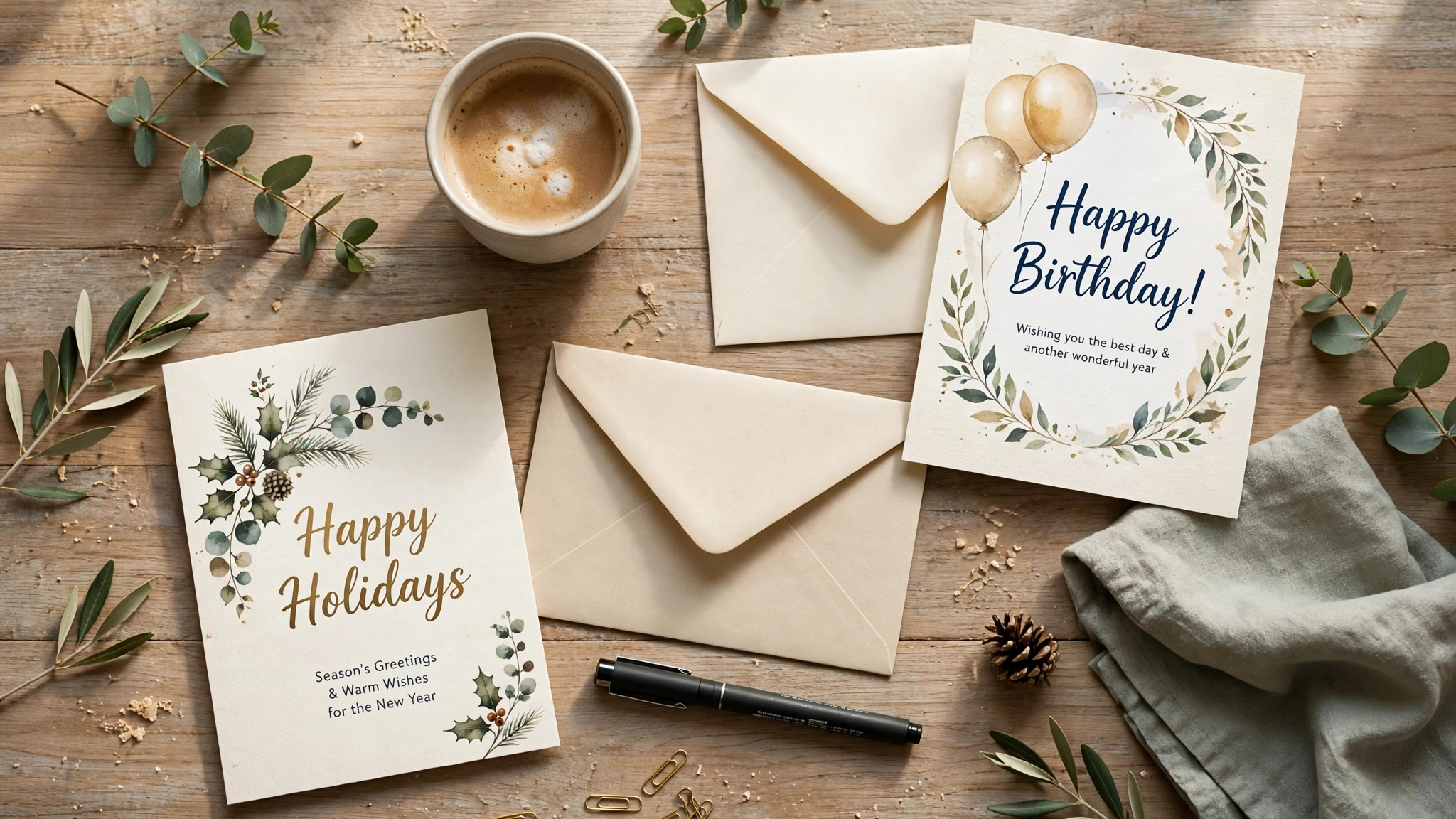
The third test is the watermark. None of the free plans in this list adds a watermark to a card export, which is why all seven are worth recommending. A watermarked card is worse than no card at all, because it tells the person who receives it that you would not pay for the tool that made it. If a tool ever adds a watermark on its free plan, treat that as a reason to switch, not a reason to pay.
1. Canva. Best for the Biggest Template Library
Canva is the obvious first stop among the best greeting card makers online, and the reason is the size of its library. Its greeting card templates number in the thousands, covering birthdays, holidays, weddings, thank you notes, new babies, graduations and sympathy cards, and most of them are free. The editor is drag and drop, the text tools are the strongest here, and the background remover, Magic Resize and brand kit all sit in the same login. Canva Print lets you order the card printed and shipped without leaving the app.
Pricing starts free and stays useful. The free plan covers the card maker, thousands of templates and full-size exports. Canva Pro costs $18 a month or $144 a year for one person, and it adds premium templates and stock, 5 brand kits, Magic Resize, the background remover and 100GB of storage. Pro is a one-person licence, so a second editor means moving to Business at $25 a month or $250 a year per person.
What works. No other tool gives you this many card templates with this little effort, and the free export is full size, which is the detail that matters most. Canva Print is the simplest route from a design to a real card in the post.
What to watch. The free plan holds back the best stock photos and the background remover, and the template search can bury good designs under dozens of near-identical ones. Check the price at checkout, because Canva has changed it more than once.
2. Greetings Island. Best for Fastest Free Cards
Greetings Island is the only tool in this list built for cards first, and it shows in every feature. Its templates are organised by occasion, its card maker opens in seconds, and its print and mail service lets you design a card and have it posted without leaving the site. The editor is drag and drop, with a short learning curve, and the template library covers birthdays, holidays, weddings, thank you notes, new babies and graduations.
Pricing starts free. The free plan covers thousands of templates, basic exports and e-cards, which suits a single card. Greetings Island Premium costs about $6 a month and adds the full template library, premium designs, printing and mailing, and an ad-free editor. Check the current price at checkout, because Greetings Island runs frequent promotions.
What works. The occasion templates are the best here, and the print and mail service is the simplest route to a real card in the post. A free card takes minutes, not an afternoon.
What to watch. The template count is smaller than Canva, and the photo library is thinner. The free plan holds back premium templates and the print service, so it suits one card, not a regular habit.
3. Adobe Express. Best for Adobe Fonts and Stock
Adobe Express is Adobe’s browser and mobile design app, and it brings two things no rival here matches. The first is Adobe Fonts, more than 30,000 typefaces that make a card look like a printed card rather than a template. The second is premium Adobe Stock, which means the photos behind your card are sharper and less familiar than the free stock every other tool shares. The card templates are fewer than Canva, but the average quality is higher.
Pricing is simple. The free plan costs nothing and includes 25 generative credits a month, templates and basic exports. Adobe Express Premium costs $9.99 a month, billed monthly with no annual commitment, and it adds 250 generative credits a month, 100GB of storage, premium templates and stock, brand kits and a content scheduler. Premium is included with most Creative Cloud single-app plans, so check your existing Adobe subscription before you buy a second seat.
What works. Premium undercuts Canva Pro by a wide margin and includes real Adobe Stock and fonts. Monthly billing means you can pay for one month, make a batch of cards, and stop.
What to watch. The free plan holds back most brand kits and Firefly output, and the template count for cards is smaller than Canva. The app covers many design types, so the workflow is less focused on cards.
4. Fotor. Best for Photo-Led Cards
Fotor is a photo editor first and a design tool second, which makes it the right pick when your card starts with a photograph. Its editing tools cover exposure, color, sharpening and cropping, and its AI tools can clean up a noisy photo, remove an object, or turn a plain shot into a stylised background. The card templates are fewer than Canva, but the photo handling is stronger, and the result looks like a real photo rather than a stock collage.
Pricing starts free. The free plan covers basic editing, templates and exports with ads. Fotor Pro costs $39.99 a year on annual billing, or $8.99 a month billed monthly, and it adds the full template library, AI tools, background removal, batch processing and an ad-free editor. There is a Pro Plus tier above it for teams that need more storage and collaboration.
What works. The photo tools are the best value here for a card built around a real photo, and the annual price is low. Batch processing helps if you make cards for several occasions at once.
What to watch. The design templates are thinner than Canva or Greetings Island, and the free plan shows ads that slow the workflow. The AI tools are good, not great, so check the result before you export.
5. PicMonkey. Best for Polished Text Layouts
PicMonkey sits between a photo editor and a design tool, and its strength is polish. The text tools are the best in this list for a card that leads with words, with curved text, layered type and a font library that includes professional pairings. The templates lean lifestyle and celebration, with clean layouts for birthdays, holidays and thank you notes, and the brand kit keeps colors and fonts consistent across a set of cards.
Pricing has no permanent free plan, but there is a 7-day free trial. PicMonkey Basic costs $7.99 a month, or $72 a year, and it adds unlimited downloads, the template library and 1GB of storage. PicMonkey Pro costs $12.99 a month, or $120 a year, and it adds the background remover, 100GB of storage and advanced tools. PicMonkey Business costs $23 a month and adds team features and more storage.
What works. The text handling is the best here for a card that leads with words, and the templates look professional without effort. The trial is long enough to finish a batch of cards properly.
What to watch. There is no free plan, so the trial is the only way to test it without paying. The photo library is smaller than Canva or Adobe Express, and the price is higher than Snappa for similar output.
6. VistaCreate. Best for Bold, Modern Cards
VistaCreate, formerly Crello, is the pick if your card should look modern and bold. Its templates use strong colors, big type and clean layouts, which suit birthday and holiday cards well. The editor is close to Canva in feel, with drag and drop, a brand kit, and a library of photos, videos and music. Animated cards are covered too, with motion templates that work as e-cards and social posts.
Pricing starts free. The free plan covers thousands of templates, 10GB of storage and basic exports. VistaCreate Pro costs $13 a month, or $10 a month billed annually at $120 a year, and it adds the full template library, premium stock, background removal, a brand kit with unlimited brand assets, and team features. The annual price is the one to compare against Canva Pro, because it is the cheaper of the two.
What works. The bold templates stand out in a pile of cards, and the Pro price undercuts Canva. The brand kit is generous for a single user.
What to watch. The template count is smaller than Canva, and the occasion range is thinner than Greetings Island. The editor can feel slower on older machines.
7. Snappa. Best for Fastest Simple Cards
Snappa was built for people who make social graphics every day and want the job done in five minutes. Its editor is the simplest in this list, with a short learning curve and no buried menus. You pick a card template, swap the text and the photo, and export. The templates are built for social sizes from the start, though the card size is covered too, with a custom 5 by 7 canvas available in the size tool.
Pricing starts free. The free plan covers 3 downloads a month, which is enough to test the tool and make one card. Snappa Pro costs $15 a month, or $10 a month billed annually at $120 a year, and it adds unlimited downloads, the full template library, background removal, team sharing and 10GB of storage. There is a Team plan above Pro for small groups that share assets.
What works. The speed is real. A first card takes minutes, not an afternoon, and the templates are practical rather than decorative. The price is fair for a tool you will use weekly.
What to watch. Three free downloads a month is tight if you like to test several versions, and the card template count is smaller than Canva or Greetings Island. The editor is simple by design, so advanced effects are not here.
8. Punchbowl. Best for Invitations and E-Cards
Punchbowl is the pick when the card is an invitation. Its templates cover birthday parties, baby showers, weddings, graduations and holiday parties, and its invitation tools add RSVP tracking, guest lists and reminders. The editor is simple, with drag and drop, and the e-card option lets you send a card by email or text in seconds, with no printing and no postage.
Pricing starts free. The free plan covers a limited number of invitations and e-cards, which suits a single party. Punchbowl Plus costs $4.99 a month and adds unlimited invitations, premium designs, RSVP tracking and an ad-free editor. Check the current price at checkout, because Punchbowl runs frequent promotions.
What works. The invitation tools are the best here, and the RSVP tracking saves hours for a party host. The e-card option is the fastest route to a card that arrives today.
What to watch. Punchbowl is built for invitations, so its templates for sympathy cards and thank you notes are thinner than Canva or Greetings Island. The free plan limits the number of invitations, so it suits one party, not a regular habit.
How to Choose the Best Greeting Card Makers Online
Start with the occasion, not the tool. A birthday card needs a photo, a short message and a bright layout. A holiday card needs a seasonal image and a warm message. A thank you card needs a simple layout and a message that names what you are thankful for. Write down the occasion and the person before you open any editor, because the tool cannot decide them for you.
Step 1. Pick the size first. Open a 5 by 7 canvas and check that the export is full size. If the free plan caps the export, the card will print soft, and no template can fix that.
Step 2. Choose one template style. Browse the card templates for your occasion and pick one layout, not five. A template with a photo on top and a message below suits most occasions, because the photo draws the eye and the message sits where it will be read.
Step 3. Write the message yourself. A card message should be two or three sentences for one person, naming the memory and the wish. A verse copied from a template feels like a template, so write the message in your own words.
Step 4. Use heavy paper. A card printed on office paper feels like a printout, so use card stock of at least 200 gsm, or order a print from a service that uses it. The paper is half the impression.
Step 5. Send it in time. A card that arrives after the birthday is a card that fails. Check the print and delivery time before you commit, and send an e-card if the post will not make it.
Related Guides
- How to Create a Product Catalog for Your Shop
- How to Design a Flyer That Gets Noticed
- How to Make a QR Code for a Restaurant Menu
Frequently Asked Questions
What size should a greeting card be?
A standard folded card is 5 by 7 inches, and that is the size every tool in this guide uses. Upload a photo at least 1500 pixels wide, export at full size, and print on card stock of at least 200 gsm. A card printed on office paper feels like a printout, so the paper matters as much as the design.
Which of the best greeting card makers online is actually free?
Canva, Greetings Island, Adobe Express, Fotor, VistaCreate, Snappa and Punchbowl all have free plans that export a full-size card. Canva and Adobe Express have the strongest free design tiers, and Greetings Island has the best free card templates. PicMonkey has no free plan, though its 7-day trial covers a batch of cards.
Can I print a card at home?
Yes, if you have a good printer and heavy paper. Use card stock of at least 200 gsm, print at the highest quality setting, and test one card before you print a batch, because a test print shows problems with color and margins that the screen hides. A card ordered online from Canva Print or Greetings Island will usually look better, because the print service uses professional paper and ink, and the price is low for a single card. Order early, because print and delivery take several days, and a card that arrives late is a card that fails.
How do I send a greeting card by email?
Punchbowl is the best tool here for e-cards, with templates that send by email or text in seconds. Canva and Greetings Island also offer e-cards, with a link you can send by email, text or social media. An e-card is the fastest route when the post will not arrive in time, and it costs nothing to send.
What should I write in a greeting card?
Write two or three sentences for one person, naming the memory and the wish. A birthday card might say the year you met, the joke you share, and the wish for the year ahead. A thank you card might say what the person did, how it helped, and what it meant. A generic verse feels like a template, so write the message in your own words.
The Bottom Line
The best greeting card makers online in 2026 come down to three picks by job. Canva is the best all-round choice, because its template library is the largest and its free plan exports a full-size card. Greetings Island is the best choice for a free card in minutes, because its occasion templates and print service cover the whole job. Adobe Express is the best choice if you want Adobe fonts and stock photos at $9.99 a month.
Punchbowl is the pick for invitations, Fotor is the pick for photo-led cards, and PicMonkey is the pick for text-led cards. Start with the free plan in two tools, write the message yourself, and pay only when the free tier holds back a feature you actually need.
2 thoughts on “Best Greeting Card Makers Online”