
Dinner is the question every household answers badly at 5pm, standing in front of an open fridge with no plan and no energy. The best ai tools for meal planning answer it on Sunday instead, with a week of meals that match the diet, the budget, and the time available, plus a grocery list that buys exactly what those meals need. Eat This Much leads this list because it builds the plan around real numbers, calories and macros the user sets, rather than around a static recipe library, and a plan built on numbers is a plan that actually fits the person eating it.
A meal planning app earns its place by doing three things well. It must build a plan the household will actually cook, with recipes that match the skill, the time, and the ingredients available. It must turn that plan into a grocery list that wastes nothing, because a list that buys too much is money in the bin. And it must adapt when life changes the plan, because a week never goes the way Sunday imagined it would. The ten tools in this guide were judged on those three jobs, and on whether their price stays fair for a year of weekly use.
Quick jump
The 10 Tools at a Glance
This table compares the best ai tools for meal planning on the facts that decide a purchase. Prices are the entry paid tier from each vendor site, checked in November 2026. Where a vendor publishes no entry price, the table shows the model rather than a figure.
| Tool | Entry paid plan | Free option | Best for |
|---|---|---|---|
| Eat This Much | $9 a month, or $60 a year | Yes | Macro-targeted plans |
| Paprika | $4.99 once on mobile | No | Recipe organising |
| Plan to Eat | Paid plans on site | Trial | Family meal planning |
| Yummly | Paid plans on site | Yes | Recipe discovery |
| Samsung Food | Free | Yes | Pantry-aware planning |
| Prepear | $119.99 a year Gold | Yes | Food blog recipes |
| Cooklist | Free | Yes | Cooking what you own |
| PlateJoy | $99 a year | Trial | Goal-driven personalisation |
| Forks Meal Planner | Paid plans on site | Trial | Plant-based planning |
| eMeals | $5.99 a month | No | Store-ready grocery lists |
What Makes a Meal Plan Actually Get Cooked
A meal plan fails in the kitchen, not in the app. The plan that lists a forty-five-minute recipe on a night the cook gets home at seven will be ignored, and the plan that needs an ingredient the local store does not stock will be abandoned halfway through the week. The best ai tools for meal planning that ask about time, skill, and the local store do better work than the tools that only ask about diet, because the constraint that decides whether dinner happens is usually the clock, not the calorie count.
The second test is the grocery list. A plan that generates a list automatically saves the hour that manual planning costs, but only if the list is accurate. A list that buys a whole bunch of herbs for one teaspoon, or that forgets the oil the recipe assumes is already in the cupboard, creates waste and frustration in equal measure. The tools that track the pantry, combine quantities across the week, and send the list to the store app do the job properly, and the ones that simply list ingredients by recipe leave the cook to do the arithmetic by hand.
The third test is flexibility. A week never goes the way Sunday imagined it, and a plan that cannot swap a meal, move a dinner to another night, or replace an ingredient without breaking the whole week will be abandoned by Wednesday. The tools that let the cook drag a meal to another day, swap in a leftover, or regenerate a single day without touching the rest of the week are the ones that survive contact with real life. One caution from this year is worth noting. Mealime, once a popular planner, shut down its standalone app in October 2026, and its users were moved into a grocery store app. A plan built in a tool that closes takes the recipes with it, so the export options matter as much as the features.
The 10 Tools in Detail
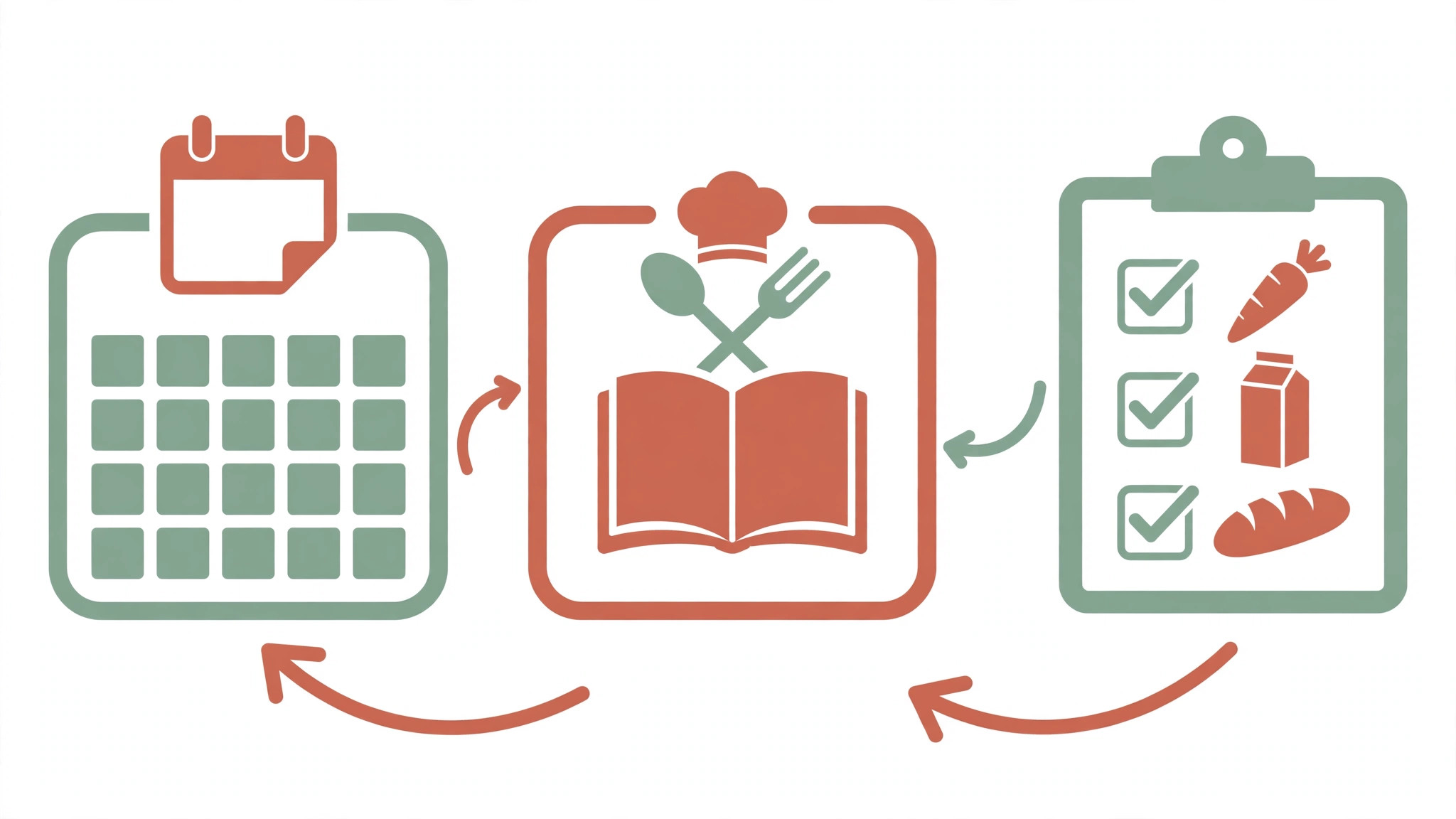
This section tests the best ai tools for meal planning against the same three jobs. A week of meals the household will actually cook, a grocery list that wastes nothing, and a plan that survives a change of mind mid-week. Figures in this guide mean the lowest paid plan unless a sentence flags a different basis, all checked in November 2026.
1. Eat This Much
No app in this list builds a plan around real numbers as precisely as Eat This Much, which is why it leads. Set daily targets for calories, protein, carbohydrates, and fats, and the AI generates a meal plan built to match those exact numbers, adjusting for activity level when connected to a fitness tracker. A person tracking macros for fitness, weight loss, or a structured diet will find this the only app here that treats the numbers as a first-class input rather than a side feature.
The free plan covers one daily plan at a time, with food tracking, barcode scanning, and custom recipes. Premium costs $9 a month, or $60 a year, which works out at $5 a month billed annually, and it enables full macro automation, grocery list generation, and custom food preferences. The annual price is the honest one, because the monthly rate costs nearly double over a year for the same features.
The weakness is the food itself. Eat This Much generates meals algorithmically, and the recipes can feel repetitive or uninspired next to a food blog, because the algorithm optimises for the numbers rather than for flavour. A cook who loves food will want a second app for inspiration, such as Yummly or Prepear, and use Eat This Much for the structure. Among the best ai tools for meal planning, it is the one to buy first when the numbers matter, and the one to pair with a recipe app when flavour matters more than macros.
2. Paprika
Paprika is the recipe organiser that serious cooks swear by, and it earns its place by doing one job perfectly. It saves recipes from any website with one tap, strips out the life story and the ads, and stores the clean recipe with scaling, timers, and a grocery list built from the week’s meals. A cook with a hundred saved recipes will find Paprika turns a scattered collection into a library that can actually be cooked from.
Paprika is sold as a one-time purchase per platform, at $4.99 once on mobile and $29.99 on desktop, with no subscription. That model is the cheapest honest deal in this list, because the cook pays once and owns the tool forever, with no monthly bill and no risk of the price rising next year. There is no free plan, but the one-time price is lower than a single month of most subscription apps here.
The weakness is that Paprika is an organiser, not a planner. It will not generate a meal plan, suggest what to cook, or adapt to a diet on its own, and the cook must still choose the meals each week. The right use is beside a planning app, with Paprika holding the recipes and the planner choosing the week. For a cook who already knows what they like to eat, it is the best money in this list.
3. Plan to Eat
Plan to Eat is the family planner, built around a shared calendar where the whole household can see what is for dinner and what needs buying. Import recipes from any site, drag them onto the calendar, and the grocery list builds itself from the planned meals, with quantities combined across the week. A family that argues about dinner every night will find the shared calendar ends the argument, because the plan is visible to everyone and the shopping follows from it.
The pricing is listed on the vendor site, with a free trial for testing the calendar and the import on real recipes before paying. The import is the strength, because it saves a recipe cleanly from any food blog, and the calendar is the reason to choose it over Paprika, since the plan is the product rather than the library. A family can plan a month of meals, generate the lists, and shop once a week without a nightly discussion.
The limit is the lack of AI generation. Plan to Eat plans what the family chooses, but it does not suggest meals, adapt to macros, or generate a plan from a diet goal. A family that wants suggestions will need Eat This Much or Yummly beside it. For a family that knows its recipes and needs the organisation, it is the best shared planner in this list.
4. Yummly
Yummly is the recipe discovery pick, with a search engine that understands diet, allergies, cuisine, and cooking time, and a recommendation system that learns what the household actually likes. A cook who is bored of the same ten meals will find Yummly the fastest way to discover the eleventh, with recipes filtered to the exact constraints of the household. The app covers millions of recipes, and the filtering is what makes that scale usable.
The pricing is listed on the vendor site, with a free plan for searching and saving recipes and paid plans for guided cooking, meal planning, and smart shopping lists. The AI features include personalised recommendations and step-by-step guided cooking with timers, which help a nervous cook follow a new recipe without burning the sauce. The smart list connects to grocery delivery, so the ingredients can go from the recipe to the cart in one tap.
The weakness is that Yummly is a discovery tool first and a planner second. The meal planning features exist, but they are lighter than Eat This Much or Plan to Eat, and a household that wants a full weekly plan with macro targets will find them thin. Used as the inspiration layer beside a planner, it is the best in this list at answering the question of what to cook.
5. Samsung Food
Samsung Food, formerly Whisk, is the free planner that knows what is already in the kitchen. It tracks the pantry, suggests recipes based on the ingredients on hand, builds a meal plan around them, and sends the grocery list to the store. A household that wants to waste less food will find the pantry awareness the most useful feature in this list, because the plan starts from what exists rather than from a blank shopping list.
The app is free, with no paid plan required for the core planning, pantry tracking, and list features. That makes it the cheapest honest start in this list, and the price is genuinely zero rather than a trial that converts. The recipe collection is large, the import works from any site, and the community shares plans and recipes that can be copied into the household’s own calendar.
The limit is the AI depth. Samsung Food suggests and organises well, but it does not generate macro-targeted plans like Eat This Much, and its recommendations are broader and less personalised than Yummly. For a household that wants a free planner that reduces waste, it is the best in this list. For a household that needs precise nutrition, it works best beside Eat This Much.
6. Prepear
Prepear is built around food blog content, with a library of recipes from bloggers the household already follows, plus meal planning and a grocery list that connects to the store. A cook who follows food blogs will find Prepear the most natural planner, because the recipes come from the voices they trust rather than from an algorithm. The app also supports meal prep planning and family sharing, so the whole household can see the plan.
Gold costs $119.99 a year, which is the dearest annual price in this list, and the free plan covers basic planning and recipe saving. The Gold features include AI-generated plans, premium blogger content, and advanced list features. The price is the detail to weigh, because $119.99 a year buys a lot of groceries, and the planner must earn that money by saving time every single week.
The weakness is the price itself. Prepear is a good planner, but it is hard to justify at more than double the cost of Eat This Much Premium, unless the household cooks exclusively from food blogs and values that content above all else. For a food blog reader who plans every meal from their favourite creators, it is a pleasant fit. For most households, the cheaper tools cover the same job.
7. Cooklist
Cooklist starts from the opposite end of meal planning, which is the food already in the house. Scan a receipt or connect a grocery account, and Cooklist builds a pantry inventory, suggests recipes that use what is on hand, and builds a list for only what is missing. A household that throws away food every week will find Cooklist the most direct answer to the waste problem, because the plan is built to consume the pantry before it buys more.
The app is free, with no paid plan required for the core pantry and recipe features. That makes it the joint cheapest start in this list alongside Samsung Food, and the two are natural rivals. Cooklist’s receipt scanning is the differentiator, because it builds the pantry automatically from what the household actually bought, rather than asking the cook to type it in by hand.
The limit is the planning depth. Cooklist suggests recipes brilliantly, but its weekly planning is lighter than Plan to Eat or Eat This Much, and a household that wants a full structured week with macro targets will find it thin. Used as the pantry layer beside a planner, it is the best waste reducer in this list. Used alone, it suits a household that cooks from what it has rather than from a plan.
8. PlateJoy
PlateJoy builds personalised weekly menus from more than fifty data points, covering goals, diet, allergies, preferences, household size, and cooking time, with Instacart sync that sends the list straight to the store. A household with a specific goal, such as weight loss or a medical diet, will find the personalisation deeper than any other tool here, because the plan is built for the person rather than for the average cook.
PlateJoy costs $99 a year on the twelve-month plan, or $69 for six months, with a trial for testing the personalisation before paying. The goal-driven approach is the strength, and the menus adapt as the household rates the meals, so the plan improves every week. The Instacart integration closes the loop, because the list goes from the plan to the delivery without retyping.
The weakness is the price and the commitment. Ninety-nine dollars a year is a real commitment for a meal planner, and a household that does not need deep personalisation will find Eat This Much or Samsung Food covers the job for less. For a household with a serious health goal and a budget for it, PlateJoy is the most personalised planner in this list, and the plan it builds is the one most likely to be followed.
9. Forks Meal Planner
Forks Meal Planner is the plant-based pick, from the team behind Forks Over Knives, and it builds weekly plans entirely from whole-food, plant-based recipes. A household eating plant-based for health or ethics will find the recipes here more trustworthy than a general app’s vegan filter, because every recipe is designed for the diet rather than adapted to it. The planner covers breakfast, lunch, and dinner, with a grocery list that follows the plan.
The pricing is listed on the vendor site, with a free trial for testing the recipes and the plan before paying. The recipe quality is the strength, because the meals are designed by dietitians and chefs who understand plant-based cooking, and the plan avoids the trap of a vegan filter that returns a salad for every meal. The grocery list is organised by store section, which makes the weekly shop faster.
The limit is the diet itself. A household that eats meat will find the planner useless, and a household that is only partly plant-based will need a second tool for the other meals. For a fully plant-based household, it is the best planner in this list by a clear margin, because the recipes are built for the diet from the ground up rather than filtered to fit it.
10. eMeals
eMeals is the store integration pick, with curated weekly plans by diet and a grocery list that sends straight to Walmart, Kroger, or Instacart. A household that shops at one of those stores will find the list-to-cart flow the fastest in this list, because the ingredients go from the plan to the order without retyping or searching. The plans cover keto, diabetic, heart-healthy, and other niche diets, with a new menu every week.
eMeals costs $5.99 a month, with lower rates on longer plans, and there is no free plan. The price is modest, and the store integration is the reason to choose it over a cheaper planner. A household that orders groceries online will save the time that manual list building costs, and the curated plans mean the household never has to choose what to cook, because the menu is already decided.
The weakness is choice. eMeals plans are curated rather than personalised, so a household with unusual preferences may find the menu repetitive, and the lack of a free plan means the test costs money. For a household that shops online at a supported store and wants the decision made for them, it is the most convenient planner in this list. For a household that wants to choose its own meals, Plan to Eat or Paprika fits better.
What the Best AI Tools for Meal Planning Cost in a Year
The cheapest honest year in this list belongs to Paprika at $4.99 once on mobile, followed by the free tools Samsung Food and Cooklist at $0. Eat This Much Premium at $60 a year and eMeals at about $72 a year sit in the middle, while PlateJoy at $99 a year and Prepear Gold at $119.99 a year are the dearest. The free tools deserve a second look, because a planner that costs nothing and gets used every week beats a planner that costs $120 a year and gets abandoned by February.
The monthly price hides the real cost. Eat This Much Premium at $9 a month costs $108 over a year, against $60 on the annual plan, which is nearly double for the same features. A household that pays monthly for a year spends far more than one that commits annually, so the annual plan is the honest price for anyone who plans to use the app all year, and the monthly plan is the price of testing whether the app fits the kitchen. The same gap appears on almost every subscription app in this list, so the annual figure is the one to compare, and the monthly figure is the one to use for a one-month trial before committing.
A second cost hides in the pair. A household that uses Eat This Much for the numbers and Paprika for the recipes pays $60 a year plus $4.99 once, which is still cheaper than Prepear Gold alone, and the pair covers structure and inspiration together. Before buying, add the two tools together and compare the total against a single dearer app. The pair usually wins on coverage, and the single app usually wins on simplicity, and the household should pick based on which one will actually be opened on Sunday.
Best Pick by Job
| Job | Best pick | Why |
|---|---|---|
| Macro-targeted plans | Eat This Much | Only app that builds plans around real numbers |
| Recipe organising | Paprika | One-time price, cleanest recipe library |
| Family meal planning | Plan to Eat | Shared calendar the whole household sees |
| Recipe discovery | Yummly | Best filtering across millions of recipes |
| Pantry-aware planning | Samsung Food | Free, plans from what is already owned |
| Food blog recipes | Prepear | Recipes from bloggers the household trusts |
| Cooking what you own | Cooklist | Receipt scanning builds the pantry itself |
| Goal-driven personalisation | PlateJoy | Fifty plus data points shape every menu |
| Plant-based planning | Forks Meal Planner | Whole-food plant-based by design |
| Store-ready grocery lists | eMeals | List goes straight to the store cart |
Questions to Ask Before You Pick a Meal Planner
Will I actually cook what it plans?
A plan that lists a forty-five-minute recipe on a night the cook gets home at seven will be ignored, and a plan that needs an ingredient the local store does not stock will be abandoned. The tools that ask about time, skill, and the local store do better work than the tools that only ask about diet, because the clock decides whether dinner happens.
Does the grocery list waste anything?
A list that buys a whole bunch of herbs for one teaspoon, or that forgets the oil the recipe assumes is in the cupboard, creates waste and frustration. The tools that track the pantry, combine quantities across the week, and send the list to the store do the job properly, and the ones that list ingredients by recipe leave the arithmetic to the cook.
Can the plan survive a change of mind?
A week never goes the way Sunday imagined it, and a plan that cannot swap a meal or move a dinner to another night will be abandoned by Wednesday. The tools that let the cook drag a meal to another day, swap in a leftover, or regenerate a single day without touching the rest of the week are the ones that survive real life.
What happens if the app closes?
Mealime shut down its standalone app in October 2026, and its users lost their saved plans with no bulk export. Check the export options before committing a year of recipes to any app, and keep a copy of the favourites outside the tool. A planner that cannot export is a planner that holds the household’s recipes hostage.
Do I need macros, or just meals?
A person tracking macros for fitness needs Eat This Much, because it is the only app here that builds plans around real numbers. A household that just needs to know what is for dinner needs Plan to Eat or Samsung Food, and the macro features would be wasted. The goal decides the tool, and the best ai tools for meal planning make that choice easy, because each one owns a different job, and the household that matches the goal to the tool is the household that actually cooks the plan.
Should I pay monthly or annually?
Price the annual plan, not the monthly one, because a household that pays monthly for a year spends nearly double on every app here. Eat This Much costs $60 a year annually against $108 monthly, and the same gap appears across the list. The annual plan is the honest price for anyone who commits to a year, and the monthly plan is the price of testing whether the app fits.
Start With Sunday, Not With a Subscription
The best ai tools for meal planning do not win on feature count alone. They win on the three tests that decide whether a household actually eats what was planned, meals the household will cook, a grocery list that wastes nothing, and a plan that survives a change of mind mid-week. Eat This Much passes all three for a household tracking numbers, Paprika passes the recipe test better than anything else here, and Samsung Food passes them for free.
Start with the free plan of the tool that matches the household, and plan one week before paying for anything. The week shows whether the recipes get cooked, whether the list buys the right things, and whether the plan survives Wednesday. A tool that passes that week earns the subscription, and a tool that fails it costs nothing to walk away from. Pick the tool that matches the job the next Sunday must do, build one planning routine, and reuse it until dinner stops being a question at 5pm and starts being an answer from Sunday.