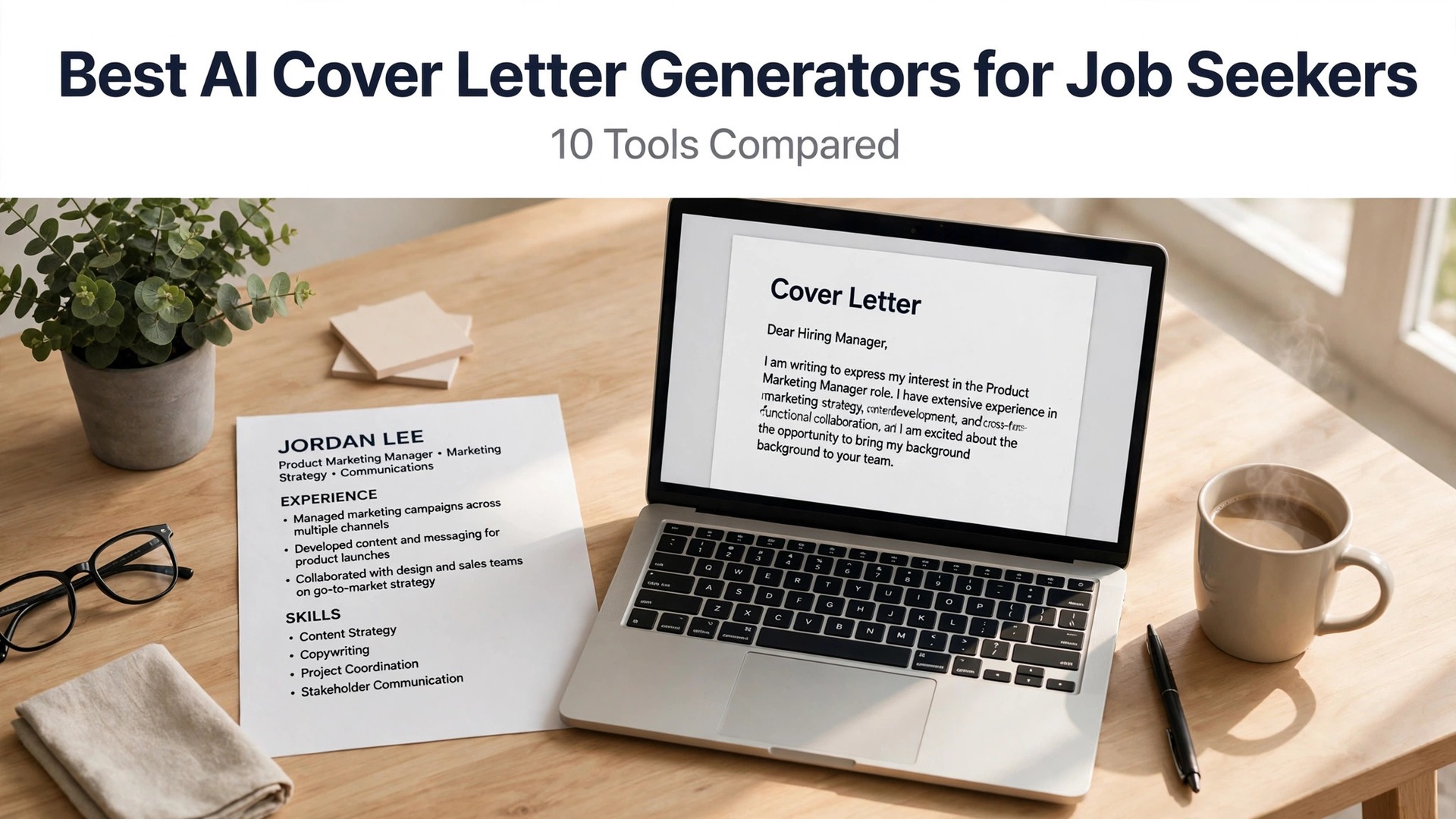
Most hiring managers spend less than a minute on a cover letter, and most applicants spend far longer writing one than it deserves. The best AI cover letter generators for job seekers fix that mismatch. They turn your resume and a job description into a tailored letter in minutes, so you can spend your time on the applications that matter instead of on blank pages.
The catch is that a generic letter is worse than no letter at all. Recruiters can spot a form letter in seconds, and a letter that repeats your resume adds nothing. This guide compares ten generators on real prices, tone control and tailoring, and names the best pick for each job, so your letter sounds like you wrote it, only faster.
Quick jump
- Quick Answer. Best AI Cover Letter Generators for Job Seekers in 30 Seconds
- What a Good Cover Letter Costs in 2026
- Cover Letter Mistakes That Cost Interviews
- How to Tailor a Letter in Ten Minutes
- When to Skip the Cover Letter
- How Hiring Managers Read Cover Letters
- Cover Letters for Career Changers
- How to Choose the Best AI Cover Letter Generators for Job Seekers
- Related Guides
- Frequently Asked Questions
- The Bottom Line
Quick Answer. Best AI Cover Letter Generators for Job Seekers in 30 Seconds
If you want the answer before the detail, here it is. Rezi is the best pick for a tailored letter that matches your resume, with a free plan that writes unlimited letters and Pro at $29 a month or $149 lifetime. Cover Letter Copilot is the best dedicated letter tool, with a free plan covering one letter a day and paid plans from $6 a month. Kickresume is the best pick if you want the letter to match your resume design, with Premium from $24 a month or $96 a year.
The best AI cover letter generators for job seekers are the ones that tailor the letter to the actual job, not the ones that fill a template with your name. A letter that quotes the posting back, in your own voice, is the one that gets read.
The rest of this guide proves that short answer, with a full comparison table, a detailed review of each tool with real prices, a guide to choosing, and answers to the questions job seekers ask most.
| Tool | Best for | Free tier | Paid from | Key strength |
|---|---|---|---|---|
| Rezi | A tailored letter fast | Unlimited letters, 3 downloads | $29/mo or $149 lifetime | Letter matches your resume |
| Cover Letter Copilot | Dedicated letter writing | 1 letter a day | $6/mo | Built only for cover letters |
| Kickresume | A letter that matches your design | Limited | $24/mo or $96/yr | Same templates as your resume |
| Resume.io | Guided letters for beginners | TXT export only | $2.95 trial, then $29.95/4wk | Step-by-step builder |
| Teal | Letters inside a tracker | Letter credits limited | $29 per 30 days | Letter plus job tracking |
| Resume Worded | Letters scored like resumes | Partial free score | $49/mo | Line-by-line feedback |
| Grammarly | Final polish, not drafting | 100 AI prompts a month | $12/mo | Tone and clarity fixes |
| ChatGPT | Fast drafts and variations | Free tier | $20/mo Plus | Best tailoring from a full posting |
| Claude | A letter that sounds human | Free tier | $17/mo Pro | Natural tone and structure |
| Zety | Matching resume and letter sets | TXT only | $1.95 trial, then $25.95/4wk | Guided builder with templates |
What a Good Cover Letter Costs in 2026
The first surprise is how cheap a good letter can be. Rezi writes unlimited letters on its free plan, and only charges when you need more than three PDF downloads. Cover Letter Copilot gives you one free letter a day. Grammarly gives you 100 free AI prompts a month. For a short search, you may not need to pay anything at all, and the tools that charge the most are usually selling a whole resume suite, not just letters.
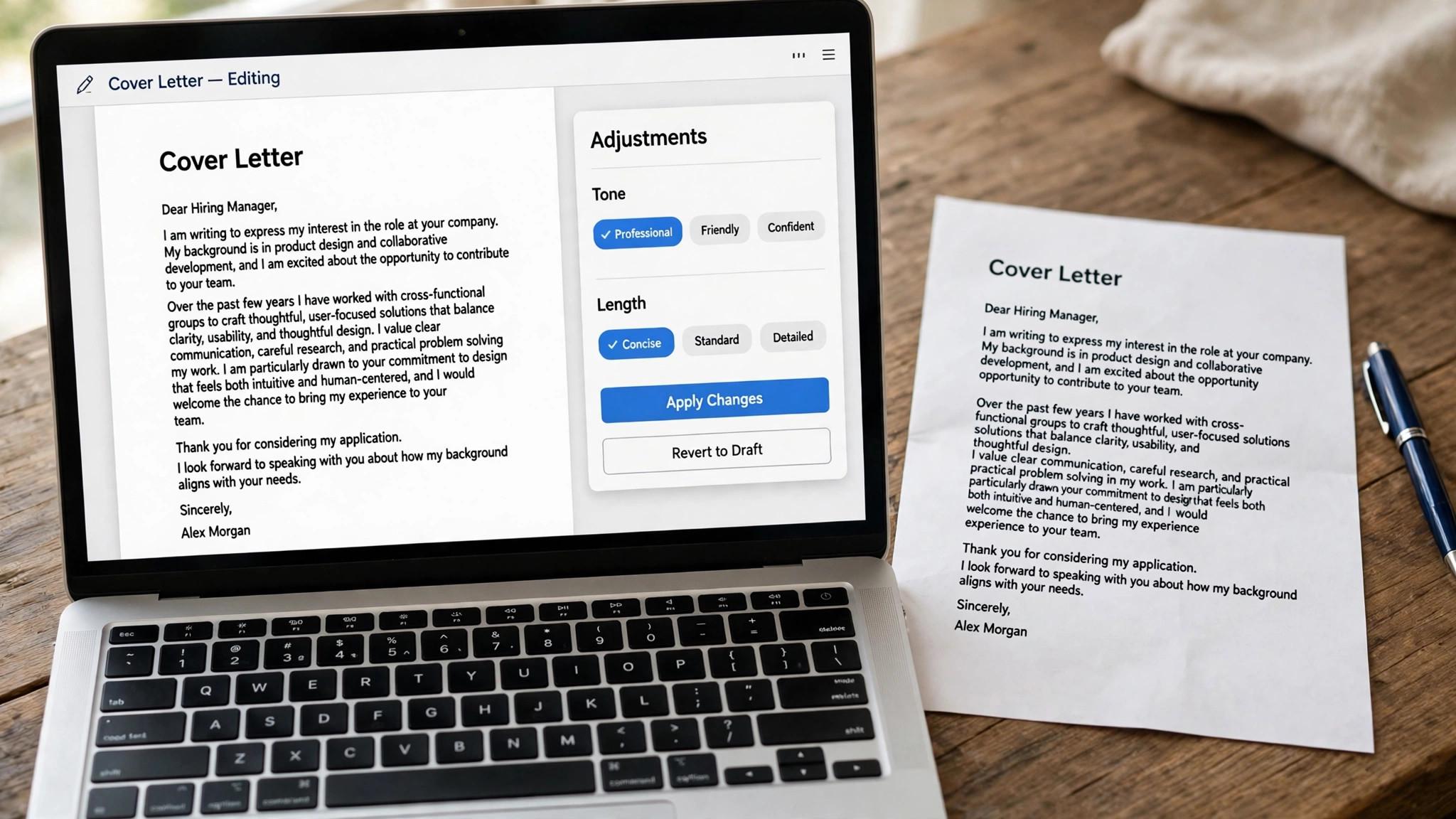
The second surprise is the trial trap. Resume.io charges $2.95 for seven days, then $29.95 every four weeks. Zety charges $1.95 for 14 days, then $25.95 every four weeks. Both renew automatically, and both bill every four weeks rather than monthly, which means 13 charges a year. If you use a trial builder, set a reminder to cancel on day six, or pick a tool with a real free tier instead.
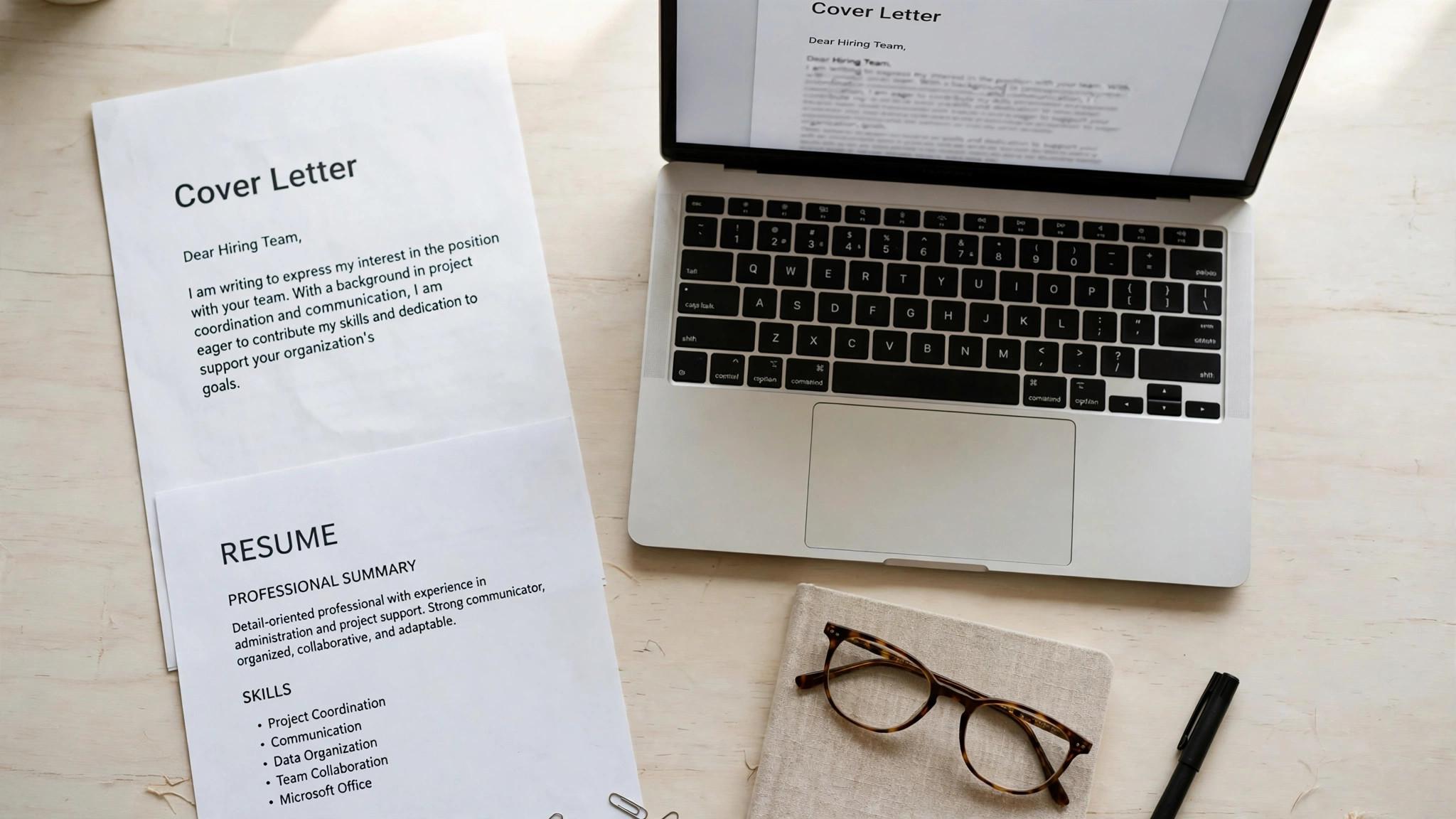
The third point is about what you are actually buying. A dedicated letter tool like Cover Letter Copilot sells letters. A suite like Rezi or Kickresume sells letters as part of a resume package. A general AI assistant like ChatGPT or Claude sells the best tailoring in this guide, but no templates and no tracker. Match the purchase to the job, and check the checkout total before you pay.
1. Rezi. Best for a tailored letter fast
Rezi is the only tool here whose free plan writes unlimited cover letters, and that alone makes it the best starting point. You paste your resume and the job description, and it drafts a letter that pulls real achievements from your resume and matches the language of the posting. The free limit is three PDF downloads, not three letters, so you can draft and revise freely and only pay when you need more finished files.
Pricing starts free, and Pro costs $29 a month or $149 once for lifetime access, with a 30-day money-back guarantee. Pro adds unlimited resumes, unlimited downloads, keyword targeting and the AI writer across the whole suite, so the letter tool comes with a full resume builder attached.
What works. The free letter writer is genuinely unlimited, and the tailoring is specific to the posting. What to watch. The free tier caps PDF downloads at three, so a long search needs Pro or a second free tool for exports.
2. Cover Letter Copilot. Best for dedicated letter writing
Cover Letter Copilot is purpose-built for cover letters, not a resume add-on, and it shows in the workflow. It takes your resume and the job description, asks about tone and length, and produces a polished letter with templates and LinkedIn integration. The focus on one document type means the controls are about the letter itself, not about a resume suite.
Pricing starts free with one letter a day, and paid plans start from $6 a month. That is the cheapest paid entry in this guide, and it covers unlimited letters with more templates and tone options.
What works. The price is low, the tool does one job well, and the free plan is usable for a slow search. What to watch. It has no resume builder and no tracker, so it suits a job seeker who already has a resume and only needs letters.
3. Kickresume. Best for a letter that matches your design
Kickresume is the best pick when the letter needs to look like it belongs with your resume. It uses the same templates for both documents, so the fonts, colors and layout match, and its AI suggestions help you phrase achievements the way hiring managers expect. The result looks like a set, not two separate documents.
Pricing starts with a limited free plan, and Premium costs $24 a month, $54 every three months, or $96 a year. On the yearly plan it works out to $8 a month, which is the cheapest annual figure among the design-led tools here.
What works. The matched resume and letter set looks professional, and the yearly price is low. What to watch. The AI writing is a Premium-only feature, so the free tier is templates only, and the monthly price is the expensive way to buy it.
4. Resume.io. Best for guided letters for beginners
Resume.io is the guided builder for a first cover letter. It walks you through each paragraph with prompts, suggests phrases for each section, and keeps the letter matched to your resume template. The free ATS checker, with 16 checks and a score, is a useful extra that most rivals charge for.
Pricing starts free, but the free plan only exports as TXT. A seven-day trial costs $2.95 and opens PDF downloads, then renews at $29.95 every four weeks unless you cancel. A quarterly plan costs $49.95 every three months.
What works. The guided flow is the friendliest here for a first letter, and the ATS checker is free. What to watch. The trial converts to a four-weekly subscription that bills 13 times a year, and the free export is not usable for applications.
5. Teal. Best for letters inside a tracker
Teal writes cover letters inside a full job search workspace, and that context is its advantage. Because your resume, the job posting and your application notes already live in Teal, the letter generator can pull from all of them, and the finished letter stays attached to the application it belongs to. For a job seeker running many applications at once, that organisation matters.
Pricing starts free, but letter generation is limited on the free plan, with two cover letter credits. Teal+ costs $13 every seven days, $29 every 30 days, or $79 every 90 days, and adds unlimited letters, unlimited AI bullets and summaries, and unlimited keyword matching.
What works. The letter lives with the application, and the tracker keeps a long search organised. What to watch. The free letter allowance is small, and the weekly plan costs about $56 a month if you forget it.
6. Resume Worded. Best for letters scored like resumes
Resume Worded treats your cover letter the way it treats your resume, with a score and line-by-line feedback. It flags vague phrases, weak openers and missing keywords, and its targeted check tests the letter against one job description at a time. It is the tool for a job seeker who wants to know exactly what to fix, not just a finished draft.
Pricing starts with a free account tier that shows a partial score, with full reports behind Pro. Pro costs $49 a month, $99 every three months, or $229 in one annual payment, which works out to about $19 a month. Its terms state that refunds are not available to first-time buyers.
What works. The feedback is the most specific here, and the LinkedIn review is included in the same plan. What to watch. The price is high for a letter tool, and the no-refund policy means you should test the free partial report first.
7. Grammarly. Best for final polish, not drafting
Grammarly is not a letter writer, and that is exactly why it belongs here. It takes a draft you wrote or generated elsewhere and fixes tone, clarity, conciseness and grammar, with suggestions that keep your voice intact. It is the last step before sending, not the first step, and it catches the small errors that cost interviews.
Pricing starts free with 100 AI prompts a month, and Pro costs $12 a month. Pro adds full tone rewrites, clarity suggestions and plagiarism checks, and it works inside your browser and documents, so you can polish a letter wherever you wrote it.
What works. The polish is excellent, the free tier is usable, and it works everywhere you write. What to watch. It improves prose, not substance, so it cannot fix a letter that says nothing about the job.
8. ChatGPT. Best for fast drafts and variations
ChatGPT is the fastest way to draft a cover letter in this guide, and the most flexible. You paste your resume and the full job posting, ask for three versions in different tones, and pick the one that sounds most like you. It handles career changes, gaps and unusual backgrounds better than template tools, because it works from your actual story rather than a form.
Pricing starts with a free tier, and Plus costs $20 a month. The Go plan costs $8 a month in some regions. Plus adds faster responses, more usage and voice features, which help when you want to talk through a letter rather than type it.
What works. The tailoring from a full posting is the best here, and three versions in three tones takes minutes. What to watch. The default voice is the most imitated on the internet, so you must edit every draft until it sounds like you.
9. Claude. Best for a letter that sounds human
Claude produces the most natural-sounding letters in this guide. Its drafts read less like a template and more like a person wrote them, with varied sentence lengths and fewer stock phrases. It is the best pick when the letter needs to sound thoughtful rather than assembled, especially for senior or creative roles.
Pricing starts with a free tier, and Pro costs $17 a month on annual billing, or $20 a month billed monthly. Pro adds higher usage limits and access to the latest models, which matters during a heavy week of applications.
What works. The tone is the most human here, and it handles nuance well. What to watch. There are no templates and no tracker, so you need a separate tool for formatting and organisation.
10. Zety. Best for matching resume and letter sets
Zety is a guided builder that produces a resume and cover letter as a matched set, with templates that keep both documents consistent. Its step-by-step flow suggests content for each section, and the editor lets you adjust design without breaking the layout. It suits a job seeker who wants both documents from one tool.
Pricing starts free, but free downloads are TXT only. A 14-day trial costs $1.95, then renews at $25.95 every four weeks unless you cancel. Check the renewal terms at checkout, because the trial converts automatically.
What works. The matched set looks professional, and the guided flow is easy to follow. What to watch. The trial converts to a four-weekly subscription, and the free export is not usable for applications.
Cover Letter Mistakes That Cost Interviews
The first mistake is sending the AI output without editing it. A letter with stock phrases, perfect grammar and no personality reads like it was never written, and recruiters can spot it in seconds. Read every draft aloud, cut any sentence you would never say, and add one specific detail about the company that only a human would know. The second mistake is writing about yourself instead of the job. A letter that lists your history without connecting it to the role is a resume in paragraph form, and it adds nothing. Every achievement in the letter should answer a requirement in the posting, and every paragraph should explain why you fit this role, not just why you are good. The third mistake is the wrong company name, or the wrong role title, or a number that does not match the resume. A single factual error ends an application, because it tells the reader you did not care enough to check. Proofread the names and the numbers twice, and send the letter only when every fact is right. The fourth mistake is length. A letter over 300 words gets skimmed, not read, and a letter over a page gets ignored. Three short paragraphs are enough for most roles, and the first paragraph must earn the second. If the letter takes more than a minute to read, cut it until it does.
How to Tailor a Letter in Ten Minutes
Minute one to three is for the posting. Read it twice, note the three requirements that matter most, and pick the one achievement from your resume that answers each one. Minute four to six is for the draft. Paste your resume and the posting into Rezi or ChatGPT, ask for a letter under 300 words, and read the draft. Minute seven to nine is for the edit. Cut the stock phrases, add one specific detail about the company, and check the company name twice. Minute ten is for the send. Attach the letter with the resume, write a short message, and track the application, so you know what the interviewer read when the call comes. The ten-minute letter works because the research is the brief and the AI is the draft. A letter that takes two hours is usually a letter that was rewritten five times, and a letter that takes ten minutes with a good brief is usually better, because the brief was clear and the edit was honest. Keep a template for the structure, not for the content. The three-paragraph shape stays the same, the first paragraph and one achievement change for each role, and the rest of the letter adapts. A template for the shape saves time, and a template for the words wastes it.
When to Skip the Cover Letter
Skip the letter when the posting does not ask for one and the application is a one-click apply. A letter attached to a one-click application often goes unread, because the system does not pass it to the hiring manager, and the time is better spent tailoring the resume or messaging the hiring manager on LinkedIn. Skip the letter when you have nothing specific to say about the role. A generic letter performs worse than no letter at all, because it tells the reader you did not care enough to tailor it. If you cannot name one requirement and one achievement that answers it, do not write the letter, and spend the time on the resume instead. Never skip the letter when the posting asks for one, and never skip it for a role you really want. A requested letter that is missing is an incomplete application, and a top role deserves the twenty minutes a tailored letter takes. The rule is simple. Write the letter when it adds something, and skip it when it does not. When you skip the letter, replace it with a message. A short LinkedIn note to the hiring manager, naming the role and one reason you fit, does more than a generic letter ever could, and it takes two minutes. The message is the cover letter, in the place where it will actually be read.
How Hiring Managers Read Cover Letters
Hiring managers read the first paragraph and decide whether to read the second. A first paragraph that names the role, says why you want it, and gives one reason you fit earns the next paragraph, and a first paragraph that repeats the resume or opens with a stock phrase gets skipped. The opening is the whole letter, because it decides whether the rest is read. The second paragraph is where the decision happens. A hiring manager looks for one achievement that matches the posting, with a number, and one detail that proves you researched the company. A letter with both gets an interview, and a letter with neither gets filed, because the second paragraph is the evidence, and evidence is what hiring managers trust. The third paragraph is the close, and it should ask for the interview in one sentence. A letter that ends with a vague hope, such as I look forward to hearing from you, is forgettable, and one that ends with I would welcome the chance to discuss how I can help your team hit its goals is specific. The close should be confident, not desperate, and short, not long. Managers read letters on phones, between meetings, in under a minute. A letter that fits on one phone screen, with short paragraphs and plain language, gets read, and a letter that needs scrolling gets skimmed. Write for the phone, not for the desk, because the phone is where the decision happens.
Cover Letters for Career Changers
A career changer letter must answer one question, which is why someone from another field can do this job. Open with the transferable skill that matters most, give a project or an achievement from the old field that proves it, and explain the move in one sentence, without apologising for the change. The letter turns a gap into a story, and a story into a reason to interview. Lead with the project, not with the history. A teacher moving into corporate training should open with the training programme they designed, not with the five years they spent teaching, because the project proves the new skill and the history proves the old one. The hiring manager cares about the new skill, and the letter should lead with it. Address the change directly, because a letter that hides it invites the reader to guess. One sentence is enough, naming the reason for the move and the skill that carries over, and the rest of the letter should prove the fit. A candidate who is honest about the change is trusted, and one who hides it is doubted. Keep the letter short, because a career-change letter that is long reads as defensive. Three paragraphs, under 300 words, with one project, one result, and one reason for the move, is enough. The interview is where the full story gets told, and the letter is where the interview gets won.
How to Choose the Best AI Cover Letter Generators for Job Seekers
Step 1. Decide what you need the letter to do. A letter for a role you really want deserves tailoring, so pick Rezi, ChatGPT or Claude and spend twenty minutes editing. A letter for a volume application needs speed, so pick Cover Letter Copilot or JobCopilot and keep the edits light. The tool should match the stakes of the role.
Step 2. Start free and test the tailoring. Paste a real posting into two tools and compare the drafts. The better tool quotes the posting back, uses your real achievements, and sounds like you. The weaker tool fills a template with your name and repeats your resume. Test before you pay anything.
Step 3. Edit every draft until it sounds like you. No generator output should go out unedited. Read it aloud, cut any sentence you would never say, add one specific detail about the company, and check the company name twice. A letter with the wrong company name is worse than no letter at all.
Step 4. Match the letter to the resume. If your resume is designed, use Kickresume or Zety so the documents look like a set. If your resume is plain, Rezi is the natural match. A mismatched pair looks careless, and hiring managers notice.
Step 5. Check the renewal before you pay. Trial builders renew automatically and bill every four weeks, which means 13 charges a year. Set a reminder to cancel on day six of any trial, or pick a tool with a real free tier like Rezi or Cover Letter Copilot.

Related Guides
- Best AI Interview Prep Tools for Job Seekers
- Best AI Job Application Tools for Job Seekers
- Best AI Resume Builders for Tech Jobs
Frequently Asked Questions
Do hiring managers still read cover letters?
Yes, when the letter is short and specific. A letter that repeats the resume gets skipped, but a letter that names the role, quotes one requirement from the posting, and answers it with a real achievement gets read. Keep it under 300 words and make the first paragraph earn the second. That is the value of best ai cover letter generators for job seekers. A tool that fits the job beats a tool that promises everything.
What is the best free AI cover letter generator?
Rezi is the best free option, because its free plan writes unlimited letters and only limits PDF downloads to three. Cover Letter Copilot is the best free dedicated tool, with one free letter a day. Grammarly free is the best free polish, with 100 AI prompts a month. The test for any best ai cover letter generators for job seekers is simple. Does it fix the step where your search breaks down?
How long should an AI cover letter be?
Three short paragraphs and under 300 words is the right length for most roles. The first paragraph names the role and why you want it, the second gives one or two achievements that match the posting, and the third asks for the interview. Anything longer gets skimmed, not read. The right pick among best ai cover letter generators for job seekers is the one you will actually use every week, not the one with the longest feature list.
Can recruiters tell a cover letter was written by AI?
They can tell when it was not edited. Stock phrases, perfect grammar with no personality, and sentences that could belong to any applicant are the giveaways. Read the draft aloud, cut the phrases you would never say, and add one specific detail about the company that only a human would know.
Should I use the same cover letter for every job?
No. A single generic letter performs worse than no letter at all, because it tells the reader you did not care enough to tailor it. Keep one strong template for the structure, then rewrite the first paragraph and one achievement for each role. That takes ten minutes and changes the result completely.
The Bottom Line
Rezi is the best pick for a tailored letter that matches your resume, Cover Letter Copilot is the best dedicated letter tool, and Kickresume is the best pick when the letter must match your resume design. The best AI cover letter generators for job seekers are the ones that tailor the letter to the actual job, so test two tools free, edit every draft, and send only letters that sound like you. Start with the free tier, and let best ai cover letter generators for job seekers prove itself on one real role before you pay.
Start with the free tier of the tool that matches your need. Draft a letter for a real posting today, read it aloud, cut anything you would never say, and send it. A good letter takes twenty minutes with the right tool, and it is the cheapest way to stand out in a pile of resumes. Used well, best ai cover letter generators for job seekers saves hours every week, and the time saved is the real return on the price.
1 thought on “Best AI Cover Letter Generators for Job Seekers”