The best AI job application tools for job seekers in 2026 are Jobscan, Teal and Rezi, and the right pick depends on where your search is stuck. If your resume never gets past the screening software, you need a matching tool. If you lose track of applications, you need a tracker. If you cannot face writing the fiftieth tailored resume, you need automation that does the repetitive part for you.
Most job seekers waste hours on the wrong fix. They rewrite a resume that was already fine, or they buy an auto-apply tool when the real problem is a resume that no screening system can read. This guide compares twelve tools on real prices and real features, names the best pick for each job, and shows you how to use them together so every application counts.
In this article
- Quick Answer. Best AI Job Application Tools for Job Seekers in 30 Seconds
- What the Best AI Job Application Tools for Job Seekers Really Cost
- Common Mistakes to Avoid with Job Application Tools
- A One-Week Plan to Get Organised
- Red Flags in Auto-Apply Tools
- How to Choose the Best AI Job Application Tools for Job Seekers
- Related Guides
- Frequently Asked Questions
- The Bottom Line
Quick Answer. Best AI Job Application Tools for Job Seekers in 30 Seconds
If you want the answer before the detail, here it is. Jobscan is the best pick for beating screening software, with Premium at $49.95 a month or $89.95 a quarter, and a free plan that covers five scans a month. Teal is the best all-round workspace, with a generous free tier and Teal+ at $29 every 30 days. Rezi is the best value for a tailored resume, with Pro at $29 a month or a $149 lifetime plan.
The best AI job application tools for job seekers are not the ones with the longest feature list. They are the ones that fix the exact step where your search breaks down, at a price you can justify for a few months of searching.
The rest of this guide proves that short answer, with a full comparison table, a detailed review of each tool with real prices, a guide to choosing, and answers to the questions job seekers ask most.
| Tool | Best for | Free tier | Paid from | Key strength |
|---|---|---|---|---|
| Jobscan | Beating screening software | 5 scans a month | $49.95/mo | Match rate against a real posting |
| Teal | Tracking the whole search | Free forever plan | $29 per 30 days | Resume builder plus job tracker |
| Rezi | A tailored resume fast | 1 resume, 3 downloads | $29/mo or $149 lifetime | Keyword targeting and scoring |
| Kickresume | Designed resumes on a budget | 4 templates | $24/mo or $96/yr | Resume from a pasted job ad |
| Resume.io | Guided building for beginners | TXT export only | $2.95 trial, then $29.95/4wk | Free ATS checker with 16 checks |
| Enhancv | Resumes that stand out visually | 7-day trial | $39/mo | One-click tailoring and design |
| Resume Worded | Scoring and line-by-line fixes | Partial free score | $49/mo | Targeted resume and LinkedIn review |
| JobCopilot | Bulk applying with letters | Free plan | $99 lifetime | Auto-apply plus AI letters |
| LoopCV | Finding and applying to matches | Limited free tier | Paid plans from $49/mo | Auto-apply to matched jobs |
| Sonara | Hands-off applying | Free to browse | Paid plans from $29.99/mo | Applies for you after setup |
| Simplify | Free autofill and tracking | Free | $0 | Free autofill extension |
| LazyApply | One-click mass applying | Free to browse | One-time payment, check at checkout | Applies on LinkedIn and Indeed |
What the Best AI Job Application Tools for Job Seekers Really Cost
The first number to learn is the gap between a free tier and a usable plan. Almost every tool here lets you build or scan something for free, and almost every one of them puts the useful part behind a paywall. Jobscan gives you five scans a month free, which is enough to test it on your top five roles. Teal gives you unlimited resume creation and job tracking free, and charges only for unlimited AI and keyword matching. Rezi gives you one resume and three PDF downloads free, which is enough to see its scoring work on a real application.
The second number is the total cost of a three-month search. Jobscan on quarterly billing costs $89.95 for three months. Teal+ on its 90-day plan costs $79. Rezi Pro costs $87 for three months, or $149 once for lifetime access. Kickresume costs $54 for three months, or $96 for a year. Resume.io costs $2.95 for seven days, then $29.95 every four weeks, which works out to about $93 for three months if you never cancel.

A three-month search on one good tool costs less than a single day of lost pay, so the price that matters is the one that matches how long you will search.
The third number is the one nobody advertises, and it is about what the tool cannot do. No tool on this list guarantees an interview, and no match score is a real screening result. Jobscan says so itself. Its match rate is its own diagnostic, not the score a hiring system gives you. Treat every score as a guide for tailoring, not as a pass mark, and check the checkout total before you pay, because prices change often.
1. Jobscan. Best for beating screening software
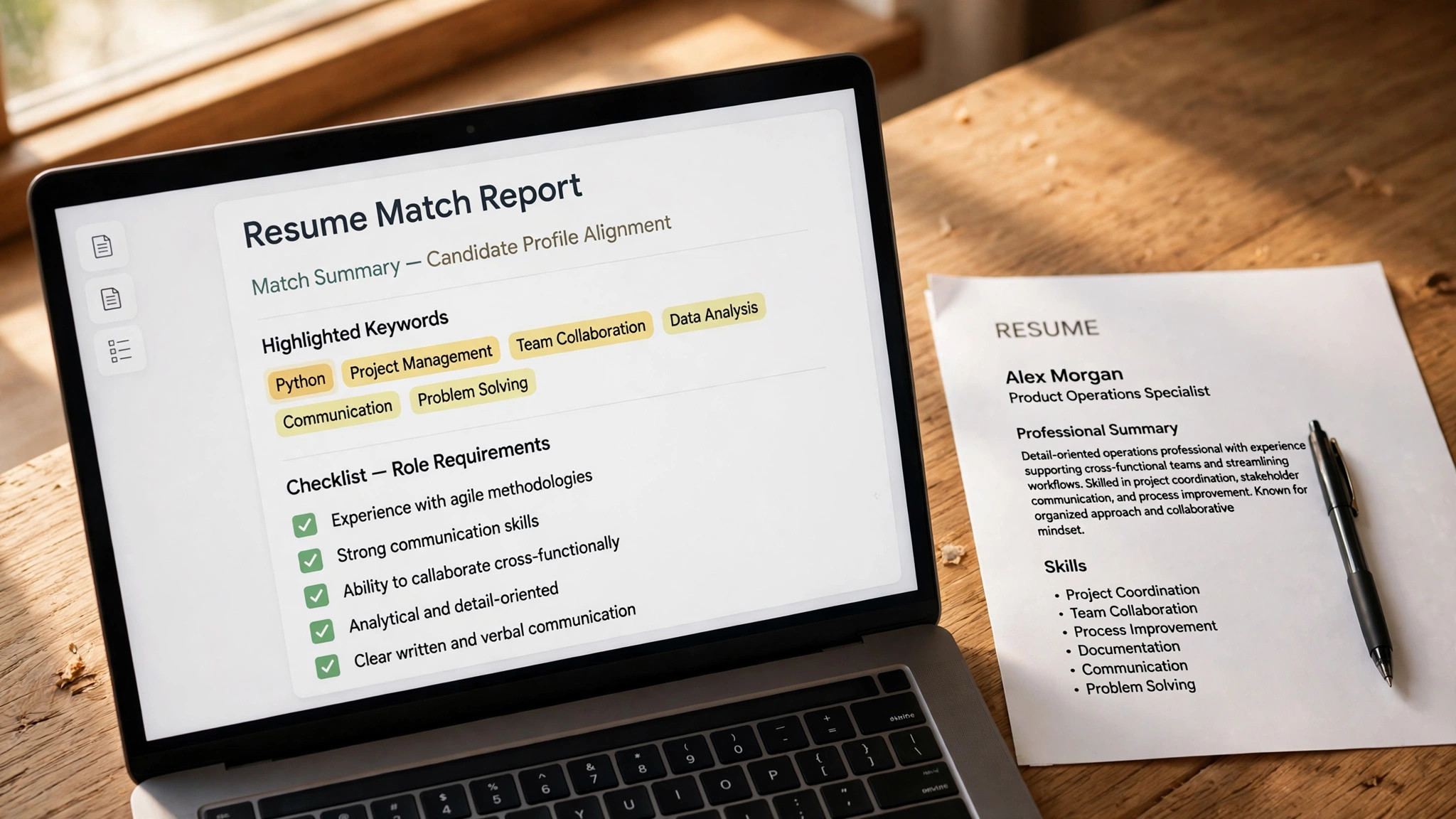
The best AI job application tools for job seekers start with the screening problem, and Jobscan is the tool built for exactly that. You paste a job description next to your resume, and it returns a match rate plus the hard skills, soft skills and keywords your resume is missing. It also detects which screening system the employer likely uses, from Workday and Greenhouse to Taleo and iCIMS, so the advice fits the platform your resume will face.
Pricing is free for five resume scans a month, with Premium at $49.95 a month or $89.95 every three months, which works out to about $29.98 a month. Premium adds unlimited scans, one-click bullet rewriting, LinkedIn optimization, cover letter scanning and a job tracker. Auto Apply runs on a separate credit system, and paid members get two free credits a month.
What works. The match rate is the clearest diagnostic in this category, and the keyword gap list tells you exactly what to add. What to watch. Premium costs three to four times more than most rivals, and the score is a guide, not a real screening result, so use it to tailor, not to chase a perfect number.
2. Teal. Best for tracking the whole search
Teal is a job tracker first and a resume builder second, and that combination is why so many job seekers end up living in it. You keep one work history, build a tailored resume version per job, save postings with a Chrome extension, and track every application through interview stages in one board. Its free plan is one of the most generous here, with unlimited resume creation and unlimited job tracking and no card required.
Pricing starts at $0, and Teal+ costs $13 every seven days, $29 every 30 days, or $79 every 90 days. Teal+ adds unlimited templates, unlimited keyword matching, full analysis, unlimited AI bullets, summaries and cover letters, and a Match Score for each posting. The weekly plan looks cheap and costs about $56 a month if you forget it, so pick the 30-day or 90-day plan instead.
What works. The free tier covers the core workflow, and the tracker keeps a long search organised. What to watch. Teal never submits an application for you, and the weekly billing plan is the most expensive way to pay if it keeps renewing.
3. Rezi. Best for a tailored resume fast
Rezi builds resumes that are designed to pass screening software, and it shows its work. Its AI keyword targeting tailors your resume to a pasted job description, and its Rezi Score rates the result against 23 criteria. The interface is plain and fast, with no design fuss, and the job search feature shows matched roles you can apply to from inside the app.
Pricing starts free with one resume and three PDF downloads, which is enough to test the scoring on a real role. Pro costs $29 a month and adds unlimited resumes, cover letters and keyword targeting. The Lifetime plan costs $149 once and never bills again, with a 30-day money-back guarantee, which makes it the best value here for a long search.
What works. The lifetime plan removes the subscription worry entirely, and the score is specific enough to act on. What to watch. The free tier is thin, with only three downloads, and the templates are plain next to design-led builders like Enhancv.
4. Kickresume. Best for designed resumes on a budget
Kickresume sits between the design tools and the AI tools, and it is the cheapest good-looking option here. Its AI writes a full first draft from your job title and a pasted job ad, then tailors it, and its templates are clean and modern. The free tier includes four basic templates with unlimited downloads of the free options, which is more generous than most rivals.
Pricing starts free, and Premium costs $24 a month, $54 every three months, or $96 a year. Premium adds the AI writer, the ATS resume checker, all templates and the job board with AI matching. The yearly plan works out to $8 a month, which is the cheapest annual figure in this guide.
What works. The yearly price is hard to beat, and the draft-from-a-job-ad feature saves real time. What to watch. The monthly price is the expensive way to buy it, and the AI is a Premium-only feature, so the free tier is design only.
5. Resume.io. Best for guided building for beginners
Resume.io is the guided builder for someone writing a first resume. It walks you through each section with prompts and AI phrases, offers a free ATS checker with 16 checks and a score, and includes a job board and tracker. The templates are professional and the editor is simple enough that a first-time writer can finish a resume in one sitting.
Pricing starts free, but the free plan only exports as TXT, which is not usable for applications. A seven-day trial costs $2.95 and opens PDF downloads, then renews at $29.95 every four weeks unless you cancel. A quarterly plan costs $49.95 every three months. Auto-Apply is sold as separate credits on top of the subscription.
What works. The guided flow is the friendliest here for beginners, and the free ATS checker is genuinely useful. What to watch. The $2.95 trial converts to a four-weekly subscription, so it bills 13 times a year, and the free export is effectively unusable.
6. Enhancv. Best for resumes that stand out visually
Enhancv is the design-forward choice. Its layouts are the most distinctive here, with strong use of color, skills sections and visual hierarchy, and its one-click tailoring adapts your resume to a job description in seconds. It also offers translation into 30 languages, which suits international applicants, and a free job tracker and Chrome extension.
Pricing has no permanent free tier, only a seven-day trial with branding on exports. Pro costs $39 a month, $69 every three months, or $99 every six months, which works out to $16.50 a month on the longest plan. Monthly fees are not refundable, while longer plans are prorated.
What works. The templates look better than any rival here, and the tailoring is fast and accurate. What to watch. It is the most expensive monthly plan in this guide, and the trial exports carry a watermark, so test the design before you pay.
7. Resume Worded. Best for scoring and line-by-line fixes
Resume Worded is closer to a resume scorer than a builder, and that is its strength. It gives your resume a score out of 100, then walks through it line by line with specific fixes, and its Targeted Resume check tests your resume against one job description at a time. It also reviews your LinkedIn profile with the same scoring approach.
Pricing starts with a free account tier that shows a partial score, with full reports behind Pro. Pro costs $49 a month, $99 every three months, or $229 in one annual payment, which works out to about $19 a month. Its terms state that refunds are not available to first-time buyers, so try the free partial report first.
What works. The line-by-line feedback is the most specific here, and the LinkedIn review is included. What to watch. The price is high for a scorer, and the no-refund policy for first-time buyers means you should test before you pay.
8. JobCopilot. Best for bulk applying with letters
JobCopilot is built for volume. It parses job postings, generates an AI cover letter for each one, and applies on your behalf across major boards, so you can cover far more roles in a day than manual applying allows. It is the tool for a job seeker who has a strong resume already and needs reach, not more editing.
Pricing starts with a free plan, and the lifetime plan costs $99 once, which is unusual in a category full of monthly subscriptions. That one payment covers bulk applying and letter generation with no recurring charge, so the total cost stays fixed no matter how long the search runs.
What works. The lifetime price is excellent value for a long search, and the letter generation is fast. What to watch. Bulk applying only helps if each application is still a decent match, so set the filters tightly and review the letters before they go out.
9. LoopCV. Best for finding and applying to matches
LoopCV combines job matching with auto-apply. It searches job boards for roles that match your profile, then applies to them automatically with a tailored resume and cover letter, and tracks every application in a dashboard. It is the closest thing here to a search that runs while you sleep.
Pricing starts with a limited free tier, and paid plans start from $49 a month, with higher tiers adding more applications per month and more automation. Check the current figures at checkout, because plan names and limits change often.
What works. The matching is genuinely useful, and the dashboard shows exactly what went out. What to watch. The monthly price is high, and auto-apply needs careful filters, or you will burn applications on roles that do not fit.
10. Sonara. Best for hands-off applying
Sonara takes the hands-off idea further than any tool here. After a short setup where you define your target roles, salary range and locations, it searches, tailors and applies for you, and it learns from your feedback on each match. It is designed for job seekers who want to spend their time on interviews, not on application forms.
Pricing starts free to browse, and paid plans start from $29.99 a month, with higher tiers adding more applications. Check the checkout page for the current plan structure, because it changes as the product grows.
What works. The setup is quick and the learning loop improves the matches over time. What to watch. You give up control over each application, so check the tracker daily and keep your resume and preferences current.
11. Simplify. Best for free autofill and tracking
Simplify is the free tool in this list, and it earns its place by doing two boring jobs well. Its browser extension autofills application forms from your saved profile, which saves minutes on every application, and its tracker organises the roles you have applied to. It also runs a job board with matched roles.
Pricing is $0 for job seekers, with no paid tier to unlock. The extension and the tracker are free, and the company earns money from employer partnerships rather than from job seekers.
What works. It costs nothing, the autofill saves real time, and there is no subscription to cancel. What to watch. It does not tailor your resume or write cover letters, so pair it with a builder like Teal or Rezi for the documents.
12. LazyApply. Best for one-click mass applying
LazyApply is the volume play. Its extension lets you apply to hundreds of jobs on LinkedIn and Indeed with one click each, using your saved profile and a standard cover letter. It is built for job seekers who believe that more applications, sent fast, is the fastest route to interviews.
Pricing starts free to browse, with a one-time payment for the premium version. Check the current figure at checkout, because it has changed several times as the product has grown.
What works. Nothing here applies faster, and the one-time payment beats a subscription for a long search. What to watch. Mass applying with the same letter can hurt your chances at roles that need tailoring, so use it for volume and save tailored applications for your top roles.
Common Mistakes to Avoid with Job Application Tools
The first mistake is buying a tool before finding the broken step. A job seeker who buys an auto-apply subscription when the real problem is a resume that screening software cannot read has spent money to send a weak resume to more employers. Run the free tier of a scorer first, find the actual problem, and buy the tool that fixes it. The second mistake is trusting a match score as a pass mark. A score of 90 from Jobscan means your resume matches the language of the posting, not that a real screening system will pass it, and a score of 60 on a role you are perfect for may mean the posting uses different words for the same skills. Use the score to find missing keywords, then stop chasing the number. The third mistake is letting weekly billing run. Teal charges $13 every seven days, which looks small and costs about $56 a month if you forget it. Resume.io bills every four weeks, which means 13 charges a year. Check the billing interval at checkout, set a reminder for the renewal date, and cancel the moment the search ends. The fourth mistake is applying to everything the tool finds. Auto-apply tools make it easy to send a hundred applications, and a hundred applications to the wrong roles teach you nothing and waste the time you could spend tailoring ten good ones. Set the filters tight, skip the roles that do not match, and save the tailored applications for the roles you really want.
A One-Week Plan to Get Organised
Day one is for the base resume. Build it in Teal or Rezi, run it through a free checker, and fix what it flags. Day two is for the target list, with three roles, two boards, and alerts set. Days three and four are for tailoring, with five applications sent using the system in this guide, each one tracked from the moment it goes out. Day five is for the follow-up. Message the hiring managers for the roles you applied to, with a short note that names the role and one reason you fit. The weekend is for review. Count the applications, count the replies, and fix the weakest step before Monday, because a system that improves every week beats a system that runs on habit. Repeat the week until the interviews come, and keep the pipeline at twenty live applications. A search with twenty live applications produces interviews, and a search with five produces waiting. The tools make twenty possible in a week, and the tracker makes twenty manageable. Review the spend at the end of the month. If a paid tool did not change your results, cancel it and keep the free tier. If a tool clearly helped, keep it for one more month and review again. A job search budget should be reviewed like any other budget, monthly and honestly.
Red Flags in Auto-Apply Tools
A tool that promises interviews is lying, and a tool that promises a job is worse. No software can guarantee that a human will interview you, and any tool that claims otherwise should be avoided. The honest tools promise speed, tailoring and tracking, and they leave the hiring decision to the employer, where it belongs. A tool that asks for your login credentials to job boards should be treated with care. Some auto-apply tools need your passwords to submit applications, and that access can be misused, or the board can ban your account for automated applying. Read the terms, check what access the tool asks for, and prefer tools that apply through official channels. A tool with no free tier and no refund policy is a risk. Resume Worded states that refunds are not available to first-time buyers, and several auto-apply tools sell one-time payments with no trial. Test with a free tier first, or start with the cheapest plan, and never pay a large sum for a tool you have never tried. A tool that hides its pricing behind a login is telling you the price is not competitive. Jobscan and Teal both publish their prices, and the tools that do not are usually the expensive ones. If you cannot see the price before you sign up, assume it is high, and compare it against a tool that publishes its rates.
How to Choose the Best AI Job Application Tools for Job Seekers
Step 1. Find the broken step first. Before you compare tools, work out where your search actually fails. If you get no replies at all, your resume is the problem, so start with Jobscan or Rezi. If you get screening calls but no interviews, your interview prep is the problem. If you lose track of where you applied, Teal is the fix. Buying an auto-apply tool when your resume cannot pass screening just sends a weak resume to more employers.
Step 2. Set the real budget. Work out the cost of a three-month search, not the first-month price. Jobscan costs $89.95 for a quarter, Teal+ costs $79 for 90 days, Rezi Pro costs $87 for three months or $149 once for life. A free tier is enough to test, but a real search needs a paid plan for at least a month, so budget for it like any other job-search cost.
Step 3. Test two tools before paying. Most tools here have a free tier or a trial, so test your real resume against a real posting in two of them and compare the advice. If both tools flag the same missing keywords, that is the fix to make. If their advice disagrees, trust the one that explains its reasoning.
Step 4. Pair a builder with a tracker. The best setup is one tool for documents and one for organisation. Teal covers both, but a strong pairing is Rezi for the resume and Teal free for tracking, or Jobscan for matching and Simplify for autofill. One tool rarely covers the whole search well.
Step 5. Check the renewal before you pay. Several tools here bill every four weeks, not monthly, which means 13 charges a year. Others bill weekly, which costs far more than it looks. Read the renewal terms at checkout, set a calendar reminder for the renewal date, and cancel the moment the search ends.

Related Guides
- Best AI Resume Builders for Tech Jobs
- Best AI Tools for Freelancers Finding Clients
- Best AI Tools for Salary Negotiation
Frequently Asked Questions
Which AI job application tool is best for beginners?
Teal is the best starting point for a beginner, because its free plan covers resume building and job tracking with no card required, and its interface explains each step. Rezi is the best paid starting point if you want a tailored resume fast, with a free tier that lets you test its scoring before you pay. That is the value of best ai job application tools for job seekers. A tool that fits the job beats a tool that promises everything.
Do AI job application tools actually get you interviews?
No tool guarantees an interview, and any tool that promises one should be avoided. What these tools do is remove the mechanical barriers, such as a resume that screening software cannot read, a missing keyword, or a lost application. The interview still depends on your experience and how you present it. The test for any best ai job application tools for job seekers is simple. Does it fix the step where your search breaks down?
Is Jobscan worth $49.95 a month?
Jobscan is worth it for an intensive search where you apply to many roles through online portals and act on the feedback yourself. The quarterly plan at $89.95 is the better buy, because it costs about $29.98 a month. For a short search or a single role, the free plan with five scans a month is enough.
Can AI apply to jobs for me?
Yes, and several tools here do it. JobCopilot, LoopCV, Sonara and LazyApply all submit applications on your behalf, with different levels of tailoring. The results are best when the filters are tight and the resume is already strong, because auto-apply sends your resume to more employers, good and bad matches alike.
What is the cheapest way to run a three-month job search?
The cheapest good setup is Teal free for tracking, Simplify free for autofill, and one paid tool for documents. Rezi Lifetime at $149 once is the best value if the search runs long, while Kickresume at $54 for three months is the cheapest subscription route. Avoid weekly billing plans, which cost the most over time.
The Bottom Line
Jobscan is the best pick for beating screening software, Teal is the best all-round workspace, and Rezi is the best value for a tailored resume. The best AI job application tools for job seekers are the ones that fix your exact bottleneck, so start with the broken step, test two tools free, and pay for one good plan for three months.
Start today with the free tier of the tool that matches your problem. Run your resume against a real posting, fix the keywords it flags, and track every application from the first one. The search gets easier the moment it gets organised, and the right tool is the one that makes that happen. Used well, best ai job application tools for job seekers saves hours every week, and the time saved is the real return on the price.
2 thoughts on “Best AI Job Application Tools for Job Seekers”