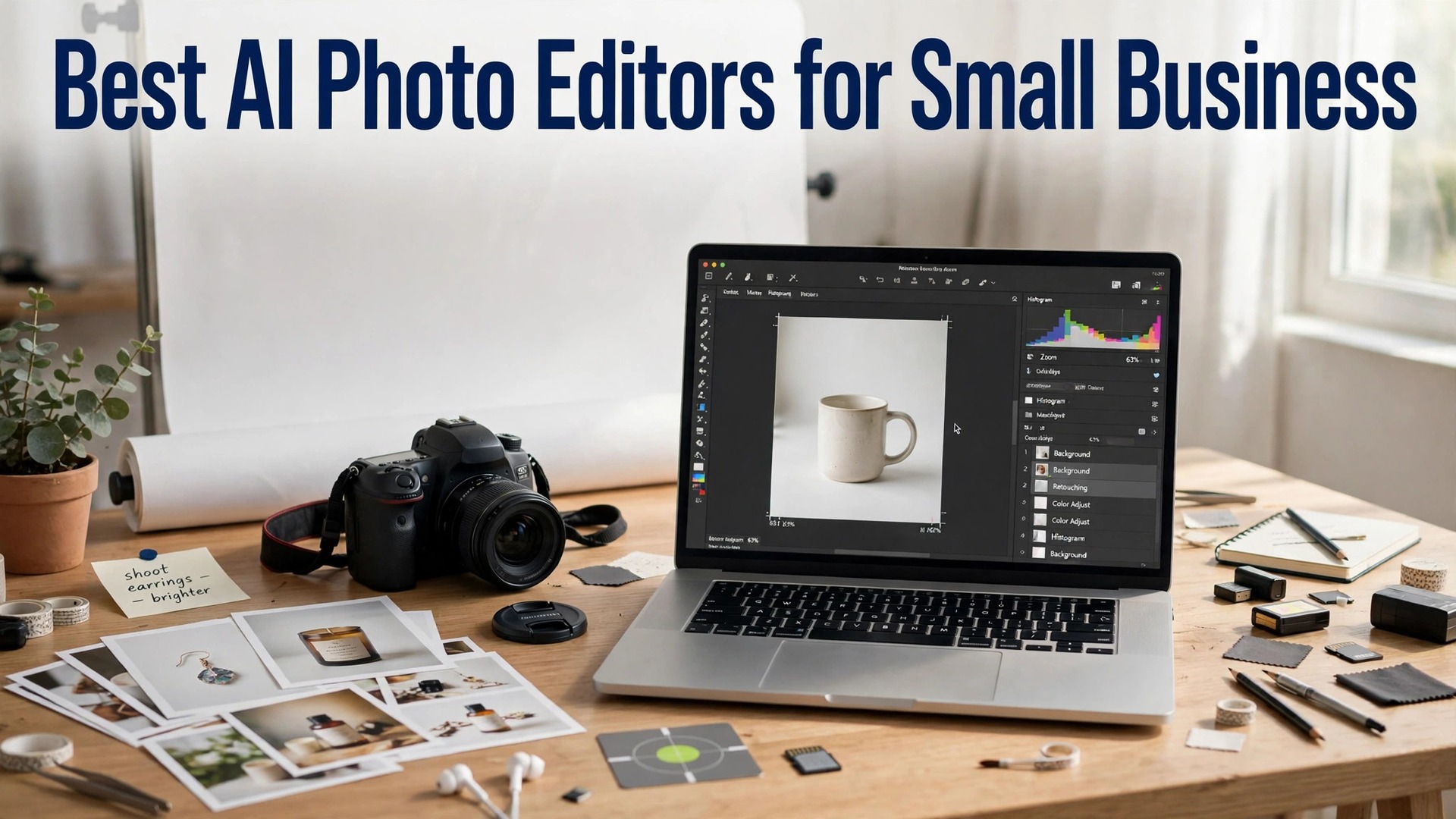
The best ai photo editors for small business in 2026 are Adobe Photoshop, Adobe Lightroom and Canva, and the right pick depends on what the photo is for. Photoshop wins when the photo needs serious retouching. Lightroom wins when a hundred photos need the same clean look. Canva wins when the photo is one step in a design job, such as a listing image, a social post or a flyer. A small business that photographs products every week will use more than one of these, and the smart move is to pick a main editor and a backup, not to pay for five at once.
AI has changed photo editing more than any other creative job in the last three years. A product photo can now be cleaned up, re-lit, extended and sharpened in minutes, with tools that used to take a designer an hour. The catch is the detail. AI retouching can change a product’s color or invent a detail that was never there, and a customer who receives a product that looks different from the photo loses trust fast.
The trap is the subscription stack. A business that pays for Photoshop, Lightroom, Luminar Neo and Topaz at once spends more than $60 a month on editing it could have done in one tool. The fix is to test the free tier of three tools, pick the one whose workflow fits your photos, and pay for that one only. Every tool in this guide has a free tier, a free trial or a one-time price, except Photoshop, which starts at $19.99 a month on the Photography plan with no free plan.
Quick jump
Quick Answer. The Best AI Photo Editors in 30 Seconds
If you want the short version, here it is. Adobe Photoshop is the best all-round pick for serious retouching, with the Photography plan at $19.99 a month including Lightroom and 1TB of storage. Adobe Lightroom is the best pick for batch editing a hundred photos at once, with plans from $11.99 a month. Canva is the best pick if you want the editor inside a full design tool, with Pro at $18 a month or $144 a year. Photoroom is the best pick for product photos at volume, with Pro at $12.99 a month or $7.50 a month billed yearly.
The best ai photo editors for small business are the ones that give you a clean result at a price you understand, with batch tools for a catalogue and a licence that covers commercial use. The table below compares all twelve on the facts that change a decision.
| Tool | Best for | Free tier | Paid from | Key strength |
|---|---|---|---|---|
| Adobe Photoshop | Serious retouching | 7-day trial | $19.99/mo Photography plan | Best editing depth |
| Adobe Lightroom | Batch editing | 7-day trial | $11.99/mo | Best presets and catalog |
| Canva | Editor inside a design tool | Free plan | $18/mo or $144/yr | Full design suite |
| Luminar Neo | One-click AI looks | Free trial | $12/mo | Best AI presets |
| Pixlr | Quick browser edits | Free plan | $1.99/mo | No install needed |
| Fotor | Photo-led edits | Free plan | $39.99/yr | Strong photo tools |
| Photopea | Free layered editing | Free plan | $5/mo | Photoshop-style layers |
| Photoroom | Product photos at volume | Free plan | $12.99/mo or $7.50/mo annual | 1,000 exports a month |
| Topaz Photo AI | Sharpening and upscaling | Free trial | $199 one-time | Best sharpening |
| DxO PhotoLab | RAW processing | 30-day trial | $229 one-time | Best RAW quality |
| Polarr | Quick mobile edits | Free plan | $2/mo annual | Best mobile filters |
| BeFunky | Fun, creative edits | Free plan | $4.99/mo annual | Easy photo effects |
What the Best AI Photo Editors for Small Business Get Right
The first thing a good editor gets right is the result. Photoshop leads here, with the deepest retouching tools in this list, from Generative Fill to content-aware removal to frequency separation, and its AI features are the most reliable for a product photo that needs a background extended or an object removed. Lightroom is close behind for batch work, with presets that apply the same clean look to a hundred photos in one click. Topaz Photo AI leads on a different test, which is sharpening, because it recovers detail from a soft or noisy photo better than any rival.
The second thing is the workflow. A shop with a hundred product photos cannot edit them one at a time, and the tools that win here are the ones that queue a folder and process it while you do other work. Lightroom is the strongest here, with a catalog that organises thousands of photos and presets that apply in bulk. Photoroom is the strongest for a seller who photographs on a phone, with batch exports and AI backgrounds built in.
The third thing is the file. A product photo should export at full size, as a JPG for a listing or a PNG for a design, with no watermark and no quality loss. Photoshop and Lightroom export at full size on paid plans, with RAW support for the highest quality. Topaz Photo AI upscales a photo to a larger size without the blur that a simple resize creates, which matters when a small photo needs to fill a large listing image. A free plan that caps the export at preview size is only useful for testing, not for a live listing.
The fourth thing is the price model. A subscription suits a business that edits photos every week. A one-time price suits a business that edits in bursts, such as a seasonal catalogue. Topaz Photo AI costs $199 once, with no subscription, and DxO PhotoLab costs $229 once, with no subscription.
The Free Plan Test. What You Get Without Paying
Eight of the twelve best ai photo editors for small business offer a free plan or a free trial, and the free tiers are not equal. The test that matters is simple. Can you edit a photo, export at full size, and use it on a real listing without a watermark? Canva, Pixlr, Fotor, Photopea, Photoroom, Polarr and BeFunky all pass that test on their free plans, with limits on the tools. Photoshop and Lightroom offer 7-day trials, Luminar Neo offers a free trial, Topaz Photo AI offers a free trial, and DxO PhotoLab offers a 30-day trial.
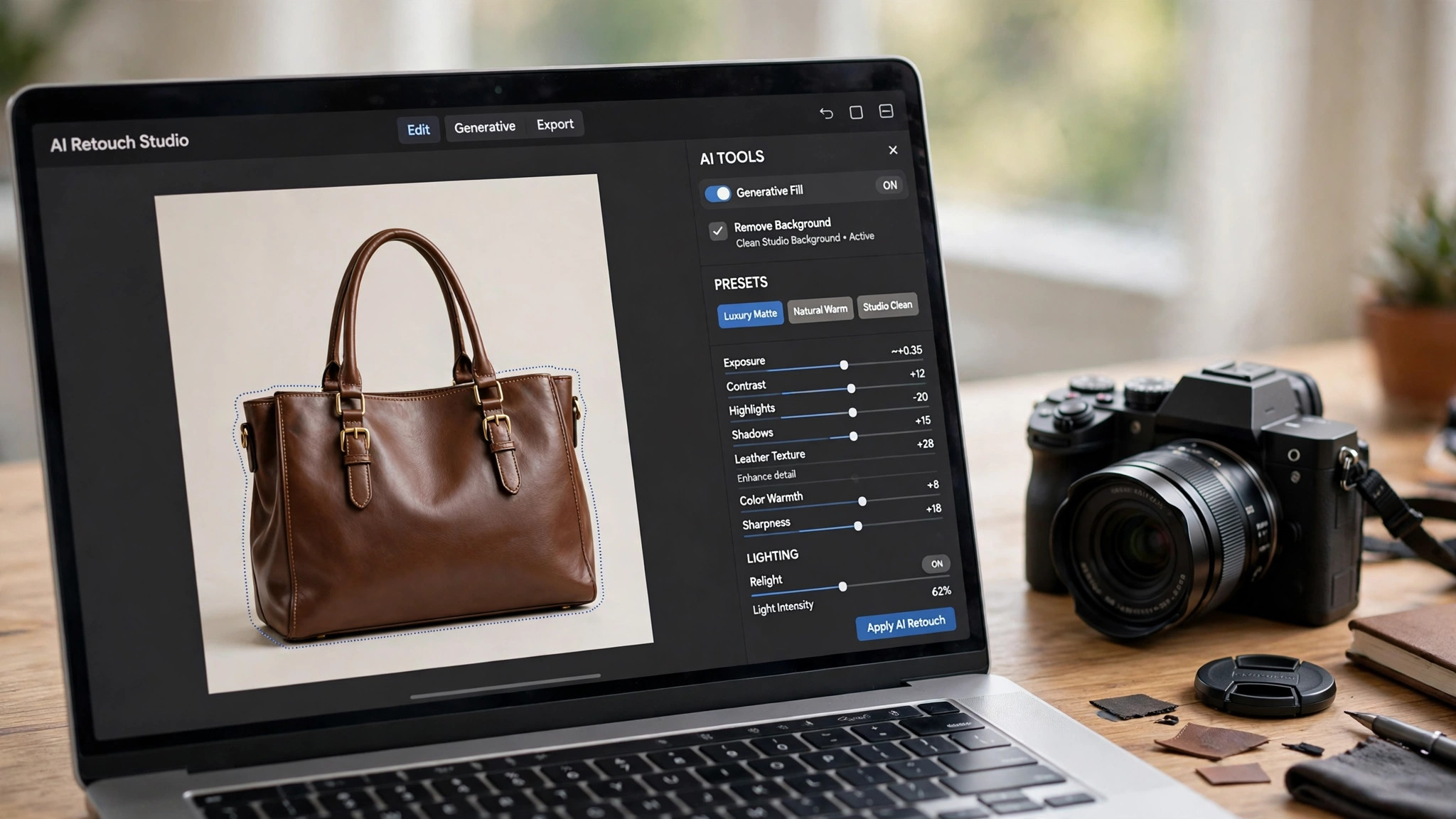
The second test is what the free plan holds back. Canva holds back the background remover and the best AI tools on its free plan. Photoroom limits the free plan to personal use only, so any seller needs a paid plan for commercial listings. Pixlr and Fotor show ads and hold back their best tools. None of these limits stops you from testing a tool, but they decide which tool you will still be using in six months.
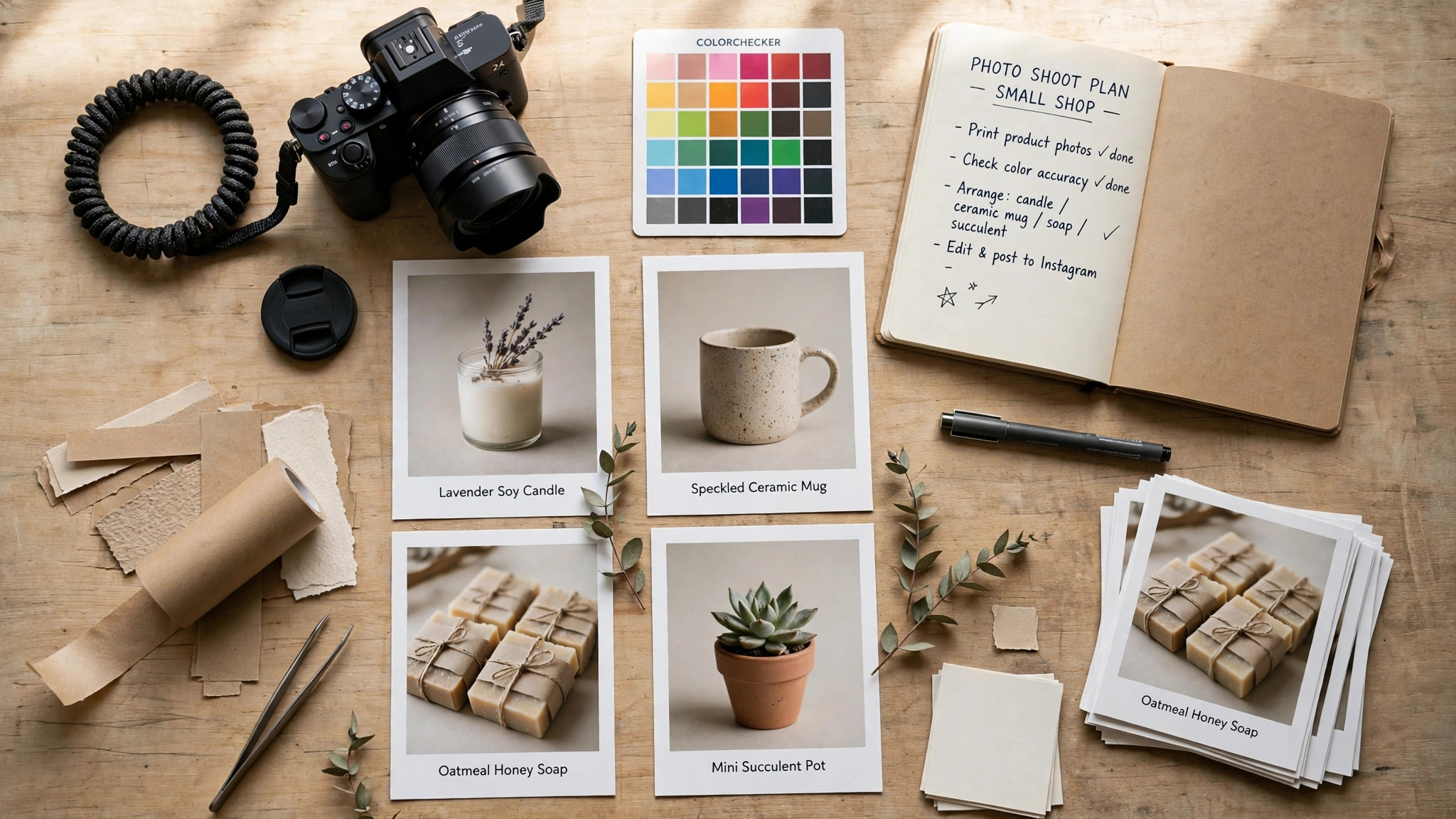
The third test is the watermark. None of the free plans in this list adds a watermark to an edited export, which is why all seven are worth recommending. A watermarked product photo is worse than no photo at all, because it tells every buyer you would not pay for the tool that made it. If a tool ever adds a watermark on its free plan, treat that as a reason to switch, not a reason to pay.
1. Adobe Photoshop. Best for Serious Retouching
Adobe Photoshop is the strongest choice among the best ai photo editors for small business when the photo needs serious work. Its retouching tools are the deepest in this list, from Generative Fill to content-aware removal to frequency separation, and its AI features are the most reliable for a product photo that needs a background extended, an object removed or a shadow fixed. Photoshop runs on desktop, web and mobile, with 100GB of cloud storage.
Pricing is subscription only, with a 7-day free trial and no free plan. Photoshop alone costs $22.99 a month on an annual plan billed monthly, or $34.49 a month billed monthly with no commitment. The Photography plan costs $19.99 a month and adds Lightroom, Lightroom Classic and 1TB of storage, which makes it the cheaper route to Photoshop for most small businesses. Check the current price at checkout, because Adobe changes its plan prices often.
What works. The editing depth is the best here, and the Photography plan is good value for a business that needs Photoshop and Lightroom together.
What to watch. There is no free plan and no one-time price, so the cheapest test is the 7-day trial. The learning curve is the steepest here.
2. Adobe Lightroom. Best for Batch Editing
Adobe Lightroom is the pick when a hundred photos need the same clean look. Its catalog organises thousands of photos, its presets apply in bulk, and its AI tools cover masking, noise reduction, lens blur and object removal. Lightroom is the strongest here for a photographer who shoots in RAW, because its RAW processing is the best in this list. The mobile app is the best here for a seller who edits on a phone.
Pricing is subscription only, with a 7-day free trial and no free plan. Lightroom alone costs $11.99 a month on an annual plan billed monthly, with 1TB of storage. The Photography plan costs $19.99 a month and adds Photoshop, Lightroom Classic and 1TB of storage, which makes it the better value for a business that needs both apps. Check the current price at checkout, because Adobe changes its plan prices often.
What works. The batch workflow is the best here for a catalogue, and the presets save hours a week. The RAW processing is the best in this list.
What to watch. There is no free plan and no one-time price, so the cheapest test is the 7-day trial. Lightroom is a catalog tool first, so a single photo edit takes longer than in a simple editor.
3. Canva. Best for Editor Inside a Design Tool
Canva is the pick when the photo edit is one step in a larger design job. Its editor covers background removal, Magic Edit, Magic Eraser and photo filters, and it sits inside the full Canva editor, so you can edit a photo, drop it into a listing image, add text, a price badge and a brand kit, and export without leaving the app. The editor is simple, with a short learning curve, and the templates for product posts are strong.
Pricing starts free, but the best AI tools are Pro features. The free plan covers the editor, basic filters and full-size exports, but not the background remover or Magic Edit. Canva Pro costs $18 a month or $144 a year for one person, and it adds the AI tools, premium templates and stock, 5 brand kits, Magic Resize and 100GB of storage. Pro is a one-person licence, so a second editor means moving to Business at $25 a month or $250 a year per person.
What works. The workflow is the point. A shop that edits and designs in Canva does not need a second login, and the brand kit keeps every image on brand.
What to watch. The AI tools are Pro features, so the free plan cannot test them. The editing depth trails Photoshop and Lightroom, so a photo that needs serious retouching will need a stronger tool.
4. Luminar Neo. Best for One-Click AI Looks
Luminar Neo is the pick for a business that wants a professional look in one click. Its AI presets cover sky replacement, relighting, skin retouching and background removal, and its Relight AI can change the light in a photo after it was taken. The editor is simple, with sliders and presets rather than layers.
Pricing starts with a free trial rather than a permanent free plan. A subscription costs from about $12 a month, with a one-time lifetime licence also sold for a higher price. Check the current price at checkout, because Skylum changes its pricing often, and the lifetime licence is sometimes offered at a discount.
What works. The one-click looks are the best here for a business that wants a professional result without learning an editor. The Relight AI is genuinely useful for a product photo taken in poor light.
What to watch. There is no permanent free plan, so the trial is the only way to test it. The editing depth trails Photoshop, so a photo that needs serious retouching will need a stronger tool.
5. Pixlr. Best for Quick Browser Edits
Pixlr runs entirely in the browser, with no install and no account needed to start. It comes in two forms, Pixlr X for quick edits and Pixlr E for layered work, and both include AI tools for background removal, object removal and image generation. The editor supports layers, masks and blend modes, so a product photo can be cleaned up, retouched and exported in one place.
Pricing starts free. The free plan covers the editors, basic AI tools and exports. Pixlr Plus costs $1.99 a month and adds more AI credits and an ad-free editor. Pixlr Premium costs $7.99 a month and adds the full AI suite, more storage and priority processing. Pixlr Team costs $12.99 a month for groups. Prices vary by region, so check the figure at checkout.
What works. Nothing here opens faster, and the free plan is genuinely usable for a one-off edit. The layered editor is the most powerful free option in this list for a product photo that needs retouching.
What to watch. There is no batch processing in the way Lightroom offers it, so a large catalogue will take longer. The AI tools are good, not great, and the interface can feel crowded for a first-time user.
6. Fotor. Best for Photo-Led Edits
Fotor is a photo editor first and a design tool second, which makes it the right pick when the product photo needs editing as well as a design. Its editing tools cover exposure, color, sharpening and cropping, and its AI tools can clean up a noisy photo, remove an object, or turn a plain shot into a stylised background. The batch processing covers a folder of photos at once, and the templates for product posts are strong.
Pricing starts free. The free plan covers basic editing, templates and exports with ads. Fotor Pro costs $39.99 a year on annual billing, or $8.99 a month billed monthly, and it adds the full template library, AI tools, background removal, batch processing and an ad-free editor. There is a Pro Plus tier above it for teams that need more storage and collaboration.
What works. The photo tools are the best value here for a product photo that needs a cleanup, and the annual price is low. Batch processing helps if you manage a large catalogue.
What to watch. The design templates are thinner than Canva, and the free plan shows ads that slow the workflow. The AI tools are good, not great, so check the result before you export.
7. Photopea. Best for Free Layered Editing
Photopea is a free Photoshop-style editor that runs in the browser, and its editing tools are the most powerful free option in this list. It supports layers, masks, selections and blend modes, so a product photo can be retouched by hand with a precision no automatic tool can match. The editor opens PSD, XCF and Sketch files, which suits a shop that already has design files from a designer.
Pricing starts free. The free plan covers the full editor, with ads, and no account is needed. Photopea Premium costs $5 a month and removes the ads, adds more storage and priority processing. There is no subscription required to use the editor, and the free plan is genuinely usable for a daily workflow.
What works. The manual tools are the best here for a photo that an automatic tool cannot handle, such as a white product on a white background or a complex shape. The price is the lowest in this list for a full editor.
What to watch. There is no one-click AI editor as good as Luminar Neo or Lightroom, so an edit takes longer. The interface is dense, and a first-time user should expect a learning curve.
8. Photoroom. Best for Product Photos at Volume
Photoroom is the strongest choice in this list for a seller with a large catalogue. Its background remover cuts a clean edge in seconds, its AI backgrounds place the product in a realistic scene, its shadows ground the product so it does not look pasted on, and its batch editor processes hundreds of photos at once. The mobile app is the best here for a seller who photographs products on a phone, and the Product Fixer re-matches the output to the original product so the color and logo stay true.
Pricing starts free for personal use. The free plan covers basic background removal, but its licence is for personal use only, so any seller needs a paid plan for commercial listings. Photoroom Pro costs $12.99 a month, or $7.50 a month billed yearly at $89.99 a year, and it adds 8,000 AI credits, 1,000 exports a month, 500 batch exports, AI backgrounds and a commercial licence. Photoroom Max costs $34.99 a month, or $20.99 a month billed yearly, and it adds 25,000 credits, 3,000 exports and the video generator.
What works. The batch processing and AI backgrounds are the best here for a seller with a large catalogue, and the annual price is low for what it covers.
What to watch. The free plan is personal use only, so a seller cannot use it for listings. The API is metered separately, and a Pro subscription includes no API calls. The 2K export cap on Pro matters if you need 4K images.
9. Topaz Photo AI. Best for Sharpening and Upscaling
Topaz Photo AI is the pick when the photo is soft, noisy or too small. Its AI models recover detail from a blurry photo, remove noise without smoothing the texture, and upscale a photo to a larger size without the blur that a simple resize creates. It runs as a standalone app and as a plugin for Photoshop and Lightroom.
Pricing is a one-time purchase, with a free trial and no subscription. Topaz Photo AI costs $199 once, with upgrades sold separately. Check the current price at checkout, because Topaz runs frequent promotions and the price changes often.
What works. The sharpening and upscaling are the best, and the one-time price suits a business that edits in bursts. The automatic detection saves time, because the tool finds the problems before you do.
What to watch. Topaz is a specialist, not a full editor, so it cannot replace Photoshop or Lightroom for a complete workflow. The price is high for a single-purpose tool, and the trial is the only way to test it.
10. DxO PhotoLab. Best for RAW Processing
DxO PhotoLab is the pick for a photographer who shoots in RAW and wants the best quality from the file. Its RAW processing is the best in this list, with color, detail and noise reduction that hold up at full size, and its DeepPRIME noise reduction is the strongest here for a photo taken in poor light. The editor includes local adjustments and lens corrections, and it runs on desktop.
Pricing is a one-time purchase, with a 30-day free trial and no subscription. DxO PhotoLab costs $229 once, with upgrades sold separately. Check the current price at checkout, because DxO runs frequent promotions and the price changes often.
What works. The RAW quality is the best, and the noise reduction is the strongest in this list. The one-time price suits a photographer who edits in bursts.
What to watch. DxO is a specialist, not a full editor, so it cannot replace Photoshop for retouching. The price is high for a single-purpose tool, and the interface has a learning curve.
11. Polarr. Best for Quick Mobile Edits
Polarr is the pick for a business that edits on a phone. Its mobile app is the best here for quick edits, with filters, presets and AI tools that clean up a product photo in seconds. The editor includes masking and overlays, and its filters are the most stylish here for a social post.
Pricing starts free. The free plan covers basic filters, presets and exports. Polarr Pro costs about $2 a month on annual billing, or $23.99 a year, and it adds the full filter library, AI tools, batch editing and an ad-free editor. Check the current price at checkout, because Polarr changes its pricing often.
What works. The mobile app is the best here for a quick edit on the go, and the annual price is the lowest in this list for a paid plan. The filters are stylish enough for a social post without extra work.
What to watch. The editing depth trails Photoshop and Lightroom, so a photo that needs serious retouching will need a stronger tool. The free plan limits the filter library, so it suits testing rather than daily use.
12. BeFunky. Best for Fun, Creative Edits
BeFunky is the most playful tool in this list, and that is its strength. Its photo effects, textures and graphic elements suit product photos with personality, for small brands that want to stand out rather than blend in. The editor is simple, the templates are bright, and the collage maker is useful when a listing should show several photos at once.
Pricing starts free. The free plan covers the editor, templates and basic effects. BeFunky Plus costs about $4.99 a month on annual billing, or $9.99 a month billed monthly, and it adds the full effect library, premium templates, background removal, batch processing and an ad-free editor. Check the current price at checkout, because BeFunky runs frequent promotions.
What works. The effects library is fun and fast, and the annual price is low. A bold product photo that looks handmade is easy here.
What to watch. The look skews casual, so a luxury brand will find better fits elsewhere. The editing depth trails Photoshop and Lightroom, and the free plan shows ads.
How to Choose the Best AI Photo Editors for Small Business
Start with the job, not the tool. A shop that photographs products daily needs Photoroom or Lightroom. A shop that retouches a few hero images a month needs Photoshop. A shop that edits and designs in one place needs Canva. Write down how many photos you edit each week and what the edit usually involves before you open any pricing page, because the tool cannot decide that for you.
Step 1. Test three tools free. Open the free tier or trial of Photoshop, Lightroom and Canva, and edit the same product photo in all three. Compare the results side by side at full size, and pick the one whose workflow fits your photos.
Step 2. Check the export. Export a JPG for a listing and a PNG for a design, and check both at full size. A free plan that caps the export at preview size cannot make a live listing image.
Step 3. Count the monthly cost. A subscription at $19.99 a month costs $240 a year. A one-time purchase at $199 costs $199 once. Pick the model that fits your volume, and check the price at checkout before you commit.
Step 4. Build a preset library. Save the presets that worked, with the exposure, color and sharpening that fit your brand. A preset library turns an editor into a system, and a system turns an hour of editing into ten minutes.
Step 5. Check every photo before you publish. Look at the color, the texture and the detail, because those are the places where AI editing fails. A photo that looks different from the product loses more trust than it gains in speed, so check the image on a phone and on a laptop before it goes live.

Related Guides
- Best Background Remover Tools for Product Photos
- Best eBook Cover Makers for Authors
- How to Design a Book Cover That Sells
Frequently Asked Questions
Which of the best ai photo editors for small business is actually free?
Canva, Pixlr, Fotor, Photopea, Photoroom, Polarr and BeFunky all have free plans that edit and export photos. Photopea is the most generous free option, because its full editor is free with ads. Photoroom limits its free plan to personal use, and Canva holds back its best AI tools on the free plan. Photoshop and Lightroom offer 7-day trials instead.
Can AI photo editors change my product color?
Yes, and that is the risk to watch. AI retouching can change a product’s color, smooth a texture that should stay rough, or invent a detail that was never there. Photoroom’s Product Fixer re-matches the output to the original product, which helps, but you should still check every photo against the real product before you publish it.
Should I pay monthly or buy once?
A subscription suits a business that edits photos every week, because the monthly cost is low and the tools stay current. A one-time purchase suits a business that edits in bursts, such as a seasonal catalogue, because Topaz Photo AI at $199 once and DxO PhotoLab at $229 once cost less over two years than a subscription. Pick the model that fits your volume, and check the price at checkout.
Is Photoshop or Lightroom better for product photos?
Lightroom is better for a catalogue, because its presets and batch tools apply the same clean look to a hundred photos in one click. Photoshop is better for a hero image, because its retouching tools are the deepest in this list. Most small businesses should use the Photography plan at $19.99 a month, which includes both apps.
How do I keep product photos consistent?
Build a preset library. Save the exposure, color and sharpening that fit your brand, and apply the same preset to every photo. Lightroom is the strongest here for presets, and Canva’s brand kit keeps the colors and fonts consistent across every design.
The Bottom Line
The best ai photo editors for small business in 2026 come down to three picks by job. Adobe Photoshop is the best all-round choice for serious retouching, with the Photography plan at $19.99 a month including Lightroom and 1TB of storage. Adobe Lightroom is the best choice for batch editing a catalogue. Canva is the best choice if you want the editor inside a full design tool.
Photoroom is the pick for product photos at volume, Topaz Photo AI is the pick for sharpening and upscaling, and Photopea is the pick for a free full editor. Start with the free tier or trial of three tools, edit the same photo in each, and pay only for the one whose workflow fits your photos.
3 thoughts on “Best AI Photo Editors for Small Business”