

A job search in 2026 is a numbers game that no human can play by hand. Hundreds of postings appear every day, each one wants a tailored resume, and the applicant tracking system rejects most resumes before a person ever sees them. The best ai tools for job search change the maths by matching the seeker to the right roles, tailoring the resume to each posting, tracking every application in one place, and, for the boldest seekers, submitting applications automatically while the seeker prepares for interviews.
This guide compares 9 tools on the three jobs that decide a job search tool. Finding roles that actually fit, tailoring the application so it passes the filters, and keeping the whole search organised. Prices below are entry paid tiers checked in November 2026, and where a tool offers a free plan the table shows it, because a job seeker should not pay for a tool before it proves it can find real roles.
Quick jump
- The 9 Best AI Tools for Job Search at a Glance
- The 9 Tools in Detail
- Matching, Tailoring and Tracking Are Three Jobs
- The Resume Filter, and Why Most Resumes Never Get Read
- Auto-Apply, and the Volume Trap
- The Tracker, and the Application That Goes Missing
- Free Plans, and What Free Really Buys
- What a Job Search Costs in 2026
- Interviews, and What the Tools Cannot Do
- Best Pick by Job
- Frequently Asked Questions
- The Quick Verdict
The 9 Best AI Tools for Job Search at a Glance
This table compares the best ai tools for job search on the facts that decide a choice. Prices are entry paid tiers from each vendor site, checked in November 2026. Free plans vary widely, from a few scans a month to unlimited tracking, so read the free column before choosing.
| Tool | Entry price | Best for |
|---|---|---|
| Jobscan | Free plan, Premium $49.95 a month | Resume-vs-job match checks |
| Teal | Free plan, Teal+ $29 a month | Tracking and resume tailoring |
| Simplify | Free plan, Simplify+ $39.99 a month | Fast autofill on application forms |
| Huntr | Free plan, Pro $40 a month | Organising a long search |
| JobCopilot | From $0.93 a day | Hands-off auto-apply |
| Sonara | From $23.95 every 4 weeks (reported) | Low-cost automated applying |
| LazyApply | From $99 a year | High-volume browser applying |
| LoopCV | Free plan, paid from 9.99 euros a month | Auto-apply plus recruiter email |
| Jobright | See website | Job matching with an AI agent |
The 9 Tools in Detail
Each tool below was judged on the same three jobs. Finding roles that fit, tailoring the resume to each posting, and tracking the search without losing a thread. The best ai tools for job search in this guide clear those tests, and the ranking follows the job each one does best rather than the size of its feature list.
1. Jobscan
Jobscan is the industry standard for checking a resume against a specific job description. Upload the resume and the posting, and it returns a match rate with the keywords that are missing, the skills that are present, and the formatting problems that would trip an applicant tracking system. It is the tool for a seeker who wants to know, before applying, whether the resume will pass the filter or be rejected unseen.
The free plan gives 5 scans a month, and Premium costs $49.95 a month or $89.95 a quarter, with an annual option around $299.40 a year, adding unlimited scans, LinkedIn optimisation and cover letter scanning. The price is the dearest in this list for a single-purpose tool, and the free tier is thin, but the match report is the most detailed available.
The limit is scope. Jobscan checks and tailors, but it does not find roles or track applications as well as Teal or Huntr, so a seeker who needs the whole search in one place will need a second tool. The Premium price also stings for an unemployed seeker, and the quarterly plan is the sensible way to pay for it during an active search.
Use Jobscan on the five roles that matter most each month, and tailor the resume to each one before applying.
2. Teal
Teal is the best free job tracker and tailoring combo in this list. The free plan is genuinely usable, with unlimited job tracking and resumes, 10 templates and small AI credits, and a browser extension that saves any listing to one board in a click. The resume builder tailors each version to the role and shows which keywords are missing, so the seeker can fix the resume before applying rather than after a rejection.
Teal+ adds unlimited keyword analysis and AI credits for $13 a week, $29 a month or $79 a quarter. The trade-off is the AI credit limit on the free plan, because heavy tailoring needs the paid tier, and the job board inside Teal is smaller than the big aggregators. For most seekers, the free plan plus a month of Teal+ during the busiest stretch is the right spend.
The limit is discovery. Teal organises and tailors brilliantly, but it does not find roles as well as a dedicated matching engine, so the seeker still needs to search the big boards. The Chrome extension is the feature that makes it work, because saving a listing takes one click, and a tracker that is easy to feed is a tracker that stays up to date.
Start with the free plan, and pay for Teal+ only in the month when applications peak.
3. Simplify
Simplify is built for speed, with autofill that completes application forms in seconds and a tracker that keeps every application in one place. The free plan covers matches, autofill and tracking, and the paid Autopilot submits applications on the seeker’s behalf, with 20 credits a week on Simplify+. It suits a seeker who applies to many roles and loses hours to repetitive forms.
Simplify+ costs $19.99 a week, $39.99 a month or $89.99 for three months, adding AI resume tailoring and AI application answers on top of the autofill. The trade-off is volume against review, because an application submitted automatically can carry an error the seeker never saw, and the autofill needs checking on every form. For a high-volume search, the hours saved are worth the price.
The limit is control. Autopilot applies for the seeker, which is fast but risky, because a role that looks right in the listing can be wrong in the detail, and an application sent cannot be unsent. Use the autofill for every form, and use Autopilot only for roles that have been read properly first.
Use Simplify autofill on every application, and switch Autopilot on only for roles already vetted.
4. Huntr
Huntr is the kanban board for a job search, with job, contact and interview trackers, autofill, and application packets that bundle everything a posting requests. It suits a seeker running a long search with dozens of live applications, because the board shows at a glance which roles are waiting, which need a follow-up, and which have gone cold. The job clipper saves a listing from any board in one click.
The free plan tracks up to 100 jobs, and Pro costs $40 a month, $90 a quarter or $160 for six months, adding unlimited tailored resumes, AI cover letters and application packets. The price is dearer than Teal, and the resume tools are lighter, but the tracking is the best in this list for a long search with many moving parts.
The limit is tailoring. Huntr organises better than it writes, so a seeker who needs deep resume tailoring should pair it with Jobscan, using Huntr for the pipeline and Jobscan for the match check. The two tools together cost more than Teal alone, but the combination covers a long search better than either tool on its own.
Choose Huntr when the search will run for months and the pipeline needs a board, not a list.
5. JobCopilot
JobCopilot is the cheapest hands-off auto-apply tool in this list, with Premium from $0.93 a day for up to 20 job matches daily and Elite from $1.05 a day for up to 50 matches with resume tailoring per job. Set the preferences once, and the copilot finds roles and applies on the seeker’s behalf every day, which suits a seeker who wants volume without spending hours on forms.
The daily price looks small, but it adds up to about $28 a month on Premium, and the Elite tier costs more, so the real comparison is against Simplify+ at $39.99 a month. The trade-off is review, because an application sent by a copilot can miss a detail the seeker would have caught, and the matches need checking, because an automated match is only as good as the preferences it was given.
The limit is quality. Auto-apply tools trade review for volume, and a seeker who applies to fifty roles a day will get fewer interviews per application than a seeker who applies to five with tailored resumes. Use JobCopilot to cover the long tail of roles, and tailor the applications for the five roles that matter most by hand.
Use JobCopilot for volume, and keep hand-tailored applications for the roles that matter most.
6. Sonara
Sonara scans job listings and submits applications to the ones that match the seeker’s profile, with little setup and a low price. A $2.95 trial covers 10 applications over 14 days, and the paid plan runs $23.95 every four weeks, which makes it one of the cheapest auto-apply tools in this list. It suits a seeker who wants automation without a monthly subscription that costs more than the job search itself.
The price is not published on the vendor site, so the figure comes from third-party reviews, and the seeker should confirm it before paying. The trade-off is trust, because reviews report repetitive or irrelevant matches and applications that would not submit, and the trial is short. Treat it as a test first, with ten applications, before committing to a paid plan.
The limit is transparency. A tool that does not publish its price asks the seeker to trust a review, and a tool with mixed reviews asks the seeker to test before paying. Run the $2.95 trial on ten roles, check the matches and the submissions, and only then decide whether the paid plan earns its price.
Test Sonara on the $2.95 trial first, and pay only if the ten trial applications look right.
7. LazyApply
LazyApply is a browser tool that applies to many roles quickly, with annual plans only. Basic costs $99 a year for 15 applications a day, Premium costs $149 a year for 150 a day, and Ultimate costs $999 a year for 1,500 a day. It suits a seeker who wants to apply at high volume from the browser, without a monthly subscription, and the yearly price is cheap for the volume it allows.
The trade-off is that LazyApply is a volume tool, not a tailoring tool, so the applications it sends are generic unless the seeker customises each one. The annual-only billing also means the seeker pays for a year even if the search ends in a month, so the $99 Basic plan is the sensible starting point. For a seeker who applies to dozens of roles a week, the price is hard to beat.
The limit is quality per application. A hundred generic applications will earn fewer interviews than ten tailored ones, so LazyApply should cover the roles that are a reasonable fit while the best roles get a hand-tailored application. Use it for breadth, and keep the depth for the roles that matter.
Pick LazyApply Basic when the search needs volume and the budget is $99 for the year.
8. LoopCV
LoopCV combines auto-apply with recruiter outreach, finding roles, applying on the seeker’s behalf, and emailing recruiters about the application. A free plan with no card covers a small number of applications, and paid plans start at 9.99 euros a month, which makes it one of the cheapest auto-apply tools with a free tier. It suits a seeker who wants the application and the follow-up handled together.
The price in euros means the dollar cost moves with the exchange rate, and the paid tiers rise with the number of applications. The trade-off is match quality, because an automated application is only as good as the preferences, and the recruiter emails need a good template to avoid looking automated. For a European job search, the local coverage is a bonus.
The limit is the same as every auto-apply tool, which is review. An application sent without reading the posting can land the seeker an interview for a role they do not want, and the recruiter email can do more harm than good if the template is generic. Check the matches daily, and tailor the recruiter template before switching the automation on.
Use LoopCV when the search includes recruiter outreach, and check the matches every day.
9. Jobright
Jobright is a matching engine with an AI agent that finds roles, scores the fit, and applies on the seeker’s behalf. The feed of matched roles comes with a match score and explanations, so the seeker can see why a role fits before applying, and the insider connections feature surfaces people at the company who can refer. It suits a seeker who wants the search to feel curated rather than a trawl through postings.
Jobright does not publish a public price list, so the paid figure comes from reviews, which report Turbo at about $39.99 a month, up from $29.99 earlier in 2026, with a quarterly option around $89.99. The trade-off is that the agent can send applications the seeker did not read, so the preferences must be set carefully. For a seeker who wants matching plus applying in one tool, it is a strong pick.
The limit is transparency. A tool that does not publish its price asks for trust, and an agent that applies without review asks for more trust still. Set the preferences narrowly, check the matches daily for the first week, and only then let the agent run. A week of checking will show whether the matches are worth the price.
Test Jobright with narrow preferences for a week before letting the agent apply freely.
Matching, Tailoring and Tracking Are Three Jobs
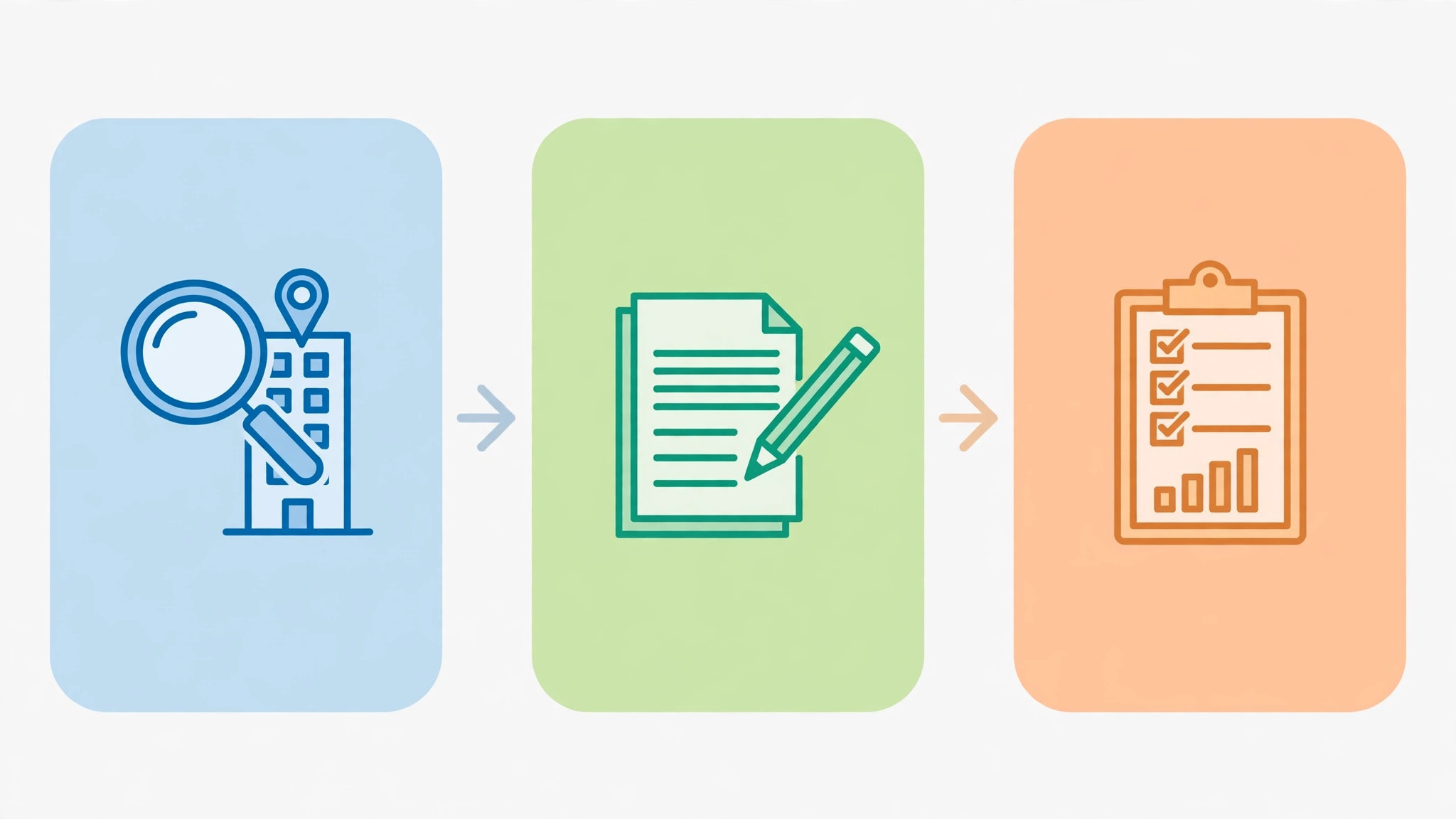
A job search tool does one of three jobs, and most seekers need all three. Matching finds the roles that fit, tailoring makes the resume pass the filter for each role, and tracking keeps every application organised until the interview. best ai tools for job search split on this line, with Jobright and Sonara strongest on matching, Jobscan strongest on tailoring, and Teal and Huntr strongest on tracking, so the right stack is usually two tools rather than one.
The practical stack is a tracker plus a tailor. Teal for tracking and tailoring covers most seekers for free, and Jobscan adds the deep match check for the five roles that matter most each month. A seeker who adds an auto-apply tool on top should use it for the long tail of roles, because the tailored applications are the ones that earn interviews, and the automated ones are the ones that fill the pipeline.

The Resume Filter, and Why Most Resumes Never Get Read
Most resumes are rejected by software before a person sees them, and the filter is a keyword match against the job description. A resume that lacks the words in the posting will score low, however good the experience is, and a resume with the right words in the right places will pass. Jobscan shows the match rate and the missing keywords, which is why it leads this list for tailoring, and the fix is usually a handful of words rather than a rewrite.
The habit is to tailor every application. Read the posting, note the five most repeated skills, and make sure those words appear in the resume in context, not stuffed into a list. A tailored resume takes twenty minutes and doubles the chance of passing the filter, while a generic resume takes two minutes and fails most of the time. The time is the investment, and the tool makes it faster.
Auto-Apply, and the Volume Trap
Auto-apply tools promise volume, and volume is a trap when it replaces review. A seeker who applies to fifty roles a day will get fewer interviews per application than a seeker who applies to five with tailored resumes, because the automated applications are generic and the hiring manager can tell. best ai tools for job search include several auto-apply tools, and the honest way to use them is for the long tail, covering roles that are a reasonable fit while the best roles get a hand-tailored application.
Set the preferences narrowly before switching any automation on. A broad preference will apply to roles the seeker does not want, and an interview for the wrong role wastes everyone’s time. Check the matches daily for the first week, and only then let the tool run, because a week of checking will show whether the matches are worth the price.
The Tracker, and the Application That Goes Missing
A job search without a tracker leaks opportunities, because a seeker who applies to fifty roles cannot remember which ones need a follow-up, which ones asked for a second document, and which ones went cold. A tracker with a board, a deadline and a note for each role keeps the pipeline visible, and the follow-up is what turns an application into an interview. Teal and Huntr both do this well, and the free plans cover it.
The habit is to update the tracker the same day an application is sent, with the date, the role, the contact and the next step. A tracker updated weekly is a history, while a tracker updated daily is a tool, and the difference shows in the follow-ups. A follow-up sent on time is worth more than a perfect resume sent late, because the hiring manager remembers the seeker who stayed in touch.
Free Plans, and What Free Really Buys
Free plans in this category vary more than in any other guide, because the tools sell different things. Teal gives unlimited tracking and resumes for free, Jobscan gives 5 scans a month, LoopCV gives a small number of auto-applies, and Simplify gives autofill and tracking. A free plan that covers the core job is a working tool, while a free plan that covers a demo is a trial, and the difference decides whether the seeker can run a search without paying.
The honest way to use free plans is to stack them. Teal for tracking, Jobscan free scans for the five roles that matter most, and LoopCV free auto-applies for the long tail will run a serious search for nothing in the first month. Pay only when the free limits bite, and pay for the month when applications peak, because a subscription bought in a quiet month is wasted.
What a Job Search Costs in 2026
A job search can run from free to about $50 a month, and the dearest tool is not always the best. Jobscan Premium costs $49.95 a month, Huntr Pro costs $40, Simplify+ costs $39.99, Teal+ costs $29, and JobCopilot costs about $28 a month on Premium, while LazyApply costs $99 for the whole year. A seeker who stacks the free plans can search for nothing, and a seeker who pays for one tool during the busiest month will spend less than $50.
The real cost is time, not money. An hour a day on tailored applications, a tracker updated daily, and a follow-up system that runs every day will produce more interviews than a hundred automated applications, and the time is the investment. Spend the money on the tool that saves the most time, which for most seekers is the tracker, because the tracker is what keeps the search from leaking.
Interviews, and What the Tools Cannot Do
No tool in this guide can interview for the seeker, and the search ends where the preparation begins. A tool can find the role, tailor the resume and track the application, but the interview is won by knowing the company, the role and the hiring manager, and by practising answers to the questions that role always asks. The tools buy time, and the time should be spent preparing, not applying to more roles.
Use the time the tools save to research each company before the interview. Read the recent news, the product pages and the hiring manager’s posts, and prepare three questions that show the research. An interviewer remembers the candidate who asked a good question far longer than the candidate with the best resume, because the question shows interest and the resume only shows history.
Best Pick by Job
Different situations need different tools, so the best pick changes with the job. This table matches the common situations to the tool that handles each one best. The best ai tools for job search in this guide cover all of these jobs between them.
| Your job | Pick this one | Why |
|---|---|---|
| Most buyers, tracking plus tailoring | Teal | Free plan, Teal+ $29 a month, unlimited tracking |
| Resume must pass the filter | Jobscan | 5 free scans a month, Premium $49.95 a month |
| Many applications, fast forms | Simplify | Free autofill, Simplify+ $39.99 a month |
| Long search, many live roles | Huntr | Free to 100 jobs, Pro $40 a month |
| Hands-off applying, low cost | JobCopilot | From $0.93 a day, up to 20 matches daily |
| Volume for a year, one payment | LazyApply | $99 a year Basic, 15 applications a day |
One more habit worth building is the weekly review. Every Friday, count how many applications were sent, how many replies arrived, how many interviews were booked, and which tool produced each interview. A week with twenty applications and no replies means the resume needs tailoring, while a week with five applications and two replies means the targeting is right, and the numbers will show which is true.
Another check worth doing before the search starts is the resume file itself. Save the master resume as a plain document with one page per role, keep the file names clear, and check that the document opens cleanly on a phone, because a hiring manager who opens a broken file will not ask for a second copy. A resume that opens cleanly, reads clearly and matches the posting will pass the filter, and the tool that checks the match is only as good as the file it checks.
Frequently Asked Questions
Which AI tool is best for job search overall?
Among the best ai tools for job search, Teal leads for most seekers, because the free plan covers unlimited tracking and resumes with tailoring, and Teal+ at $29 a month adds the AI credits. Jobscan is the best for the resume match check at $49.95 a month, while Simplify is the fastest for high-volume applications with autofill and Autopilot.
Can AI tools apply to jobs for me?
Yes. JobCopilot, Sonara, LazyApply, LoopCV and Jobright all apply on the seeker’s behalf, with prices from $0.93 a day to $99 a year. The trade-off is review, because an automated application can miss a detail, so check the matches daily for the first week and use auto-apply for the long tail while tailoring the best roles by hand.
How much do AI job search tools cost?
A job search can run from free to about $50 a month. Teal is free for tracking, Jobscan Premium costs $49.95 a month, Huntr Pro costs $40, Simplify+ costs $39.99, Teal+ costs $29, and LazyApply costs $99 for the whole year. A seeker who stacks the free plans can search for nothing in the first month.
Will a tailored resume really pass the filter?
Yes, if the tailoring is real. The filter matches keywords from the job description, so a resume that includes the five most repeated skills in context will score higher than a generic resume with the same experience. Jobscan shows the match rate and the missing keywords, and the fix is usually a handful of words rather than a rewrite.
Do I need more than one job search tool?
Usually two. A tracker plus a tailor covers most seekers, with Teal for tracking and tailoring and Jobscan for the deep match check on the roles that matter most. An auto-apply tool can be added for volume, but the tailored applications are the ones that earn interviews, so the second tool should support the first rather than replace it.
The Quick Verdict
Start with Teal, because the free plan covers unlimited tracking and resumes, and Teal+ at $29 a month adds the AI credits when the search peaks. Add Jobscan for the five roles that matter most each month, because the match check shows whether the resume will pass the filter before it is sent. Add an auto-apply tool only for the long tail, because volume without review earns fewer interviews than five tailored applications. The best ai tools for job search all reward the same habit, which is tailoring every application and tracking every follow-up.
The tools in this guide all move a search forward, and the difference between them is the job. A finder is needed to discover roles, a tailor is needed to pass the filter, and a tracker is needed to keep the pipeline from leaking. Pick one of each, tailor the best roles by hand, and let the automation cover the rest, and the search will produce interviews rather than just applications.