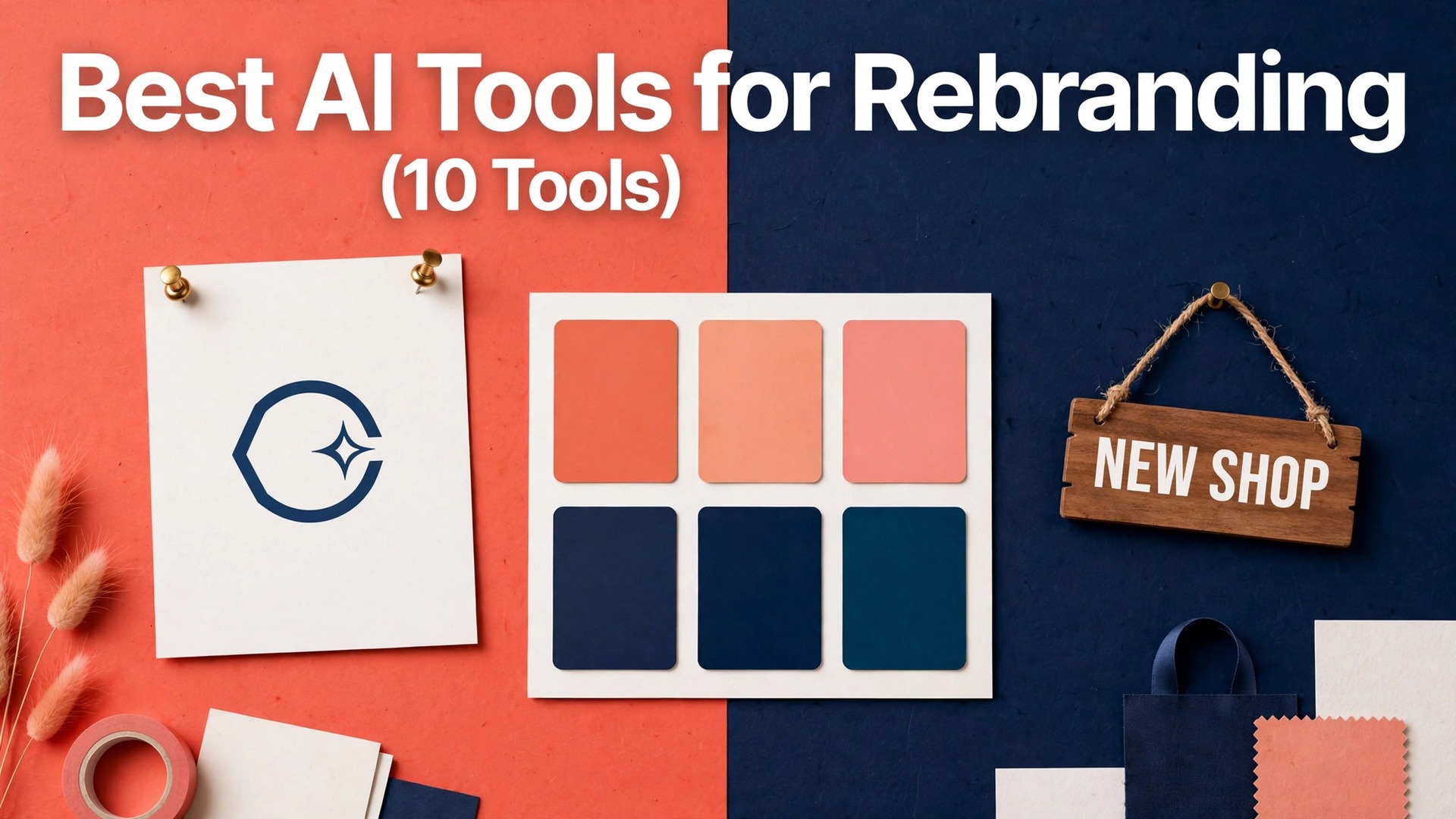
The best ai tools for rebranding split into two jobs, and buying the wrong one wastes the budget. One job is inventing the new mark, while the other is rolling the new look across every asset a business owns. This guide compared ten tools, checked the prices in November 2026, and names the pick for each stage below.
A rebrand fails more often on rollout than on the logo. The mark can be beautiful while the old colours still sit on the website, the invoices and the social profiles, and customers notice the mismatch before they notice the new design. The tools that win here are the ones that make the rollout fast and consistent.
Prices in this guide run from free to about $29 for a logo package, and the dearest option is not the best for most small businesses. Read the table first, keep three tools, and test them on your own brand before you pay. The rest of this guide explains what each one does for rebranding, where it limits you, and who should buy it.
Quick jump
- Quick Answer. Best ai tools for rebranding in 30 Seconds
- What the Price Actually Buys You
- The 10 Tools in Detail
- Best Pick by Job
- Choosing the Tool for Your Rebrand
- Mistakes That Waste the Rebrand
- Your First 30 Days With a New Identity
- Getting Your Money’s Worth
- Frequently Asked Questions
- Rolling the New Look Out
- The Bottom Line
Quick Answer. Best ai tools for rebranding in 30 Seconds
The best ai tools for rebranding in this guide were checked against each vendor’s own pricing page in November 2026. Looka is the best starting point for most small businesses, Canva is the strongest choice for rolling the new look out, and Hatchful is the free first step for testing a direction. Prices move often for rebranding, so confirm the amount due at checkout before you pay.
Start from the table and keep just three tools, then test them on your own brand for two weeks. A logo that works on a sign, a card and a phone screen decides the winner, and the free tier is the cheapest test bench you will find.
| Tool | Best for | Free tier | Paid from |
|---|---|---|---|
| Looka | a fast new logo and brand kit | free logo previews | $20 for a basic logo package |
| Tailor Brands | a full rebrand with business tools included | free logo previews | $10 a month for Basic |
| Canva | rebranding with templates and a brand kit | a free plan with many templates | $15 a month for Pro |
| Adobe Express | on-brand social and marketing assets | a free plan with basic tools | $10 a month for Premium |
| Wix Logo Maker | a logo for a business already on Wix | free logo previews | Check at checkout |
| Hatchful | a free first logo for a new business | free logo downloads | Free |
| LogoAI | a cheap logo with a full brand kit | free logo previews | $29 for a basic package |
| Brandmark | a quick logo with matching brand assets | free logo previews | $25 for a basic package |
| DesignEvo | a budget logo with thousands of templates | free logo downloads with a watermark | $25 for a basic package |
| Logomakr | a simple free logo made by hand | free low-resolution downloads | Free for low-resolution downloads |
What the Price Actually Buys You
The best ai tools for rebranding earn their price by removing a weekly chore, not by adding features you never open. When a tool builds the logo, the palette and the social templates in one afternoon, the days it returns are easy to count. Compare the one-time package price with the monthly cost of a subscription, since a $20 package can beat a $10 monthly plan within two months.
The limits matter before the features do. Most tools in this set cap downloads, file resolution or commercial use, and the upgrade that removes a limit usually costs more than the next tier. Work out the cap on the plan you want and whether your asset list stays inside it. A package that locks the vector file behind a dearer tier is the wrong package, whatever the price.
The export stage exposes weak tools for rebranding here too, in the form of file types. A logo that exports only as a small image, a brand kit without the vector file, or a download that carries a watermark is not done. Run the free preview with a real brand name, look at the exported file at full size, and read the licence before paying. A clean export from a trial is worth more than a cheap paid plan that hides your own files.
The 10 Tools in Detail
The reviews below take each tool from the table in turn for rebranding, setting out what it costs, where it limits you and who it works best for. Read the reviews for your shortlist and skip the rest, since the only tools worth comparing are the ones that fit your rebrand.

1. Looka. Best for a fast new logo and brand kit
Looka generates logo options from a business name and style picks, then builds a brand kit with colours, fonts and social templates. The editor lets you adjust each logo by hand, so the result is not locked to the first set of options.
Paid plans start at $20 for a basic logo package. The free side gives you free logo previews, which is enough to judge the workflow before spending anything.
The brand kit is the real value, since it turns one logo into a usable identity in an afternoon. The logos can look similar to other Looka outputs, and the full kit costs extra.
Verdict: the quickest route to a complete new look for a small business.
Skip it if you need a truly original mark, since a designer still beats a generator there.
2. Tailor Brands. Best for a full rebrand with business tools included
Tailor Brands covers logo, brand kit, social posts and even a business name search, so a rebrand and a launch can happen in one account. Its AI studio suggests brand directions from a short questionnaire about the business and its customers.
The entry paid tier is $10 a month for Basic, and the free option covers free logo previews. Run a real rebranding job on the free tier first, then decide whether the paid features earn their keep.
The breadth is the draw, with branding, marketing and legal basics under one roof. The monthly bill adds up over a year, and the logo quality varies by category.
Bottom line on Tailor Brands: a good fit for a new business that wants branding and launch tools together.
Skip it if you only need a logo, since the extras would go unused.
3. Canva. Best for rebranding with templates and a brand kit
Canva lets a team rebuild every asset, from logo to social posts to packaging, inside one editor with a shared brand kit. The brand kit stores logos, colours and fonts, so every new design starts on-brand without extra work.
Pricing starts at $15 a month for Pro. Before that, the free tier offers a free plan with many templates, so test the export and the limits on your own rebranding before you pay.
No other tool here rebuilds a whole asset library this fast, and the free plan is generous. It does not generate a logo from scratch, so the mark itself still needs a designer or another tool.
Our take: the best second tool in a rebrand, for rolling the new look out everywhere.
Skip it if you only need the logo itself, since the power here is the rollout.
4. Adobe Express. Best for on-brand social and marketing assets
Adobe Express rebuilds social posts, flyers and ads in the new brand style, with AI tools that resize one design for every platform. Its text effects and background tools clean up old photos so they fit the new identity.
Paid plans start at $10 a month for Premium. The free side gives you a free plan with basic tools for rebranding, which is enough to judge the workflow before spending anything.
The resize tool alone saves hours when a rebrand touches every platform at once. Logo creation is basic, and the best features sit behind the paid plan.
Verdict: a strong pick for the rollout stage of a rebrand.
Skip it if the logo and strategy are still undecided, since this tool executes rather than invents.
5. Wix Logo Maker. Best for a logo for a business already on Wix
Wix Logo Maker builds a logo from a questionnaire about the business, then pairs it with matching social assets and a website header. Because it sits inside Wix, the new logo drops straight into a Wix site without downloading and re-uploading files.
The entry paid tier is Check at checkout, and the free option covers free logo previews. Try a genuine job on the free tier before you judge whether the paid features for rebranding earn their keep.
The Wix integration is the reason to pick it, since the logo lands on the live site in minutes. Outside Wix the value drops, and the logo options are less varied than Looka.
Bottom line on Wix Logo Maker: the natural pick for a Wix business doing a refresh.
Skip it if your site lives elsewhere, since the integration is the whole point.
6. Hatchful. Best for a free first logo for a new business
Hatchful is Shopify’s free logo tool, generating simple marks from a business name, industry and style choices. The downloads include social sizes, so the logo is usable on a profile the same day.
Pricing starts at Free. Before that, the free tier offers free logo downloads, so test the export and the limits with your own work before you pay.
It costs nothing, which makes it the best way to test a direction before paying for a full rebrand. The logos are simple and the customisation is shallow, so a serious rebrand outgrows it fast.
Our take: the right first step before spending on a paid rebrand.
Skip it if the business already has customers, since a free logo can look it.
7. LogoAI. Best for a cheap logo with a full brand kit
LogoAI generates logos and mockups from a name and a few style picks, then packages the winner with colours, fonts and business cards. Its mockups show the logo on a sign, a card and a bag, which helps a team judge the mark in the real world.
Paid plans start at $29 for a basic package. The free side gives you free logo previews, which is enough to judge the workflow before spending anything.
The mockups are the highlight, since they show whether a logo works outside a screen. The logo styles repeat across users, and the editor is less flexible than Canva.
Verdict: a fair low-cost route to a logo plus a basic kit.
Skip it if you need deep customisation, since the editor has firm limits.
8. Brandmark. Best for a quick logo with matching brand assets
Brandmark creates a logo, colour palette and font pairing from a business name, then adds social templates and a simple brand guide. The guide is short and practical, which suits a small team that needs rules without a long document.
The entry paid tier is $25 for a basic package, and the free option covers free logo previews. Start with a real job on the free tier, then decide if the paid features for rebranding are worth paying for.
The brand guide is a useful extra at this price, and the palette choices are strong. Logo variety is narrower than Looka, and the templates are basic.
Bottom line on Brandmark: a good low-cost pick for a small business refresh.
Skip it if you need a complex identity system, since this is a starter kit.
9. DesignEvo. Best for a budget logo with thousands of templates
DesignEvo offers thousands of logo templates that can be edited by hand, with icons, fonts and colours all adjustable in the browser. The template library is the largest here, which helps when the business has a clear visual idea already.
Pricing starts at $25 for a basic package. Before that, the free tier offers free logo downloads with a watermark, so test the export and the limits with your own work before you pay.
Template choice is the draw, and the editor is easy to learn. The free downloads carry a watermark, and the templates can feel dated.
Our take: a budget option that works when you know the look you want.
Skip it if you want an original mark, since templates are the starting point.
10. Logomakr. Best for a simple free logo made by hand
Logomakr is a simple browser editor for building a logo from icons, shapes and text, with no AI and no questionnaire. The control is manual, so the result depends on the person using it rather than on a generator.
Paid plans start at Free for low-resolution downloads. The free side gives you free low-resolution downloads, which is enough to judge the workflow before spending anything.
It is free and direct, which suits a quick placeholder logo or a test. High-resolution files cost extra, and the icon library is small.
Verdict: a handy free tool for a draft logo, not a finished identity.
Skip it for a real rebrand, since a placeholder is all it is.
Best Pick by Job
Start from the job for rebranding and work backwards to the tool. The table below gives a pick for each typical job in rebranding, with a short reason for the choice. If your job does not appear, use the best-for line that fits your business most closely and try the tool on your own brand.
Two rules hold across the whole table. First, inventing the mark and rolling it out are different jobs, so most rebrands need two tools. Second, the cheapest package that includes the vector file beats the dearest package that locks it away.
| Job / Need | Pick | Why |
|---|---|---|
| A small business needs a new logo fast | Looka | Logo plus brand kit in one afternoon |
| Testing a direction before spending | Hatchful | Free logos to judge a direction |
| Rolling the new look out everywhere | Canva | Brand kit and templates in one editor |
| A business already on Wix | Wix Logo Maker | The logo lands on the live site directly |
| A new business wants branding and launch tools | Tailor Brands | Logo, kit and launch basics together |
| A tight budget with a clear visual idea | DesignEvo | Thousands of templates to start from |
Choosing the Tool for Your Rebrand
Name the stage before the tool. Write down whether you need a new mark, a rollout, or both. A tool that covers your stage well is worth the money, while a feature-heavy tool that misses it is not. Reduce the list to three before pricing, and trial those three on your own brand name.
Price the whole rebrand, not one file. A $20 logo package plus a $15 monthly editor totals $200 over a year, while a $29 package with no subscription totals $29. Monthly plans fit a business that designs every week, while a one-time package fits a business that rebrands once and moves on.
Test the free preview with your real brand name. Generate logos in three tools and compare the outcomes directly. The quality of the mark, the clarity of the palette and the usefulness of the mockups decide whether the tool is usable for real work. Clean files from a free preview beat a cheap paid package that locks the vector file.
Check what runs out, and when. Locate the cap on the plan you are about to buy and judge whether your asset list fits. Downloads, resolutions and commercial rights all end, and the upgrade that fixes a limit is usually dearer than the next tier. A package that empties halfway through the rollout is the wrong package.
Mistakes That Waste the Rebrand
The opening error for rebranding is buying the top tier on day one. The best ai tools for rebranding in this guide all offer free previews, and the entry package covers the main job for most small businesses. Start on that option, use it for a full month on real assets, and step up only when a restriction starts to cost you time.
Overlooking what renewal costs is mistake number two for rebranding. A $10 monthly plan can rise in its second year, and an annual plan can renew for the full year for rebranding without any reminder. Put a note in your calendar a week before each renewal for rebranding and confirm the price on the vendor’s site, because the price you started at is rarely the price you renew at.
Judging from a demo is mistake number three for rebranding. A demo pairs a perfect brand name with a rehearsed presenter, but your job pairs a real business with a deadline. Try two tools on the same real brand, time them, and keep the one that returns the most hours. The demo champion is not always your weekly champion for rebranding.
Your First 30 Days With a New Identity
Week one is setup and testing. Open two accounts, generate logos with your real business name, and take one mark through the full brand kit in each tool. Do not buy anything in week one, because the free preview shows you the mark, the palette and the limits before any money changes hands.
Week two turns the test into real rebranding. Take the winner and rebuild the most visible assets first, starting with the website header, the social profiles and the email signature. Stay on the free plan for another month if it covers the work. If a limit costs you an hour or more of rebranding, take the cheapest paid tier that clears it and set a reminder for the renewal date.
Weeks three and four are when you decide on rebranding. Check whether the best ai tools for rebranding you tested saved time in each week or just one, and view the new assets at full size, since a logo that seems fine small can break on a sign or a printed card. Weekly savings for rebranding mean keeping the tool and learning one new feature each week. One single saving means cancelling the tool and keeping the money, because occasional help with rebranding does not deserve a monthly bill.
Getting Your Money’s Worth
A subscription earns its price with weekly rebranding use. At three designs a week, a $15 monthly plan costs about $1.15 a design, while at one design a month it costs $15 each. Before you commit, check your calendar and be sure the design work actually happens every week. If it is monthly, a one-time package is usually cheaper.
The second way to cut cost for rebranding is a free-paid split. Use the free plan for drafts, tests and personal projects, and reserve the paid plan for client work and publishing, as long as the free plan exports clean files. That split keeps the paid plan on the smallest tier that does the job for rebranding, because the free plan already handles part of the work.
The third way for rebranding is to share the plan if the licence permits. A second user doubles the bill on per-seat tools for rebranding, while per-plan tools charge nothing extra. Check the seat rules before inviting a colleague to rebranding, because one accidental extra seat can double a monthly bill with no warning. Shared properly, a plan for rebranding can halve what each person pays.
A last step worth taking is showing the new mark to five real customers before launch. The best ai tools for rebranding make mockups easy, so put the logo on a card and a sign, ask customers what they notice first, and fix the weak spots before the rollout begins.
Frequently Asked Questions
Which option is best for a beginner?
Start with Looka for rebranding, because it covers the main job well and its pricing is clear. The tools that suit a beginner are the ones with a free preview that builds a real logo, so start small, use it for a month on real assets, and only move up when a limit starts costing you time. Beginners who start on the priciest plan usually pay for a long list of rebranding features they never touch.
Is there a free option that is actually usable?
Yes. Hatchful offers free logo downloads that cover the basics, and they are enough for a thorough test. The three things to check are file resolution, watermark rules and the commercial licence, because they decide whether the tool is usable for real work. A free plan that exports clean files is genuinely usable for rebranding, while a watermarked one is only a trial in effect.
What is the cheapest option here?
Hatchful is the cheapest sensible entry point for most people, with free downloads and a fair paid tier elsewhere. The cheapest plan is not always the cheapest over twelve months for rebranding, so work out the first-year cost in full before you sign up, including any renewal rise. A one-off package can cost less in a full year than a low-cost monthly subscription, and a free tier can cost nothing if its limits cover your workload.
Do these prices change often?
Yes. In this category, prices for rebranding shift several times a year, and annual-billing rates, introductory offers and renewal prices all change. This guide verified prices in November 2026 on each vendor’s own pricing page for rebranding, but they are list prices in US dollars before tax, and your checkout total may vary by region and offer. Verify the price at checkout for rebranding, and look at the renewal price separately.
Can I cancel a subscription anytime?
Billing is monthly or annual for most tools here, and a monthly plan ends cleanly at the close of the billing period for rebranding. Annual plans usually lock you in for the whole year, so use the monthly plan for at least a month of rebranding before buying one. Put a reminder in your calendar a week before each renewal for rebranding, because most subscriptions renew on their own unless you cancel. One-time purchases do not renew, which is their main benefit for a single rebrand.
Rolling the New Look Out
The rollout order matters more than the launch date. Start with the assets customers see every day, which are the website header, the social profiles and the email signature. Then move to the documents, which are invoices, proposals and presentations. Leave the printed material last, since reprinting costs money and the digital change is free.
Keep the old logo files for a year. A supplier, a partner or an old invoice may still carry the old mark, and having the files ready avoids a scramble. A rebrand is a change of clothes, not a fire, so the old assets stay in an archive folder rather than the bin.
Tell customers once, clearly. A short note on the website and one social post explaining the new look is enough. Customers care that the business is the same, not why the colour changed, so keep the message short and the service unchanged.
Ask a printer for a proof before the full run. A digital mockup hides colour shifts, and a printed proof shows whether the palette works on real paper or real packaging. One proof costs little, while a full run in the wrong shade costs the whole batch.
Check the new logo on a phone screen at small size. A mark that reads well on a desktop can turn into a blur on a mobile profile picture, so shrink it to the size of an app icon and see whether the shape still holds.
The Bottom Line
Looka wins for most small businesses, Canva wins for the rollout, and Hatchful wins as the free first step. The best ai tools for rebranding in this guide are not ranked by feature count, but by the job each one does best, so pick by the job and check the price at checkout.
Start on the free preview or the lowest-priced package, run real brand work through it for a month, and move up only when a limit starts costing you time. The correct tool fits your week, your budget and your licence, and the test that matters is the one you do on your own brand, not the demo on the vendor’s site.