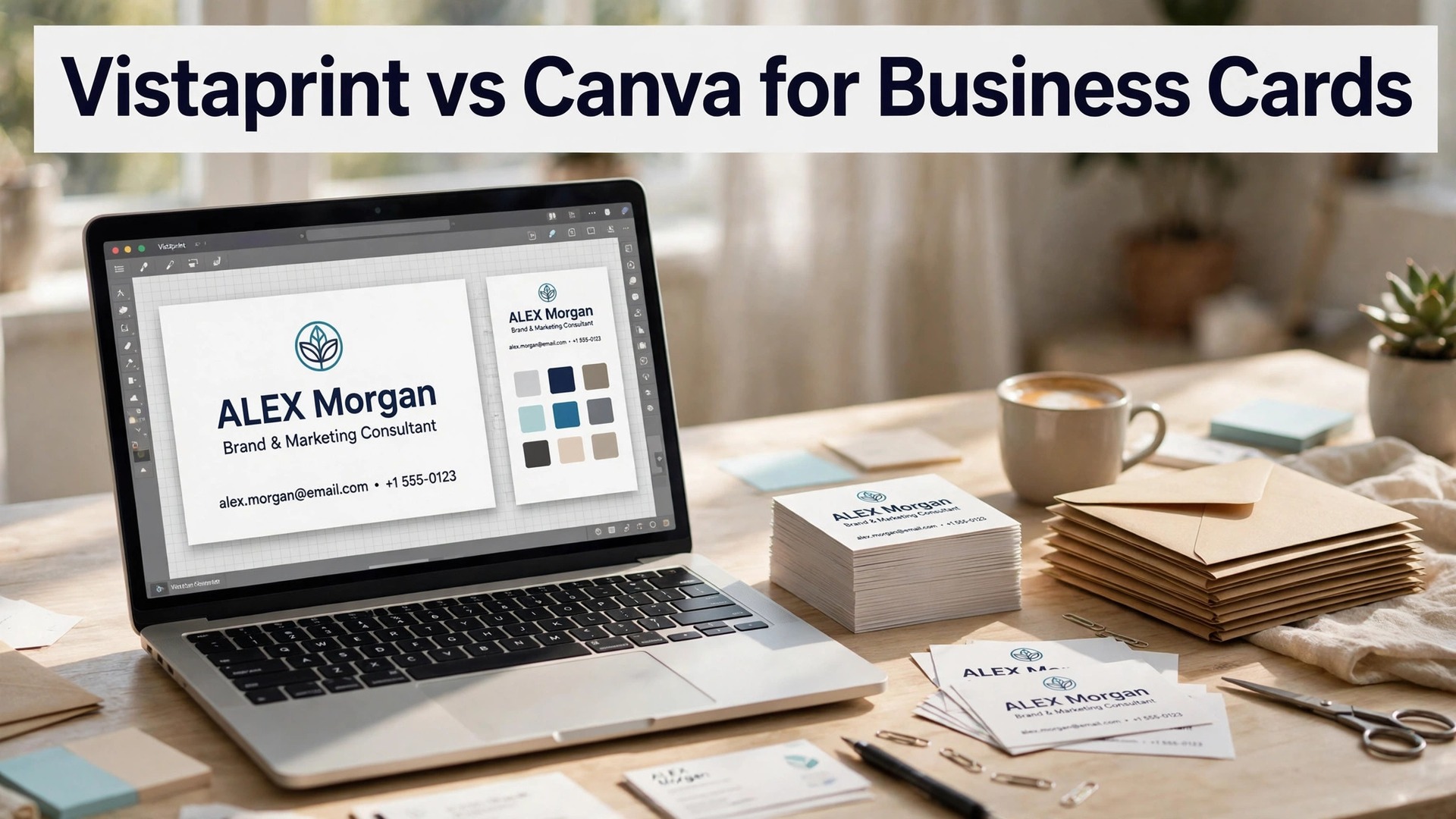
Vistaprint vs Canva for business cards comes down to one question, and it is not which tool designs a prettier card. It is whether you want a printer or a designer. Vistaprint wins when the card has to feel right in the hand, because it is a printer first, with card stocks, finishes and quantities that a design tool cannot match.
Canva wins when the card has to look right on screen, because it is a designer first, with templates, fonts and a brand kit that turn a blank card into a finished design in minutes. A small business that needs a hundred cards for a trade show will use both, and the smart move is to design in Canva and print where the stock and the price fit best.
A business card is a small thing that carries a large message, and the difference between a card that gets kept and a card that gets recycled is rarely the design. It is the paper. A card on thick stock with a clean finish feels professional. A card on thin paper with a dull print feels cheap, and the person who receives it knows the difference at once. The design matters too, but a beautiful design on thin paper loses to a simple design on thick stock every time.
The trap is the price per card. A printer that charges $15 for 100 cards looks cheap until you add shipping, and a design tool that charges $15 for 100 cards looks cheap until you add the subscription that unlocks the template. The fix is to compare the total cost, including design, print and delivery, for the quantity you actually need. Vistaprint standard cards start at $14.99 for 100, and Canva cards start from about $15 for 100, but the totals differ once shipping, finishes and quantities are counted.
The two tools look similar on a pricing page, and they are not similar in use. Vistaprint is a printer that learned design, so its strength is the stock, the finish and the quantity. Canva is a designer that learned print, so its strength is the template, the brand kit and the layout. A business that understands that difference will pick the right tool in a day, and a business that does not will pay for both and use neither well.
Quick jump
- Quick Answer. Vistaprint vs Canva in 30 Seconds
- Card Stock. Vistaprint Wins by a Wide Margin
- Print Quality. Vistaprint Wins on Detail, Canva Wins on Consistency
- Design. Canva Wins by a Wide Margin
- Pricing. A Tie at 100 Cards, Vistaprint Wins at Volume
- Ease of Use. Canva Is Easier, Vistaprint Is Simpler to Order
- Delivery. Vistaprint Wins on Choice, Canva Wins on Simplicity
- The Free Plan Test. Vistaprint vs Canva Without Paying
- Which Cards Each Tool Handles Best
- Vistaprint vs Canva for Business Cards. The Verdict by Job
- Related Guides
- Frequently Asked Questions
- The Bottom Line
Quick Answer. Vistaprint vs Canva in 30 Seconds
If you want the short version, here it is. Vistaprint is the best pick for print quality and choice, with standard cards from $14.99 for 100, premium and specialty stocks, and a print service that has served small businesses since 1995. Canva is the best pick for design, with thousands of card templates, a brand kit and a free plan, plus Canva Print for ordering cards from inside the app. A business that wants the best-feeling card should print with Vistaprint. A business that wants the fastest design should design in Canva.
The vistaprint vs canva for business cards decision is really a decision about what matters more, the paper or the design. The table below compares the two on the facts that change a decision, and the sections after it test each one on card stock, print quality, design, pricing, ease of use and delivery.
| Feature | Vistaprint | Canva |
|---|---|---|
| Best for | Print quality and choice | Fast, beautiful design |
| Free tier | Free design tool | Free plan, no watermark |
| Paid from | $14.99 for 100 standard cards | $15 for 100 cards, Pro $18/mo |
| Card stocks | Standard, premium, specialty | Standard and premium |
| Finishes | Matte, glossy, soft touch, foil | Matte, glossy |
| Design templates | Thousands, print-focused | 600,000+ across all design |
| Brand kit | Basic | 5 brand kits on Pro |
| Delivery | Standard 8 days, express 3-4 days | Varies by region |
| Founded | 1995 | 2013 |
Card Stock. Vistaprint Wins by a Wide Margin
The first test is card stock, and Vistaprint wins it by a wide margin. Vistaprint offers standard, premium and specialty stocks, with weights from 14pt to 32pt, and with finishes that include matte, glossy, soft touch, linen, kraft and foil. A standard card at 14pt feels solid. A premium card at 18pt feels substantial. A specialty card with foil or a soft-touch finish feels like a luxury product, and it gets kept. The choice is the point. A business that wants a card that feels expensive can pay for it, and a business that wants a cheap card can pay less.
Canva offers standard and premium stocks, with matte and glossy finishes, and the quality is good, but the range is thinner. A Canva card feels solid and looks clean, and for most small businesses it is enough. The difference shows up when a business wants a specialty finish, such as foil, embossing or a textured stock, because Canva does not offer those, and Vistaprint does. A business that hands out cards at a trade show will feel the difference in the first hour, because a thick card with a soft-touch finish gets kept, and a thin card gets recycled.
The stock gap is the reason many businesses design in Canva and print with Vistaprint. They make the design in Canva, download the print-ready file, and upload it to Vistaprint for the stock and finish they want. That workflow works, and it is the best of both tools, but it costs a little more time, because the file has to be exported and uploaded. A business that wants the simplest route should print where it designs. A business that wants the best-feeling card should print with Vistaprint.
Print Quality. Vistaprint Wins on Detail, Canva Wins on Consistency
The second test is print quality, and the result is a split. Vistaprint wins on detail, because its print service is built for cards, with color matching, sharp text and consistent quality across a run of a thousand cards. A Vistaprint card looks the same from the first card to the last, and the colors match the screen closely enough for a business card. The quality is not perfect, and reviews note that the color can vary between runs, but for a standard card it is reliable.
Canva wins on consistency, because its print service is built for the designs its users make, with a simple upload, a preview and a print that matches the screen. A Canva card looks clean, with sharp text and accurate colors, and the quality is consistent across a run. The difference is the range. Vistaprint prints a thousand cards with the same quality as a hundred, and Canva prints a hundred cards with the same quality as a thousand, but Vistaprint offers more stocks and finishes to print on, and that range is what decides the test for a business that cares about the feel.
The quality gap shows up in the fine print. A card with small text, a thin line or a light color needs a printer that can hold the detail, and Vistaprint holds it better on its premium stocks. A card with a bold design and a large logo needs a printer that can match the color, and both tools do that well. A business that prints a simple card will not feel the gap. A business that prints a detailed card will feel it in the first batch.
Design. Canva Wins by a Wide Margin
The third test is design, and Canva wins it by a wide margin. Canva lists more than 600,000 templates, with thousands built for business cards, covering consultants, coaches, lawyers, accountants, designers, real estate agents and small shops. The templates are designed, not just laid out, with text, fonts and layouts that look finished in minutes, and most of them are free. The editor is drag and drop, with a brand kit that locks in colors, fonts and logos across every card you make.
Vistaprint has templates too, with thousands built for business cards, but its library is smaller and more focused on print, with templates that suit a standard card rather than a designed one. The editor is simple, with drag and drop, and it covers the basics well, but it does not match Canva for range, for fonts, or for the brand kit. A business that designs in Vistaprint will make a good card. A business that designs in Canva will make a better card, faster, because the template, the fonts and the layout are already decided.
The design gap is the reason many businesses design in Canva and print with Vistaprint. In the vistaprint vs canva for business cards workflow, they make the design in Canva, download the print-ready file, and upload it to Vistaprint for the stock and finish they want. That workflow is the best of both tools, and it costs a little more time, but the result is a card that looks designed and feels premium. A business that wants the simplest route should design and print in Canva. A business that wants the best card should design in Canva and print with Vistaprint.
Pricing. A Tie at 100 Cards, Vistaprint Wins at Volume
The fourth test is pricing, and it is a tie at 100 cards, with Vistaprint winning at volume. Vistaprint standard cards start at $14.99 for 100, with premium cards from $24 for 100 and specialty cards from $30 for 100. A box of 500 standard cards costs $24.99, which is about $0.05 a card, and a box of 1,000 cards costs about $44, which is about $0.04 a card. Shipping costs from $5.99 for standard delivery in 8 business days to $49.99 for express delivery in 3 to 4 business days, and orders over $100 ship free.
Canva cards start from about $15 for 100 cards, with the price changing by stock, finish and quantity, and with Canva Pro at $18 a month or $144 a year adding premium templates and stock. The free plan covers the design tool, thousands of templates and full-size exports, with no watermark, which makes it the best free design tool in this comparison. The print price is similar to Vistaprint for a small order, but the quantity discounts are thinner, so a business that orders a thousand cards will usually pay less with Vistaprint.
The price gap is simple. A business that orders 100 cards should compare the total, including shipping, because the totals are close. A business that orders 500 or 1,000 cards should use Vistaprint, because the per-card price falls faster. A business that designs in Canva and prints with Vistaprint gets the best design and the best price, but it pays a little more time for the export and upload. Check the price at checkout, because both tools run frequent promotions and the totals change often.
Ease of Use. Canva Is Easier, Vistaprint Is Simpler to Order
The fifth test is ease of use, and Canva is easier to design with, while Vistaprint is simpler to order from. Canva’s editor is drag and drop, with a short learning curve and no buried menus. You pick a card template, swap the text and the logo, and export. The design tool is the same editor as the rest of Canva, so a user who knows Canva for posts already knows Canva for cards. The learning curve is the shortest in this comparison, and a first card takes minutes, not an afternoon.
Vistaprint’s editor is also easy, with drag and drop and a short learning curve, but its strength is the order, not the design. You pick a stock, a finish and a quantity, upload a design or pick a template, and check out. The order flow is clear, with a preview, a proof and a delivery date, and the customer service is reachable by phone, which matters when a card has to arrive by a trade show. A business that designs in Canva and prints with Vistaprint will use two editors, but the order itself is simple in both.
Delivery. Vistaprint Wins on Choice, Canva Wins on Simplicity
The sixth test is delivery, and Vistaprint wins on choice, while Canva wins on simplicity. Vistaprint offers standard delivery in 8 business days from $5.99, express delivery in 3 to 4 business days from $49.99, and free shipping on orders over $100. The delivery date is shown before checkout, and the tracking is clear. A business that needs cards by a trade show can pay for express and get them in time, and a business that plans ahead can pay for standard and save the money.
Canva Print offers delivery that varies by region, with a simple checkout and a delivery date shown before you pay. The range of delivery options is thinner than Vistaprint, and the express option is not always available, but the checkout is simpler, because the design and the print are in one place. A business that orders in Canva will get the cards without leaving the app, and a business that orders with Vistaprint will get more delivery choices. Check the delivery date before you commit, because a card that arrives after the trade show is a card that fails.
The Free Plan Test. Vistaprint vs Canva Without Paying
The free plans are where the vistaprint vs canva for business cards decision often gets made, because the gap between them is large. Canva’s free plan covers the design tool, thousands of card templates and full-size exports with no watermark, which makes it the best free design tool in this comparison. A business that cannot pay yet can still design a card in Canva, download the print-ready file, and print it elsewhere, with no watermark telling the viewer the tool was unpaid.
Vistaprint offers a free design tool too, with thousands of templates and a simple editor, but its strength is the print, not the design. A business that designs in Vistaprint can order a card without paying for a subscription, because the print price is the only cost. The free plan holds back nothing that matters for a standard card, though premium templates and finishes cost extra. A business that wants a free design should use Canva. A business that wants a free order flow should use Vistaprint.
1. Vistaprint. Best for Print Quality and Choice
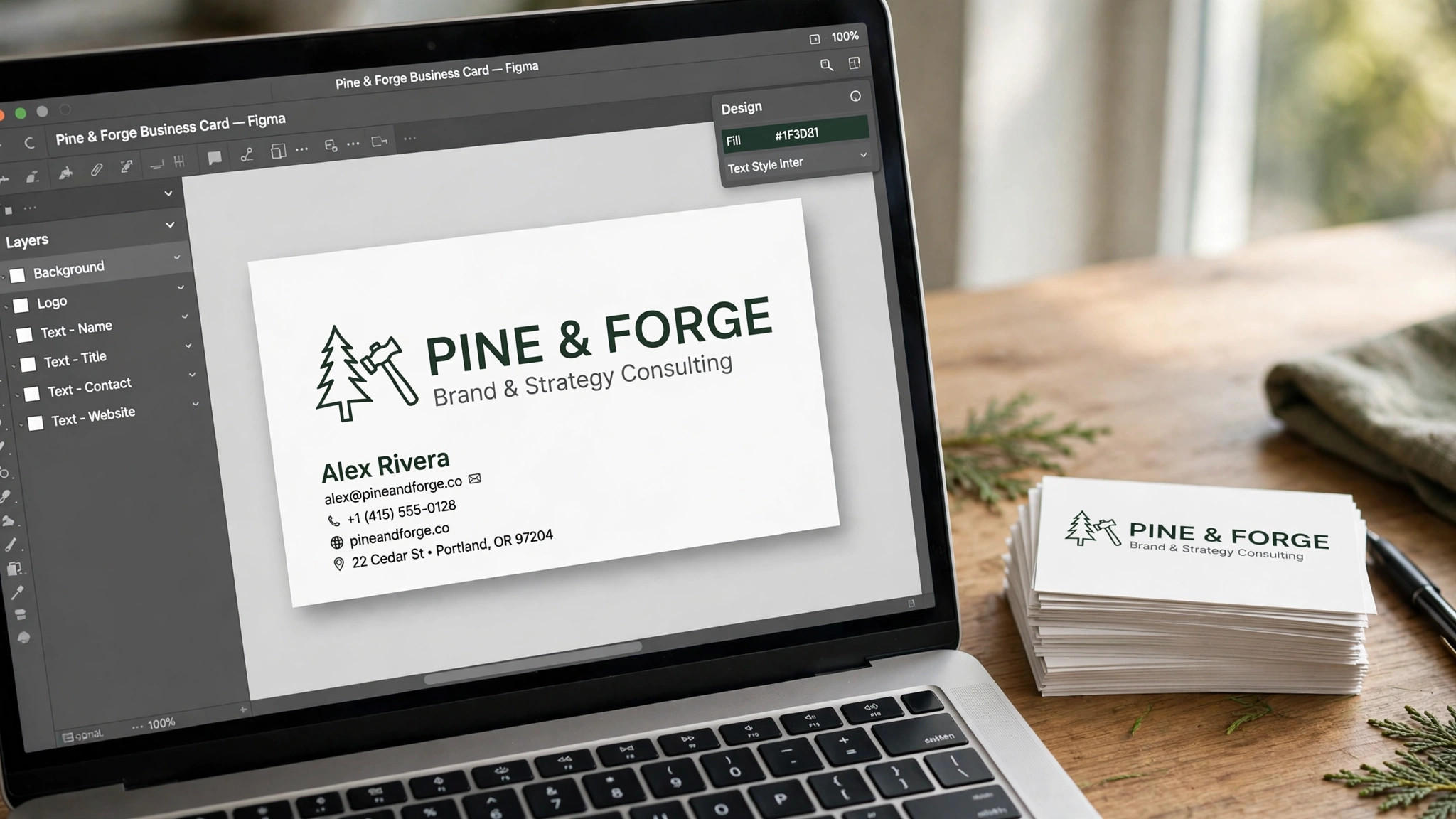
Vistaprint is the strongest choice in the vistaprint vs canva for business cards comparison when the card has to feel right in the hand. It has printed business cards since 1995, and its service covers standard, premium and specialty stocks, with weights from 14pt to 32pt, and with finishes that include matte, glossy, soft touch, linen, kraft and foil. The design tool is simple, with thousands of templates, and the order flow is clear, with a preview, a proof and a delivery date.
Pricing starts at $14.99 for 100 standard cards, with premium cards from $24 for 100 and specialty cards from $30 for 100. A box of 500 standard cards costs $24.99, and a box of 1,000 costs about $44. Shipping costs from $5.99 for standard delivery in 8 business days to $49.99 for express delivery in 3 to 4 business days, and orders over $100 ship free. Check the price at checkout, because Vistaprint runs frequent promotions and the totals change often.
Vistaprint’s range is the feature that sets it apart for a business that cares about the feel. A thick card with a soft-touch finish gets kept, and a thin card gets recycled, and the choice of stock is what decides that. A business that hands out cards at a trade show will feel the difference in the first hour, because the card is the first impression, and a premium card makes a premium impression.
What works. The stock range is the best here, and the print quality is reliable across a run. The order flow is clear, with a preview and a delivery date, and the customer service is reachable by phone.
What to watch. The design templates are thinner than Canva, and the editor is simpler, so a card that needs a designed look will take longer. The shipping cost adds up on small orders, so compare the total, not just the card price.
2. Canva. Best for Fast, Beautiful Design
Canva is the strongest choice in this comparison when the card has to look right on screen. Its template library is the largest here, with thousands of card templates for every profession, and its editor is drag and drop, with text, fonts and a brand kit built in. Canva Print lets you order the card printed and shipped without leaving the app, with standard and premium stocks and matte and glossy finishes. The free plan covers the design tool, thousands of templates and full-size exports with no watermark.
Pricing starts free for design. Canva Pro costs $18 a month or $144 a year for one person, and it adds premium templates and stock, 5 brand kits, Magic Resize, the background remover and 100GB of storage. Canva cards start from about $15 for 100 cards, with the price changing by stock, finish and quantity. Pro is a one-person licence, so a second editor means moving to Business at $25 a month or $250 a year per person. Check the price at checkout, because Canva runs frequent promotions.
Canva’s design range is the feature that sets it apart for a business that wants a beautiful card fast. The templates do the design work, the brand kit keeps every card on brand, and the editor is the easiest here. A business that makes a card in Canva will have a finished design in minutes, and the print order is one click away.
What works. The template library is the largest here, and the free export is full size with no watermark, which is the detail that matters most. The brand kit keeps every card on brand, and Canva Print is the simplest route from a design to a real card.
What to watch. The stock range is thinner than Vistaprint, with no foil, embossing or textured stocks, and the quantity discounts are thinner, so a business that orders a thousand cards will usually pay less with Vistaprint.
Which Cards Each Tool Handles Best
The vistaprint vs canva for business cards choice becomes clear when you sort cards by type. A standard card for a consultant belongs in Vistaprint, because the print quality and the stock range cover it well. A premium card with a soft-touch finish belongs in Vistaprint, because Canva does not offer that finish. A specialty card with foil belongs in Vistaprint, because the foil is the point, and only Vistaprint offers it.
A designed card with a bold template belongs in Canva, because the template library is the largest and the editor is the easiest. A card with a brand kit belongs in Canva, because the brand kit keeps the colors, fonts and logo consistent across every card. A card that needs to be designed and printed in one place belongs in Canva, because Canva Print covers the whole job in one login.
The pattern is simple. A card that needs a premium stock or finish belongs in Vistaprint. A card that needs a designed look belongs in Canva. A business that wants both should design in Canva and print with Vistaprint, and pay a little more time for the export and upload.
Vistaprint vs Canva for Business Cards. The Verdict by Job
Start with the job, not the tool. A business that wants the best-feeling card should print with Vistaprint. A business that wants the fastest design should design in Canva. A business that wants both should design in Canva and print with Vistaprint, and pay a little more time for the export and upload.
Step 1. Pick the stock first. Decide whether the card needs a standard, premium or specialty stock, and whether the finish matters. A thick card with a soft-touch finish gets kept. A thin card gets recycled. The stock decides the printer, because Canva does not offer foil or textured stocks.
Step 2. Design in Canva. Open Canva free, pick a card template for your profession, swap the text and the logo, and export the print-ready file. A first card takes minutes, not an afternoon, and the brand kit keeps every card on brand.
Step 3. Compare the total. Get a quote from Vistaprint and from Canva Print for the quantity you need, including shipping. A box of 100 cards costs about the same in both, but a box of 500 or 1,000 usually costs less with Vistaprint.
Step 4. Check the proof. Review the preview and the proof before you pay, and check the text, the logo and the margins. A card with a typo is a card that fails, and a proof is cheaper than a reprint.
Step 5. Order in time. Check the delivery date before you commit, and order early. A card that arrives after the trade show is a card that fails, and express delivery costs more than planning ahead.
Related Guides
- Best Greeting Card Makers Online
- How to Create a Product Catalog for Your Shop
- How to Design a Flyer That Gets Noticed
Frequently Asked Questions

Is Vistaprint or Canva better for business cards?
It depends on the card. Vistaprint is better for print quality and choice, because its stock range is the largest and its finishes include foil and soft touch. Canva is better for design, because its template library is the largest and its editor is the easiest. Most small businesses should design in Canva and print with Vistaprint, because that workflow gives the best design and the best-feeling card.
How much do Vistaprint business cards cost?
Vistaprint standard cards start at $14.99 for 100, with premium cards from $24 for 100 and specialty cards from $30 for 100. A box of 500 standard cards costs $24.99, and a box of 1,000 costs about $44. Shipping costs from $5.99 for standard delivery in 8 business days to $49.99 for express delivery in 3 to 4 business days, and orders over $100 ship free. Check the price at checkout, because Vistaprint runs frequent promotions.
How much do Canva business cards cost?
Canva cards start from about $15 for 100 cards, with the price changing by stock, finish and quantity. Canva Pro costs $18 a month or $144 a year, and it adds premium templates and stock, 5 brand kits and 100GB of storage. The free plan covers the design tool, thousands of templates and full-size exports with no watermark, so a business can design a card for free and pay only for the print.
Can I design in Canva and print with Vistaprint?
Yes, and many small businesses do. Design the card in Canva, download the print-ready file as a PDF, and upload it to Vistaprint for the stock and finish you want. Check the file size and the bleed settings before you upload, because Vistaprint needs a print-ready file with the right margins. That workflow gives the best design and the best-feeling card, and it costs a little more time for the export and upload.
What card stock should I choose?
A standard 14pt card suits most small businesses, because it feels solid and costs the least. A premium 18pt card suits a business that hands out cards at a trade show, because it feels substantial and gets kept. A specialty stock with foil or a soft-touch finish suits a luxury brand, because the finish is the point. A card on thin paper feels cheap, so avoid the lightest stock, and check the sample before you order a thousand.
The Bottom Line
Vistaprint vs Canva for business cards comes down to the paper and the design. Vistaprint is the best choice for print quality and choice, with standard cards from $14.99 for 100 and a stock range that includes foil and soft touch. Canva is the best choice for fast, beautiful design, with thousands of templates and a free plan that exports a full-size card.
A business that wants the best card should design in Canva and print with Vistaprint, because that workflow gives the best design and the best-feeling card. Start with Canva free, design the card, compare the total with Vistaprint, and pay only for the print that fits the stock and the quantity you need.
2 thoughts on “Vistaprint vs Canva for Business Cards”