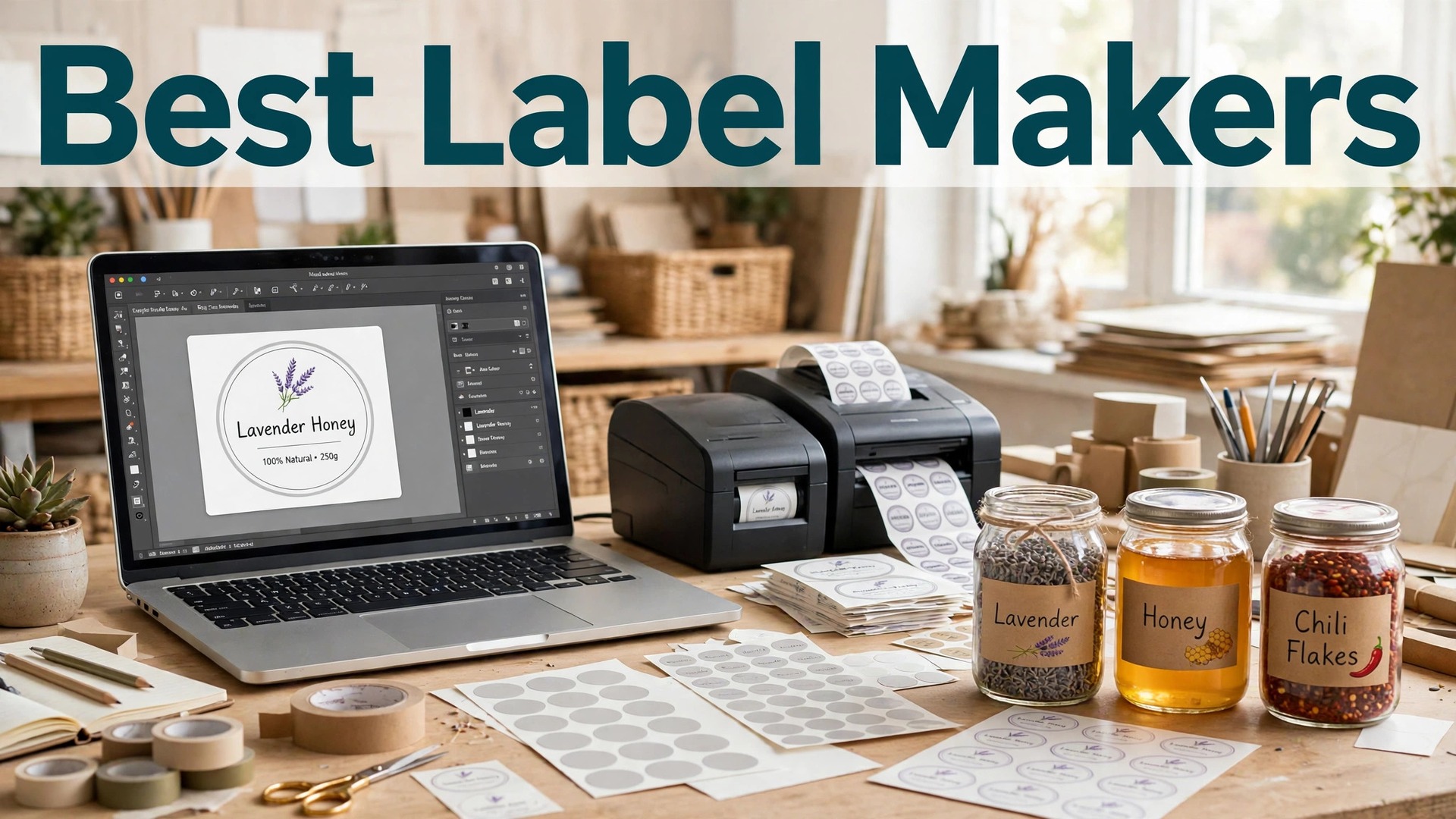
The best label makers for small business share one job. They turn a jar, a bottle or a box into a product a customer trusts enough to buy. A homemade label with a blurry logo and a typo tells a customer the product is homemade in the wrong way. A clean label with the right size, the right paper and the right information tells them the product is professional, and that difference is worth more than the label costs.
Canva leads this list for design, with the easiest editor and label templates for every product. Avery leads for printing at home, with free templates matched to its label sheets. OnlineLabels and Maestro lead for buying label sheets and designing in the browser. StickerYou, Vistaprint, Moo and Zazzle cover printed labels, and Labeljoy and Adobe Express round out the list.
Prices below were checked in November 2026. Canva Pro costs $18 a month or $144 a year. Adobe Express Premium costs $9.99 a month. Avery templates are free, and you pay for the label sheets. Printed labels from StickerYou and Vistaprint start at about $0.50 per label in bulk. Prices change with size, material and quantity.
In this article
- Quick Answer. The Best Label Makers For Small Business in 30 Seconds
- How We Compared These Tools
- Best Pick by Job
- Free vs Paid. What You Actually Get
- How to Choose the Right One for You
- A Simple Workflow That Works
- The Details That Decide the Result
- Mistakes to Avoid
- Related Guides
- Frequently Asked Questions
- The Verdict
Quick Answer. The Best Label Makers For Small Business in 30 Seconds
Canva is the best all-round pick for designing a label, with Pro at $18 a month or $144 a year and a free plan that exports a print-ready file. Avery is the best pick for printing labels at home, with free templates matched to every label sheet it sells. OnlineLabels is the best pick for buying label sheets and designing online, with a free design tool and sheets from a few dollars.
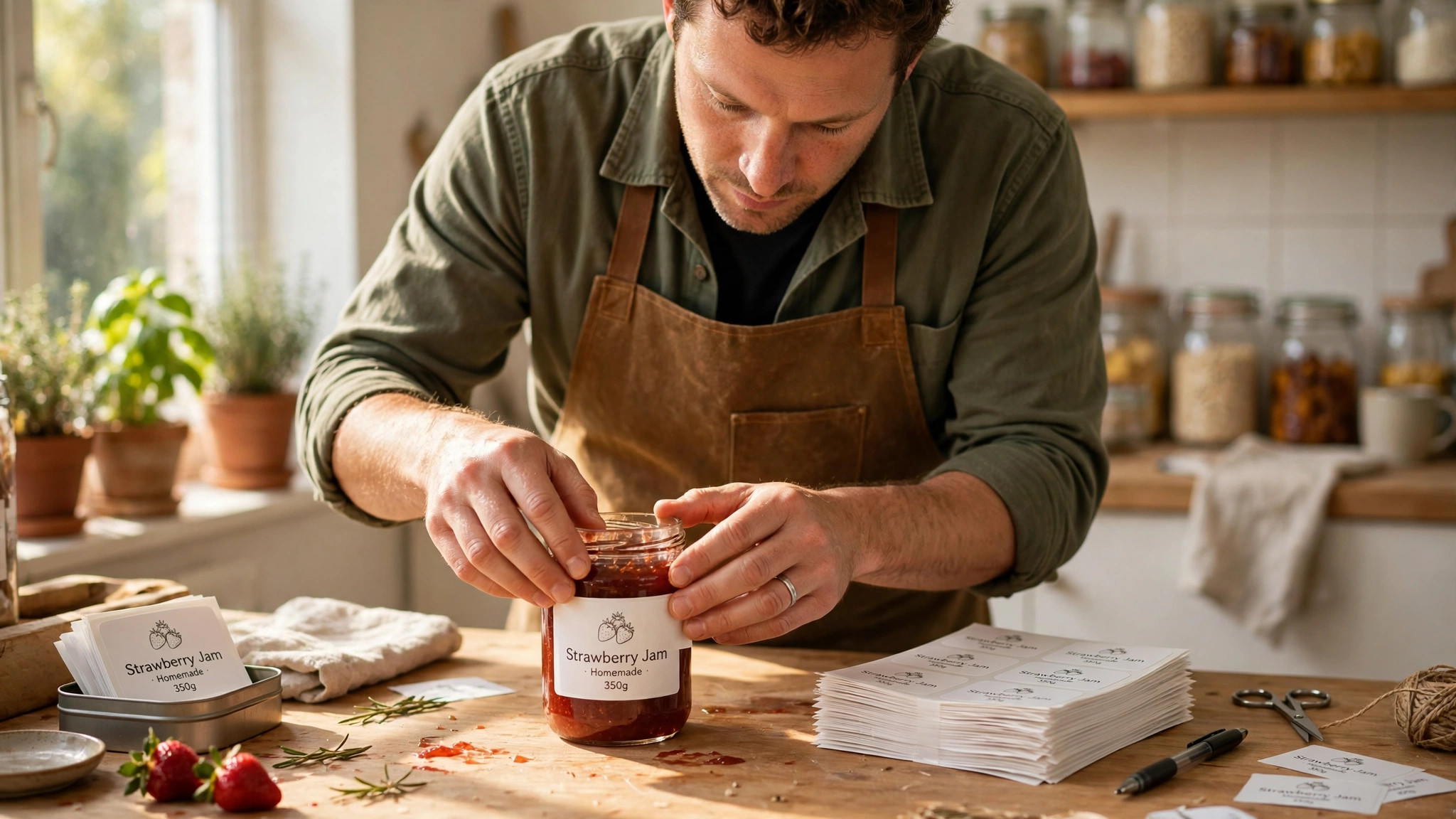
If you need labels this week, design in Canva, download the file, and print it on Avery sheets at home, or send it to StickerYou for a waterproof printed label. If you sell food, check the labelling rules for your country first, because the information on the label is a legal requirement, not a design choice. The rest of this guide explains sizes, materials and the rules that catch small businesses out.
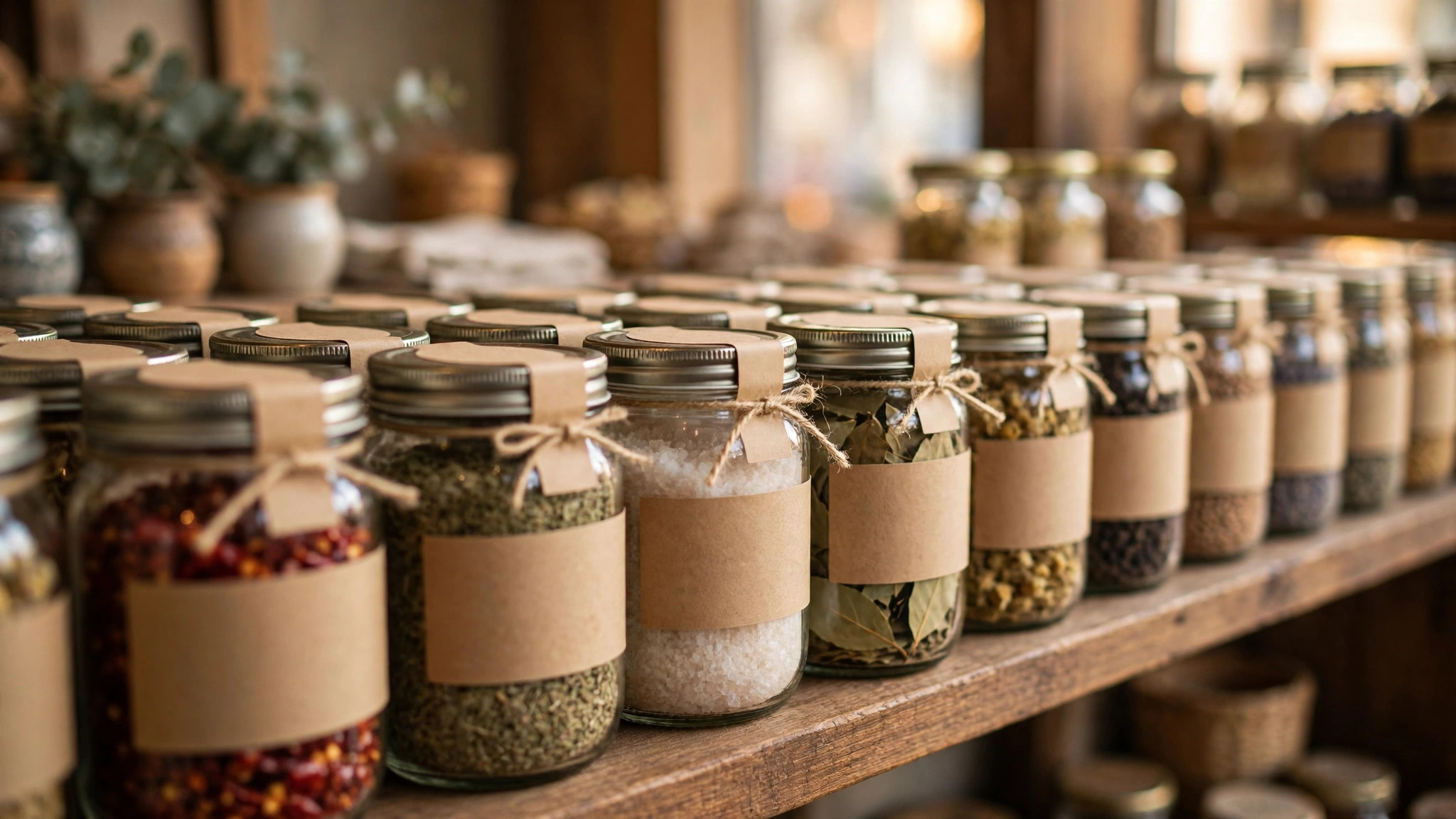
| Tool | Best for | Free design | Paid from | Standout |
|---|---|---|---|---|
| Canva | Designing the label | Yes | $18/mo or $144/yr | Easiest editor, many templates |
| Avery | Printing labels at home | Yes, free | Sheets from a few dollars | Templates matched to sheets |
| Adobe Express | Adobe-quality label design | Yes | $9.99/mo | Adobe Fonts and templates |
| Maestro Label Designer | Designing for OnlineLabels sheets | Yes, free | Free | Free tool, exact sheet sizes |
| OnlineLabels | Buying label sheets online | Yes, free | Sheets from a few dollars | Huge sheet range |
| StickerYou | Waterproof printed labels | Yes | About $0.50/label bulk | Durable waterproof labels |
| Vistaprint | Printed labels and stickers | Yes | About $0.50/label bulk | Reliable print, low prices |
| UPrinting | Bulk printed labels | Yes | About $0.40/label bulk | Cheap bulk printing |
| Moo | Premium printed labels | Yes | About $0.80/label bulk | Thick premium paper |
| Zazzle | Custom printed labels | Yes | About $1/label | Huge marketplace |
| Labeljoy | Barcode and label software | Trial | About $49 once | Barcodes and batch printing |
| NiceLabel | Professional label software | Trial | Contact sales | Enterprise label management |
1. Canva
Best for designing a label without design skill. Price Pro costs $18 a month or $144 a year. Free tier The free plan includes label templates and exports a print-ready file.
Canva label designs can be downloaded as PDF and sent to any printer, or printed at home on Avery sheets. Pro costs $18 a month or $144 a year. The free plan includes label templates and exports a print-ready file.
Canva has label templates for jars, bottles, boxes and bags, and the editor is the easiest here. The brand kit on Pro keeps every label on brand. Canva does not sell label sheets or print labels itself, so you print elsewhere. The default pick for design. Pair Canva with Avery sheets at home or StickerYou for printed labels, and you have a complete system.
The question to ask before you pay for Canva is simple. Will you use it next month, and the month after? A tool you open once is a free tool. A tool you open every week is a subscription, and the right question is whether the work it saves is worth the monthly price.
2. Avery
Best for printing labels at home with matched templates. Price Avery Design and Print is free. Free tier You pay for the label sheets, which cost a few dollars per pack.
Avery sells label sheets in hundreds of sizes and materials, including waterproof options. Avery Design and Print is free. You pay for the label sheets, which cost a few dollars per pack.
Avery templates match its label sheets exactly, so the design prints in the right place every time, which is the part of home label printing that usually goes wrong. Home printing costs more per label than bulk printing, and the quality depends on your printer. The best pick for a small batch, a farmers market stall or a product you label by hand. Start here and upgrade to printed labels when the volume grows.
One detail worth checking on Avery is the export. Open the free export before you invest an hour in the design, and make sure the file is clean, sharp and in a format you can actually use. A beautiful design you cannot export is a wasted afternoon.
3. Adobe Express
Best for Adobe-quality label design on a budget. Price Premium costs $9.99 a month. Free tier The free plan includes label templates.
Express is included with some Creative Cloud plans, so check whether you already pay for it. Premium costs $9.99 a month. The free plan includes label templates.
Adobe Express brings Adobe Fonts and Firefly tools to label design, so the typography looks a step above the free tools. Like Canva, it does not print labels, so you need a printer or a label sheet. A good pick if you already use Adobe products, or if typography matters more to you than print services.
Before you commit to Adobe Express, try it on a real job, not a test. A tool that feels good on a demo can still fight you on a deadline, and ten minutes with a real project tells you more than an hour of reading reviews.
4. Maestro Label Designer
Best for free online design matched to label sheets. Price Maestro is free. Free tier There is no paid plan for the design tool.
Maestro lets you add barcodes and QR codes to your labels, which matters for retail products. Maestro is free. There is no paid plan for the design tool.
Maestro is the free design tool from OnlineLabels, and it knows the exact size of every label sheet, so your design fits the sheet perfectly. It is a basic editor, with fewer templates than Canva, and it only makes sense with OnlineLabels sheets. The pick when you buy OnlineLabels sheets and want a free tool that fits them exactly.
The honest test for Maestro Label Designer is whether you come back to it. A tool you use once and forget was never the right tool, however good the first result looked. The ones in this guide earned their place because people keep using them.
5. OnlineLabels
Best for buying label sheets in any size and material. Price The design tool is free. Free tier Label sheets cost a few dollars per pack, depending on size and material.
OnlineLabels offers blank and pre-printed sheets, and its material guide explains which sheet suits food, cosmetics and outdoor use. The design tool is free. Label sheets cost a few dollars per pack, depending on size and material.
OnlineLabels sells label sheets in a huge range of sizes, shapes and materials, including waterproof, freezer-safe and removable options. You need to know the size and material you need, because the range is large enough to confuse a first-time buyer. The pick for buying sheets. Use Maestro to design, and the sheet finder to pick the material.
If you use OnlineLabels once a month, the free plan is probably enough, and you should not pay for a year of something you open twice. If you use it every week, the paid plan is the honest cost, and it is worth budgeting for, because the time it saves adds up faster than the subscription.
6. StickerYou
Best for waterproof printed labels that survive a fridge. Price Custom printed labels start at about $0.50 per label in bulk. Free tier Designing is free, with templates and a free proof.
StickerYou prints die-cut labels in any shape, so your label can match the shape of your jar or bottle. Custom printed labels start at about $0.50 per label in bulk. Designing is free, with templates and a free proof.
StickerYou labels are waterproof, dishwasher-safe and freezer-safe, which matters for food, cosmetics and drinks that live in a fridge. It costs more than home printing, and the minimum order applies. The pick for food, drink and cosmetic products, where the label gets wet, cold or handled daily.
The question to ask before you pay for StickerYou is simple. Will you use it next month, and the month after? A tool you open once is a free tool. A tool you open every week is a subscription, and the right question is whether the work it saves is worth the monthly price.
7. Vistaprint
Best for printed labels at a low price. Price Printed labels start at about $0.50 per label in bulk. Free tier The design tool is free.
Vistaprint is one of the largest online printers, and its label quality is consistent. Printed labels start at about $0.50 per label in bulk. The design tool is free.
Vistaprint prints labels reliably and cheaply, with templates for products, packaging and shipping. The material range is narrower than StickerYou, and waterproof options are fewer. The pick for a general printed label on a budget, when waterproofing is not the priority.
One detail worth checking on Vistaprint is the export. Open the free export before you invest an hour in the design, and make sure the file is clean, sharp and in a format you can actually use. A beautiful design you cannot export is a wasted afternoon.
8. UPrinting
Best for bulk printed labels at the lowest price. Price Printed labels start at about $0.40 per label in bulk. Free tier The design tool is free.
UPrinting offers many paper and material options, including foil and waterproof finishes. Printed labels start at about $0.40 per label in bulk. The design tool is free.
UPrinting is the cheapest bulk printer here, with prices that fall fast as the quantity rises. The design tool is basic, so design in Canva and upload the file. The pick for a large order on a tight budget. Design elsewhere, print here.
Before you commit to UPrinting, try it on a real job, not a test. A tool that feels good on a demo can still fight you on a deadline, and ten minutes with a real project tells you more than an hour of reading reviews.
9. Moo
Best for a premium label that feels expensive. Price Printed labels start at about $0.80 per label in bulk. Free tier The design tool is free.
Moo labels suit luxury products, gift packaging and anything where the label is part of the experience. Printed labels start at about $0.80 per label in bulk. The design tool is free.
Moo paper is thick, with a premium feel that customers notice, and the print quality is the best here. It costs more than the bulk printers, and the range is smaller. The pick when the label has to feel premium. For a bulk food label, StickerYou is the better value.
The honest test for Moo is whether you come back to it. A tool you use once and forget was never the right tool, however good the first result looked. The ones in this guide earned their place because people keep using them.
10. Zazzle
Best for custom printed labels from a huge marketplace. Price Printed labels start at about $1 per label. Free tier Designing is free, with templates and marketplace designs.
Zazzle prints on demand, so you can order a small quantity without a minimum. Printed labels start at about $1 per label. Designing is free, with templates and marketplace designs.
Zazzle has a huge marketplace of label designs, so a niche product often has a design ready to customise. It is the priciest printed option here, and the quality varies by product. The pick for a one-off label or a design you cannot find anywhere else.
If you use Zazzle once a month, the free plan is probably enough, and you should not pay for a year of something you open twice. If you use it every week, the paid plan is the honest cost, and it is worth budgeting for, because the time it saves adds up faster than the subscription.
11. Labeljoy
Best for barcode and batch label software for small business. Price Labeljoy costs about $49 once for the standard version. Free tier A free trial is available.
Labeljoy connects to spreadsheets, so you can print a hundred different labels from one file. Labeljoy costs about $49 once for the standard version. A free trial is available.
Labeljoy is built for businesses that print labels in batches, with barcode support, database connections and templates for shipping and products. It is Windows software with a learning curve, and it is overkill for a simple label. The pick for a business that prints batches of labels with barcodes, like a warehouse or a food producer.
The question to ask before you pay for Labeljoy is simple. Will you use it next month, and the month after? A tool you open once is a free tool. A tool you open every week is a subscription, and the right question is whether the work it saves is worth the monthly price.
12. NiceLabel
Best for professional label software for larger operations. Price Pricing is by quote, so contact sales. Free tier A trial is available.
NiceLabel is used by large manufacturers and logistics companies. Pricing is by quote, so contact sales. A trial is available.
NiceLabel is the professional standard for label management, with centralised templates, printing from any location and compliance features. It is enterprise software, with enterprise pricing, and it is far more than a small business needs. Included here for completeness, not as a recommendation for a small business. If you need this, you already know.
One detail worth checking on NiceLabel is the export. Open the free export before you invest an hour in the design, and make sure the file is clean, sharp and in a format you can actually use. A beautiful design you cannot export is a wasted afternoon.
How We Compared These Tools
We started with a long list of more than twenty tools and cut it to the 12 in this guide. A tool made the list only if a beginner could use it without a tutorial, it exports a usable file, and it is still actively maintained. Tools that had not been updated in years, or that locked the basic export behind a paywall, were cut.
Prices were checked on the vendor pricing pages in November 2026, and every price in this guide is the figure we found there. Prices change often, and some tools show different prices by country, so check the price on the day you pay. Where two sources disagreed, we used the vendor page and said so in the text.
We did not rank tools by features alone. A tool with a hundred features you never use loses to a tool with ten features you use every week. The rankings in this guide weigh ease of use, export quality, the free tier and the price, in that order, because those are the things that decide whether you finish the job.
Best Pick by Job
There is no single winner here, because the right tool depends on the job you are doing. The table below gives the pick by job, not by brand loyalty. Read the row that matches your situation and you have your answer.
| Your job | Best pick | Why |
|---|---|---|
| Designing a label without design skill | Canva | The default pick for design. Pair Canva with Avery sheets at home or StickerYou for printed labels, and you have a complete system. |
| Printing labels at home with matched templates | Avery | The best pick for a small batch, a farmers market stall or a product you label by hand. Start here and upgrade to printed labels when the volume grows. |
| Adobe-quality label design on a budget | Adobe Express | A good pick if you already use Adobe products, or if typography matters more to you than print services. |
| Tightest budget | Canva | Strongest free tier in this list. |
| Fastest result | Avery | Quickest path from idea to finished file. |
Free vs Paid. What You Actually Get
The free plans in this guide are real, but they all have a limit. Usually the limit is the export, the number of designs, or the licence. A free plan that exports a watermarked file is not free for a public project, and a free plan that allows three downloads a month is not free for a business that publishes weekly.
The paid plan is worth it when you use the tool every week, when you need the brand kit, or when the free export carries a watermark you cannot show a client. It is not worth it when you need one file, once. For a single project, use the free plan, finish the job, and cancel nothing, because there is nothing to cancel.
Watch the trial terms. Several tools in this list start with a cheap trial that renews automatically, and the renewal price is the real price. Set a reminder for the day before the trial ends, and decide then, with the finished file in your hand, whether the tool earned the subscription.
How to Choose the Right One for You
Start with the size. Measure the jar, bottle or box, and pick a label that fits with room to spare. A label that wraps too far around a jar hides the product. A label that is too small looks lost. Order a sample sheet and test the fit before you order a hundred.
Next, pick the material by where the product lives. A jam jar in a fridge needs a waterproof label. A candle needs a heat-resistant label. A box on a shelf needs a standard paper label. The wrong material peels, smudges or falls off, and the customer blames the product, not the label.
Finally, check the legal requirements for your product. Food labels need ingredients, allergens, weight and a best-before date in most countries. Cosmetic labels need ingredients and warnings. The rules vary by country, so check the regulator for your market before you print.
A Simple Workflow That Works
Step 1. Measure the product and pick a label size that fits with room to spare.
Step 2. Choose the material by where the product lives, fridge, shelf or outdoors.
Step 3. Design the label in Canva with your brand colours, logo and product name.
Step 4. Add the legal information, ingredients, allergens, weight and dates.
Step 5. Print a test on the real material and stick it on the real product.
Step 6. Check it in the fridge, in the sun and in a customer hand, then order the full batch.
The Details That Decide the Result
A food label in most countries must show the product name, the ingredients in order of weight, allergens, net weight, a best-before or use-by date, and the name and address of the producer. The exact rules vary, so check the food standards regulator for your country. A label that misses a required allergen warning is a legal problem, not a design problem.
Barcode labels need a quiet zone, the white space around the barcode, or the scanner cannot read them. Leave at least a few millimetres of white space on each side, and test the barcode with a phone scanner before you print a batch.
Waterproof labels cost more, but a paper label on a jam jar in a fridge will peel within days. Spend the extra on the material that fits the product, because a label that falls off is a product that looks unfinished.
Mistakes to Avoid
The most common mistake is the wrong size. A label designed on screen, printed, and stuck on a curved jar will wrinkle at the edges. Test the fit on the real product before you order, and adjust the size until it sits flat.
The second mistake is forgetting the legal information. A beautiful label without ingredients, allergens or a weight is a label you cannot legally sell. Add the legal text first, then design around it, not the other way around.
The third mistake is a low-resolution logo. A logo that looks sharp on screen and blurry on a printed label tells the customer the product is amateur. Use a vector logo or a PNG at 300 dots per inch, and test the print before you order.
If you want the shortlist again, the best label makers for small business that matter most are the ones above, and the best pick depends on your budget, your skill and how often you will use the tool.
That is the honest picture of the best label makers for small business available today, and the differences that matter are the price, the free tier and how the tool handles your real work.
A final note on the best label makers for small business in this list. None of them is perfect for everyone, and the right choice is the one that fits the job you actually do, not the one with the longest feature list.
Before you decide, remember what the best label makers for small business are for. They exist to save you time and to make the result look professional, and any tool that does both is worth paying for.
The best label makers for small business above cover every budget, from free to premium, so there is no reason to settle for a tool that fights you. Pick the one that feels easy, and get on with the work.
When friends ask about the best label makers for small business, the advice is always the same. Start free, make one real thing, and pay only when the free plan stops you from finishing the job.
That is the full picture of the best label makers for small business worth your time this year. The market will change, prices will move, and new tools will appear, but the way to choose will stay the same.
Related Guides
- Best Online Wedding Invitation Makers: Complete 2026 Guide
- Best Poster Makers for Small Business
- Best Sticker Makers for Small Business
Frequently Asked Questions
What is the best label maker for a small business?
Canva is the best all-round pick for designing a label, with Pro at $18 a month or $144 a year. Avery is the best pick for printing at home, with free templates matched to its sheets. StickerYou is the best pick for waterproof printed labels, from about $0.50 per label in bulk.
Can I print labels at home?
Yes, with Avery label sheets and the free Avery Design and Print tool. Home printing suits small batches. For larger quantities, a bulk printer like UPrinting or Vistaprint costs less per label and gives a better finish.
What size should a product label be?
Measure the product and pick a label that fits with room to spare. A label that wraps too far hides the product, and a label that is too small looks lost. Test the fit on the real product before you order a batch.
Do food labels need allergen information?
Yes, in most countries. Food labels must list ingredients, allergens, net weight and a best-before or use-by date. Check the food standards regulator for your country, because the exact rules vary and a missing allergen warning is a legal problem.
Are waterproof labels worth the extra cost?
Yes, for any product that lives in a fridge, gets wet or is handled daily. A paper label on a jam jar will peel within days. A waterproof label from StickerYou costs more but stays on, and that is cheaper than reprinting.
The Verdict
The best label makers for small business are the ones that give you a clean design, the right material and a label that fits the product. Canva wins for design, Avery wins for home printing, and StickerYou wins for waterproof printed labels. Measure the product, pick the material by where it lives, add the legal information first, and test one label on the real product before you order a hundred. A label is the smallest part of your product, and it is the part the customer sees first.
If you need labels this week, design in Canva, print a test on Avery sheets, and stick it on the product. If it fits, reads clearly and stays on, order the rest. That is the whole process, and it takes an afternoon.
A label is a promise. It tells the customer what is inside, who made it and how to use it. A label that gets those three things right earns trust before the customer tastes, smells or opens the product.
The material is not a detail. A label that peels in the fridge or smudges in the rain tells the customer the product is careless, however good the contents are. Spend the money on the right material.
Legal information is not optional. Ingredients, allergens, weight and dates are required by law in most countries, and a missing allergen warning can harm a customer. Add the legal text first, then design around it.
Test the label on the real product, in the real conditions. In the fridge, in the sun, in a bag, in a customer hand. A label that survives all four is a label you can trust.
Keep a copy of the label file, with the size and material noted. When you reorder, you will not have to redesign it, and the new batch will match the old one exactly.
A barcode that does not scan is a product that cannot be sold in a shop. Test it with a phone scanner before you print a batch, and leave white space around it.
The best label is the one a customer reads in three seconds and understands. Product name, what it is, who made it. Everything else is supporting detail.
1 thought on “Best Label Makers for Small Business: Complete 2026 Guide”