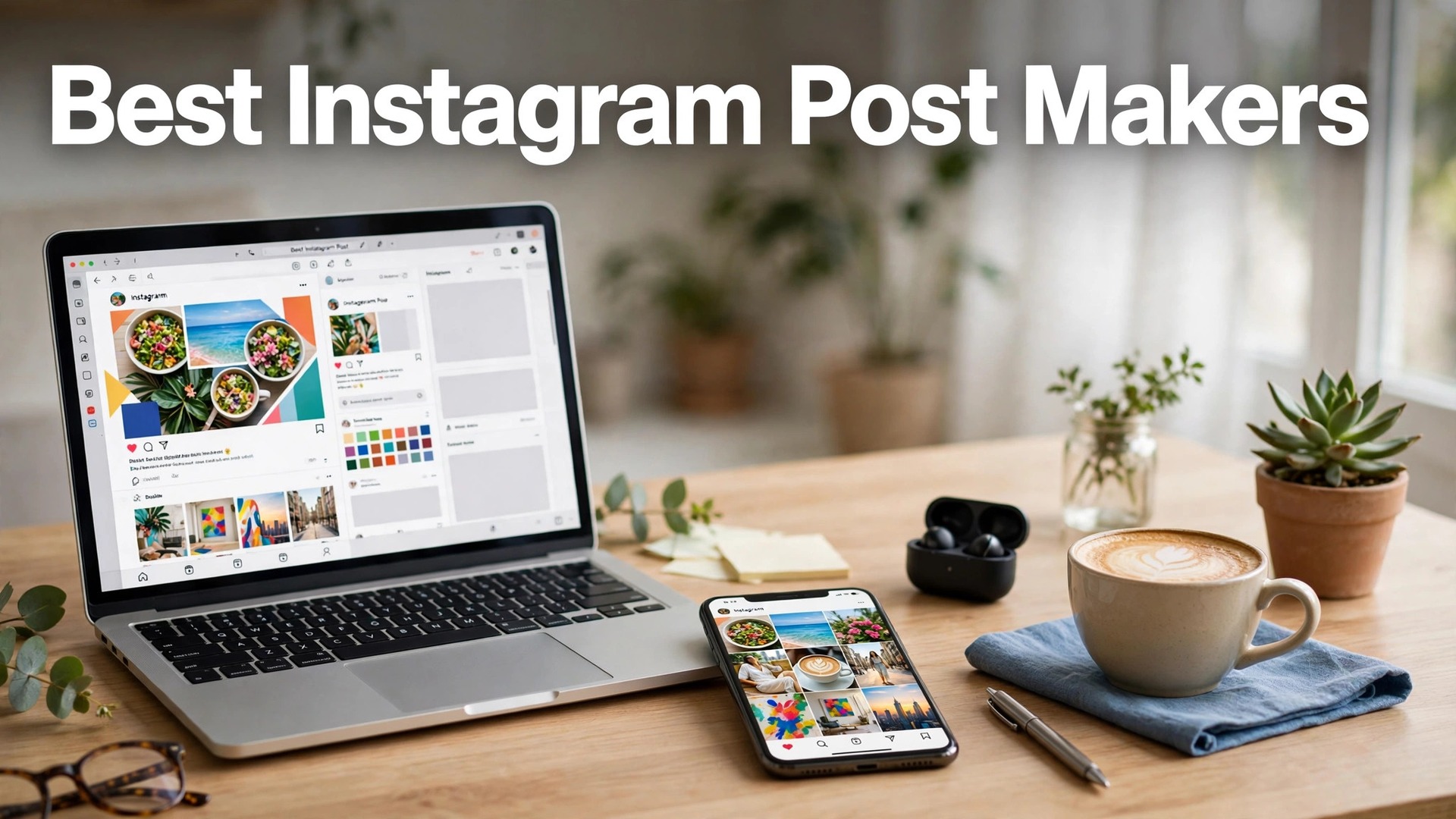
The best instagram post makers in 2026 are Canva, Adobe Express and Later, and the reason Instagram deserves its own guide is that it is not one format. It is five. A feed post, a story, a reel cover, a carousel and a profile highlight all have different sizes, different rules and different jobs, and a tool that handles one well can fail the other four. The makers in this guide are judged on whether they cover the whole set, not just the square post.
An Instagram feed is a shop window, and visitors judge it in about three seconds. They look at the grid, not at a single post, and they decide whether the business looks professional, consistent and worth following. A feed where every post uses the same fonts, the same colours and the same style looks like a brand. A feed where every post looks different looks like a hobby. The tools here are judged on whether they make consistency easy, because that is what the grid rewards.
This guide compares twelve makers on the facts that change a buying decision. Template quality for posts, stories and reels, the visual planner, the scheduler, and the price of the plan that removes the watermark. Prices are the published figures we checked, with a note to confirm them at checkout, because they move often.
Quick Answer. The Short Version for Busy Creators
Canva is the best all-round pick, because its template library covers posts, stories, reel covers and carousels, its scheduler posts directly to Instagram, and Pro at $18 a month or $144 a year adds brand kits, Magic Resize and background removal. Adobe Express is the best pick for a polished grid, because its templates are cleaner and Premium at $9.99 a month includes premium stock, fonts and a scheduler. Later is the best pick for planning the grid, because its visual planner shows the next nine posts before you publish, with a link-in-bio tool and best-time-to-post data from about $25 a month.
If you want one tool that designs and schedules, start with Canva. If you want the grid to look designed, start with Adobe Express. The best instagram post makers all agree on one point. A grid that looks consistent beats a single post that looks perfect, so pick the tool that makes consistency easy.
| Tool | Best for | Free tier | Paid from | Key strength |
|---|---|---|---|---|
| Canva | All-round Instagram | Free plan | $18/mo or $144/yr | Largest templates + scheduler |
| Adobe Express | Polished grid | Free plan | $9.99/mo | Premium stock + scheduler |
| Later | Grid planning | Free plan | About $25/mo | Visual planner, link in bio |
| Mojo | Animated stories | Free plan | About $9.99/mo | Animated templates |
| Unfold | Minimal stories | Free plan | About $9.99/mo | Clean, minimal templates |
| GoDaddy Studio | Small business posts | Free plan | About $9.99/mo | Brand kit, quick designs |
| Planoly | Visual planning | Free plan | About $16/mo | Grid planner, analytics |
| Preview | Feed planning | Free plan | About $12.99/mo | Unlimited planning, analytics |
| InShot | Reels and video | Free plan | About $3.99/mo | Video editing, reel covers |
| CapCut | Reels and video | Free plan | About $9.99/mo | Best free video tools |
| VistaCreate | Quick posts | Free plan | About $13/mo | Fast, animated templates |
| PicCollage | Collage posts | Free plan | About $4.99/mo | Grids and collages |
The Grid, the Story and the Reel Cover
The grid is the first test, and it is the one Instagram rewards most. A visitor opens your profile and sees nine posts at once, and in that moment they decide whether to follow. A grid with consistent fonts, colours and spacing looks like a brand, while a grid with nine different styles looks like a personal account. Canva’s brand kits, Adobe Express’s brand kits and Later’s visual planner all help here, because they let you see the grid before you publish. The test is simple. Screenshot your last nine posts and look at them as a grid. If they belong together, the tool is working.
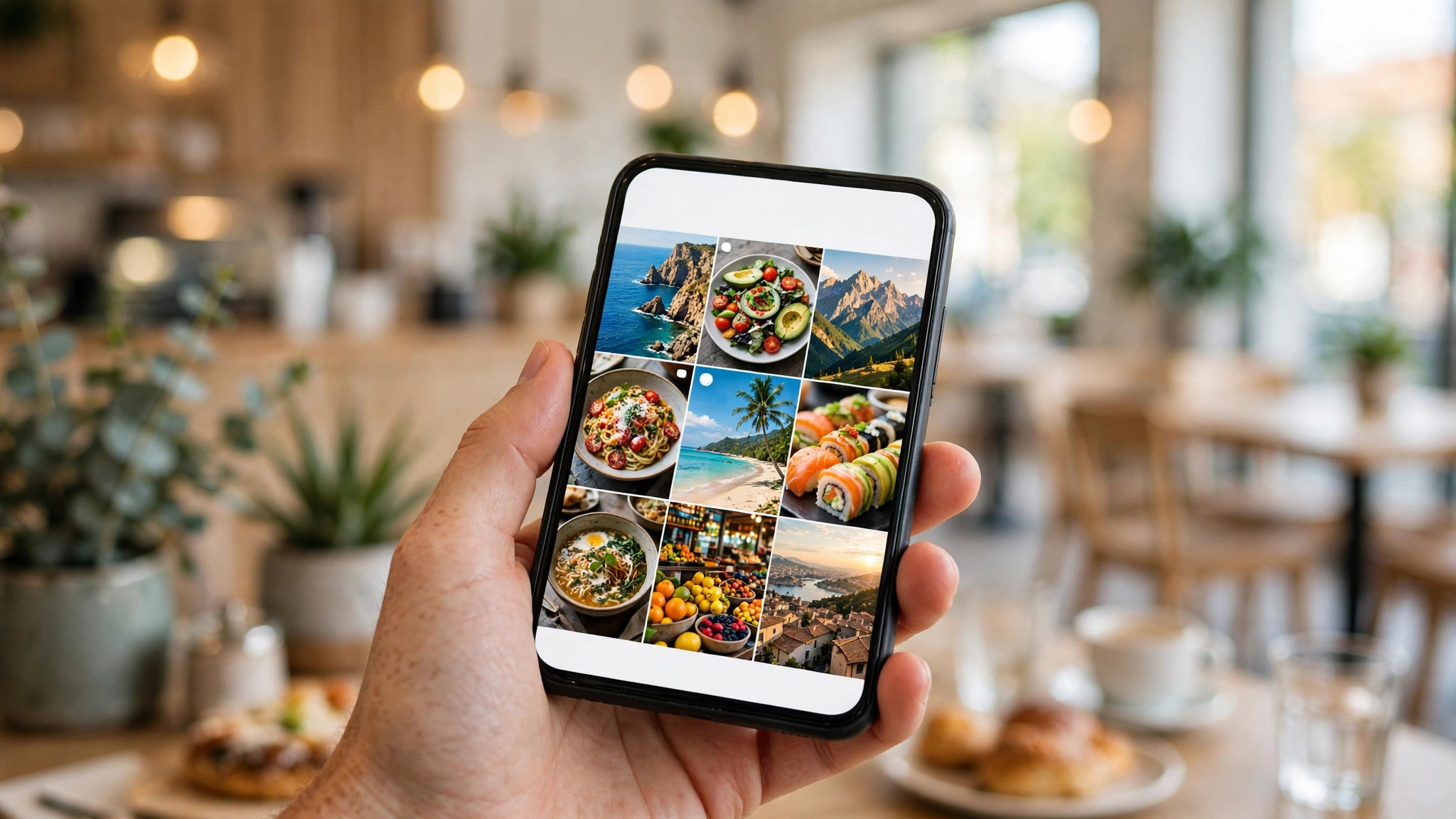
Stories are the second test, and they have different rules. A story is vertical, it lasts 24 hours, and it is watched quickly, often with the sound off. That means large text, one message per frame, and a clear next step like a poll, a question or a swipe-up link. Mojo and Unfold are built for stories, with animated templates that look professional in seconds, while Canva and Adobe Express cover stories alongside posts. A business that only posts to the feed and ignores stories is missing the format its followers actually watch every day.

Reel covers are the third test, and they are the one most businesses get wrong. A reel cover is the still image that represents a video on your grid, and it has to match the feed while also saying what the video is about. CapCut and InShot both make reel covers alongside the video edit, which keeps the cover consistent with the content. Canva’s templates cover reel covers too, with the right size and safe areas marked. A reel with a random cover breaks the grid, and a grid with broken covers looks careless, so treat the cover as part of the post, not an afterthought.
1. Canva. Best All-Round Pick
Canva is the default Instagram maker for most small businesses, and the reason is the range. Its templates cover feed posts, stories, reel covers, carousels and highlights, with the right size for each one, and its scheduler publishes directly to Instagram. Pro at $18 a month or $144 a year adds brand kits, Magic Resize, background removal and premium templates, plus a content planner that shows the month at a glance. For a business that posts three times a week across every format, it is the most complete option here.
What works. The template range is unmatched, the scheduler covers every format, and the brand kit keeps the grid consistent. What to watch. The free plan limits scheduled posts, and the library is so large that finding the right template takes time. The AI tools are useful, but the captions still need a human edit.
2. Adobe Express. Best Polished Grid
Adobe Express is Adobe’s design app for Instagram, and its templates look a step more polished than most rivals. The layouts use strong typography and generous white space, the library includes premium Adobe Stock photos and 30,000-plus Adobe Fonts, and one-click resize turns a post into a story, a reel cover and a banner in seconds. Premium costs $9.99 a month with no annual commitment, and it adds brand kits, premium templates, 100GB of storage and a scheduler. It suits a business that wants its grid to look designed, not assembled.
What works. The template quality is the best here for a professional grid, the stock and fonts are genuinely premium, and monthly billing means you can stop after one month. What to watch. The template count is smaller than Canva, and the scheduler is simpler than Later. Use it for the look, and pair it with Later if you need a visual planner.
3. Later. Best Grid Planning
Later is built for visual planning, and its drag-and-drop calendar shows your Instagram grid before you post, so you can see whether the next nine posts look good together. It covers Instagram, TikTok, Facebook, Pinterest, LinkedIn and X, with a link-in-bio tool, hashtag suggestions and analytics that show the best time to post. The free plan covers basic scheduling, and paid plans start at about $25 a month for one social set. It suits a shop, a cafe or a creator whose Instagram grid is the shop window.
What works. The visual planner is the best here, the link-in-bio tool is genuinely useful, and the best-time-to-post data saves guesswork. What to watch. At $25 a month it costs more than Buffer for a single user, and the design tools are basic. Pair it with Canva for the design.
4. Mojo. Best Animated Stories
Mojo is built for animated stories and posts, and its templates move. Text slides in, images fade, and the result looks like a short video rather than a static image, which earns more attention in a feed full of still posts. Its library covers stories, posts and reels, with a free plan that includes many templates, and paid plans from about $9.99 a month that unlock the full library and remove the watermark. It suits a business that wants its stories to stand out without learning video editing.
What works. The animated templates are the best here, and the app is fast on a phone. What to watch. The designs lean bold and modern, so a formal brand may prefer Unfold. The free plan watermarks some exports, so check before you post.
5. Unfold. Best Minimal Stories
Unfold is the minimal story maker here, built for a clean, editorial look with generous white space, elegant fonts and simple layouts. Its templates suit a photographer, a designer, a boutique or any business where restraint is the brand. The free plan covers a solid set of templates, and paid plans from about $9.99 a month unlock the full library, including film-inspired frames and collage layouts. It is owned by Squarespace, and it pairs naturally with a Squarespace site.
What works. The minimal look is the most elegant here, and the templates are consistent. What to watch. The style is narrow, so a bold promotional brand will feel constrained. There is no scheduler, so pair it with Later or Canva to post.
6. GoDaddy Studio. Best Small Business Posts
GoDaddy Studio, formerly Over, is a mobile design app built for small businesses, with templates for posts, stories, logos and flyers, plus a brand kit that locks in your fonts and colours. Its editor is simple, its library is practical rather than flashy, and its free plan covers thousands of templates. Paid plans start at about $9.99 a month, adding premium templates, background removal and more brand kits. It suits an owner who designs on a phone and wants a quick, professional post without a learning curve.
What works. It is fast on a phone, the brand kit is easy to set up, and the templates are practical. What to watch. The library is smaller than Canva, and there is no real scheduler. Use it for the design, and schedule elsewhere.
7. Planoly. Best Visual Planning Plus Analytics
Planoly is a visual planner and scheduler for Instagram, with a grid preview, a calendar, analytics and a link-in-bio tool. Its strength is the combination of planning and data, because it shows which posts earned engagement and which did not, and it suggests the best time to post based on your audience. The free plan covers basic planning, and paid plans start at about $16 a month. It suits a business that takes Instagram seriously and wants the data to guide the next post, not just the last one.
What works. The grid planner is strong, the analytics are clear, and the link-in-bio tool is useful. What to watch. The design tools are basic, so pair it with Canva. At $16 a month it is cheaper than Later, but the visual planner is slightly less polished.
8. Preview. Best Feed Planning
Preview is a feed planning app with unlimited planning on its paid plans, which is rare here. You can drag posts around, test different grid layouts, and plan weeks ahead without a post limit, and its analytics show your best time to post, your top hashtags and your follower growth. The free plan covers basic planning, and paid plans start at about $12.99 a month. It suits a creator or shop that plans the grid carefully and wants to test layouts before committing.
What works. Unlimited planning is genuinely useful, and the analytics are solid for the price. What to watch. There is no real design tool, so you need Canva or Adobe Express for the posts themselves. The app is mobile-first, so the desktop experience is limited.
9. InShot. Best Reels and Video on a Budget
InShot is a mobile video editor that also makes reel covers and posts, and it is the cheapest video tool here. Its free plan covers most editing, including trimming, filters, text and music, and paid plans start at about $3.99 a month, removing the watermark and unlocking premium effects. It suits a business that films short reels on a phone and needs a quick edit, a cover and a caption without opening a desktop app. The learning curve is short, and the results look professional.
What works. It is cheap, fast and genuinely capable for short video. What to watch. The free plan watermarks exports, so budget for the paid plan. The design templates for still posts are basic compared with Canva.
10. CapCut. Best Free Video Tools
CapCut is the video editor behind most viral reels, and its free plan is the most generous here. It offers trimming, captions, effects, transitions, templates and music at no cost, with a desktop and mobile app that sync. Paid plans start at about $9.99 a month, adding premium effects, cloud storage and commercial-use assets. Its templates let a beginner produce a polished reel in minutes, and its auto-caption tool is the best free option here. For a business that posts reels every week, it is the first tool to install.
What works. The free plan is the best here for video, the templates are current, and the auto-captions are excellent. What to watch. The still-post templates are basic, so pair it with Canva for the grid. Some effects are paid, and the commercial licence needs checking on the Pro plan.
11. VistaCreate. Best Quick Posts
VistaCreate is a fast, simple design tool with a strong Instagram template library and animated templates that are easy to use. Its editor is lighter than Canva, its free plan covers thousands of templates, and Pro costs about $13 a month, adding premium templates, background removal, brand kits and unlimited storage. It suits a business that makes a post in ten minutes between customers, because the resize tool turns one design into a post, a story and a reel cover in one click.
What works. It is fast, the animated templates are useful, and the free tier is generous. What to watch. The scheduler is basic compared with Later, and the library is smaller than Canva. Use it for the design, and schedule elsewhere if you need a calendar.
12. PicCollage. Best Collage Posts
PicCollage is a collage maker that suits Instagram posts built from several photos, like a before-and-after, a product range, a team photo or an event roundup. Its grids, frames and stickers are easy to use, its free plan covers the basics, and paid plans start at about $4.99 a month, removing the watermark and unlocking premium layouts. It is the simplest tool here, and for a collage post, that simplicity is the point. It also makes cards and scrapbook-style posts that suit a personal brand.
What works. Collages are fast and look good, and the price is the lowest here. What to watch. It only makes collages and simple posts, so it is a side tool rather than a main one. The free plan watermarks exports, so budget for the paid plan.
Best Pick by Job
A feed post and a reel cover are different jobs, and the right tool changes with the job. Read the row that matches yours.
| Your job | Best pick | Why |
|---|---|---|
| All-round Instagram | Canva | Every format, scheduler included |
| Polished grid | Adobe Express | Best templates, $9.99/mo |
| Plan the grid | Later | Visual planner, link in bio |
| Animated stories | Mojo | Best animated templates |
| Minimal stories | Unfold | Cleanest, most elegant look |
| Reels every week | CapCut | Best free video tools |
| Collage posts | PicCollage | Fast grids, $4.99/mo |
How to Choose the Best Instagram Post Makers
Step 1. List the formats you actually use. A business that posts only feed posts needs a different tool from one that posts stories and reels every day. List the formats, then check the tool covers them all, because a tool that handles posts but not reel covers will leave a gap in your grid.
Step 2. Test the grid before you commit. Make nine posts in the tool, screenshot them as a grid, and look at them together. If they belong together, the brand kit is working. If they look like nine different businesses, the tool is not doing its job, whatever the feature list says.
Step 3. Check the story tools. Stories are watched more than feed posts, so confirm the tool offers vertical templates, large text and a clear call to action per frame. A tool without good story templates will leave your most-watched format looking careless.
Step 4. Count the scheduling limit. Free plans usually limit scheduled posts, and a business that schedules a week at a time will hit that limit fast. Check the limit on the plan you will actually use, and count the posts you schedule in a month before you commit.
Step 5. Try two tools for a week each. The design and the scheduling are both free to try on most tools here, so run a week in Canva and a week in Adobe Express, and notice which one you return to. The tool you actually open is the right tool.
Mistakes That Break an Instagram Grid
The most common mistake is posting without looking at the grid. A business that designs one post at a time, without checking how it sits beside the last eight, ends up with a feed that looks random, even if each post is good. The fix is a visual planner. Later, Planoly and Preview all show the grid before you post, and ten minutes of planning a week is the difference between a feed that looks like a brand and a feed that looks like an accident.
The second mistake is ignoring the reel cover. A reel with a random frame as its cover breaks the grid, and a grid with broken covers looks careless. Treat the cover as part of the post. Design it in Canva or CapCut with the same fonts and colours as the feed, add a short title that says what the video is about, and check how it looks in the grid before you publish. A good cover earns the tap. A random frame does not.
The third mistake is writing captions as an afterthought. A beautiful post with a one-word caption wastes the reach, because the caption is where the story, the offer and the call to action live. Write two or three sentences that say what the post is about, why it matters, and what the reader should do next, and put the most important line first, because Instagram hides the rest behind a read-more link. The image stops the scroll. The caption earns the follow.
A One-Week Instagram Plan With the Best Instagram Post Makers
A weekly plan is what turns an Instagram tool into a habit, and the best instagram post makers all support scheduling, which means the plan can be built in one sitting. The plan below covers one week, three feed posts, four stories and two reel covers, which is a realistic rhythm for a small business, and it uses one template throughout, so the grid stays consistent without extra work. Design it all on a Sunday, schedule it for the week, and spend the rest of the week running the business.
Monday is the product post, and it should be a square or portrait image that fills the frame, with a headline that says what the product is and what it costs or what it does. The caption should be two or three sentences, with the benefit in the first line, because Instagram hides the rest behind a read-more link. The best instagram post makers all offer product templates, and the one that matches your brand is the one to reuse every Monday, with a new photo and a new headline each week, so the grid builds a consistent look over time.
Wednesday is the carousel, and it earns more saves than any other format, because a carousel that teaches something is a post people return to. Pick one useful topic, like three tips, three steps or three mistakes, and put one tip on each slide, with a clear headline on the first slide that says what the reader will learn. The best instagram post makers all offer carousel templates, and the first slide matters most, because it is the one that earns the swipe. A carousel with a weak first slide will not be swiped, and a carousel with a strong one will be saved.
Friday is the people post, and it should show the team, the customer, the workshop or the shop, with a real photo and a real name, because people follow people, and a grid that only shows products feels like a catalogue. A customer story, a behind-the-scenes photo or a team introduction earns more engagement than any product post, and it costs nothing to make. The best instagram post makers all offer story templates for this, and the photo should be real, not stock, because a real photo is what makes the post believable and the grid feel human.

Related Guides
- Best Presentation Software for Small Business
- Best Social Media Post Makers
- Best YouTube Banner Makers: Complete 2026 Guide
Frequently Asked Questions
How often should a small business post on Instagram?
Three times a week is a realistic target for most small businesses, plus stories on the days between. A shop with new products every day can post daily, while a service business can post weekly and still grow. Consistency matters more than frequency, so pick a rhythm you can keep for six months and stick to it.
What size should an Instagram post be?
A feed post is usually 1080 by 1080 pixels for a square or 1080 by 1350 for a portrait, a story is 1080 by 1920, and a reel is 1080 by 1920. A reel cover is 1080 by 1920, though only the middle square shows on the grid. Every tool here offers preset sizes, so pick the format before you design.
Can I schedule Instagram posts for free?
Yes, with limits. Canva’s free plan allows some scheduling, and Later’s free plan covers basic scheduling. A business that schedules a full week at a time will usually need a paid plan, because the free limits run out fast. Later from about $25 a month is the best planning option, while Canva Pro at $18 a month covers design and scheduling together.
Do I need a separate tool for reels?
For the video edit, yes. CapCut is the best free video editor here, and InShot is the cheapest paid option at about $3.99 a month. For the reel cover and the caption, Canva or Adobe Express covers it. A business that posts reels every week should use CapCut for the video and Canva for the cover, because each tool is best at its own job.
How much does an Instagram post maker cost?
Most are free to start, with paid plans from about $4 to $25 a month for a solo business. Canva Pro costs $18 a month or $144 a year, Adobe Express Premium $9.99 a month, Later from about $25 a month, and CapCut Pro about $9.99 a month. A solo business should budget $10 to $25 a month for design and scheduling together.
The Bottom Line
The best instagram post makers split into three clear winners by job. Canva is the best all-round pick, because it covers every format, schedules directly to Instagram, and Pro at $144 a year adds the brand kit a consistent grid needs. Adobe Express is the best pick for a polished grid, because its templates are cleaner and Premium at $9.99 a month is the cheapest route to premium stock and fonts. Later is the best pick for planning the grid, because its visual planner shows the next nine posts before you publish.
Plan the grid before you post, design the reel cover as part of the post, and write a caption that earns the follow. A feed that looks consistent, posts three times a week and tells a clear story will grow faster than a feed that posts once a month with a perfect design. Pick the tool you will actually open, check the scheduling limit before you commit, and get the posts out.
1 thought on “Best Instagram Post Makers”