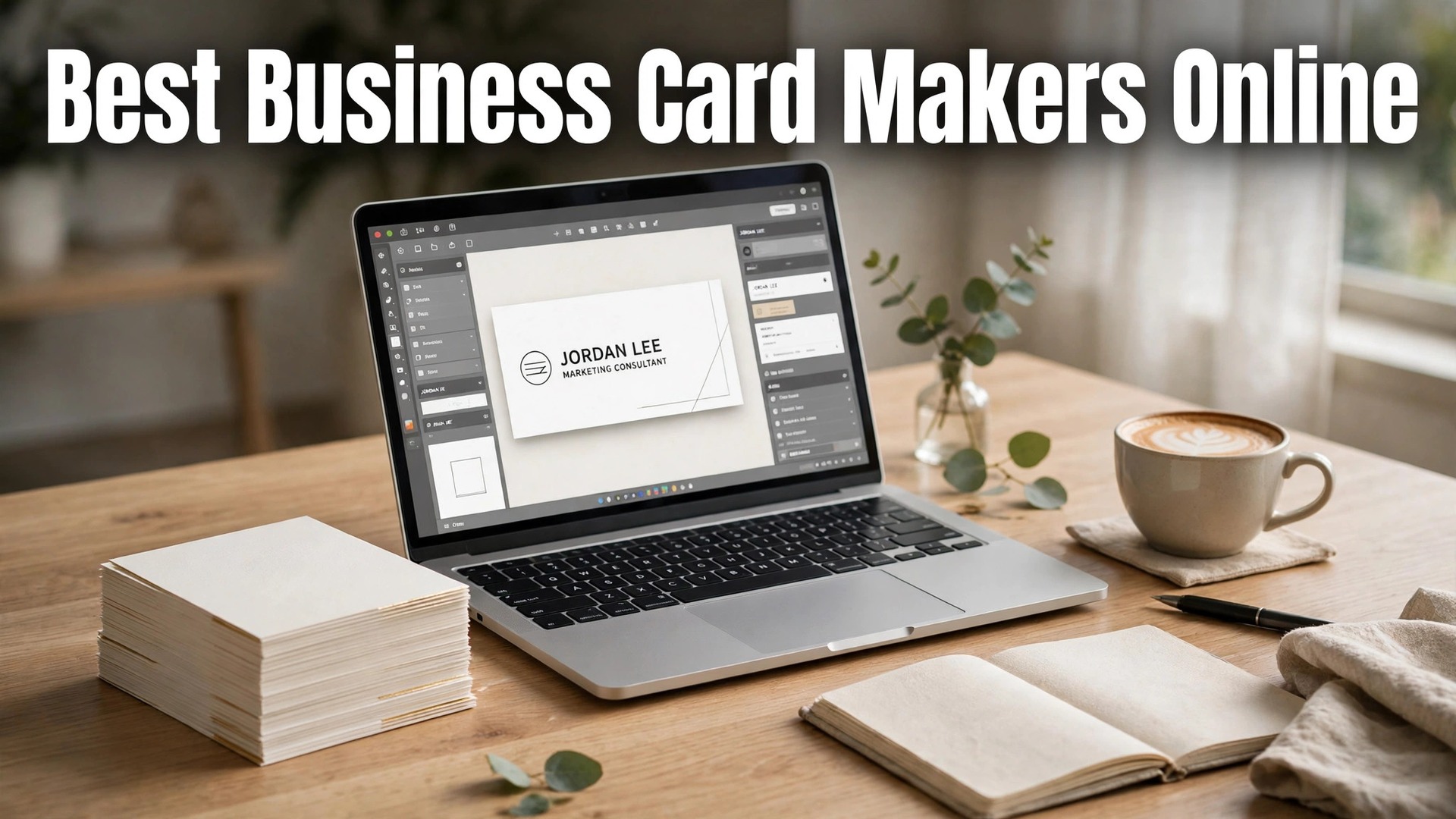
The best business card makers online in 2026 are MOO, Vistaprint and Canva, and the surprising fact is that the card itself has not changed much in a hundred years. It is still a small rectangle with a name, a job and a way to get in touch. What has changed is what a good card can do, because a modern card can carry a QR code that opens your website, a texture that makes people remember you, and a design that matches your brand exactly.
A business card is still the cheapest trust signal a small business can buy. You hand it to someone after a conversation, and in that moment the card is the business. A thin, flimsy card with a blurry logo tells the person you cut corners. A thick card with a clean design, good paper and a readable typeface tells them you take the work seriously. That judgement happens in about two seconds, and it is hard to undo.
This guide compares five makers on the facts that change a buying decision. The paper quality, the print quality, the price per card at a real order size, the design tools, and whether the card can carry a QR code or a custom finish. Only five tools made the list, because the gap between the best five and the rest is wide, and a short list with honest verdicts is more useful than a long list of similar printers. Prices are the published figures we checked, with a note to confirm them at checkout, because print prices move with paper costs.
Quick jump
- Quick Answer. The Short Version for Busy Owners
- Paper, Print and the Price per Card
- Best Pick by Job
- How to Choose the Best Business Card Makers Online
- Mistakes That Waste a Card Order
- Card Sizes, Finishes and the Back of the Card With the Best Business Card Makers Online
- Related Guides
- Frequently Asked Questions
- The Bottom Line
Quick Answer. The Short Version for Busy Owners
MOO is the best all-round pick, because its cards use thick, premium paper, its print quality is the most consistent here, and its design tools let you print a different image on the back of every card. A pack of 50 MOO cards starts at about $21, which is more per card than the budget printers, and the difference is visible the moment you hold the card. Vistaprint is the best pick for value, because 100 cards start at about $20, the template library is huge, and the print quality is reliable for the price.
Canva is the best pick if you design the card yourself, because its editor is the easiest here, its templates are the strongest, and its print service delivers a finished card without a separate printer. GotPrint is the best pick for bulk orders, because its per-card price drops fast at 500 or 1,000 cards. The best business card makers online all print a decent card, so the choice comes down to paper, price and how many you need.
| Tool | Best for | Free tier | Paid from | Key strength |
|---|---|---|---|---|
| MOO | Premium cards | Free design | 50 cards from about $21 | Thick paper, Printfinity |
| Vistaprint | Best value | Free design | 100 cards from about $20 | Huge templates, low price |
| Canva | Design it yourself | Free design | 50 cards from about $25 | Easiest editor, print included |
| GotPrint | Bulk orders | Free design | 100 cards from about $14 | Cheapest per card at volume |
| Zazzle | Custom designs | Free design | 100 cards from about $25 | Marketplace designs, foil |
Paper, Print and the Price per Card
Paper is the first thing a person feels, and it is the first thing that separates a good card from a cheap one. MOO prints on thick 400gsm paper as standard, with a soft-touch laminate that feels like a premium product. Vistaprint and GotPrint use standard 300gsm to 350gsm paper on their basic cards, which is perfectly good for everyday use, and both offer thicker upgrades. Canva’s cards use a sturdy 300gsm stock with a matte or gloss finish. The test is simple. Hold the card between two fingers and bend it slightly. A good card resists. A cheap card flops, and the person holding it notices.
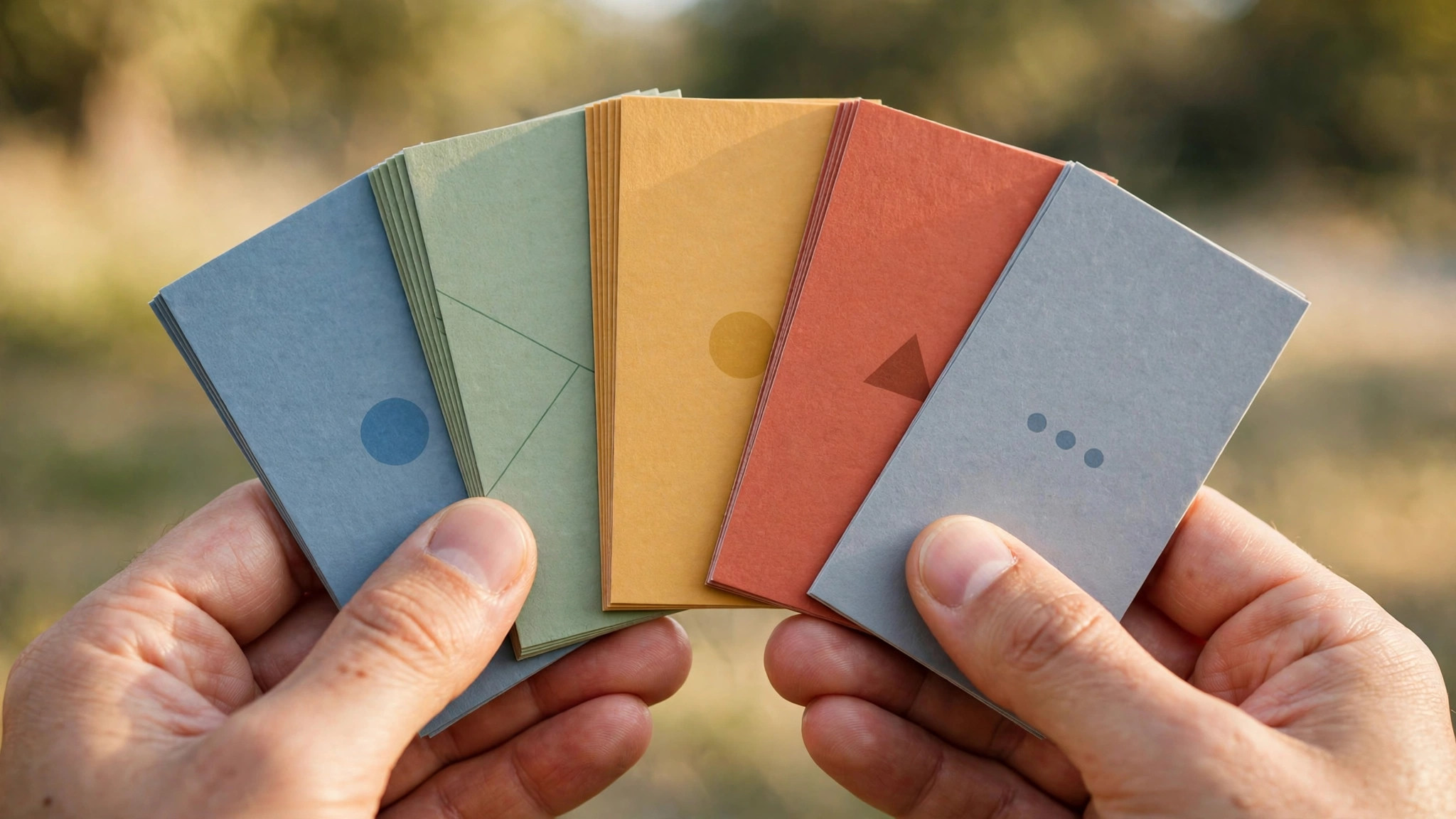
Print quality is the second test, and it is about colour and sharpness. All five printers here use digital printing that produces clean, sharp results for normal designs. The differences appear in the details. MOO’s colour is the most consistent across a run, which matters if your brand colour has to match your website exactly. Vistaprint’s colour is reliable and its templates are designed to print well, which is why its cards look better than its price suggests. Canva’s print quality is good, and its advantage is that the design and the print come from the same company, so what you see on screen is what arrives in the post.

The third test is the price per card at a real order size, and the numbers tell a clear story. Vistaprint sells 100 cards from about $20, which is about 20 cents a card. GotPrint sells 100 cards from about $14, and its price per card drops sharply at 500 or 1,000, which makes it the best pick for a business that hands out cards every day.
MOO sells 50 cards from about $21, which is about 42 cents a card, and that premium is the price of the paper and the finish. Canva sells 50 cards from about $25, which reflects the design tools included. The right question is not which card is cheapest. It is which card is worth handing to your best prospect.
Finishes are the fourth test, and they are where a card becomes memorable. MOO offers foil, spot gloss, raised print and rounded corners, and its Printfinity feature lets you print a different image on the back of every card in a pack, which suits a photographer, a designer or a shop with many products. Zazzle offers foil, metallic and textured finishes through its marketplace, with designs from independent artists. Vistaprint offers foil, embossing and rounded corners on its premium cards. A finish costs more, and for a card you hand to a stranger once, it is worth it. For a card you leave in a stack at a counter, it is not.
1. MOO. Best Premium Cards
MOO is the premium card maker here, and the difference is obvious the moment you hold the card. Its standard cards use thick 400gsm paper with a soft-touch laminate, its print quality is the most consistent in this guide, and its finishes include foil, spot gloss, raised print and rounded corners.
Its signature feature is Printfinity, which lets you print a different image on the back of every card in a pack, so a photographer can show 50 different photos, and a shop can show 50 different products. A pack of 50 cards starts at about $21, and the price rises with the finish you choose. MOO also prints stickers, flyers, notebooks and other brand materials, so the card can match the rest of your stationery.
What works. The paper and print quality are the best here, Printfinity is genuinely useful for visual businesses, and the design tools are clean and fast. The cards feel expensive, and that feeling transfers to the business. What to watch. MOO costs roughly twice as much per card as Vistaprint, and the minimum order of 50 is more than a new business needs. The delivery takes longer than the budget printers, so order a week before you need the cards, not the day before.
2. Vistaprint. Best Value
Vistaprint is the biggest online printer here, and its business cards are the best value in this guide. A pack of 100 cards starts at about $20, the template library covers every industry with thousands of designs, and the editor lets you upload your own logo and design in minutes. Its standard cards use solid 300gsm paper, its premium cards add thicker stock, foil and embossing, and its print quality is reliable for the price. Vistaprint also prints flyers, banners, mugs and workwear, so a new business can order its whole brand kit in one place. The trade-off is that the cheapest cards feel like budget cards, because they are, and the upsell screens during checkout need attention.
What works. The price is the lowest among the big names, the template library is huge, and the print quality is reliable for everyday cards. The premium upgrades are good value when you need them. What to watch. The basic paper is thinner than MOO, the checkout pushes add-ons hard, and delivery can take a week on the cheapest shipping. Pay for the premium paper if the card goes to important clients.
3. Canva. Best Design It Yourself
Canva is the best card maker for an owner who designs the card themselves, because its editor is the easiest here and its templates are the strongest. You pick a template, drop in your logo, adjust the fonts and colours to match your brand, and order the print from inside Canva, with no separate printer and no file export to worry about.
A pack of 50 cards starts at about $25, printed on sturdy 300gsm paper with a matte or gloss finish, and the print quality is good. Canva Pro at $18 a month or $144 a year adds brand kits that lock in your fonts and colours, background removal and premium templates, which makes every card consistent with the rest of your marketing.
What works. The editor is the easiest here, the templates are the best, and the design-to-print flow has no file juggling. The brand kit keeps the card consistent with your flyers and social posts. What to watch. The per-card price is higher than Vistaprint or GotPrint, and the paper is good rather than premium. The card sizes are standard, so a business that wants a square or mini card has fewer options.
4. GotPrint. Best Bulk Orders
GotPrint is the bulk printer here, and its per-card price drops fast as the order grows. A pack of 100 cards starts at about $14, and a pack of 1,000 costs far less per card than any other tool in this guide, which makes it the best pick for a business that hands out cards every day, like a market stall, a taxi firm or a trade business.
Its paper options include standard 14pt and thick 16pt stock, with matte, gloss and uncoated finishes, and its templates cover the common industries. The editor is simpler than Canva, and the site is built for people who know what they want and want it cheap. GotPrint also prints flyers, postcards, stickers and banners at similarly low prices.
What works. The bulk price is the lowest here by a clear margin, the paper options are honest, and the turnaround is fast on standard orders. What to watch. The design tools are basic, so upload a finished design rather than building one on the site. The template library is smaller than Vistaprint, and the site looks dated, though the print quality is solid.
5. Zazzle. Best Custom and Marketplace Designs
Zazzle is a marketplace where independent designers sell card designs, and that changes what you get. Instead of a template library from one company, you browse thousands of designs from thousands of artists, from elegant and minimal to bold and colourful, and you customise the text, colours and paper before ordering. A pack of 100 cards starts at about $25, with options for foil, metallic finishes and textured paper, and the print quality is good. Zazzle also sells invitations, stickers, mugs and gifts, so a card can be part of a wider gift or event order. It suits a business that wants a distinctive card without hiring a designer.
What works. The design range is the widest here, because thousands of artists contribute, and the foil and metallic finishes look expensive. What to watch. The per-card price is higher than Vistaprint or GotPrint, and the quality varies by design, so check the preview carefully. The site is a marketplace, so the checkout and delivery are less streamlined than a dedicated printer.
Best Pick by Job
A card for a design studio and a card for a market stall are different jobs, and the right printer changes with the job. Read the row that matches yours.
| Your job | Best pick | Why |
|---|---|---|
| Impress a key client | MOO | Thick paper, best finish |
| Everyday cards, low cost | Vistaprint | 100 cards from about $20 |
| Design it yourself | Canva | Easiest editor, print included |
| 1,000 cards for events | GotPrint | Cheapest per card at volume |
| Distinctive design | Zazzle | Marketplace artists, foil options |
| Photographer or artist | MOO | Printfinity, different back per card |
How to Choose the Best Business Card Makers Online
Step 1. Decide who gets the card. A card for a key client deserves thick paper and a premium finish, and MOO is the right pick. A card for a market stall, where you hand out fifty a day, deserves the cheapest reliable print, and GotPrint or Vistaprint is the right pick. The audience decides the budget, not the other way round.
Step 2. Order a small pack first. Before you order 1,000 cards, order the smallest pack and check the paper, the colour and the text size in real life. A logo that looks sharp on screen can print small, and a brand colour can shift on paper. A $21 test pack saves a $100 mistake.
Step 3. Keep the design simple. A card needs a name, a job title, a phone number, an email and a website, and nothing else. A QR code that opens your website or booking page is a useful addition, and every tool here supports one. A list of services, a slogan and three social handles will not fit, and they will not be read. Leave them off.
Step 4. Check the bleed and the safe area. Printers need a bleed, which is extra image area beyond the cut edge, and a safe area, which is the margin inside which text must sit. Every tool here handles this automatically if you use its templates, but if you upload your own design, download the printer’s template and check the guides before you order.
Step 5. Count the real cost including delivery. A $14 pack with $10 delivery costs more than a $20 pack with free delivery. Check the delivery time too, because the cheapest shipping can take a week, and a card you need for a trade show on Friday is useless if it arrives on Monday. Order a week early, and pay for faster delivery only when the date demands it.
Mistakes That Waste a Card Order
The most common mistake is ordering too many cards too soon. A new business that orders 1,000 cards before the phone number, the website or the logo is final will throw most of them away when something changes. Order 50 or 100 first, live with the card for a month, and order in bulk only when the details are settled. The per-card saving on a bulk order is worth nothing if half the cards go in the bin.
The second mistake is text that is too small. A card is read at arm’s length, often in poor light, and a phone number in 7-point type is a phone number nobody will dial. Keep the smallest text at 8 points or larger, keep the phone number and website in a clear, readable font, and print a test card before ordering the full run. If you have to squint, your customer will too, and they will not bother.
The third mistake is a card that does not match the brand. A card with one logo, a website with another, and a flyer with a third tells a customer the business is disorganised, even if the work is excellent. Use the same logo, the same colours and the same fonts on the card as on the website and the social profiles. Canva’s brand kit and MOO’s design tools both make this easy, and the consistency is worth more than any single design choice.
The fourth mistake is skipping the QR code. A card with a QR code that opens your website, your booking page or your portfolio turns a paper card into a digital one, and it costs nothing to add. Every printer here supports it, and the code should be large enough to scan easily, at least 2 centimetres on a side, with a short caption like scan to book. Test the code on two phones before you order, because a code that does not scan is worse than no code at all.
Card Sizes, Finishes and the Back of the Card With the Best Business Card Makers Online
Size is the first decision, and the best business card makers online all offer the same standard, which is 85 by 55 millimetres, the size of a credit card, because it fits a wallet, a card holder and a pocket. A square card stands out, and a mini card is memorable, but both are harder to store, and a card that does not fit a wallet is a card that gets left on a desk. For a first order, the standard size is the right choice, and the distinctive finish matters more than a distinctive shape.
The back of the card is the second decision, and it is the most wasted space in business stationery. Most cards leave the back blank, or print a logo and nothing else, which throws away half the card. The best business card makers online all let you design the back, and the smart move is to use it for one useful thing. A QR code that opens your booking page, a short list of your three main services, a map to your shop, or a photo of your best work.
MOO’s Printfinity feature takes this further, letting you print a different image on the back of every card, which suits a photographer, a designer or a shop with many products.
Finishes are the third decision, and they are where a card becomes memorable. A matte laminate feels soft and modern, and it is easy to write on, which matters if a customer wants to note a date on the card. A gloss finish makes colours pop but shows fingerprints. Foil adds a metallic shine to a logo or a name, and it looks expensive, which is the point. Spot gloss adds shine to one element only, like a logo, while the rest stays matte. Raised print, or thermography, adds a texture you can feel.
Each finish costs more, and for a card you hand to a key client, it is worth it. For a card you leave in a stack at a counter, it is not.
Paper weight is the fourth decision, and it is the first thing a person feels. A standard card uses 300gsm to 350gsm paper, which is sturdy enough for everyday use. A premium card uses 400gsm paper, which feels thicker and more expensive, and MOO uses this as standard. The test is simple. Hold the card between two fingers and bend it slightly. A good card resists. A cheap card flops, and the person holding it notices. The best business card makers online all offer a thicker upgrade, and for a card that goes to important clients, the upgrade is the cheapest trust signal you can buy.
The fifth decision is how many to order, and the answer is fewer than you think. A new business that orders 1,000 cards before the phone number, the website or the logo is final will throw most of them away when something changes. Order 50 or 100 first, live with the card for a month, and order in bulk only when the details are settled. The per-card saving on a bulk order is worth nothing if half the cards go in the bin, and the best business card makers online all offer small packs for exactly this reason.
The sixth decision is the proof. Before you order a full run, order the smallest pack and check the paper, the colour and the text size in real life. A logo that looks sharp on screen can print small, and a brand colour can shift on paper. A $21 test pack saves a $100 mistake, and it is the cheapest insurance in this whole guide. Check the card in normal light, read the smallest text at arm’s length, and scan the QR code on two phones before you approve the full order.
The final decision is consistency. A card with one logo, a website with another, and a flyer with a third tells a customer the business is disorganised, even if the work is excellent. Use the same logo, the same colours and the same fonts on the card as on the website and the social profiles. The best business card makers online all make this easy, because Canva’s brand kit and MOO’s design tools both lock in your fonts and colours, and the consistency is worth more than any single design choice. A card that matches the brand is a card that builds trust before a word is spoken.
Related Guides
- Best Free Flyer Makers Online
- Best Free Postcard Makers Online: Complete 2026 Guide
- Best Label Makers for Small Business: Complete 2026 Guide
Frequently Asked Questions
How much do business cards cost?
A pack of 100 cards starts at about $14 at GotPrint and about $20 at Vistaprint, which is about 14 to 20 cents a card. MOO sells 50 cards from about $21, which is about 42 cents a card, and the premium reflects the thicker paper and better finish. Canva sells 50 cards from about $25. Premium finishes like foil and embossing add to the price, and delivery can add $5 to $10, so check the total before you order.
What paper should I choose for business cards?
A standard card uses 300gsm to 350gsm paper, which is sturdy enough for everyday use. A premium card uses 400gsm paper, which feels thicker and more expensive, and MOO uses this as standard. A matte finish looks modern and is easy to write on, while a gloss finish makes colours pop but shows fingerprints. For a card you hand to important clients, choose the thicker paper and a matte finish.
Should my business card have a QR code?
Yes, in most cases. A QR code that opens your website, booking page or portfolio turns a paper card into a digital one, and it costs nothing to add. Keep the code at least 2 centimetres on a side, put a short caption beside it like scan to book, and test it on two phones before you order. A code that does not scan is worse than no code at all, so test it.
How many business cards should I order?
Order 50 or 100 first, and order in bulk only when your details are settled. A new business that orders 1,000 cards before the phone number or logo is final will throw most of them away. Once the details are stable, a bulk order of 500 or 1,000 from GotPrint or Vistaprint costs far less per card, and it makes sense for a business that hands out cards every day.
Can I design my own business card for free?
Yes. Canva, Vistaprint, MOO and GotPrint all let you design a card free in the browser, with templates and an editor that needs no design skill. You pay only for the print. Canva’s editor is the easiest, and its free plan covers most templates. Upload your logo as a high-resolution PNG with a transparent background for the cleanest result.
The Bottom Line
The best business card makers online split into three clear winners by job. MOO is the best all-round premium pick, because its thick paper, consistent print and Printfinity feature produce a card that feels expensive and gets remembered. Vistaprint is the best pick for value, because 100 cards from about $20 with a huge template library is hard to beat for everyday use. Canva is the best pick if you design the card yourself, because its editor is the easiest and the print is included.
Order a small pack first, keep the design simple, and check the paper and the print in real life before you order in bulk. A card is the cheapest trust signal your business can buy, and a good one earns its cost the first time you hand it to the right person. Pick the printer that fits the job, check the total including delivery, and order a week before you need them.
1 thought on “Best Business Card Makers Online”