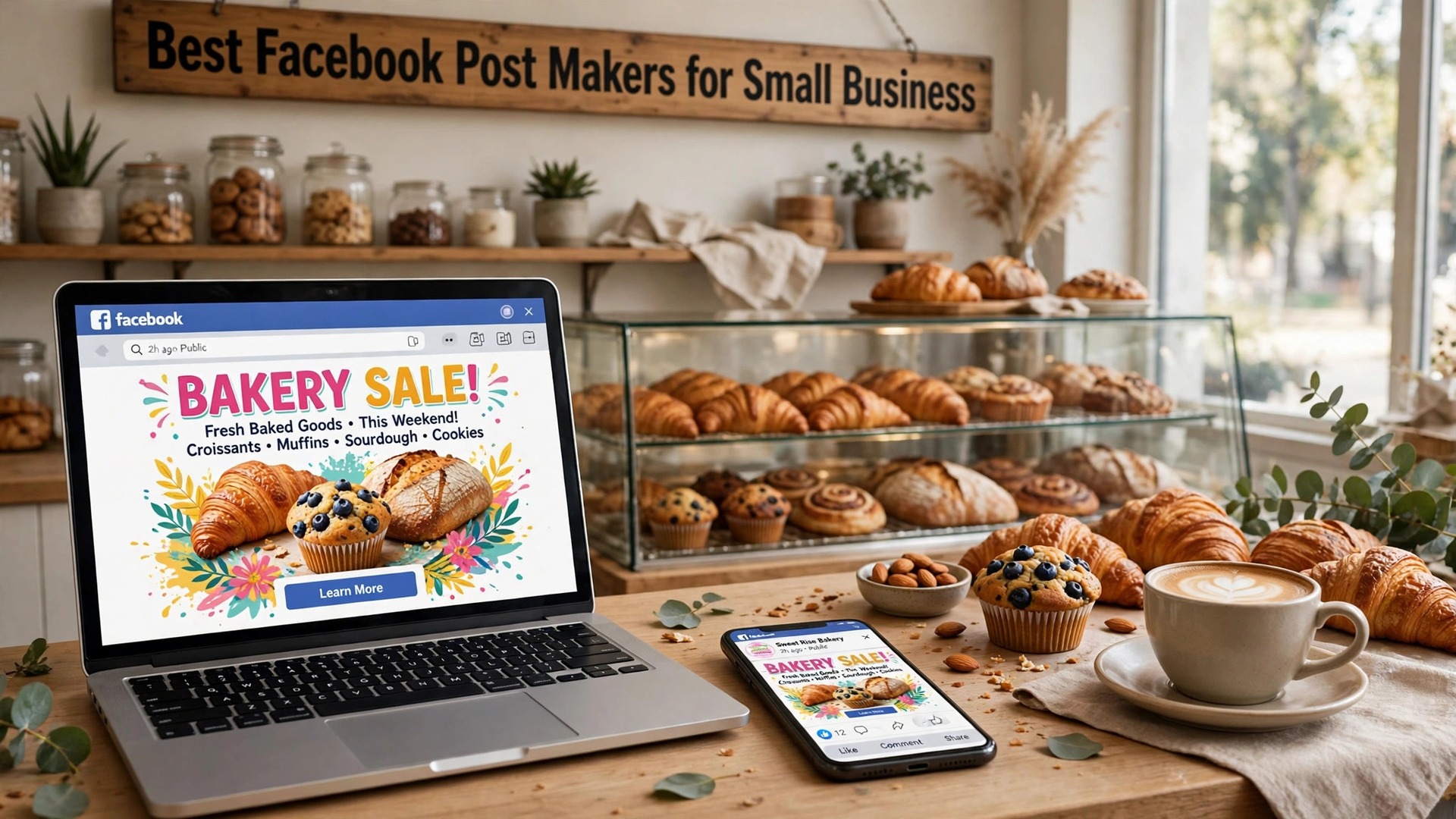
The best facebook post makers for small business in 2026 split into two kinds of tool, and most shops need one of each. Canva and Adobe Express make the image. Buffer and Later put it in front of people at the right time. A beautiful post that goes out at 3 in the morning reaches nobody, and a perfectly timed post with a blurry image gets scrolled past. This guide covers both halves, compares ten tools, and names the best pick for each job.
Facebook rewards posts that stop the scroll, and the scroll is fast. A feed post gets about two seconds before the thumb moves on, so the image has to carry the message before the caption is read. That is why the tools that win here are the ones with strong templates for offers, events and new products, plus a scheduler that posts when your customers are actually online. A small business does not need a design department. It needs one template it can reuse, one photo that looks real, and one schedule it can keep.
The trap is the template habit. A shop that uses the same Canva layout for every post ends up with a feed that looks like a catalogue, and a catalogue gets ignored. The fix is not a new tool. It is three or four layouts in rotation, one for offers, one for new products, one for behind the scenes, and one for customer photos. Every tool in this guide supports that rotation, but the ones with brand kits make it automatic, because the colors and fonts stay fixed while the layout changes.
In this article
Quick Answer. The Best Facebook Post Makers in 30 Seconds
If you want the short version, here it is. Canva is the best all-round pick, with the largest template library, a free plan that exports full-size posts, and Pro at $18 a month or $144 a year. Buffer is the best pick for scheduling, with Essentials at $6 a month per channel and a free plan for three channels. Later is the best pick for a shop that plans a month of posts at once, with Starter at $16.67 a month on annual billing.
The best facebook post makers for small business are the ones that give you a template for the post you actually make, a brand kit that keeps it consistent, and a scheduler that posts when your customers are online. The table below compares all ten on the facts that change a decision.
| Tool | Best for | Free tier | Paid from | Key strength |
|---|---|---|---|---|
| Canva | Biggest template library | Free plan | $18/mo or $144/yr | 600,000+ templates |
| Adobe Express | Adobe fonts and stock | Free plan | $9.99/mo | Premium Adobe Stock included |
| VistaCreate | Animated posts | Free plan | $13/mo or $120/yr | Motion templates |
| Snappa | Fastest simple posts | Free plan | $15/mo or $120/yr | Built for social sizes |
| Fotor | Photo-led posts | Free plan | $39.99/yr | Strong photo tools |
| PicMonkey | Polished text layouts | 7-day trial | $7.99/mo | Strong text tools |
| Buffer | Simple scheduling | Free plan | $6/mo per channel | Cleanest queue |
| Later | Visual planning | Free plan | $16.67/mo annual | Drag and drop calendar |
| Hootsuite | Teams and reporting | 30-day trial | $99/mo | Deepest analytics |
| Tailwind | Pinterest plus Facebook | Free plan | $9.99/mo annual | Smart scheduling |
What Makes a Facebook Post Get Engagement
The first thing that matters is the image size. Facebook shows a link post at 1200 by 630 pixels, a square post at 1080 by 1080, and a portrait post at 1080 by 1350. A square or portrait image takes up more of the phone screen than a wide one, so it gets more attention. Canva, Adobe Express, VistaCreate and Snappa all open canvases at each of these sizes, and Canva Pro can resize one design into all three in a single click. That resize step is worth paying for if you post daily, because it turns one design into three placements.
The second thing is the caption. Facebook cuts a long caption after two lines on a phone, so the first sentence has to carry the offer. A post that opens with the discount, the date or the question gets read. A post that opens with a greeting gets skipped. The tools here do not write captions for you, though Canva and Adobe Express both include AI writing helpers on paid plans, and Buffer and Later both suggest posting times based on when your audience is online. Use the suggestion, then rewrite the first line in your own words.
The third thing is the photo. A real photo of your shop, your product or your team beats a stock photo almost every time, because customers recognise the place and the people. Fotor and PicMonkey are the strongest here for cleaning up a real photo, with exposure, color and sharpening tools that fix a dull shot in seconds. If you use stock, pick a photo with one subject and empty space for the text, and avoid the glossy corporate shots that every other page uses.
The fourth thing is the schedule. A page that posts three times a week at the same times builds an audience faster than a page that posts ten times in one day and then goes quiet for a month. Buffer and Later both show you the best times to post for your audience, and both let you queue a week of posts in one sitting. Hootsuite adds reporting that shows which posts actually drove clicks, which matters when you start paying to boost the winners.
The Free Plan Test. What You Get Without Paying
Eight of the ten best facebook post makers for small business offer a free plan, and the free plans are not equal. The test that matters is simple. Can you make a post, export it at full size, and publish it without a watermark? Canva, Adobe Express, VistaCreate, Snappa, Fotor, Buffer, Later and Tailwind all pass that test. PicMonkey does not, because it has no free plan, only a 7-day trial. Hootsuite offers a 30-day trial rather than a permanent free plan.
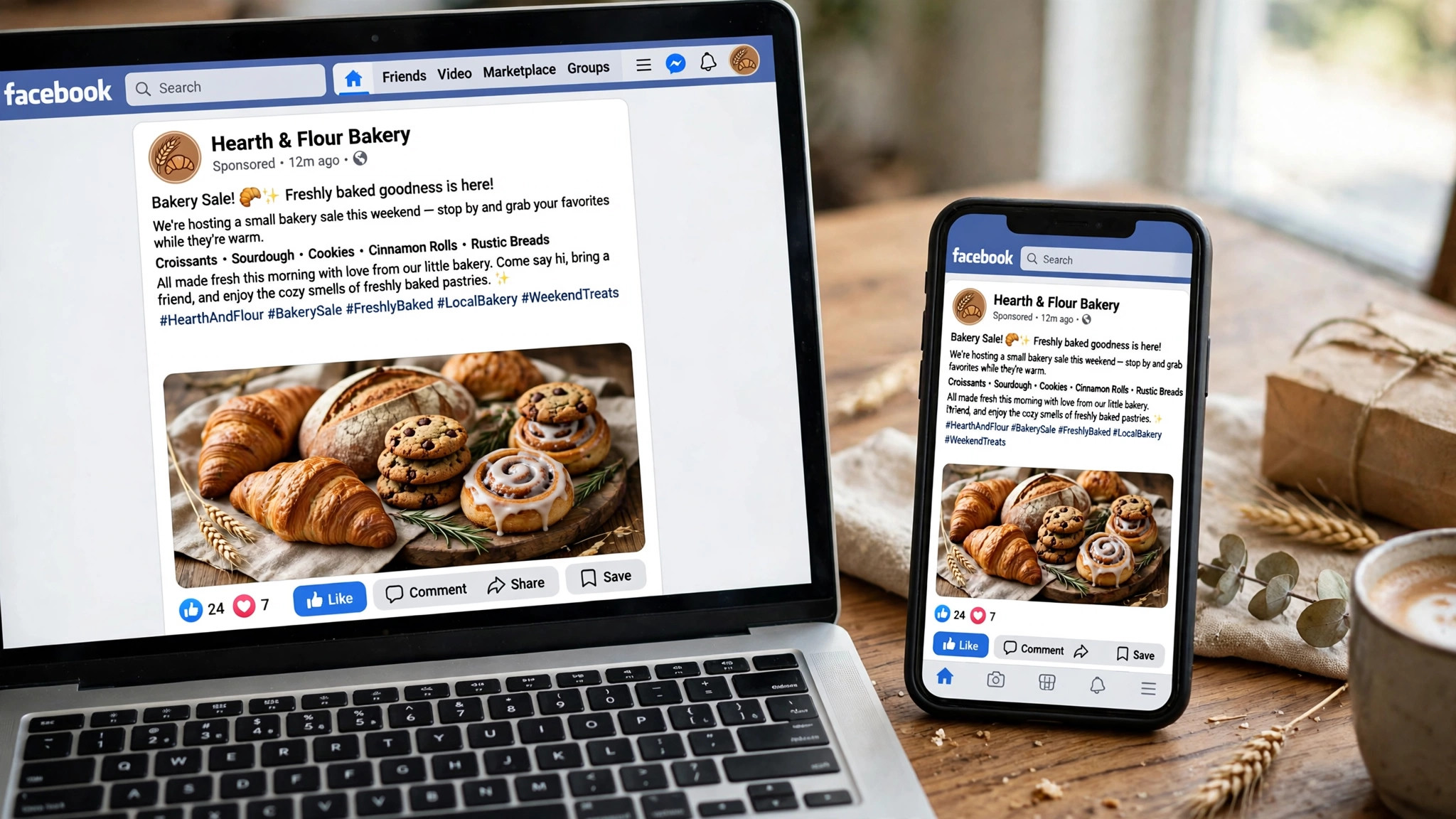
The second test is what the free plan holds back. Canva holds back premium stock photos and the background remover. Adobe Express holds back most brand kits and Firefly output. Buffer limits the free plan to three channels and ten scheduled posts. Later limits the free plan to one social set and five posts a month. Tailwind limits the free plan to 20 scheduled posts. None of these limits stops you from making a good post, but they decide which tool you will still be using in six months, when the posting rhythm is a habit.
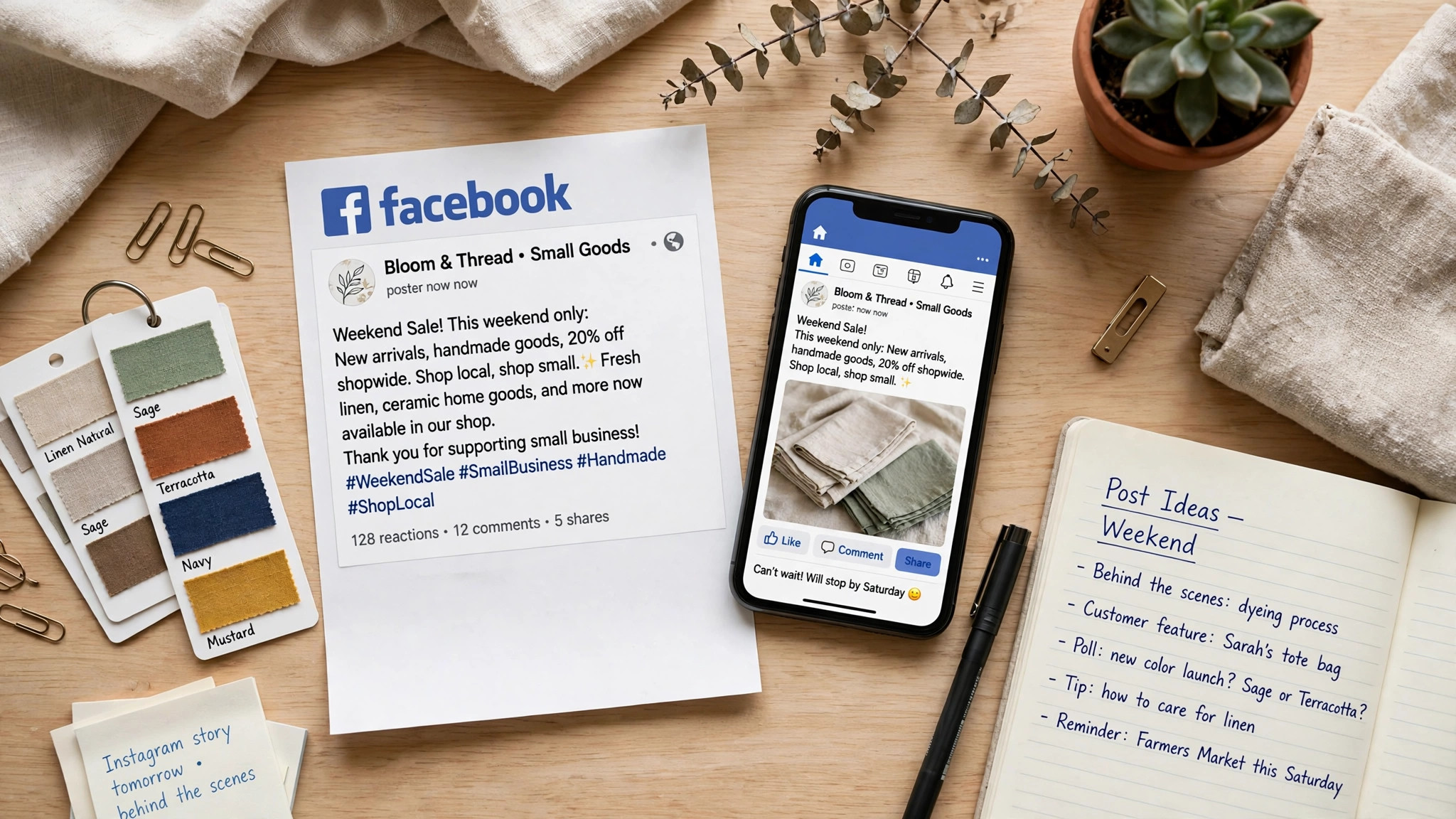
The third test is the watermark. None of the free plans in this list adds a watermark to a post export, which is why all eight are worth recommending. A watermarked post is worse than no post at all, because it tells every customer you would not pay for the tool that made it. If a tool ever adds a watermark on its free plan, treat that as a reason to switch, not a reason to pay.
1. Canva. Best for the Biggest Template Library
Canva is the obvious first stop among the best facebook post makers for small business, and the reason is the size of its library. Its Facebook templates number in the thousands, covering sales, new products, events, holidays, testimonials and hiring posts, and most of them are free. The editor is drag and drop, the text tools are the strongest here, and the background remover, Magic Resize and brand kit all sit in the same login. Canva also includes a scheduler, so you can design and queue a post without leaving the app.
Pricing starts free and stays useful. The free plan covers the post maker, thousands of templates and full-size PNG and JPG exports. Canva Pro costs $18 a month or $144 a year for one person, and it adds premium templates and stock, 5 brand kits, Magic Resize, the background remover, the scheduler and 100GB of storage. Pro is a one-person licence, so a second editor means moving to Business at $25 a month or $250 a year per person.
What works. No other tool gives you this many Facebook templates with this little effort, and the free export is full size, which is the detail that matters most. The built-in scheduler means one login covers design and posting.
What to watch. The free plan holds back the best stock photos and the background remover, and the template search can bury good designs under dozens of near-identical ones. Check the price at checkout, because Canva has changed it more than once.
2. Adobe Express. Best for Adobe Fonts and Stock
Adobe Express is Adobe’s browser and mobile design app, and it brings two things no rival here matches. The first is Adobe Fonts, more than 30,000 typefaces that make a post look designed rather than typed. The second is premium Adobe Stock, which means the photos behind your post are sharper and less familiar than the free stock every other tool shares. The Facebook templates are fewer than Canva, but the average quality is higher, and the content scheduler is included on the paid plan.
Pricing is simple. The free plan costs nothing and includes 25 generative credits a month, templates and basic exports. Adobe Express Premium costs $9.99 a month, billed monthly with no annual commitment, and it adds 250 generative credits a month, 100GB of storage, premium templates and stock, brand kits and the scheduler. Premium is included with most Creative Cloud single-app plans, so check your existing Adobe subscription before you buy a second seat.
What works. Premium undercuts Canva Pro by a wide margin and includes real Adobe Stock and fonts. Monthly billing means you can pay for one month, make a batch of posts, and stop.
What to watch. The free plan holds back most brand kits and Firefly output, and the template count for Facebook is smaller than Canva. The app covers many design types, so the workflow is less focused on social posts.
3. VistaCreate. Best for Animated Posts
VistaCreate, formerly Crello, is the pick if your posts should move. It offers animated templates with subtle motion, sliding text and looping video backgrounds, which stand out in a feed of static images. The editor is close to Canva in feel, with drag and drop, a brand kit, and a library of photos, videos and music. Static posts are covered too, with a solid template range for sales, events and new products.
Pricing starts free. The free plan covers thousands of templates, 10GB of storage and basic exports. VistaCreate Pro costs $13 a month, or $10 a month billed annually at $120 a year, and it adds the full template library, premium stock, background removal, a brand kit with unlimited brand assets, and team features. The annual price is the one to compare against Canva Pro, because it is the cheaper of the two.
What works. Animated posts are a genuine point of difference, and the Pro price undercuts Canva. The brand kit is generous for a single user.
What to watch. Animation does not show on every Facebook view, so design the static frame first and treat motion as a bonus. The template count is smaller than Canva, and the editor can feel slower on older machines.
4. Snappa. Best for Fastest Simple Posts
Snappa was built for people who make social graphics every day and want the job done in five minutes. Its editor is the simplest in this list, with a short learning curve and no buried menus. You pick a post template, swap the text and the photo, and export. The templates are built for social sizes from the start, so the image fits the feed without cropping surprises.
Pricing starts free. The free plan covers 3 downloads a month, which is enough to test the tool and make a few posts. Snappa Pro costs $15 a month, or $10 a month billed annually at $120 a year, and it adds unlimited downloads, the full template library, background removal, team sharing and 10GB of storage. There is a Team plan above Pro for small groups that share assets.
What works. The speed is real. A first post takes minutes, not an afternoon, and the templates are practical rather than decorative. The price is fair for a tool you will use weekly.
What to watch. Three free downloads a month is tight if you post daily, and the photo library is smaller than Canva or Adobe Express. The editor is simple by design, so advanced effects are not here.
5. Fotor. Best for Photo-Led Posts
Fotor is a photo editor first and a design tool second, which makes it the right pick when your post starts with a photograph. Its editing tools cover exposure, color, sharpening and cropping, and its AI tools can clean up a noisy photo, remove an object, or turn a plain shot into a stylised background. The post templates are fewer than Canva, but the photo handling is stronger, and the result looks like a real photo rather than a stock collage.
Pricing starts free. The free plan covers basic editing, templates and exports with ads. Fotor Pro costs $39.99 a year on annual billing, or $8.99 a month billed monthly, and it adds the full template library, AI tools, background removal, batch processing and an ad-free editor. There is a Pro Plus tier above it for teams that need more storage and collaboration.
What works. The photo tools are the best value here for a post built around a real photo, and the annual price is low. Batch processing helps if you manage several pages.
What to watch. The design templates are thinner than Canva or VistaCreate, and the free plan shows ads that slow the workflow. The AI tools are good, not great, so check the result before you export.
6. PicMonkey. Best for Polished Text Layouts
PicMonkey sits between a photo editor and a design tool, and its strength is polish. The text tools are the best in this list for a post that leads with words, with curved text, layered type and a font library that includes professional pairings. The templates lean business, with clean layouts for sales, announcements and events, and the brand kit keeps colors and fonts consistent across every graphic you make.
Pricing has no permanent free plan, but there is a 7-day free trial. PicMonkey Basic costs $7.99 a month, or $72 a year, and it adds unlimited downloads, the template library and 1GB of storage. PicMonkey Pro costs $12.99 a month, or $120 a year, and it adds the background remover, 100GB of storage and advanced tools. PicMonkey Business costs $23 a month and adds team features and more storage.
What works. The text handling is the best here for a post that leads with words, and the business templates look professional without effort. The trial is long enough to finish a batch of posts properly.
What to watch. There is no free plan, so the trial is the only way to test it without paying. The photo library is smaller than Canva or Adobe Express, and the price is higher than Snappa for similar output.
7. Buffer. Best for Simple Scheduling
Buffer is the simplest scheduler in this list, and that is why small businesses love it. You connect your Facebook page, write the post, pick a time, and Buffer publishes it. The queue view shows the whole week at a glance, and the best-time suggestions are based on when your audience is actually online. Buffer also includes a simple design tool and an AI assistant that can draft a caption, though most owners rewrite the first line themselves.
Pricing starts free. The free plan covers three channels and ten scheduled posts, which suits a single page testing the habit. Buffer Essentials costs $6 a month per channel and adds unlimited scheduled posts, analytics and engagement tools. Buffer Team costs $12 a month per channel and adds team features and approval workflows. Prices are per channel, so a page plus an Instagram account counts as two.
What works. The queue is the cleanest here, and the price per channel is the lowest of any scheduler in this list. The analytics show which posts drove clicks, which matters when you start boosting winners.
What to watch. Buffer is a scheduler first, so its design tools are basic next to Canva. The free plan caps you at ten scheduled posts, which runs out fast if you post daily.
8. Later. Best for Visual Planning
Later is the pick for a shop that plans a month of posts at once. Its calendar is visual, with drag and drop, so you can see the whole month as a grid of images before anything goes out. The media library stores your photos, the best-time suggestions are built in, and the Linkin.bio tool turns your Instagram bio link into a shoppable page. Later covers Facebook, Instagram, Pinterest, TikTok and X in one login.
Pricing starts free. The free plan covers one social set and five posts a month, which suits a single page testing the workflow. Later Starter costs $16.67 a month on annual billing and adds 30 posts per social profile, more sets and basic analytics. Later Growth costs $30 a month on annual billing and adds more posts, team features and deeper analytics.
What works. The visual calendar is the best planning view here, and the drag and drop workflow suits a monthly batch session. The media library keeps photos organised by campaign.
What to watch. The free plan is tight at five posts a month, and the price rises fast above Starter. The design tools are basic, so most owners design in Canva and schedule in Later.
9. Hootsuite. Best for Teams and Reporting
Hootsuite is the oldest scheduler in this list, and its strength is depth. It covers Facebook, Instagram, X, LinkedIn, TikTok, Pinterest and YouTube, with a streams view that shows mentions, comments and messages in one place. The reporting is the deepest here, with custom reports that show which posts drove clicks, follows and sales, and the approval workflows suit a team where one person writes and another publishes.
Pricing starts with a 30-day free trial rather than a permanent free plan. Hootsuite Professional costs $99 a month and covers one user, ten social accounts and unlimited scheduling. Hootsuite Team costs $249 a month and adds three users and approval workflows. Hootsuite Business is custom priced for larger teams.
What works. The reporting is the best here for a business that wants proof that posting pays, and the streams view saves time on replies. The approval workflow suits a team with more than one person touching the page.
What to watch. The price is far higher than Buffer or Later, and a single-page shop will not use half the features. The interface has a learning curve, and the trial is the only free route.
10. Tailwind. Best for Pinterest Plus Facebook
Tailwind started as a Pinterest scheduler and now covers Facebook and Instagram too, which makes it the pick for a shop that sells through Pinterest as well as Facebook. Its SmartSchedule picks posting times from your audience data, the SmartLoop feature reshares your best posts automatically, and the design tool, Tailwind Create, turns a photo and a headline into a finished post in seconds. The analytics show which posts drove traffic to your shop.
Pricing starts free. The free plan covers 20 scheduled posts and basic analytics, which suits a single shop testing the workflow. Tailwind Pro costs $9.99 a month on annual billing, or $14.99 a month billed monthly, and adds unlimited scheduling, SmartLoop, Tailwind Create and deeper analytics. Higher tiers add team features and more accounts.
What works. SmartLoop is a genuine time saver, because your best posts keep working without new effort. The Pinterest plus Facebook combination suits shops that sell visual products.
What to watch. The Facebook tools are thinner than the Pinterest tools, because Pinterest is still the home base. The free plan caps you at 20 scheduled posts, and the design tool is basic next to Canva.
How to Choose the Best Facebook Post Makers for Small Business
Start with the job, not the tool. The best facebook post makers for small business are the ones that fit your weekly rhythm. A shop that posts twice a week needs a design tool and a simple queue. A shop that posts daily needs a scheduler with a visual calendar and a design tool that can batch a week of posts in one sitting. A team needs approval workflows and reporting. Write down how many posts you make each week and who makes them before you open any pricing page.
Step 1. Pick the design tool first. Open Canva or Adobe Express on the free plan and make three posts in the sizes you use most. If the templates fit your brand, the design decision is made, because the scheduler can be added later.
Step 2. Add the scheduler second. Connect Buffer or Later once the design habit is working, and queue a week of posts in one sitting. A scheduler added before the design habit exists will sit empty.
Step 3. Set three layouts in rotation. Use one layout for offers, one for new products, and one for behind the scenes. A feed with three layouts in rotation looks varied without new design work every week.
Step 4. Post at the same times. Use the best-time suggestions in your scheduler for two weeks, then check the analytics. Keep the times that drove clicks and drop the ones that did not.
Step 5. Boost only the winners. After a month, look at which posts drove the most clicks and comments, and put a small budget behind those. A boosted post that already works beats a boosted post that nobody wanted.
Related Guides
- Best GIF Makers for Social Media
- Best LinkedIn Banner Makers for Professionals
- Best Meme Makers for Small Business
Frequently Asked Questions
What size should a Facebook post be?
A square post is 1080 by 1080 pixels, a portrait post is 1080 by 1350, and a link post is 1200 by 630. A square or portrait image takes up more of the phone screen than a wide one, so it gets more attention. A Facebook cover photo is 820 by 312 pixels. Use PNG for graphics with text and JPG for photos.
Which of the best facebook post makers for small business is actually free?
Canva, Adobe Express, VistaCreate, Snappa, Fotor, Buffer, Later and Tailwind all have free plans that make and publish a post. Canva and Adobe Express have the strongest free design tiers, and Buffer has the simplest free scheduler. PicMonkey has no free plan, though its 7-day trial covers a batch of posts, and Hootsuite offers a 30-day trial.
How many times a week should a small business post on Facebook?
Three times a week is a good rhythm for most small businesses using the best facebook post makers for small business, at the same times each week. A page that posts three times a week at set times builds an audience faster than a page that posts ten times in one day and then goes quiet for a month. Use your scheduler’s best-time suggestions for two weeks, then keep the times that drove clicks.
Should I design in Canva and schedule in Buffer?
Yes, that combination works well for most small businesses. Canva makes the image, Buffer or Later publishes it at the right time, and the two together cost less than a single all-in-one tool. Canva also includes its own scheduler on Pro, so a one-person shop can keep everything in one login if it prefers.
Why do my Facebook posts get no engagement?
The usual cause is the first two seconds. A post with a weak image or a caption that opens with a greeting gets scrolled past. Lead with the offer, the date or the question, use a real photo of your shop or product, and post when your audience is online. A second cause is inconsistency, because a page that posts once a month does not build a habit with its followers.
The Bottom Line
The best facebook post makers for small business in 2026 come down to two picks by job. Canva is the best all-round choice for design, because its template library is the largest and its free plan exports a full-size post. Buffer is the best choice for scheduling, because its queue is the cleanest and Essentials costs $6 a month per channel.
Adobe Express is the pick if you want Adobe fonts and stock at $9.99 a month, Later is the pick for visual monthly planning, and Hootsuite is the pick for a team that needs reporting. Start with the free plan in one design tool and one scheduler, post three times a week for a month, and pay only when the free tier holds back a feature you actually need.
2 thoughts on “Best Facebook Post Makers for Small Business”