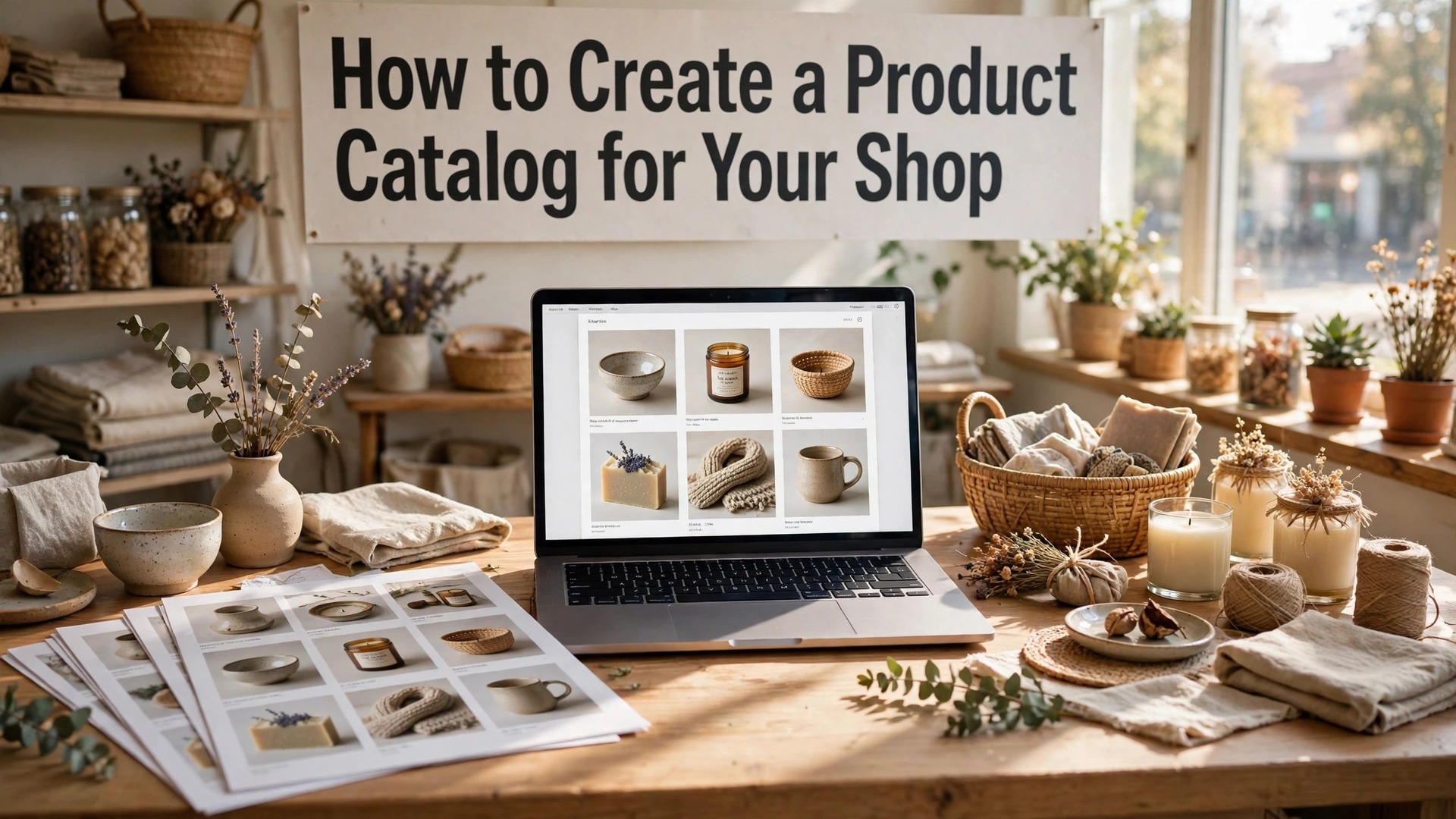
Learning how to create a product catalog for your shop is the step that turns a list of products into a sales tool. A catalog is not a spreadsheet with pictures. It is a document that helps a customer choose, compare, and buy, whether it is printed on paper, sent as a PDF, or built as a page on your website.
Most small shops build a catalog only when a customer asks for one, and the result is rushed. A good catalog is planned, with clear categories, consistent photos, honest prices, and a layout that makes the best products easy to find. This guide covers the full process, from the product list to the photos, the layout, the prices, and the print and digital versions.
A catalog earns its keep in three ways, and understanding them is the first step in how to create a product catalog for your shop that sells instead of sitting on a shelf. It helps customers browse without pressure, it helps staff answer questions faster, and it helps the shop look professional to wholesale buyers and new customers. A shop with a good catalog sells more, because customers who can see the range clearly will buy more than customers who must ask about every item.
In this article
- Quick Answer. A Product Catalog in 30 Seconds
- How to Create a Product Catalog for Your Shop in 7 Steps
- Photos, Descriptions and the Layout That Sells
- Canva, InDesign and Catalog Tools
- Print, PDF and Digital Versions
- Pricing, Wholesale and the Ordering Page
- Mistakes That Make a Catalog Useless
- How to Create a Product Catalog for Your Shop That Wholesale Buyers Love
- Related Guides
- Frequently Asked Questions
- The Bottom Line
Quick Answer. A Product Catalog in 30 Seconds
Knowing how to create a product catalog for your shop takes about a day for a small range, and a week for a large one. List every product with its name, price, and key details, photograph each product the same way, choose a layout tool such as Canva or Adobe InDesign, build the catalog by category, and export it as a PDF for digital use and a print file for paper copies. Canva is free to start, with Pro at $18 a month or $144 a year, and it handles most small shop catalogs well.
The catalog needs five things. Clear categories, one good photo per product, honest prices, short descriptions, and ordering information on every page. The rest of this guide proves that short answer, with the product list, the photography, the layout, and the print steps in order.
| Catalog element | Good practice | Common mistake |
|---|---|---|
| Categories | Five to eight clear groups | One long list in no order |
| Photos | Same light, same background | Mixed phone snaps, different sizes |
| Prices | Current, with currency, per item | Prices from last year |
| Descriptions | Two lines, benefit first | A paragraph of technical detail |
| Ordering | Phone, email, and link on every spread | Contact details only on the last page |
How to Create a Product Catalog for Your Shop in 7 Steps
Step one is the product list. Export the list from your till, your shop system, or a spreadsheet, and clean it. Every product needs a name, a code, a price, and a category. Remove the products you no longer sell, and flag the products that are seasonal or limited. A catalog built from a dirty list will carry the errors into print, where they are expensive to fix.
Step two is the categories. Group the products into five to eight categories that match how customers think, not how the stockroom is organised. A bakery groups by bread, cakes, pastries, and drinks. A hardware shop groups by tools, paint, garden, and plumbing. A gift shop groups by occasion, such as birthday, wedding, and home. Five to eight categories is the right number, because fewer feels vague and more feels confusing.
Step three is the photos. Photograph every product the same way, on the same background, in the same light, at the same size. A white or light grey background suits most products, and daylight near a window suits most shops. A photo taken on a phone is fine, if the light is good and the product fills the frame. A catalog with consistent photos looks professional. A catalog with mixed photos looks like a scrapbook.
Step four is the descriptions. Write two lines per product. The first line states the benefit, such as handmade sourdough, baked every morning. The second line states the facts, such as 800 grams, wheat and rye, keeps for three days. Two lines is enough for a customer to decide, and a paragraph is enough to make them skip the product entirely.
Step five is the layout. Choose a tool, such as Canva for a simple catalog or Adobe InDesign for a large one, and build a template with one product per block, the photo on top, the name and price below, and the description under that. Use the same template for every product, so the catalog feels calm and the customer can compare items easily. A template that changes on every page makes comparison hard.
Step six is the prices. Check every price against the till, and check the currency, the unit, and any volume discount. A price that is wrong in the catalog will be wrong at the till, and the argument that follows will cost more than the sale. Add a line that prices include tax, if they do, and state the date the prices were checked, so customers know the catalog is current.
Step seven is the proof and the export. Print one copy, read every page, and ask a colleague to check the prices and the names. Fix the errors, export a PDF for digital use, and export a print file at 300 DPI with a 3 mm bleed for paper copies. A catalog that goes to print with an error will carry that error to every customer who receives it.
Photos, Descriptions and the Layout That Sells
A product photo has one job, which is to show the customer what they will receive. The photo should fill the frame, show the product clearly, and use the same background as every other photo in the catalog. A white background suits most products, because it keeps the focus on the item and it prints cleanly. A lifestyle background, such as a product on a table with props, suits a gift or food catalog, because it shows the product in use.
Light matters more than the camera. Daylight near a large window, with the product turned so the light falls across it, will produce a better photo than a flash in a dark room. A simple lightbox, made from a cardboard box and white paper, costs almost nothing and gives consistent light for small products. A phone camera in good light will beat an expensive camera in bad light, so fix the light before you buy a camera.
The description is where the sale happens. The first line should state the benefit, in the customer’s language. A candle described as fills a room with lavender for six hours sells better than a candle described as 200 grams, lavender scented. The second line should state the facts, such as size, weight, materials, and care. A customer who knows the benefit and the facts can decide in seconds, and a customer who must guess will not decide at all.
The layout should make comparison easy. Products in the same category should sit side by side, with the same photo size, the same text size, and the same price position. A customer comparing two products should be able to see the price, the size, and the difference in one glance. A layout that hides the price in a different place on every page makes comparison hard, and hard comparison loses sales.
White space is the quiet hero of a catalog. Space between products, space around the photos, and space at the edges make the catalog feel calm and expensive. A page crammed with twelve products looks like a clearance sale, even when the products are premium. A page with four products and generous space looks like a curated collection, and customers will pay more for a curated collection.
Canva, InDesign and Catalog Tools
Canva is the best tool for most small shop catalogs. Its free plan includes templates, photo editing, and PDF export, and Canva Pro at $18 a month or $144 a year adds premium templates, background removal, and brand kits. A catalog built in Canva is easy to update, because the template can be copied and the prices changed in minutes. Its weakness is large catalogs, because a catalog of hundreds of products becomes slow to manage in a browser tool.
Adobe InDesign is the best tool for a large or professional catalog. It is part of Adobe Creative Cloud, with a single-app plan from around $23 a month, and it offers precise layout control, master pages, and data merge, which builds a catalog from a spreadsheet automatically. InDesign suits a shop with hundreds of products, or a catalog that must be printed to a high standard. Its weakness is the learning curve, because it takes days to learn well.
Flipsnack and Issuu turn a PDF catalog into a digital flipbook, with page-turning, links, and analytics. Flipsnack offers a free plan with basic flipbooks and paid plans for branding and tracking. Issuu offers a free plan and paid plans for analytics and distribution. A digital flipbook suits a shop that sends the catalog by email or shares it on social media, because it looks better than a plain PDF and it tracks which pages customers read.
Catalog Machine and Plytix are dedicated catalog tools for shops with large ranges. They connect to the shop’s product database, generate the catalog automatically, and update it when prices change. Their pricing is higher, and they suit a wholesaler or a shop with hundreds of products that change often. A small shop with fifty products does not need them, and a shop with five hundred products cannot live without them.
Google Sheets or Excel is the tool for the product list, not for the layout. Keep the master list in a spreadsheet, with columns for name, code, price, category, and description, and build the catalog from that list. A catalog built from a spreadsheet is easy to update, because the prices change in one place and the catalog follows. A catalog built by typing prices into the layout will drift out of date within weeks.

Print, PDF and Digital Versions
The print catalog is the version customers keep. Print it on paper of 130 to 170 gsm, with a heavier cover of 250 gsm, and bind it with a staple or a spiral, depending on the page count. A catalog under 24 pages suits saddle stitching, which is staples through the fold. A catalog over 48 pages suits perfect binding, which is a glued spine like a book. Ask the printer for a sample, because paper weight and binding change how the catalog feels in the hand.
The PDF is the version customers receive by email and download from the website. Export it at a size that balances quality and file size, with images at 150 DPI for screen use, so the file stays under 10 MB and opens fast. Add clickable links to the website and the ordering page, and add bookmarks for each category, so a customer can jump to the section they want. A PDF with no links is a dead document, and a PDF with links is a sales tool.
The web catalog is the version that lives on the site. It can be the same PDF, embedded on a page, or a set of product pages built from the same data. A web catalog should be searchable, with filters by category and price, because a customer who cannot find a product will not buy it. A PDF embedded on a page is a starting point, and a searchable product list is the goal for a shop with a large range.
Update the catalog on a schedule, not when someone complains. A seasonal catalog, updated four times a year, keeps the prices current and the products fresh. A catalog updated only when a customer finds an error is a catalog that has already lost sales. Set a calendar reminder for the update, and treat it as a real task, with the same priority as ordering stock.
Keep the old catalogs. A customer who bought from last season’s catalog may return with a product code from it, and a shop that can find the old catalog can answer the question. Archive each version with its date, in a folder with the current catalog, so the history is available when it is needed. An archived catalog is also a record of how the shop has grown, which is useful for the next business plan.
Pricing, Wholesale and the Ordering Page
Prices in a catalog must be current, honest, and clear. State whether prices include tax, state the currency, and state the unit, such as per item, per kilo, or per pack. A price that hides the unit will confuse customers, and a price that hides the tax will cause an argument at the till. A small line at the bottom of each page, such as prices include tax and are correct at the date shown, protects the shop and informs the customer.
Volume discounts and trade prices need a separate section, not a note on every page. A wholesale buyer wants to see the trade price, the minimum order, and the delivery terms, in one place. A retail customer who sees trade prices will ask for them, and the shop will spend its day explaining why the trade price does not apply. Separate the retail catalog from the trade price list, and send each to the right audience.
The ordering page is the most important page in the catalog, and it is often the weakest. It should state how to order, by phone, email, or website, with the number, the address, and the link, in large type. It should state the delivery options, the delivery times, and the delivery cost, in plain language. And it should state the payment methods, such as card, bank transfer, or cash on collection. A customer who must hunt for the ordering information will order from a competitor who states it clearly.
Minimum orders and lead times deserve a line each. A shop that makes to order needs to state the lead time, such as made to order, please allow five working days. A shop with a minimum order needs to state it, such as minimum order 25 dollars. These lines prevent the disappointed customer who orders one item and learns the minimum too late, and they prevent the customer who needs a product tomorrow and learns the lead time too late.
Payment terms for wholesale buyers should be stated plainly. Net 30 days, payment on delivery, or payment in advance, with no ambiguity. A wholesale relationship that starts with unclear payment terms will end with an unpaid invoice and a lost customer. Clarity at the start saves trouble at the end, and the catalog is the right place for that clarity.

Mistakes That Make a Catalog Useless
The first mistake is out-of-date prices. A catalog with last year’s prices will cause arguments at the till, and a customer who is charged more than the catalog states will not return. The fix is a price check before every print run, and a date line on the catalog that states when the prices were checked. A catalog with a date is honest. A catalog with no date is a guess.
The second mistake is bad photos. A photo that is dark, blurry, or cropped badly will make a good product look poor, and a customer who cannot see the product clearly will not buy it. The fix is consistent light, a clean background, and a photo that fills the frame. A product photo is the most important element in the catalog, and it deserves the most care.
The third mistake is no categories. A catalog that lists products in the order they were added to the spreadsheet is a catalog that no customer can browse. The fix is five to eight categories that match how customers think, with a contents page that lists them. A customer who can find the category in seconds will browse for minutes. A customer who cannot find it will close the catalog.
The fourth mistake is too much text. A product description of five lines will not be read, and a catalog full of long descriptions will feel like a textbook. The fix is two lines per product, benefit first, facts second. A catalog that respects the customer’s time will always be read. A catalog that wastes it will be put down.
The fifth mistake is forgetting the order information. A catalog with beautiful products and no clear way to order is a brochure, not a sales tool. The fix is ordering information on every spread, with the phone, the email, and the link, in a place the customer can find without turning to the last page. A catalog that makes ordering easy will sell. A catalog that makes ordering hard will not.

How to Create a Product Catalog for Your Shop That Wholesale Buyers Love
A wholesale catalog has a different audience from a retail catalog, and it needs a different design. A retail customer browses for pleasure and buys one item. A wholesale buyer scans for margin, minimum order, and delivery time, and buys in bulk. The wholesale catalog should lead with the facts a buyer needs, which are the trade price, the recommended retail price, the minimum order quantity, and the case size. A buyer who finds those facts in seconds will order. A buyer who must ask for them will order from a competitor.
Product codes matter more in wholesale than in retail. Every product needs a short, unique code, printed next to the name and the price, so the buyer can order by code without confusion. A code such as BK-014 is better than a long name, because it can be written on an order form, spoken on the phone, and typed into a system without error. Keep the codes consistent across the catalog, the website, and the invoice, so the same product always carries the same code.
Case sizes and barcodes deserve a line each. A buyer needs to know how many units come in a case, what the case costs, and whether the product carries a barcode. A product without a barcode cannot be sold in a supermarket, and a buyer who discovers that after ordering will not order again. State the barcode status plainly, and state the case size next to the price, so the buyer can calculate the margin in one glance.
Delivery terms are the part of a wholesale catalog most shops forget. State the delivery cost, the delivery time, and the free delivery threshold, in plain language, on the ordering page. A buyer who knows delivery is free over 200 dollars will order 200 dollars of stock. A buyer who does not know will order less, or will order from a supplier who states the terms clearly. Clarity on delivery is a sales tool, not a detail.
Samples and new lines deserve a section of their own. A wholesale buyer wants to know what is new, what is seasonal, and what is selling well. Add a new lines page at the front of the catalog, with the latest products, their trade prices, and a sample offer, such as one free sample per order. A buyer who tries a new product and likes it will add it to the regular order, and the sample page is the cheapest way to start that conversation.
Terms and conditions should be short, honest, and on the last page. Payment terms, returns policy, and damaged goods procedure, in three short paragraphs. A buyer who reads clear terms will trust the supplier, and a buyer who finds no terms will assume the worst. The wholesale catalog is a business document, and it should read like one, with the same care given to the terms as to the photos.
Related Guides
- How to Design a Flyer That Gets Noticed
- How to Make a QR Code for a Restaurant Menu
- How to Make a Wedding Invitation Online
Frequently Asked Questions
How many products should a catalog have?
A catalog should have the products you actually sell, grouped into five to eight categories, with no filler. A small shop catalog of 30 to 50 products is common, and a large shop catalog can run to hundreds. The number matters less than the organisation, because a well-organised catalog of 200 products sells better than a disorganised catalog of 30.
What is the best free tool for making a product catalog?
Canva is the best free tool for most small shop catalogs, with templates, photo editing, and PDF export at no cost. That free start is why so many owners choose it when they first learn how to create a product catalog for your shop. Adobe InDesign is the best tool for a large catalog, with data merge and precise layout control. Flipsnack and Issuu turn a PDF into a digital flipbook with links and analytics.
How do I photograph products for a catalog?
Photograph each product the same way, on a white or light grey background, in daylight near a window, with the product filling the frame. A simple lightbox gives consistent light for small products, and a phone camera in good light will produce a usable photo. Keep the background, the light, and the crop the same for every product.
Should a catalog be printed or digital?
Both, for most shops. A printed catalog suits customers in the shop and wholesale buyers who keep it on a desk. A PDF suits customers who receive it by email and download it from the website. A digital flipbook suits social media sharing. Print a small batch, and send the PDF widely, so the catalog reaches every customer in the form they prefer.
How often should I update my product catalog?
Update a seasonal catalog four times a year, and update a stable catalog whenever a price changes or a product is added or removed. That rhythm is part of how to create a product catalog for your shop that stays honest, because a catalog is only useful while its prices are true. Set a calendar reminder for the update, and check every price against the till before each print run. A catalog with a date line that states when prices were checked is honest, and customers trust it.
How do I price products in a catalog?
State the price clearly, with the currency, the unit, and whether tax is included, on every product. Check every price against the till before printing, and add a line that prices are correct at the date shown. Keep trade prices in a separate price list, so retail customers do not ask for them.
The Bottom Line
Knowing how to create a product catalog for your shop is a day of careful work that pays off for months. List the products, group them into clear categories, photograph them the same way, write two lines per product, and build the layout from a template. Canva will build it free, InDesign will handle a large range, and a print run with a date line will keep the prices honest.
Start with the product list, and let the catalog follow from it. That order is the heart of how to create a product catalog for your shop that customers actually use, and it works for a bakery, a gift shop, or a hardware store. The catalog that sells is the one that helps a customer choose, compare, and order, without asking for help. That is the catalog worth building, and it starts with the list in this guide.